Leave a long task running overnight
Start a flow on a large task with an eight-hour, twenty-dollar budget, then close the terminal. In the morning, reattach, resume the run if the budget ended it, and read what it did.
What you need
- You have
hmzand a coding agent set up, as in Finish your first task in the terminal. - You have the
stateful_ralphflow, installed the same way that tutorial installsralph_loop. It saves its progress so you can resume a run. - You have a machine that stays on and awake. A reboot ends the epic.
These steps use the terminal and point out the matching controls in the app.
1. Set a time and cost budget
Open hmz in your project:
cd ~/shop
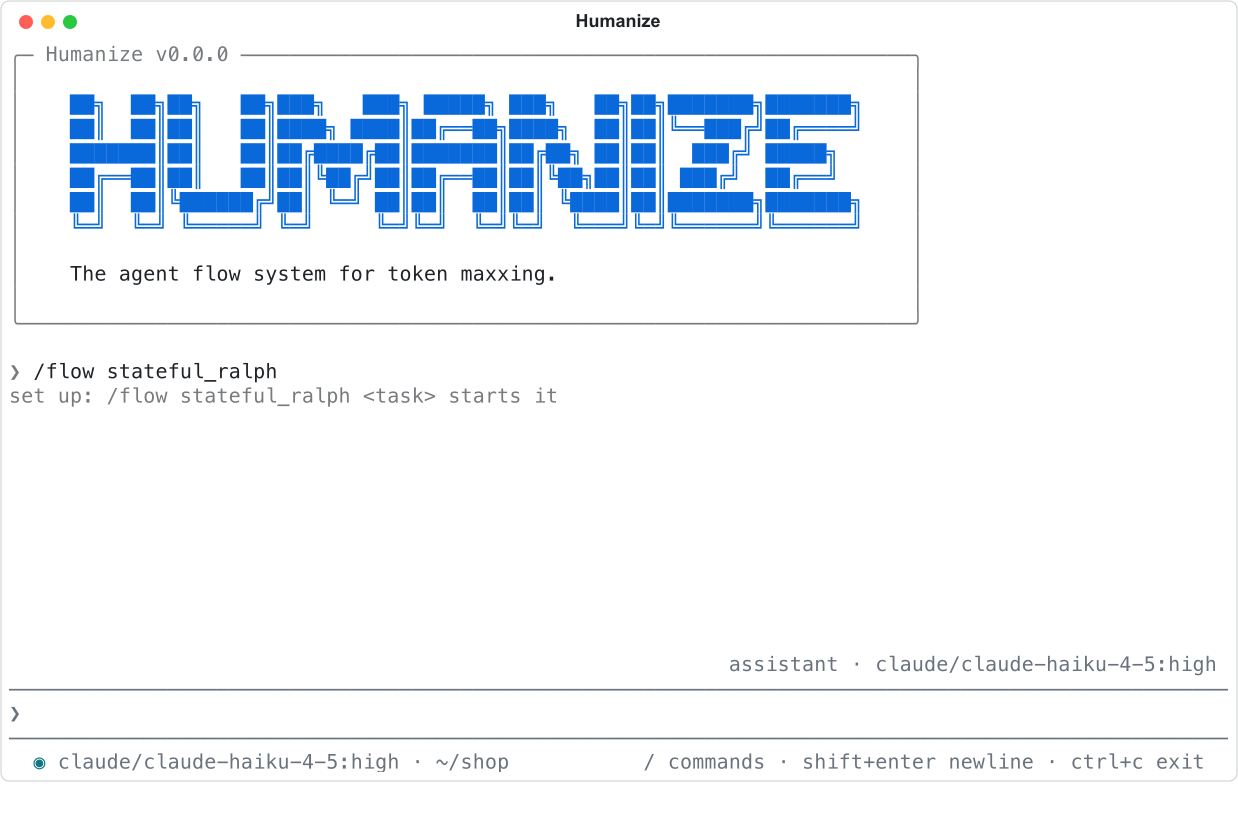
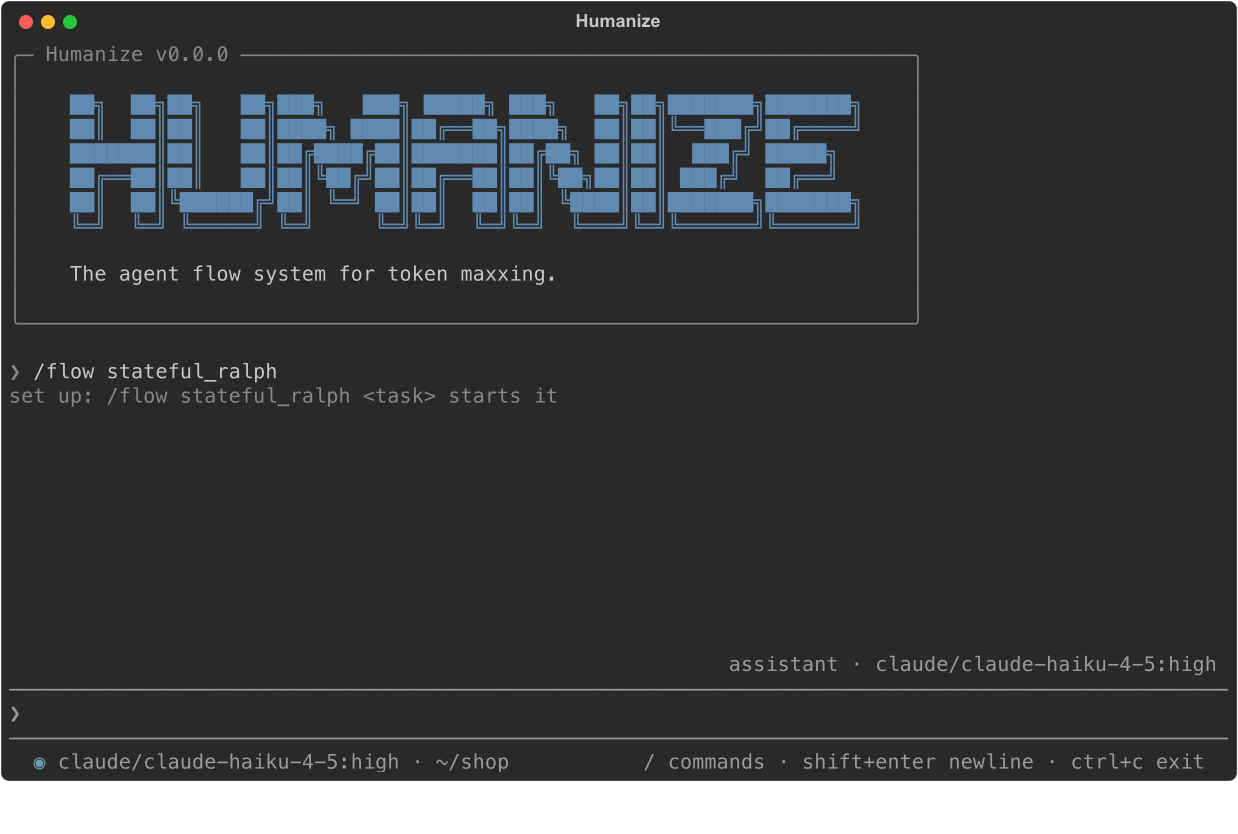
hmz- Type
/flow stateful_ralphand press enter. - Select
budgetand press enter. - Select
duration, press enter, type8h, and press enter. - Select
cost, press enter, type20, and press enter. - Press tab to reach Set, then press enter. The
budgetrow readsstops at 8h, $20.00. - Press esc, then press enter on Save.
The epic stops at the first limit it reaches, once the current turn finishes. Set both limits: a cost limit cannot stop a model without a list price, so the time limit backs it up.
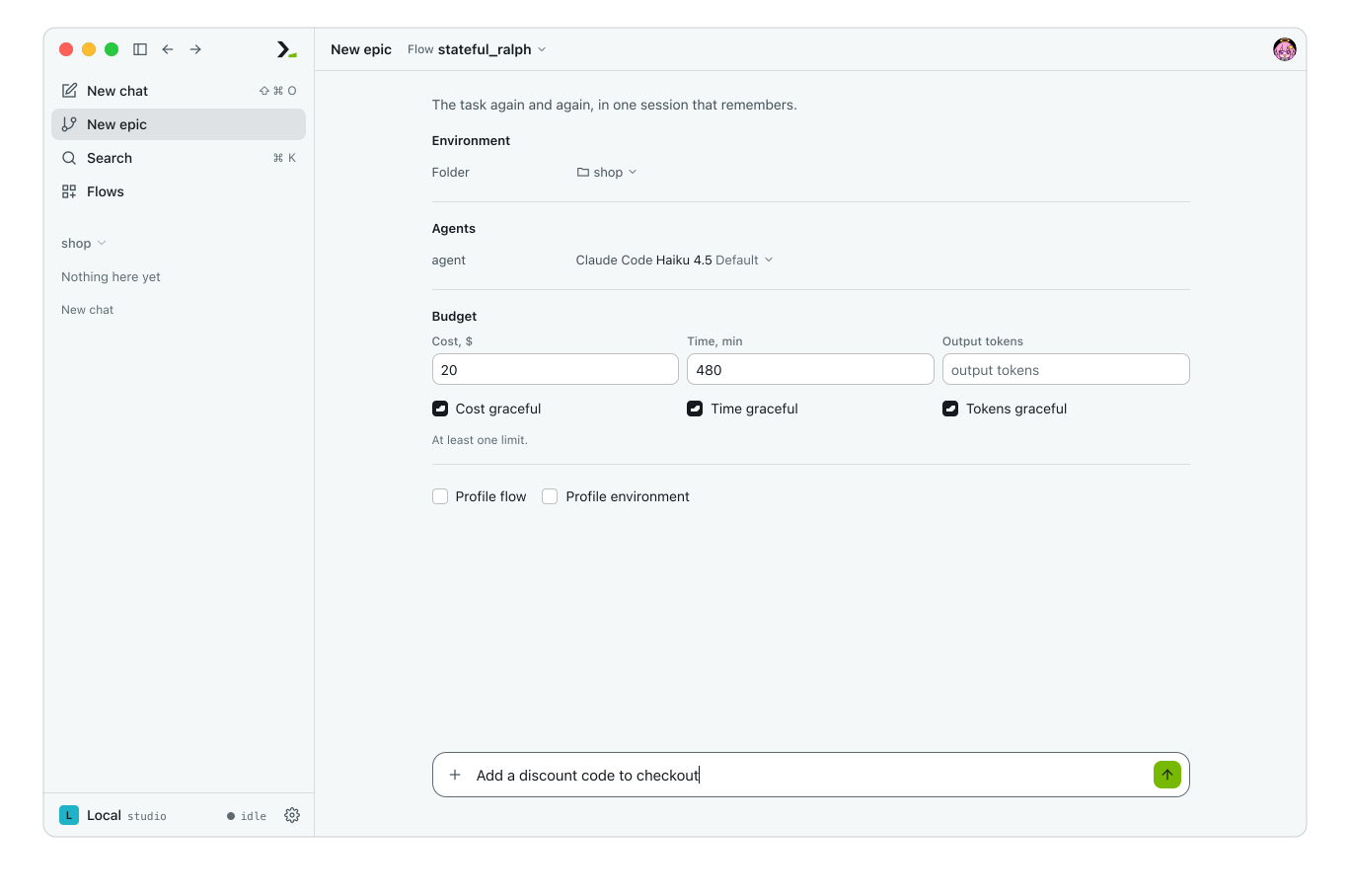
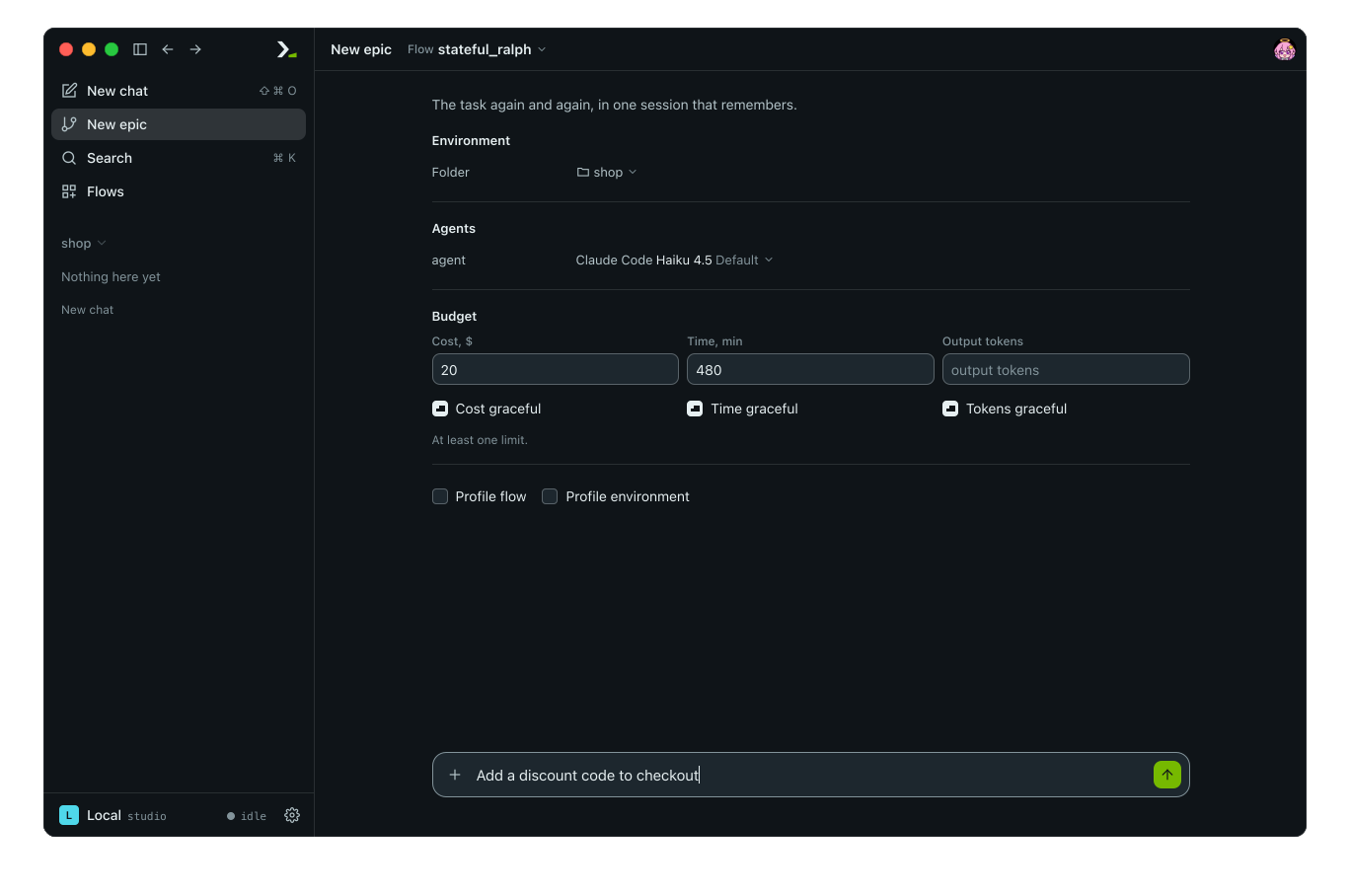
In the app, click New epic, pick the flow, and fill in Cost, $ and Time, min under Budget. Eight hours is 480 minutes.
2. Start the task
Run the flow with your prompt:
/flow stateful_ralph Add a discount code to checkoutEach round appears as the agent finishes it. In the app, type the task in the box under the form and press enter.
3. Mark yourself away
Type /afk and press enter.
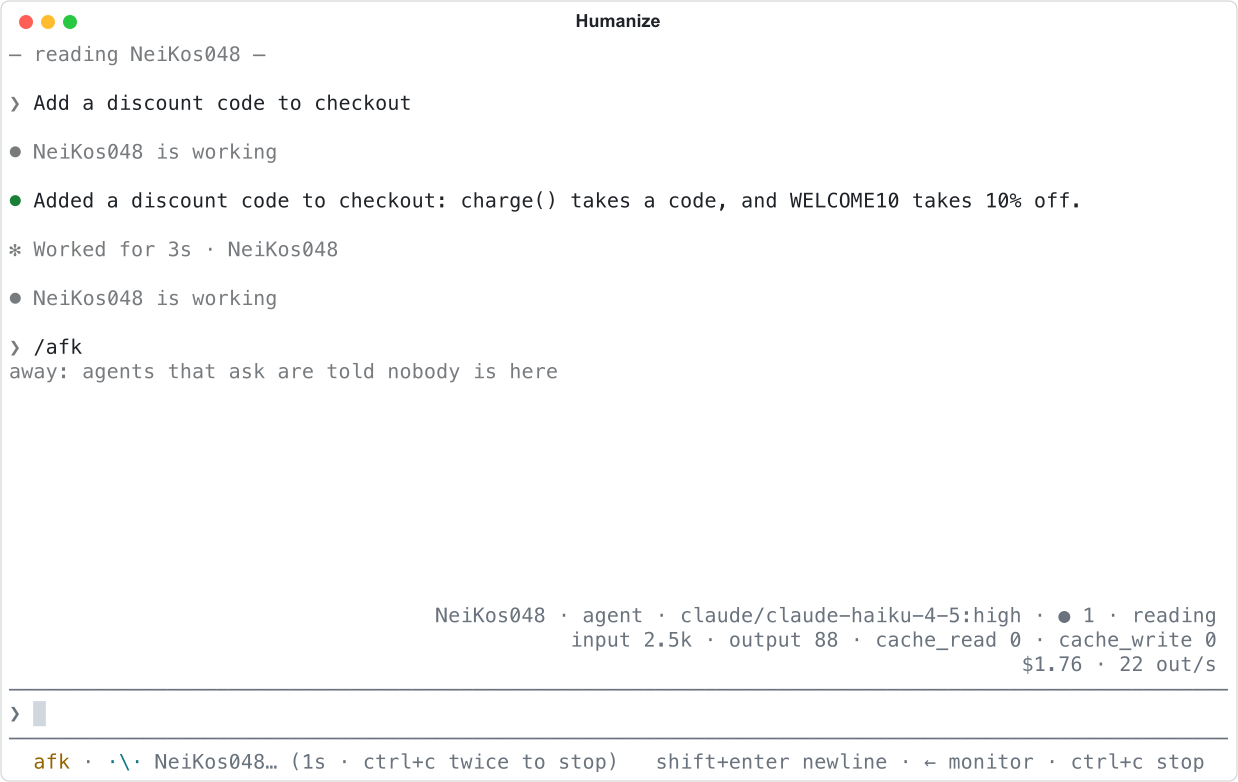
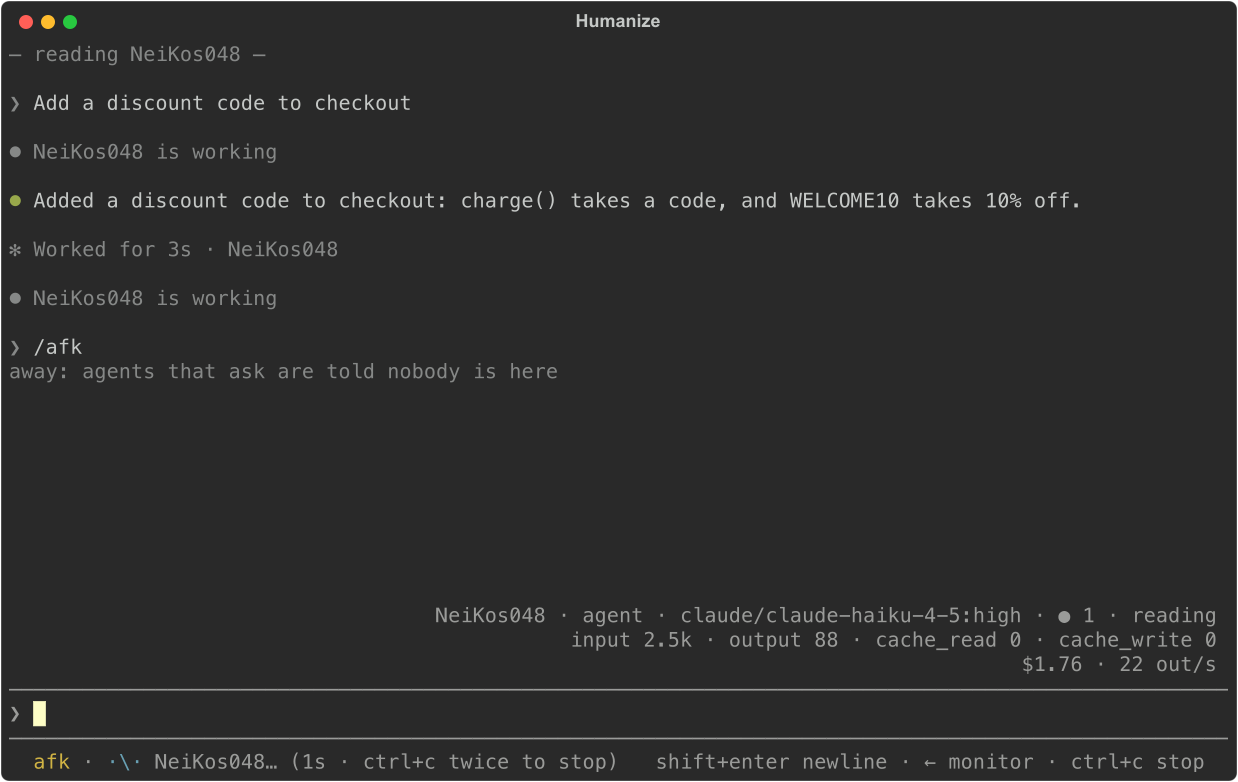
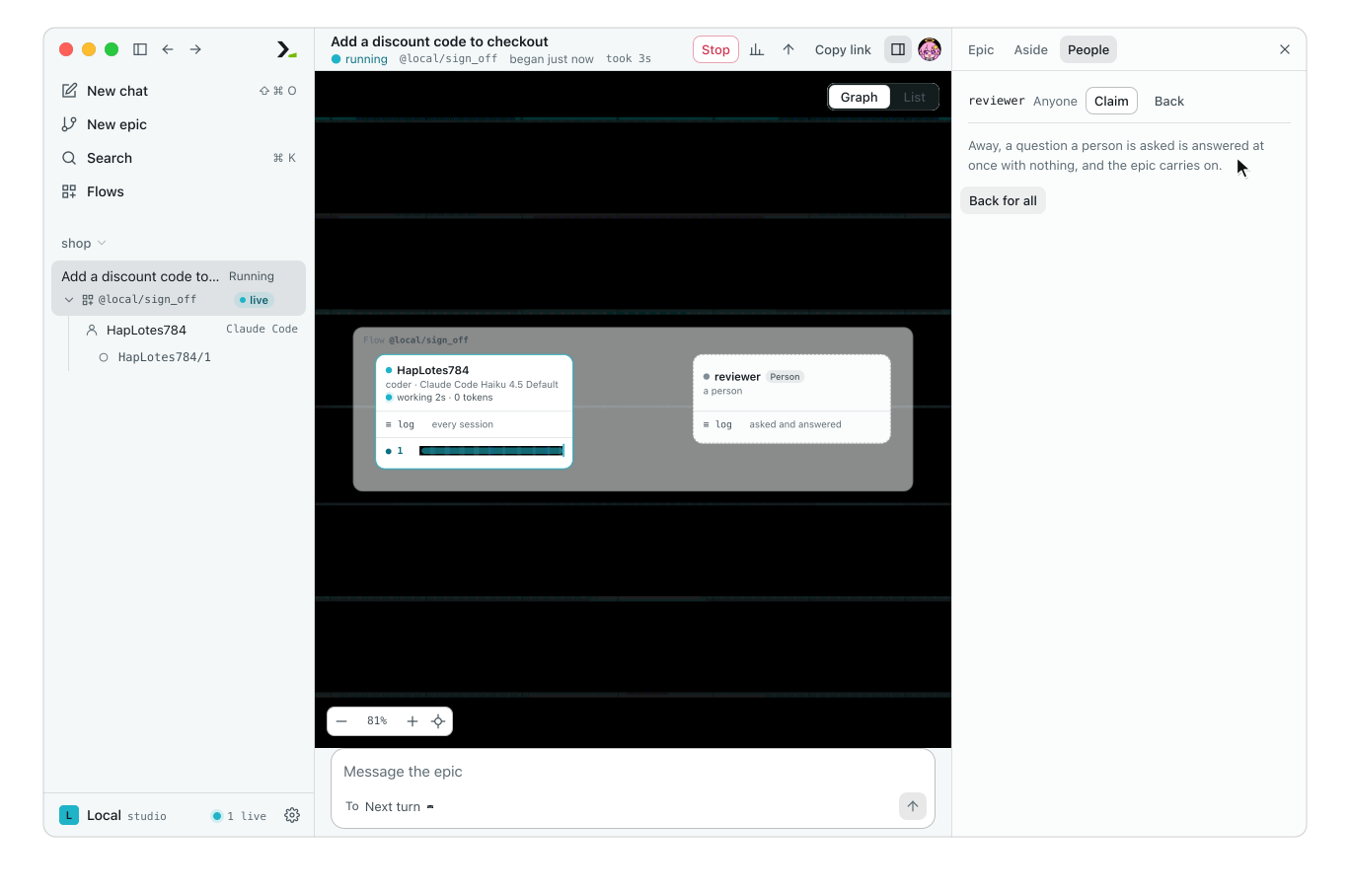
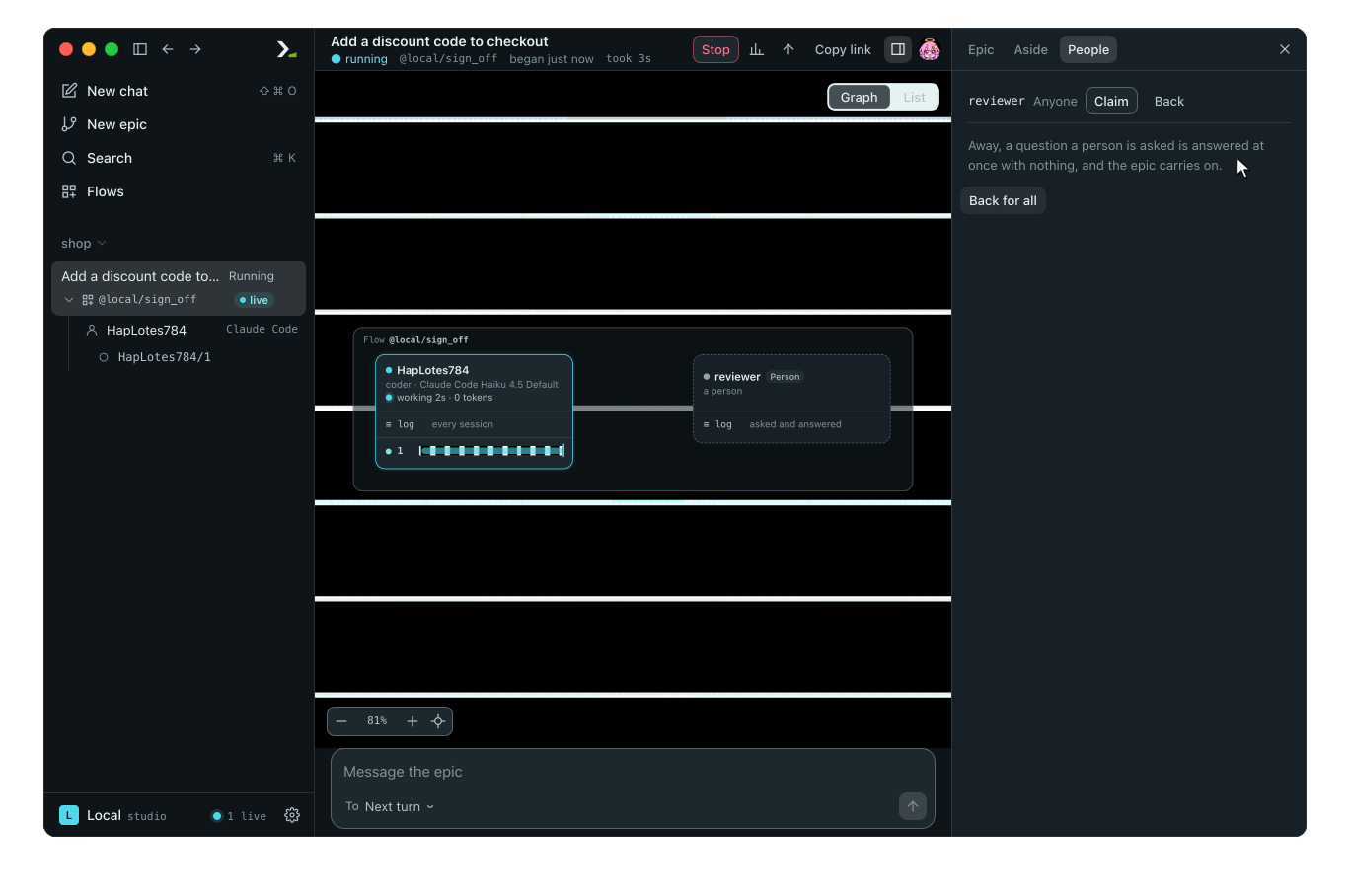
The status line now starts with afk. Normally, a flow that asks a person a question waits for an answer. While you are away, hmz answers each question immediately with an empty response so the epic keeps running.
In the app, open the People tab in the side panel and click Away for all. This tab appears only when the flow includes a person. stateful_ralph has none, so the picture shows a flow with a reviewer.
4. Leave it running
Type /exit and press enter, or press ctrl+q. A dialog says A flow is running. Select Detach and exit and press enter.
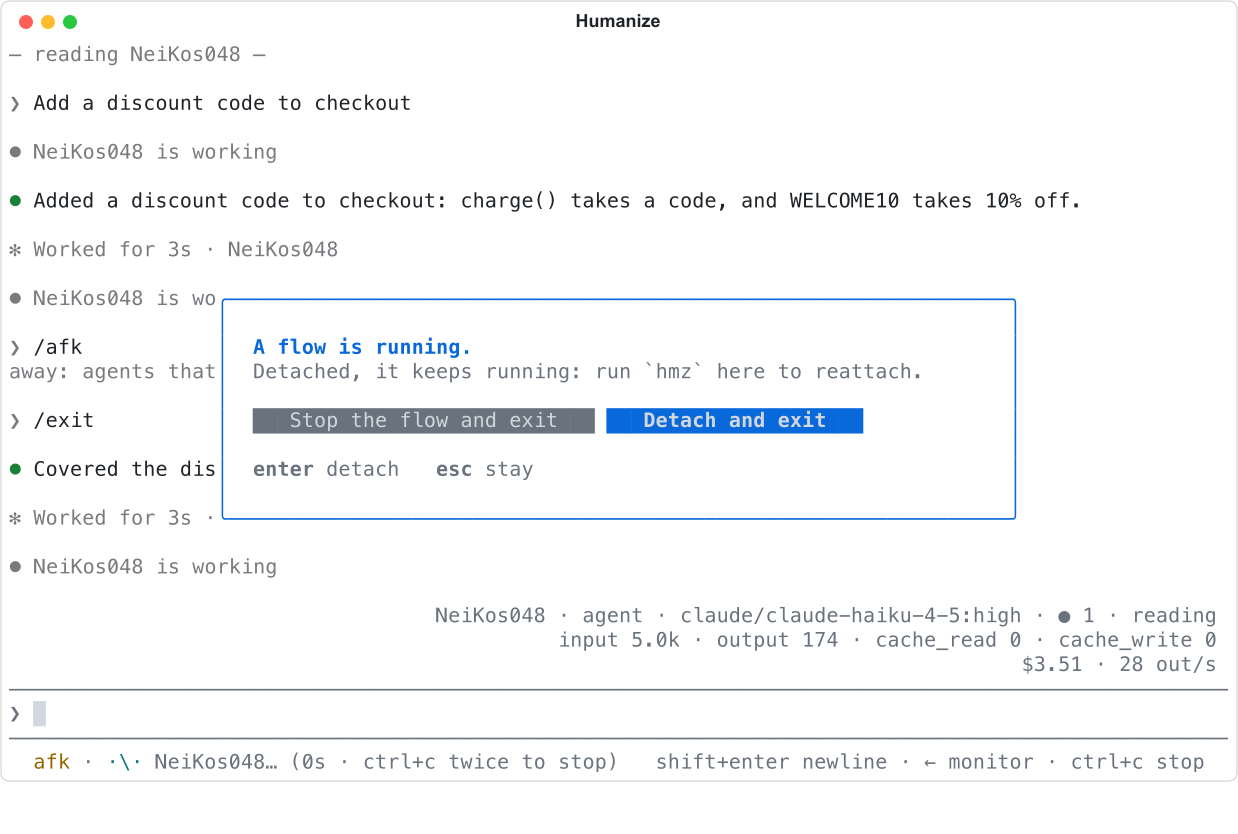
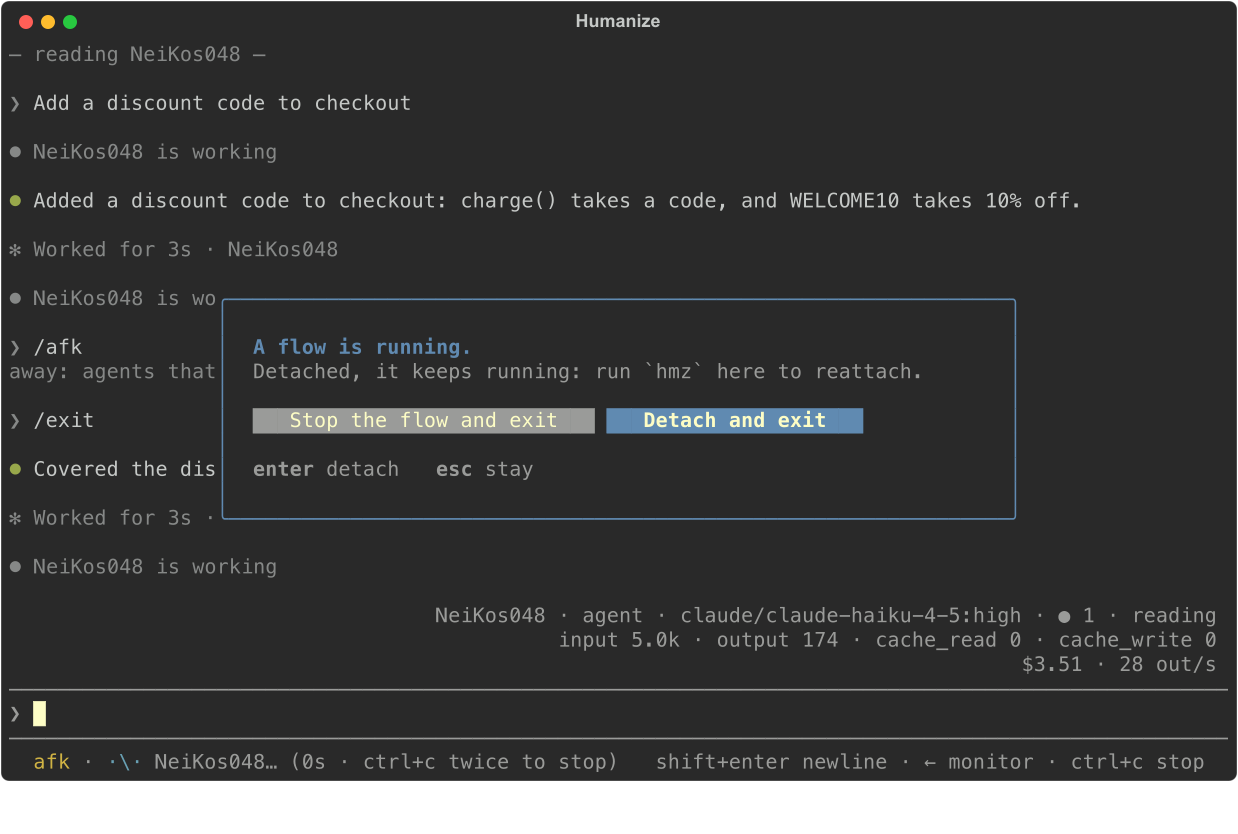
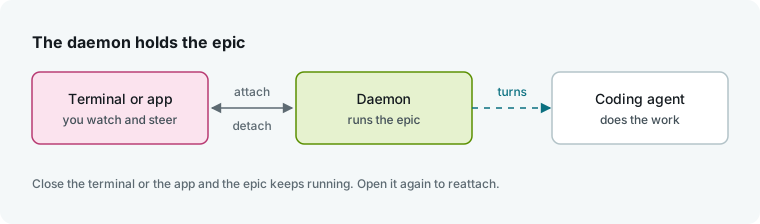
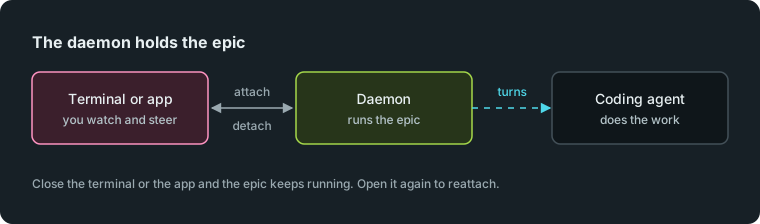
You return to your shell while the epic runs in the background. Closing the terminal window or losing an ssh connection detaches the same way.
WARNING
Stop the flow and exit ends the epic.
In the app, closing the window, quitting Humanize Desktop, or closing the browser tab detaches automatically without stopping the epic. On Windows, epics run in WSL, which may shut down once the app has quit: see Humanize Desktop.
5. Get notified
Leave Humanize Desktop running to receive notifications. Closing its window hides it without quitting. Open Settings, then Notifications.
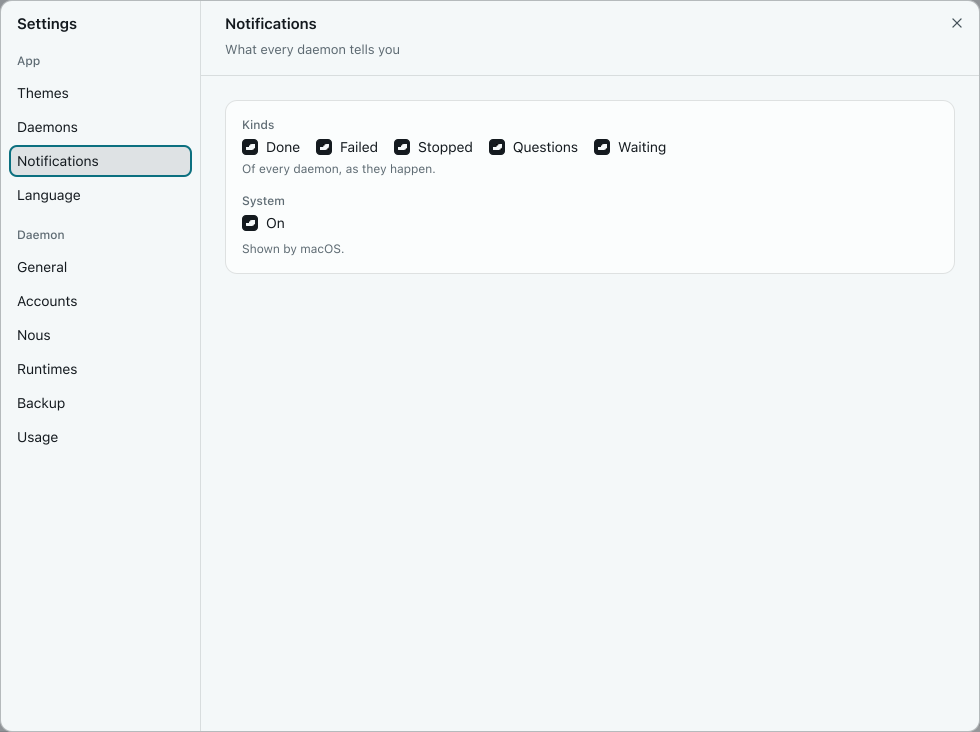
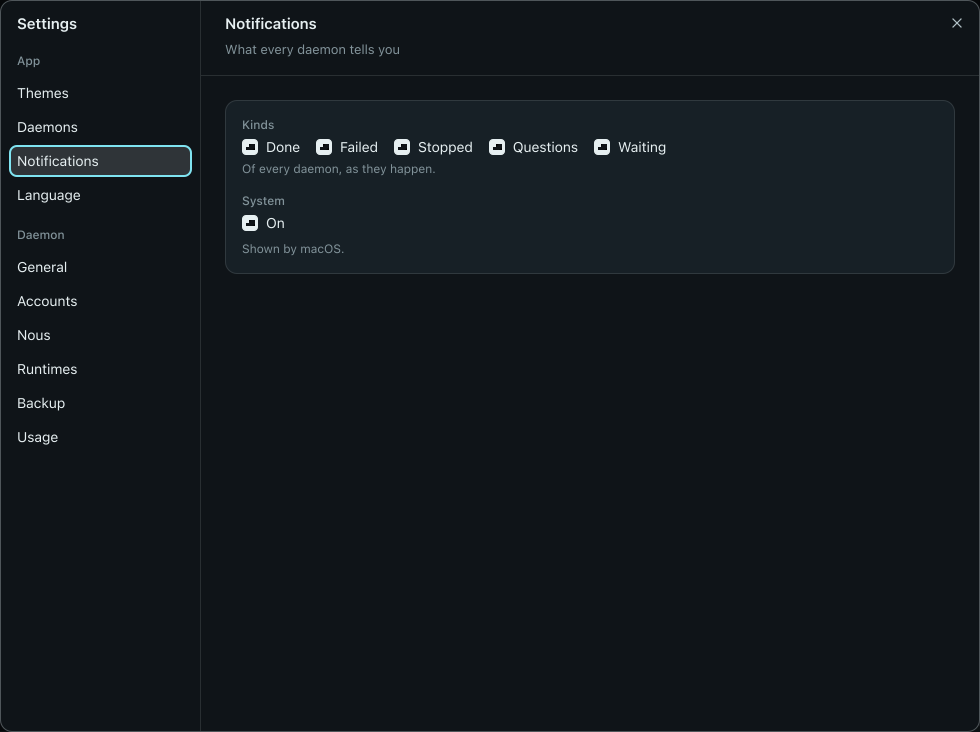
Keep Done, Failed, and Stopped checked and System on, as they are by default. Humanize Desktop shows a system notification when the epic ends. In a browser, click Allow first. See Notifications for terminal options.
6. Reattach to the epic
Run hmz in the same directory:
cd ~/shop
hmz
hmz reattaches and loads the transcript from the start. If the epic is still running, you watch it live. Here, the budget ended it overnight:
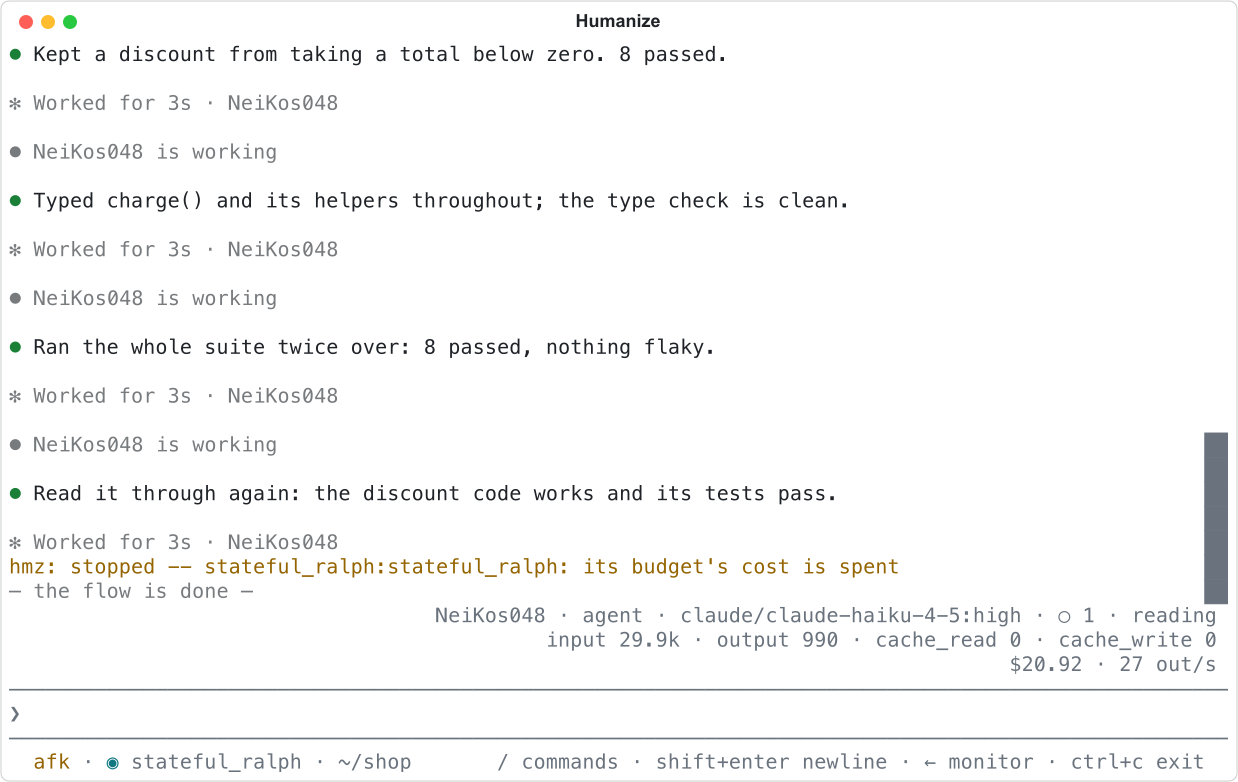
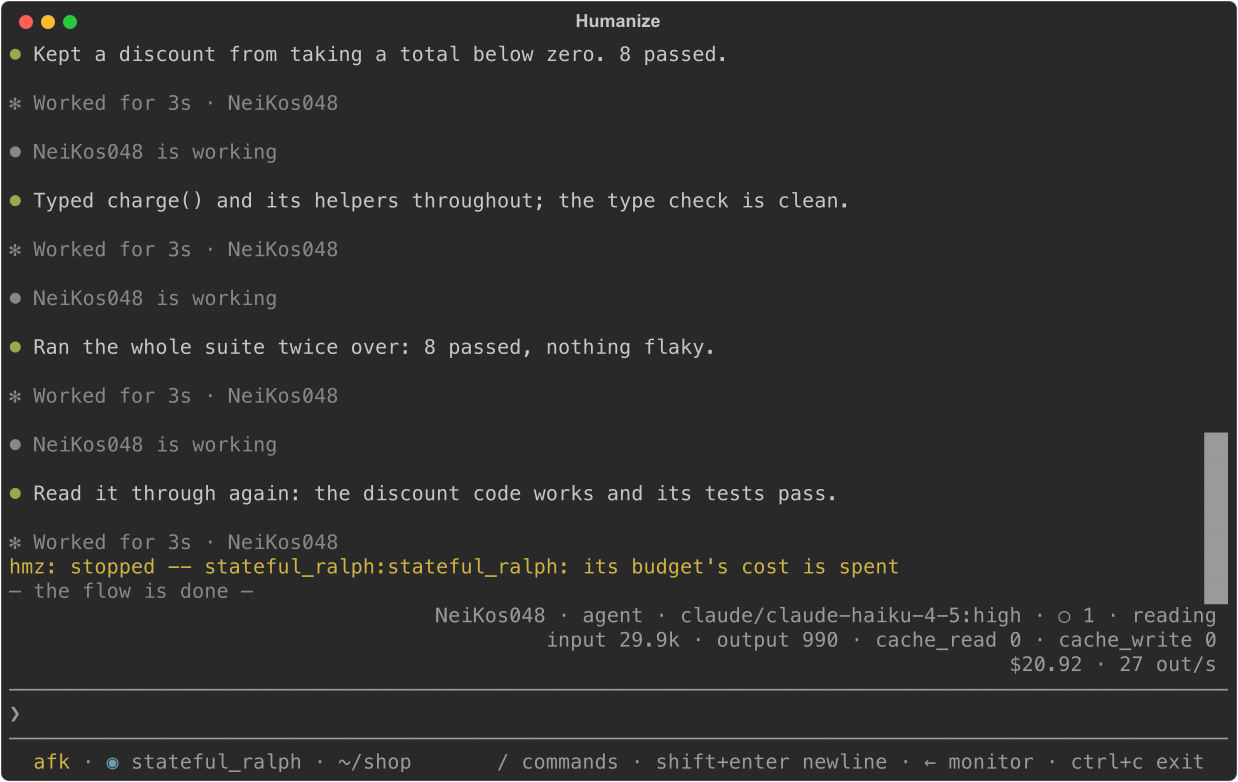
The transcript ends with its budget's cost is spent. The status line still shows afk. Type /afk again to mark yourself back. In the app, click the epic in the sidebar.
7. Resume the run
Type /resume and press enter.
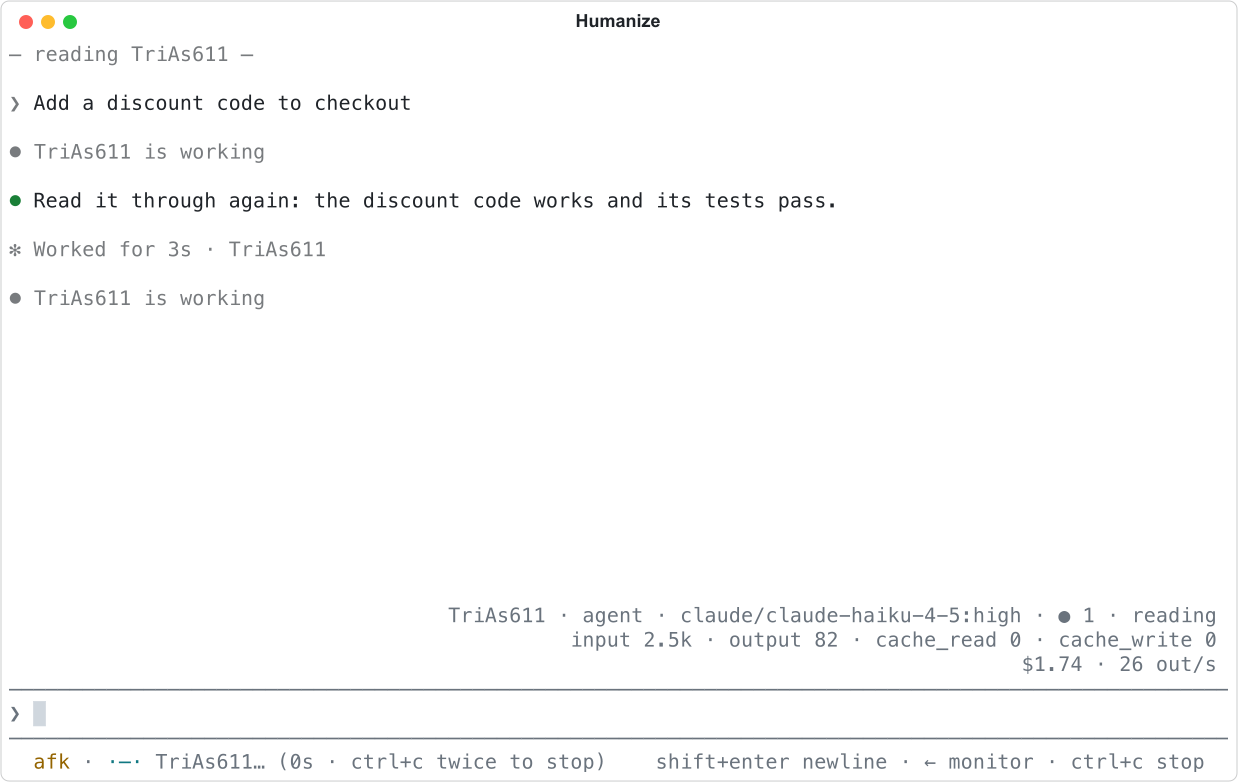
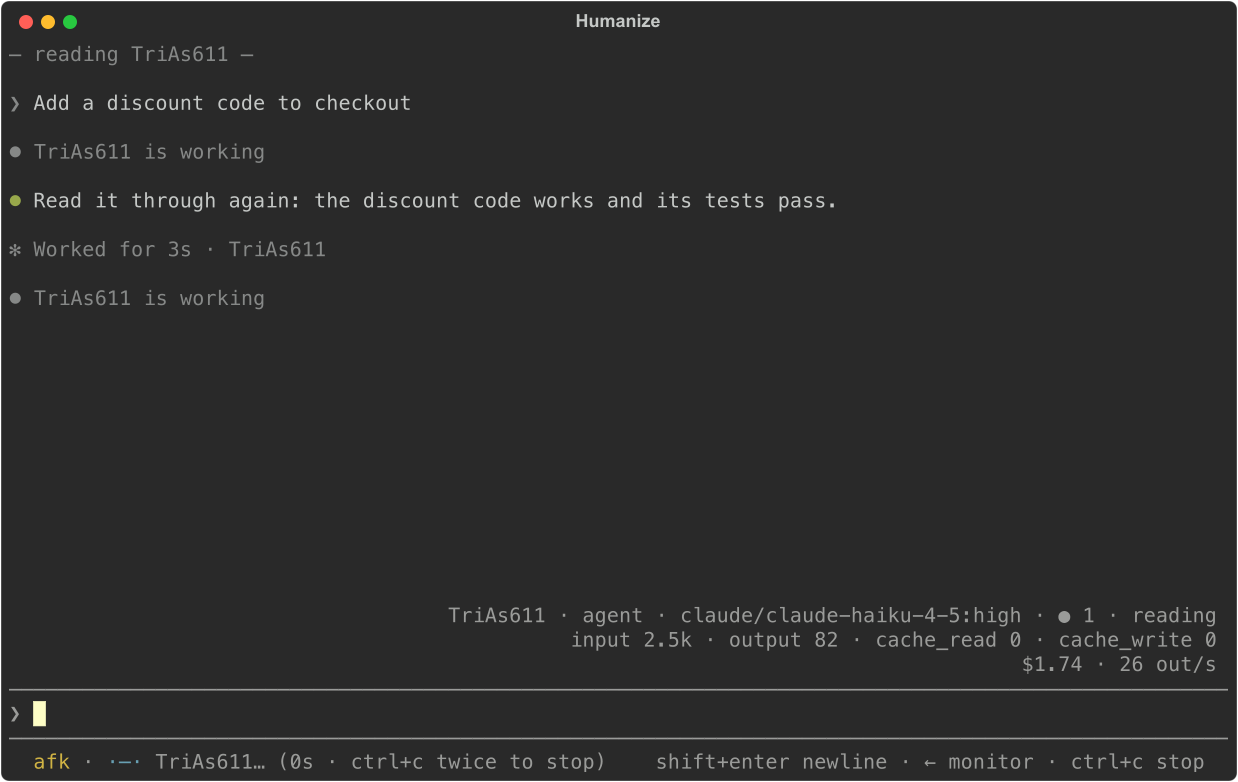
/resume starts a new epic from the saved state of the newest epic in this directory. It keeps the flow, agent, task, and budget, and resets the budget spend to zero. The agent continues its previous conversation. Use /resume to continue after a reboot as well. If nothing can be resumed, /resume tells you why.
Type /stop to end this second epic. In the app, click Resume on the ended epic. The Resume epic form opens with the task, agent, and budget filled in. Press enter to start it.
8. Read what it did
Type /epics and press enter. You see both epics, newest first, with their spend, duration, and status.
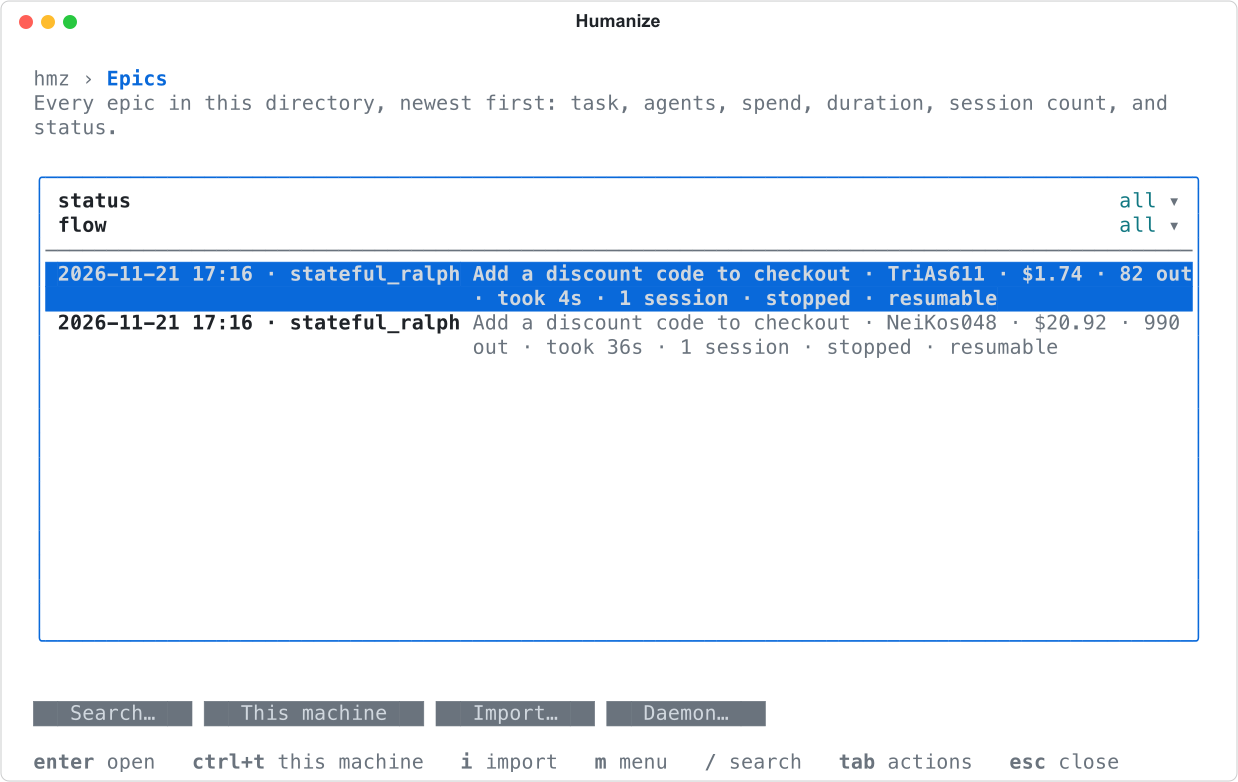
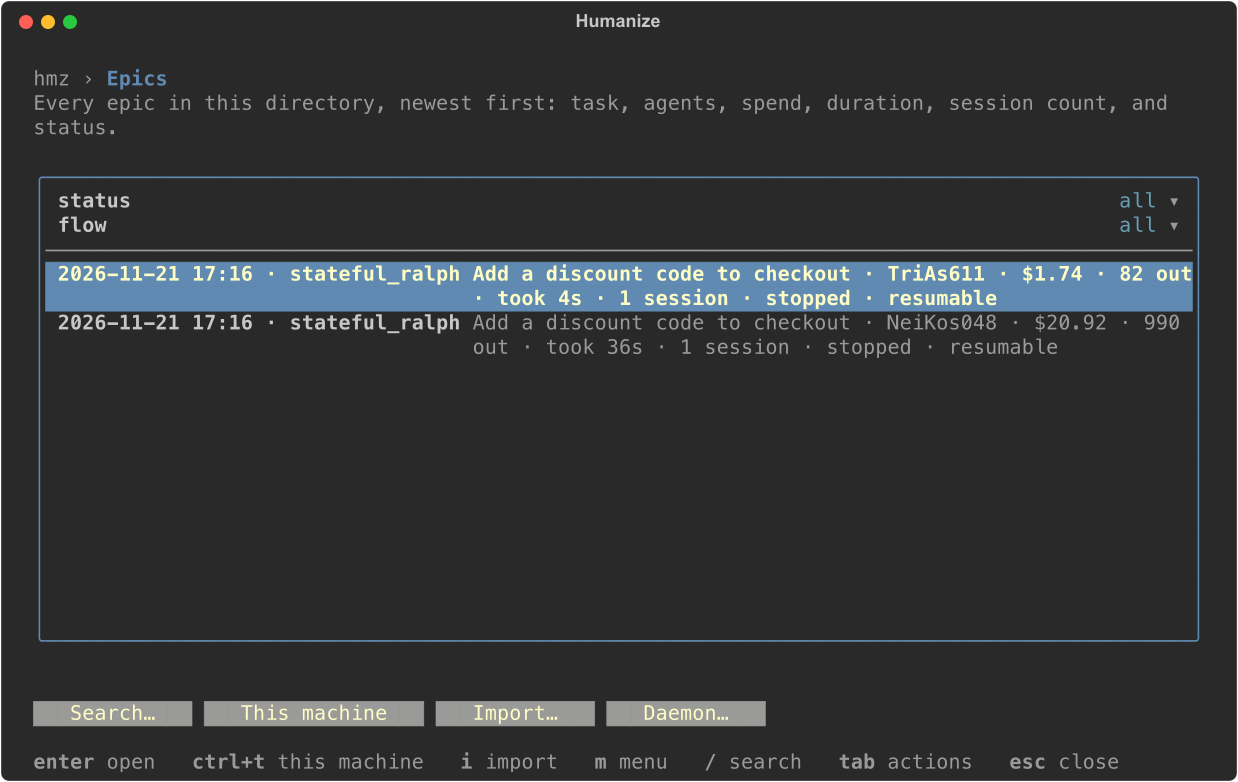
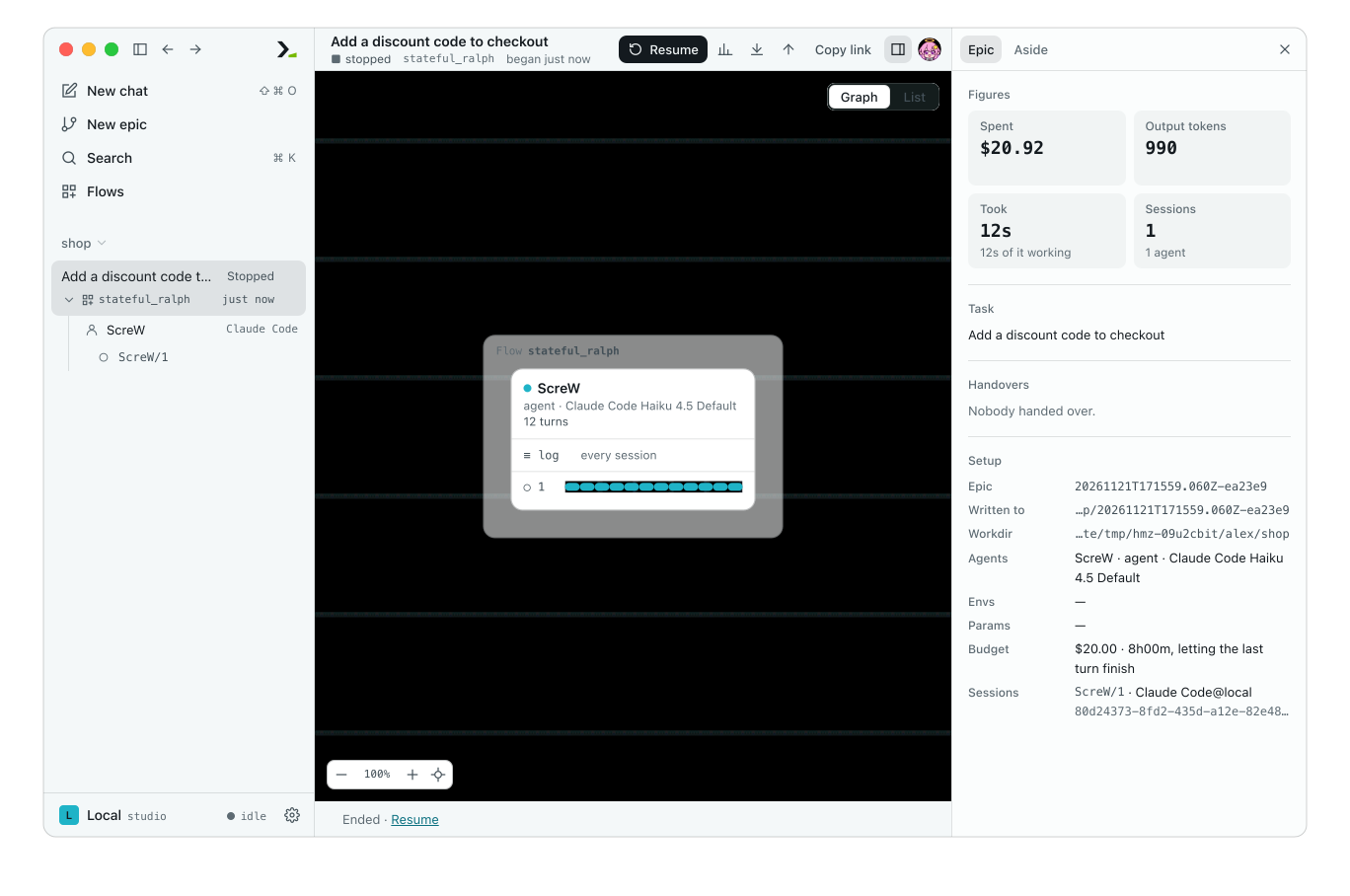
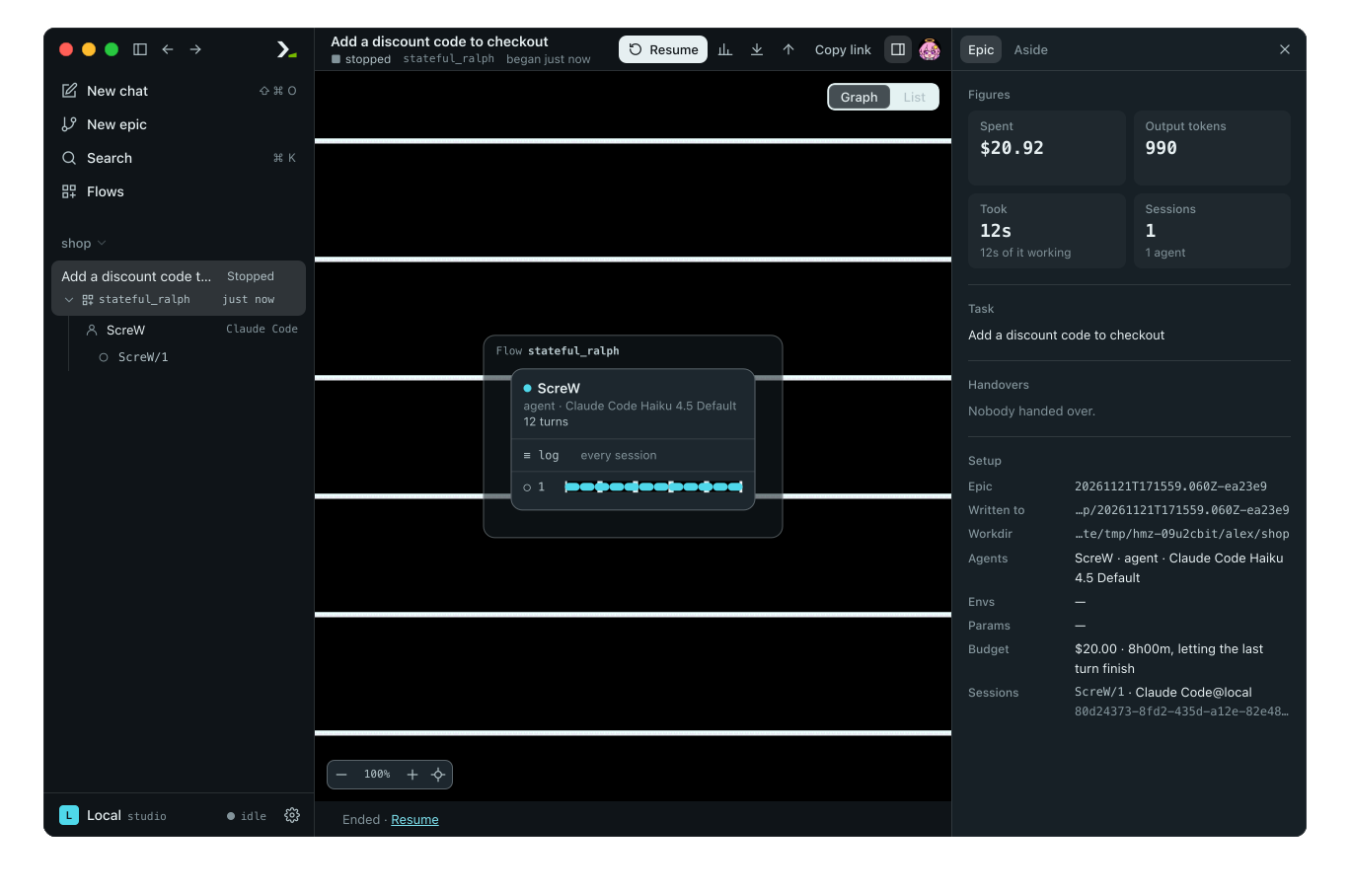
Press enter on an epic, select graph, and press enter to read its sessions. In the app, the side panel shows Spent, Output tokens, Took, and Sessions under Figures, and the budget under Setup.
The agent's changes are in your working tree. Run git diff to review them before you commit.
What you did
- Started a flow with a time limit and a cost limit.
- Marked yourself away so questions would not block the epic.
- Detached and left the epic running in the daemon.
- Reattached, resumed the epic, and inspected both runs.