Run two coding agents with a fallback
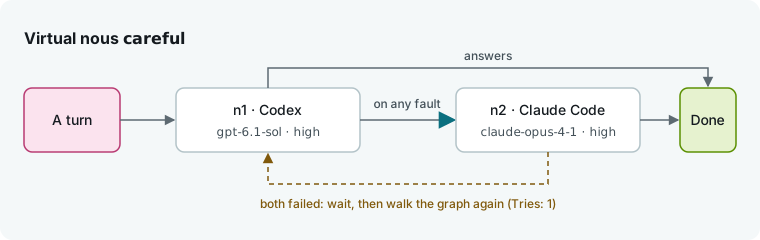
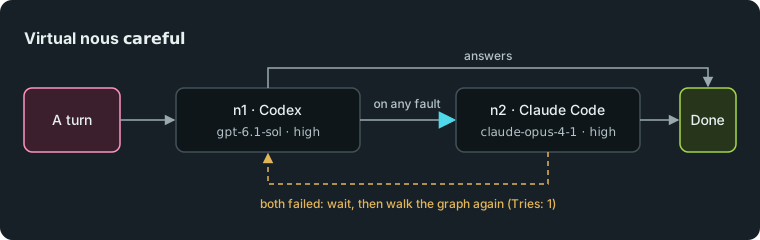
Give two coding agents a single name, careful, that sends each turn to Codex first and moves to Claude Code if Codex fails. You will run a flow with it, watch a turn fall back, and see what each model cost.
What you need
- Humanize Desktop, set up as in Finish your first task in Humanize Desktop.
- Two coding agents installed and signed in on this machine: Claude Code (
claude) and Codex (codex). - The
rlarflow installed. See Find and install flows. - A project folder (
shop).
Two accounts of one CLI
You can build the same graph with two accounts of one CLI, such as claude@work/claude-opus-4-1 then claude@personal/claude-opus-4-1. Add them in Settings, Accounts; see Accounts. On macOS, Humanize refuses turns under a named account of Claude Code or Codex because the credential supervisor needs Linux. This tutorial uses two CLIs on their own sign-ins instead.
1. Check that both agents are found
- Click the gear, Settings, at the bottom left.
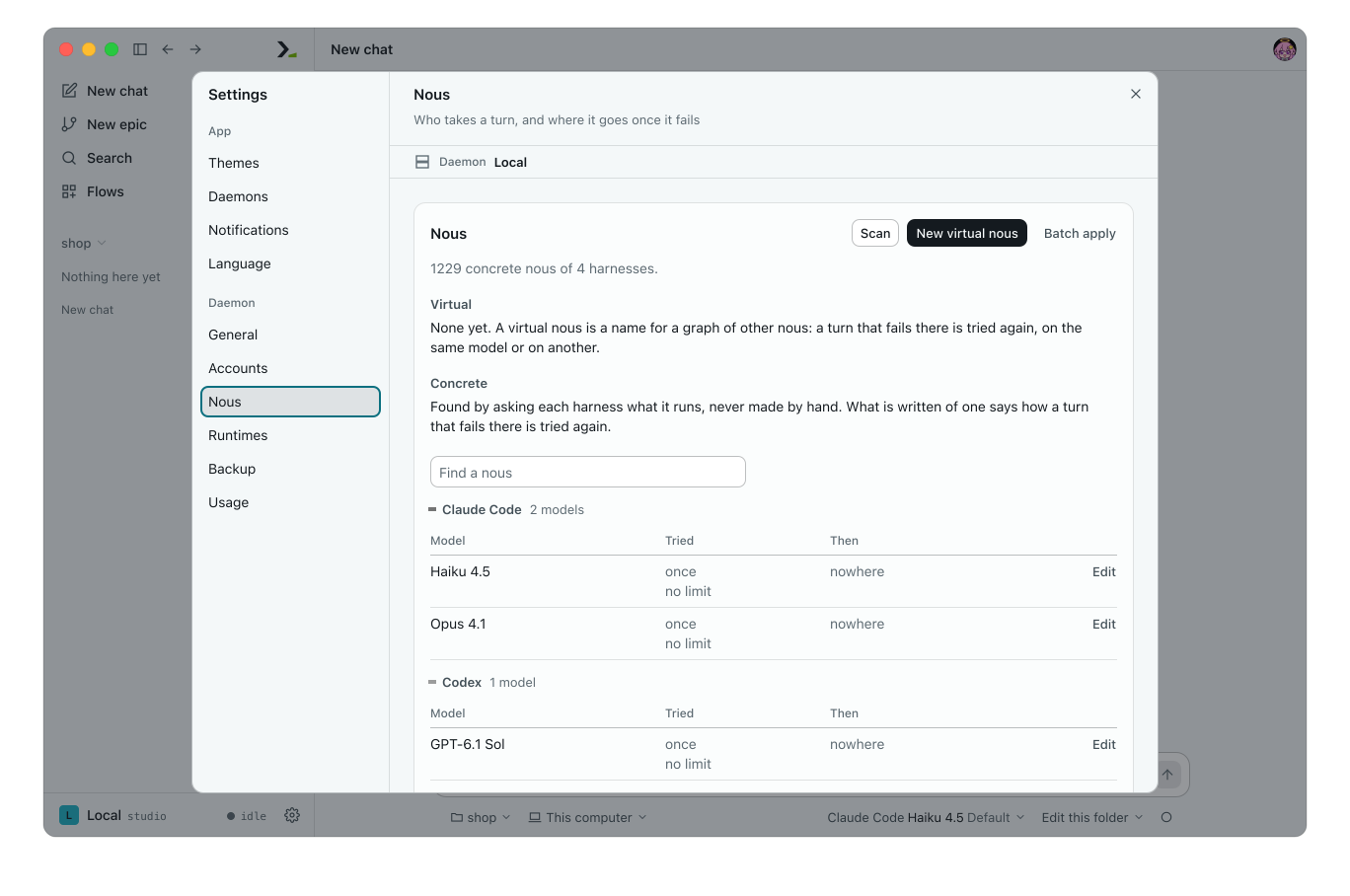
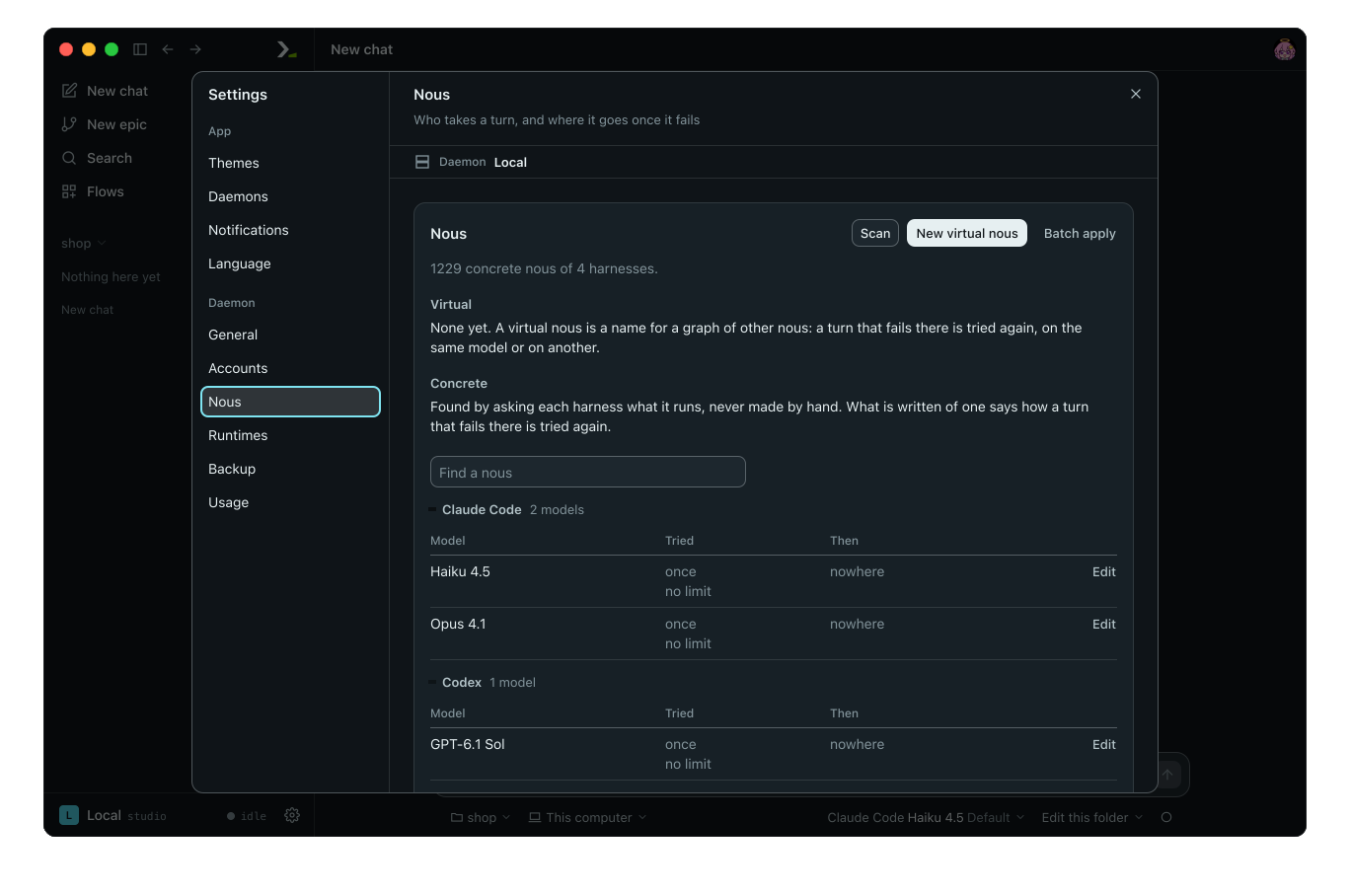
- Open Nous.
- Click Scan.
A nous is a model choice: a harness, an account, a model, and an effort. Concrete lists one group per harness and the models it runs. Confirm that both agents appear.
2. Make a virtual nous
A virtual nous is a name for a graph of other nous. Use that name anywhere you pick a model.
- Click New virtual nous.
- In Name, type
careful. Set Tries to1. Leave Wait and Limit, s as they are. - Under Graph, click Add use node. This creates the start node,
n1. Click its chip and pick the Harness Codex, a Model, and the Effort High. - Click Add use node again. On
n2, pick Claude Code, a model, and the effort High. - On
n1, click Add edge. It readsOn * (any other) go to n2. - Click Save.
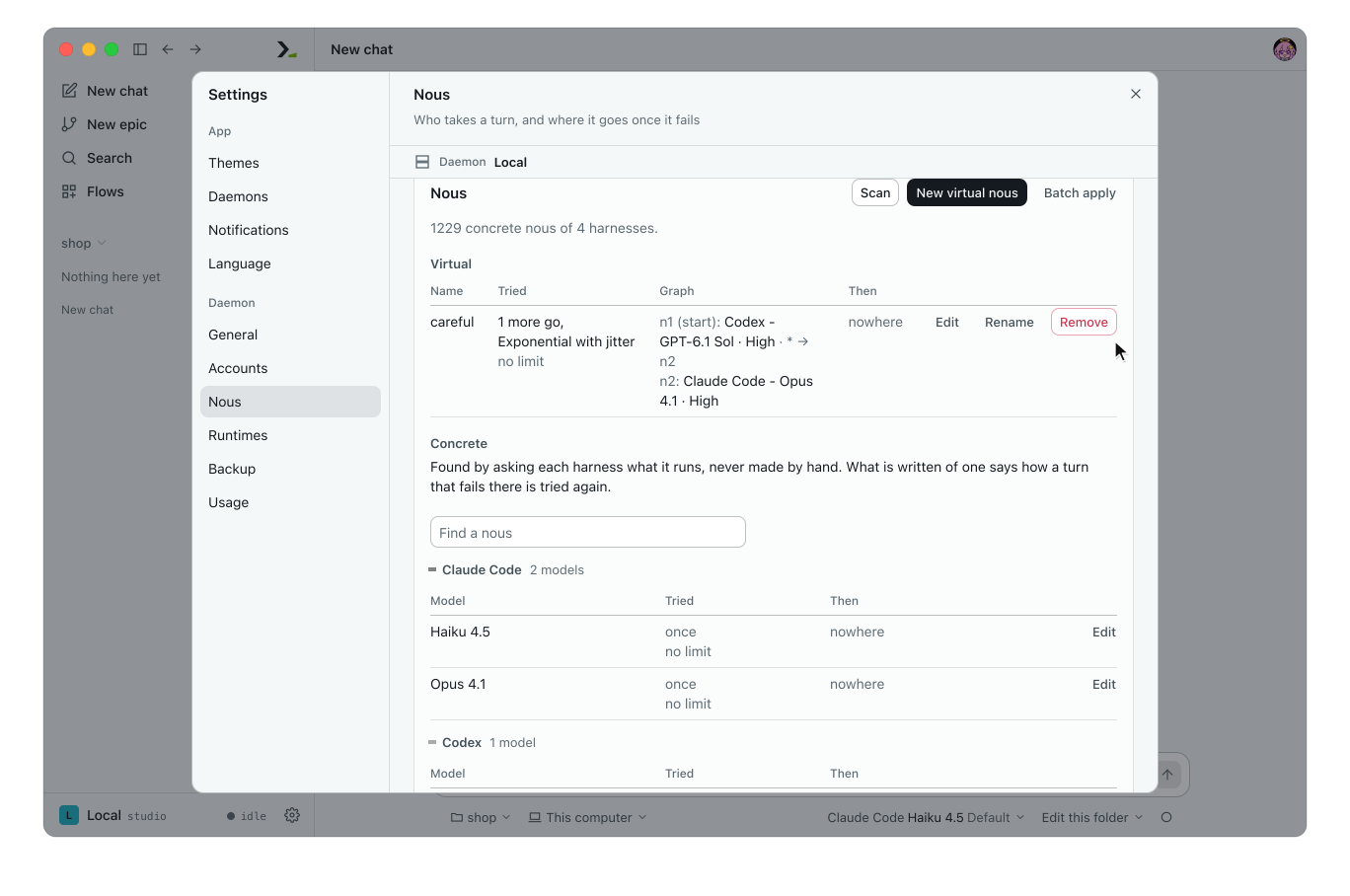
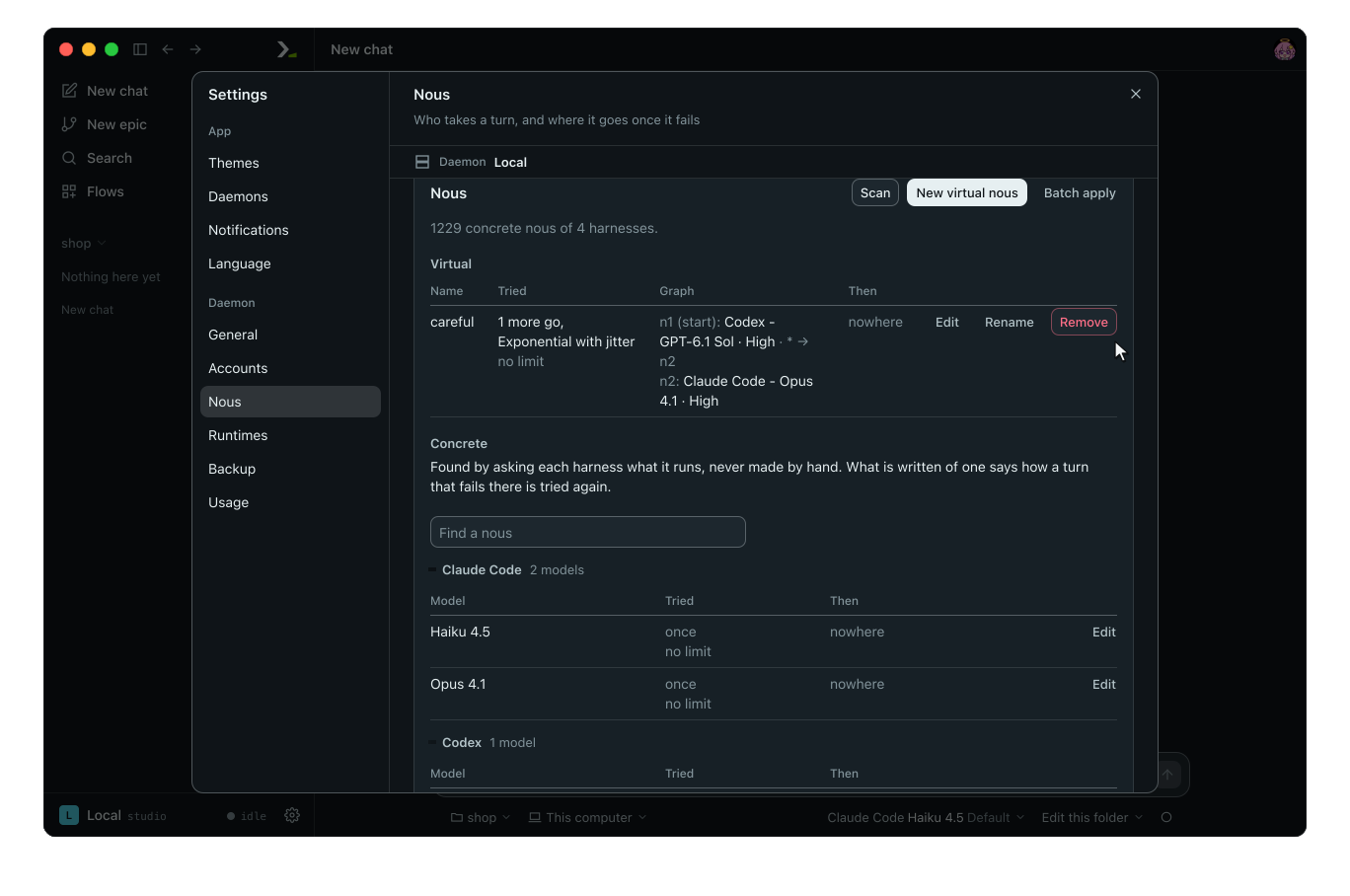
careful now appears under Virtual.
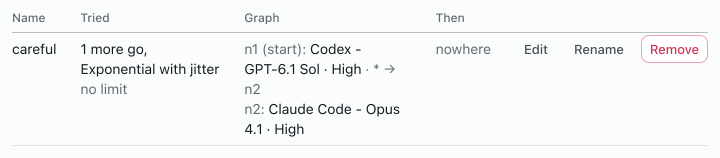
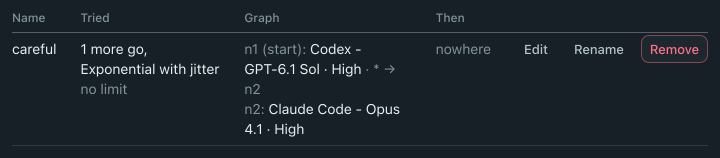
Each use node runs the turn on one nous. An edge routes the turn when its node fails: pick a fault such as throttled or refused, or * for any other. Tries sets how many more times Humanize walks the whole graph after it fails, and Wait sets how long it waits before each of those retries.
3. Give each role its own nous
The rlar flow has two roles: actor does the work and reviewer checks it.
- Click New epic and choose the flow
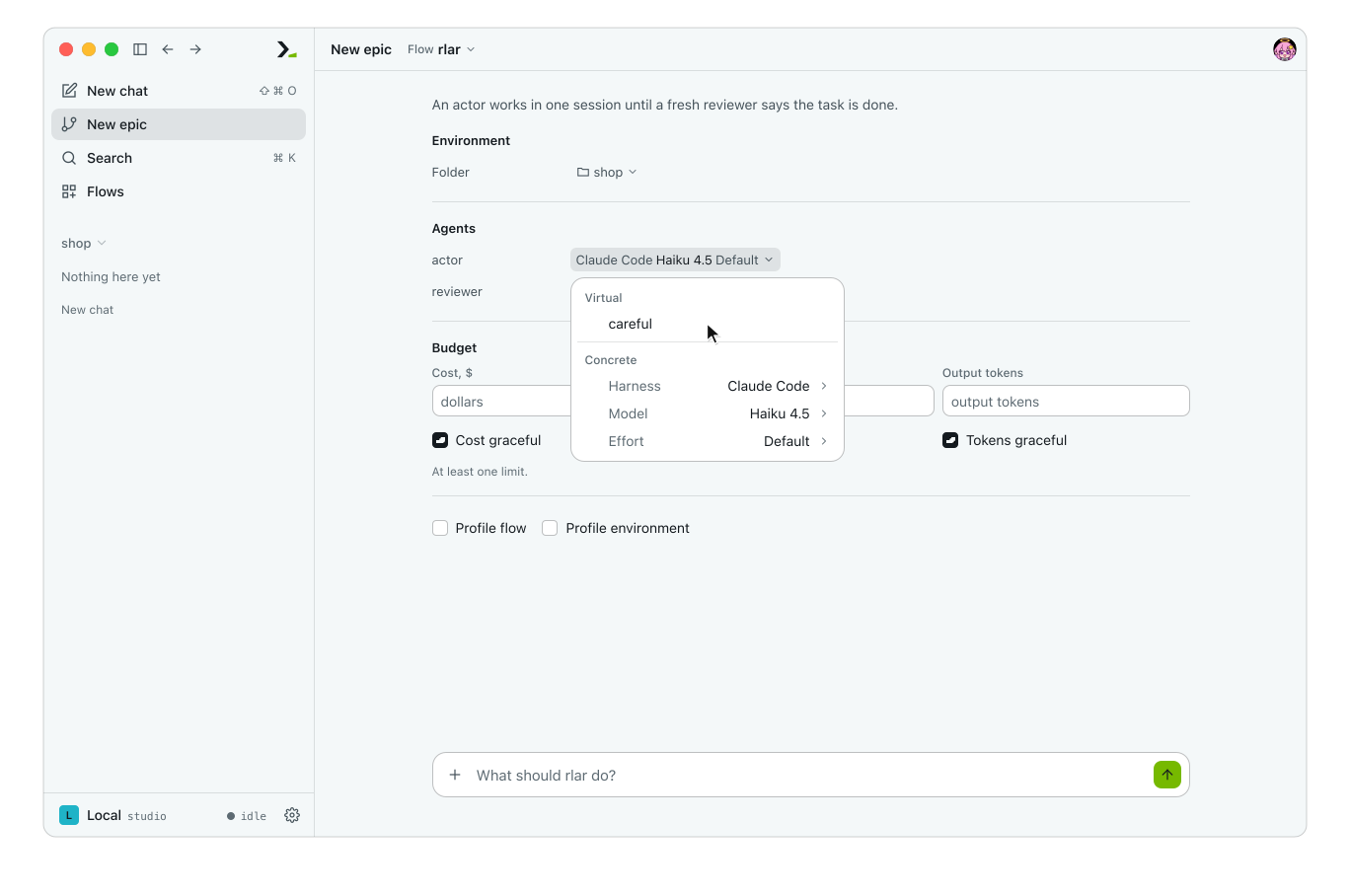
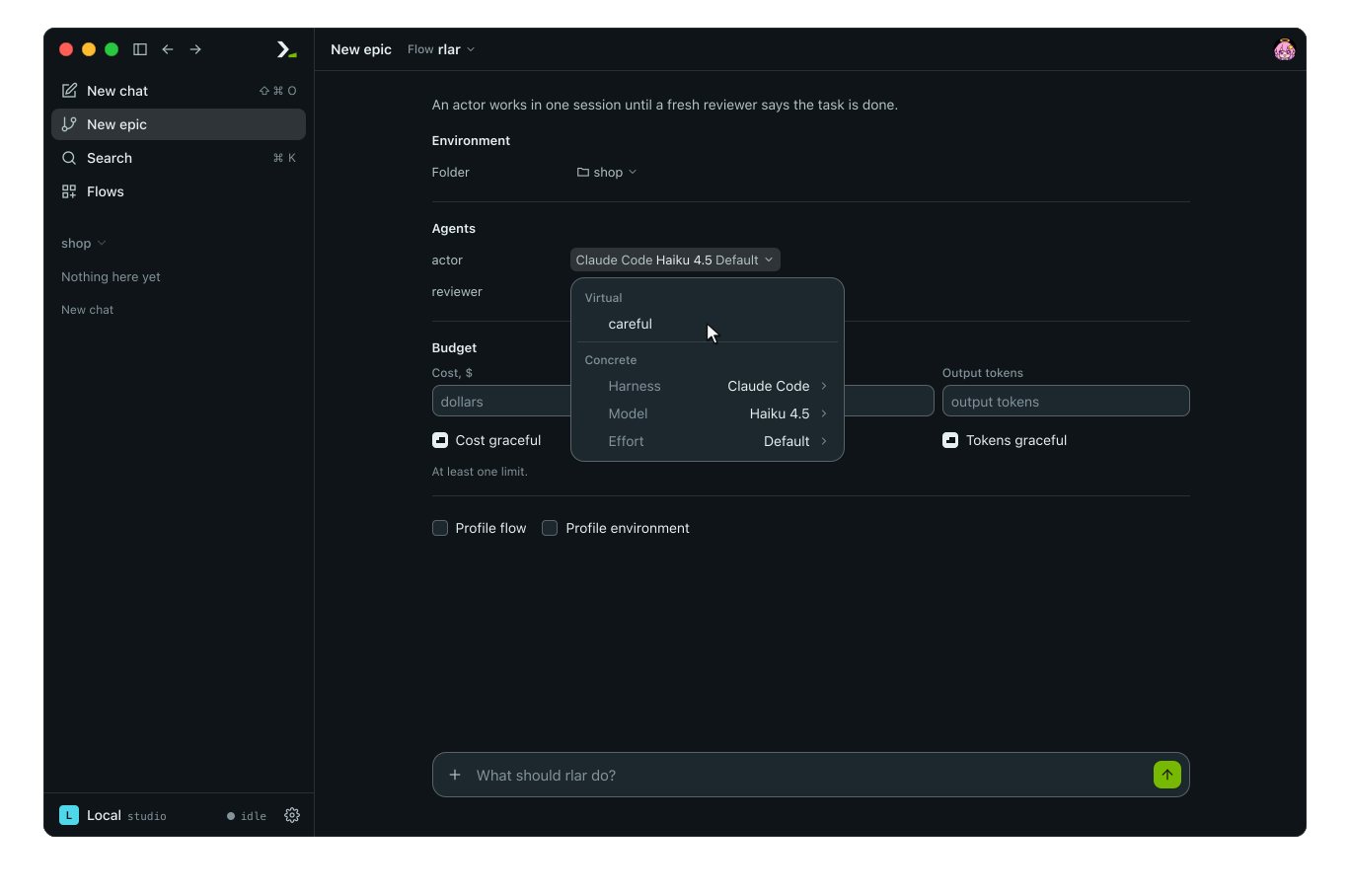
rlar. - Under Agents, click the chip of
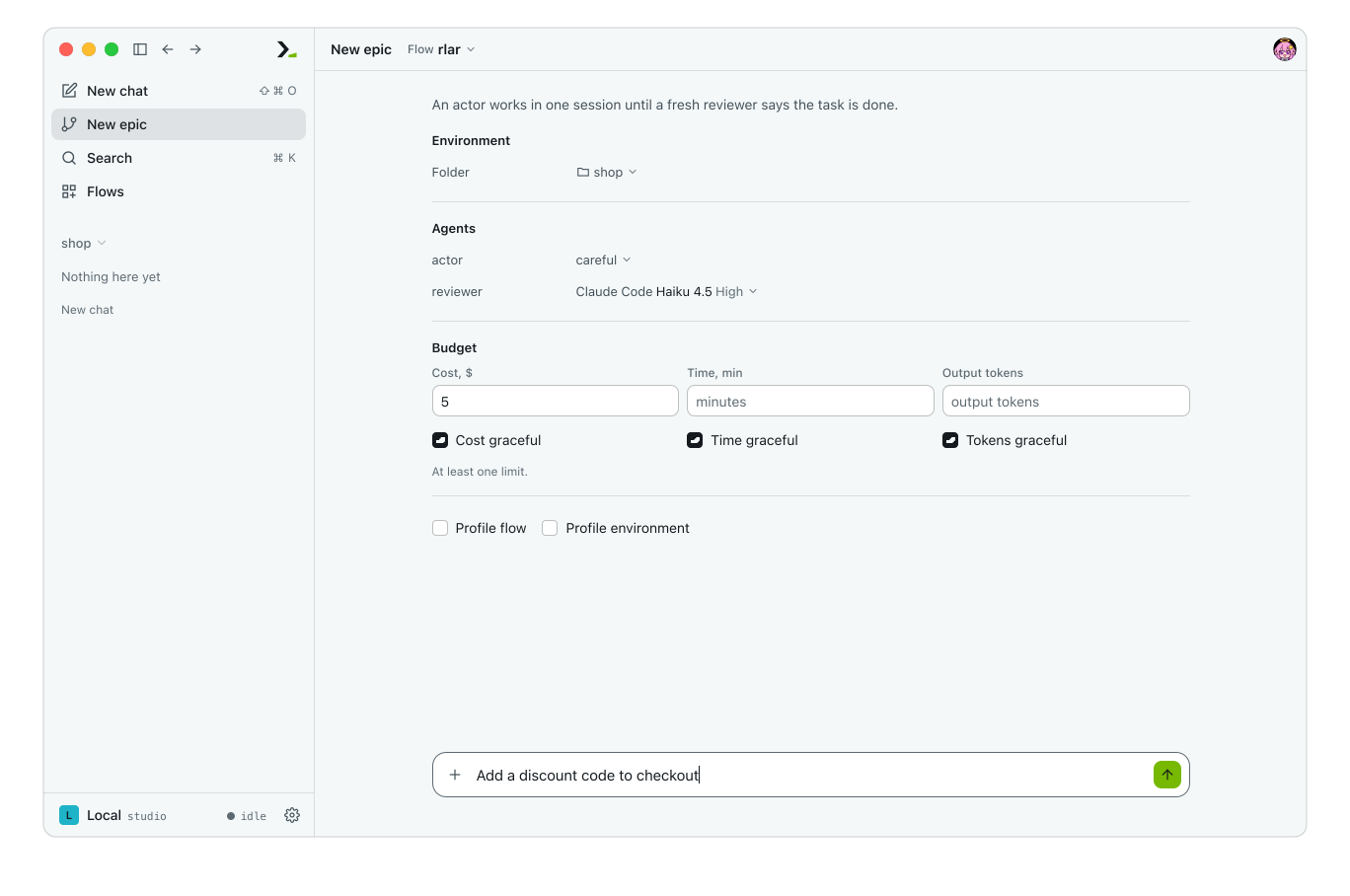
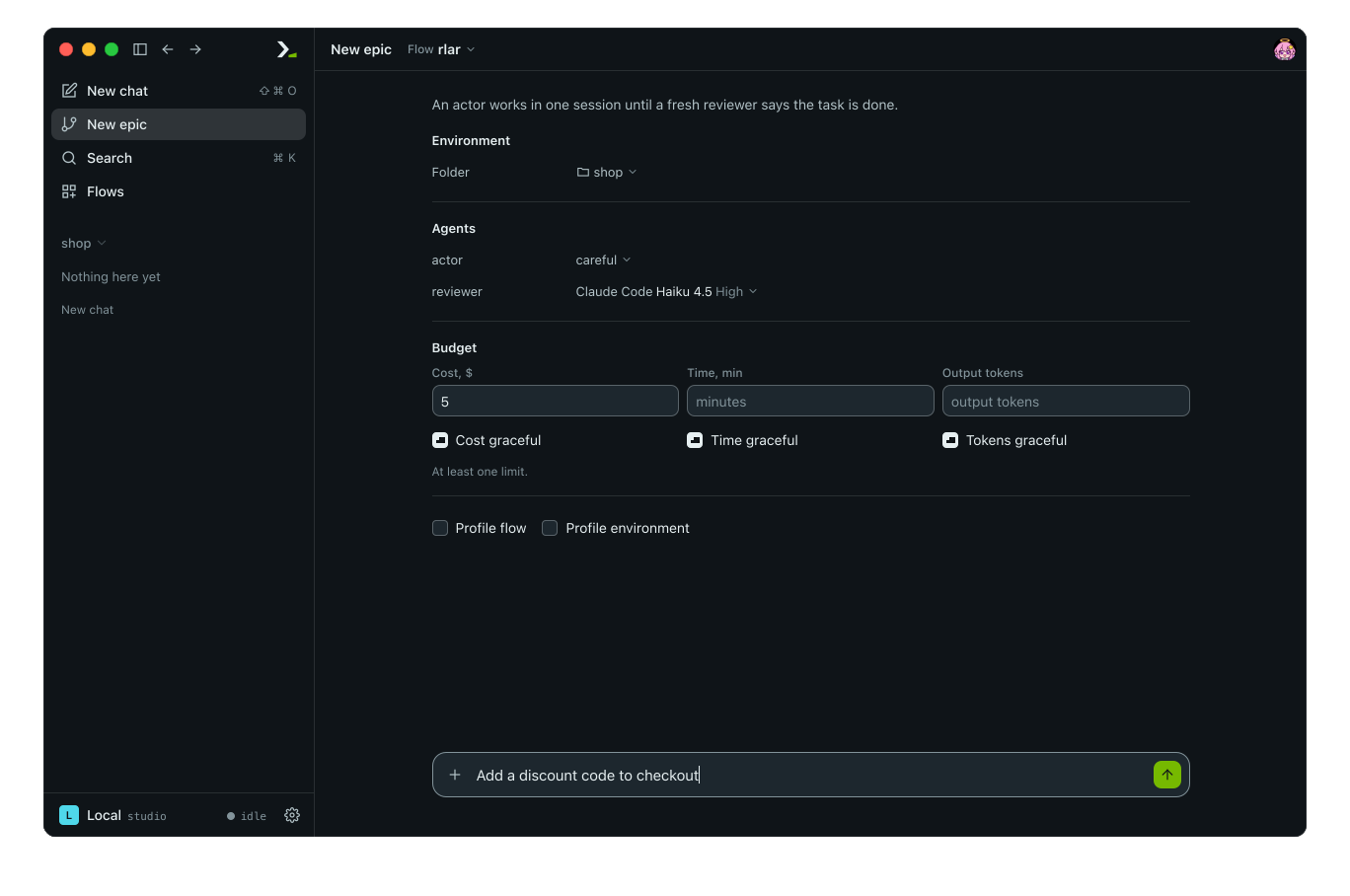
actor. Under Virtual, pickcareful.
- Click the chip of
reviewer. Pick Claude Code, a cheaper model, and the Effort High. - Under Budget, type
5in Cost, $. - Type the task and press enter.
4. Watch a turn fall back
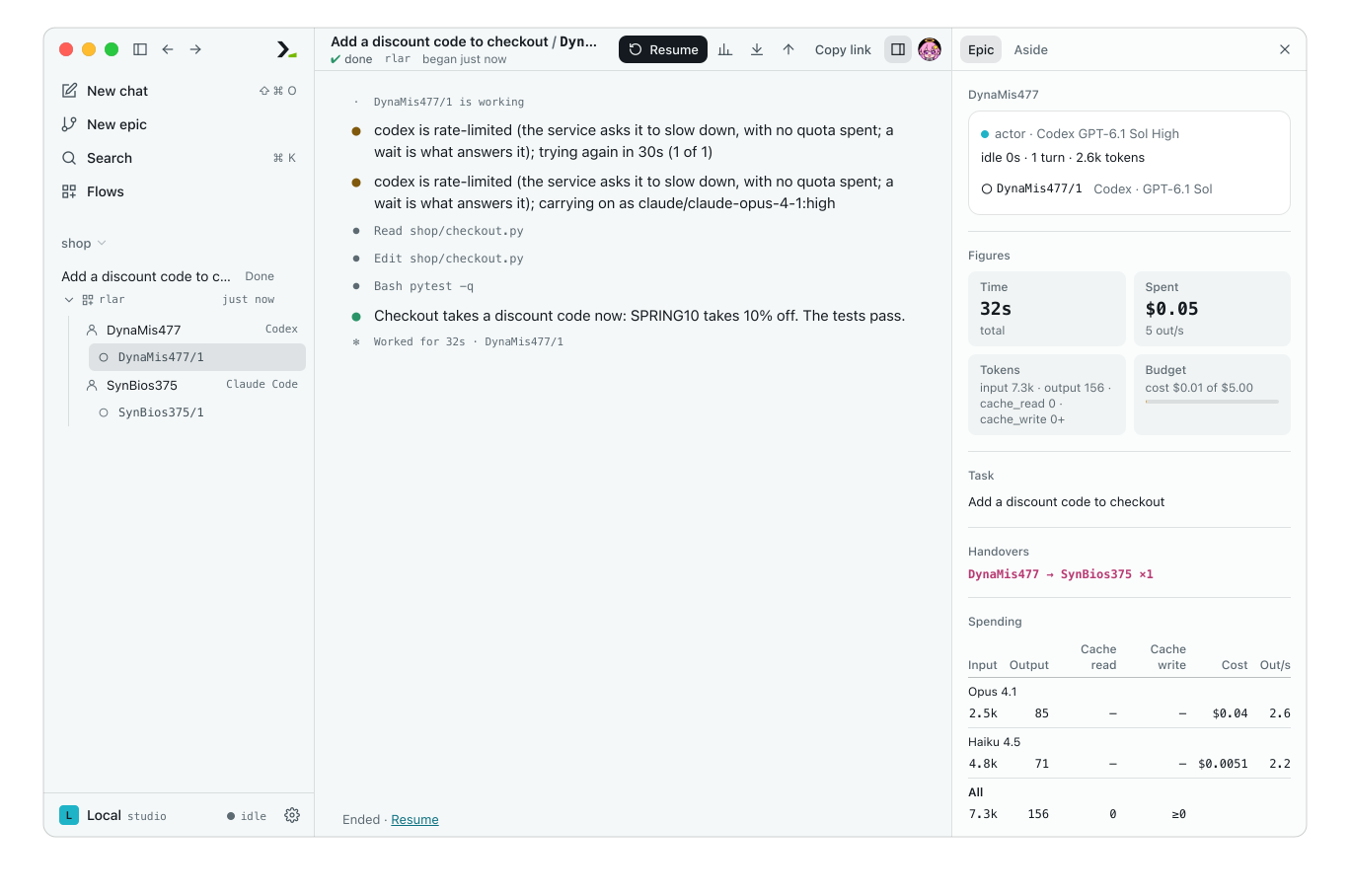
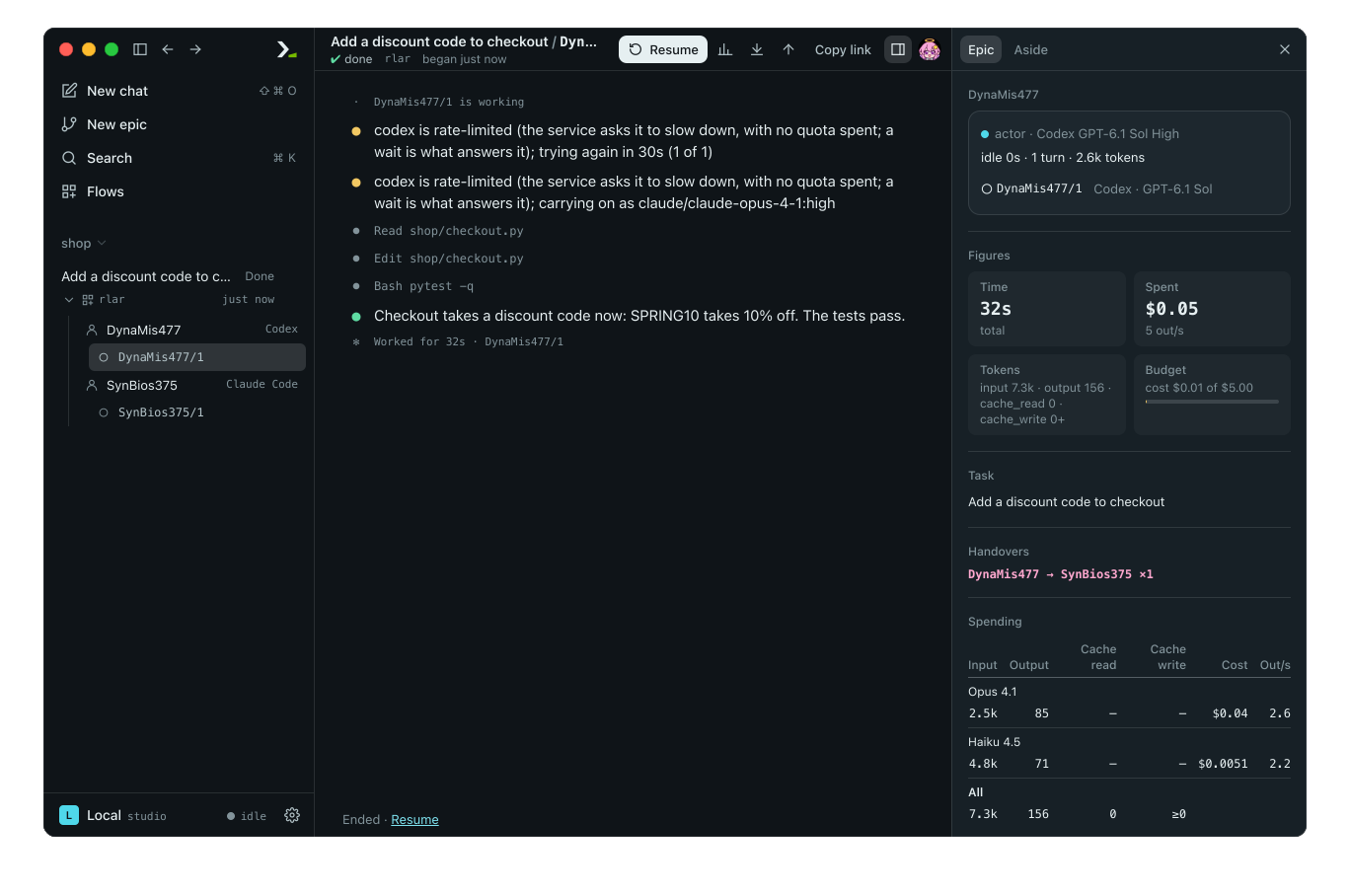
The epic opens on its graph, one card per agent. Click session 1 in the actor's card to read its turn.
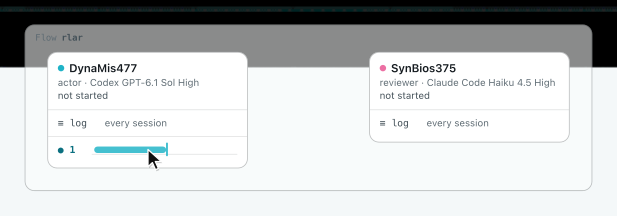
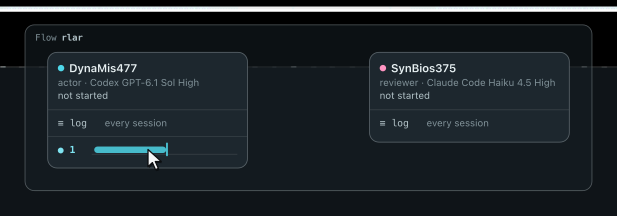
If Codex answers, the turn finishes there. Here, Codex hits its usage limit. Humanize reports the rate limit, waits 30 seconds, and tries Codex once more. Every rate-limited model gets this one retry by itself; it is not the Tries of careful, which count only after the whole graph has failed.
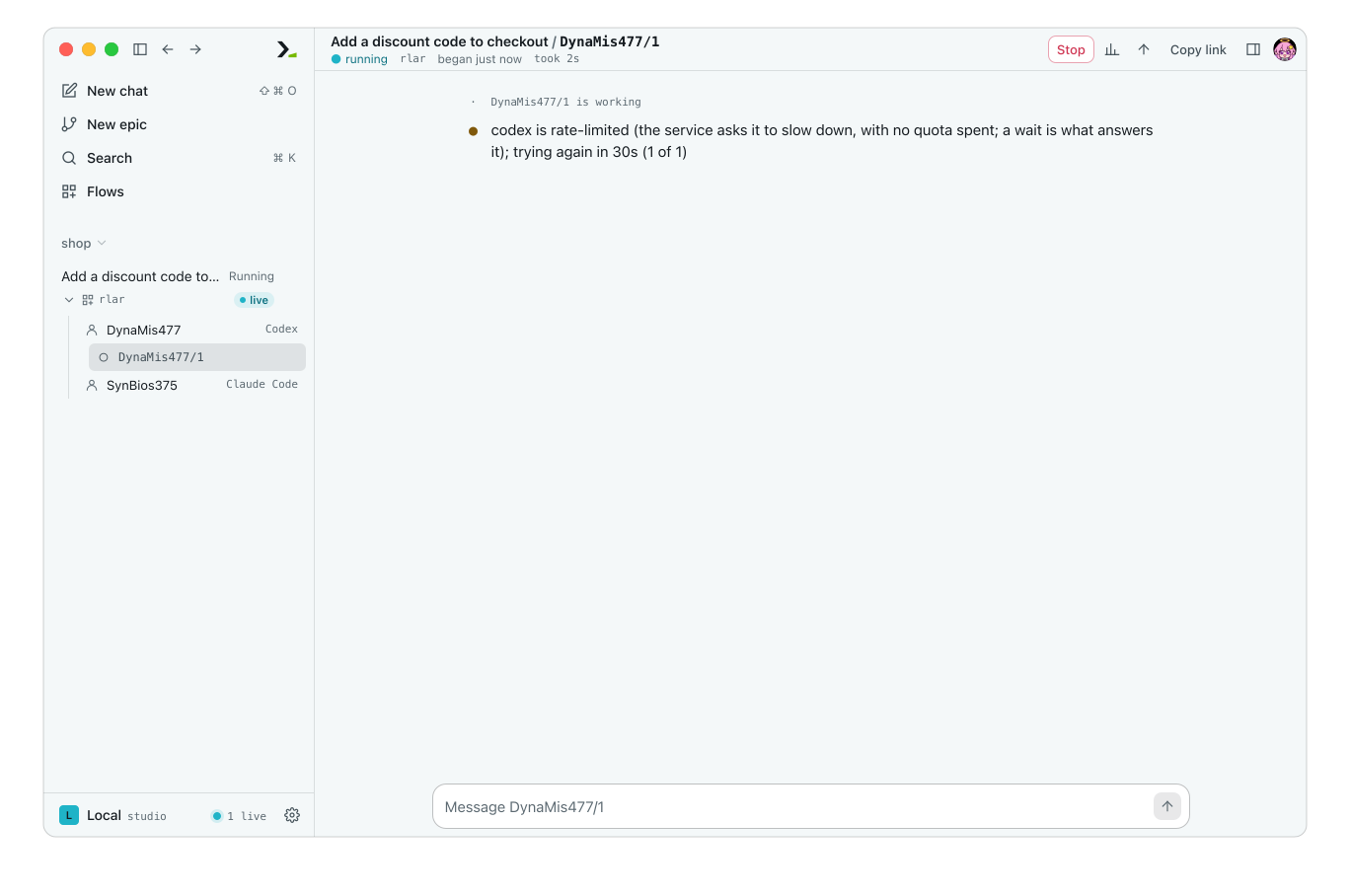
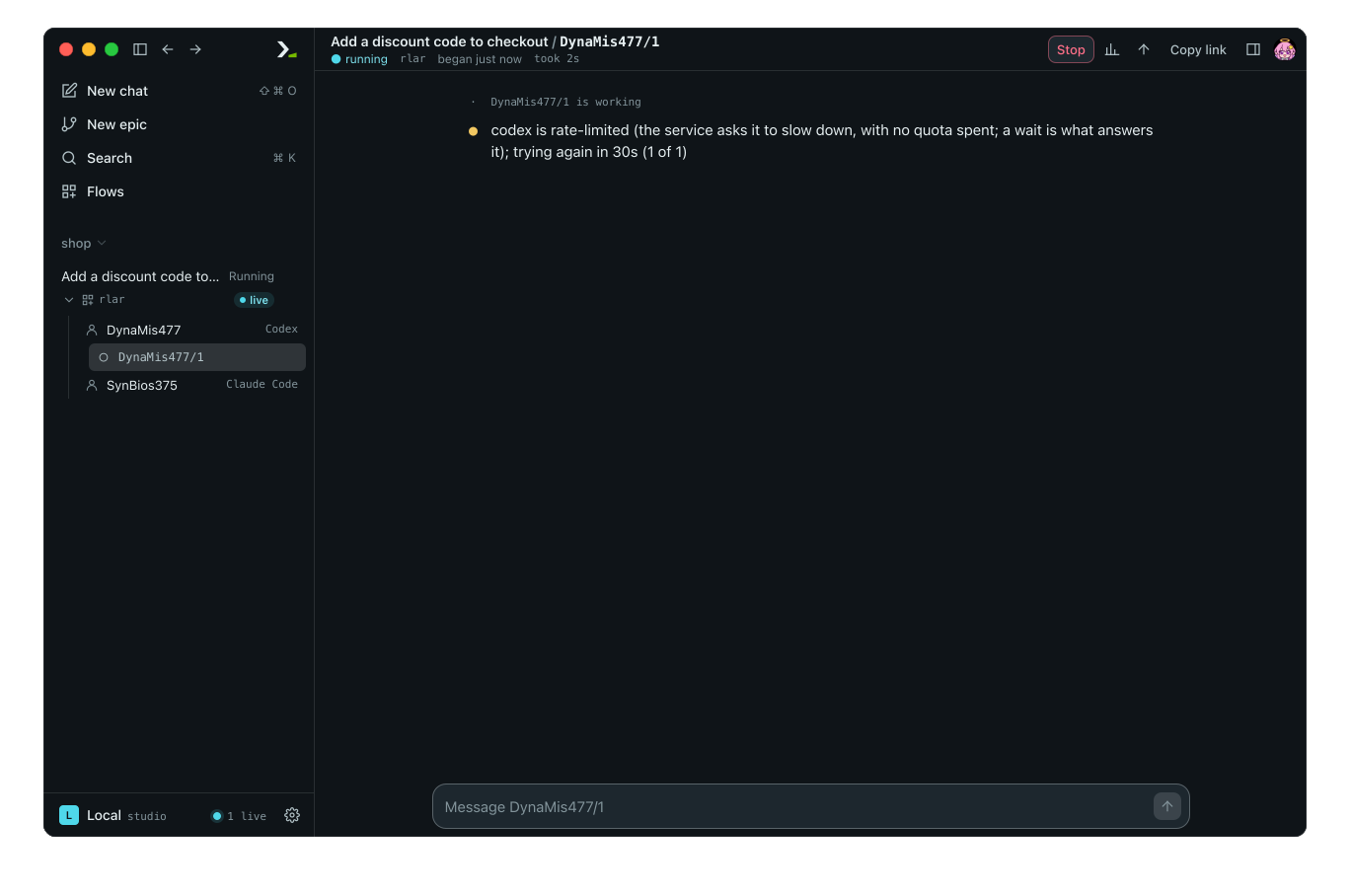
Codex fails again, so the turn follows the edge to n2. The log prints carrying on as claude/claude-opus-4-1:high, and Claude Code completes the task.
5. See what each model cost
Check the right panel of the epic. Figures shows Spent, the total for the epic. Spending lists one row per model that answered, with input and output tokens, cache reads and writes, Cost, and Out/s.
Opus 4.1 took the actor's turn and Haiku 4.5 took the review. Codex has no row because it never answered. Models without a listed price show tokens and no cost.
6. Run it from the command line
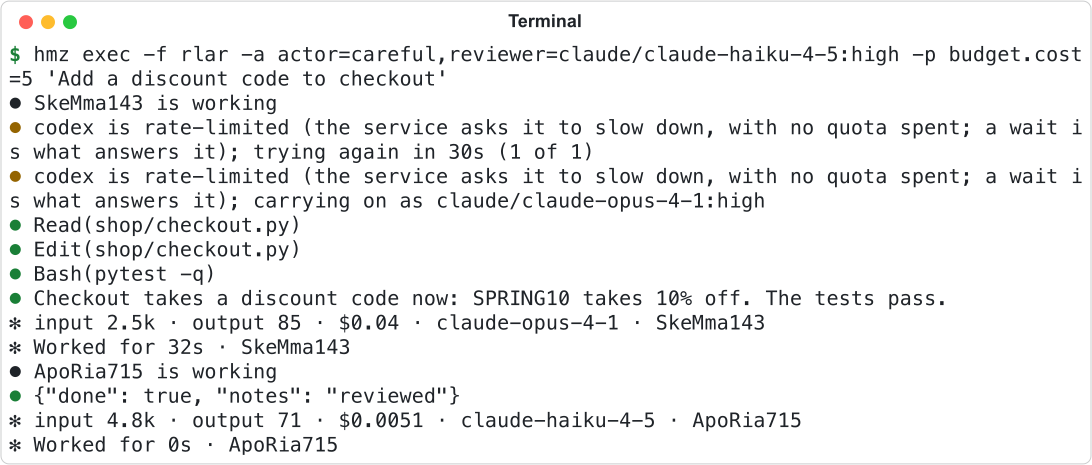
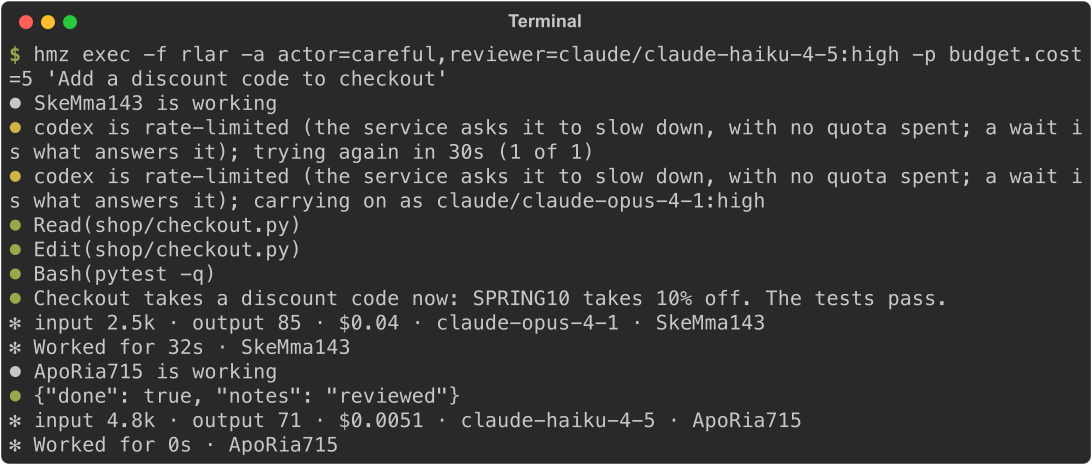
Pass the virtual nous name where a model name goes. In the project folder, run:
hmz exec -f rlar -a actor=careful,reviewer=claude/claude-haiku-4-5:high -p budget.cost=5 "Add a discount code to checkout"Each turn ends with a line showing its tokens, its cost, and the model that answered.
What you did
- You verified that Humanize found both coding agents.
- You created the
carefulvirtual nous to fall back from Codex to Claude Code. - You ran
rlarwith separate models per role. - When Codex hit a rate limit, you watched the turn retry and switch to Claude Code.
- You checked the cost per model in the app and on the command line.