Budgets
A budget caps what one epic can spend in time, money, output tokens, or any mix of the three. Every epic requires at least one limit and stops at the first limit it reaches. A chat has no budget.
Limits
| Limit | What it counts |
|---|---|
| Time | Wall-clock time since the epic started. This is a deadline, not the sum of agent working time. |
| Cost | US dollars for every turn of every agent in the epic, at list prices. |
| Output tokens | Tokens written by every agent in the epic. |
Each limit is graceful by default: the turn under way when it is reached finishes before the epic stops.
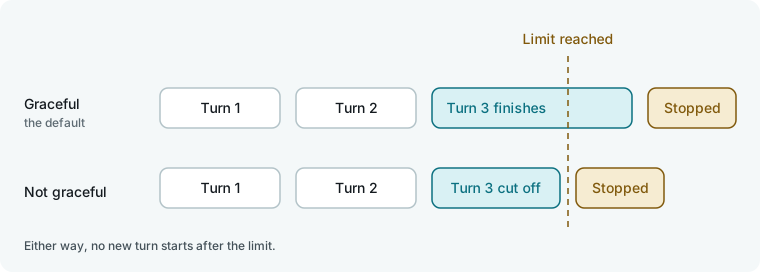
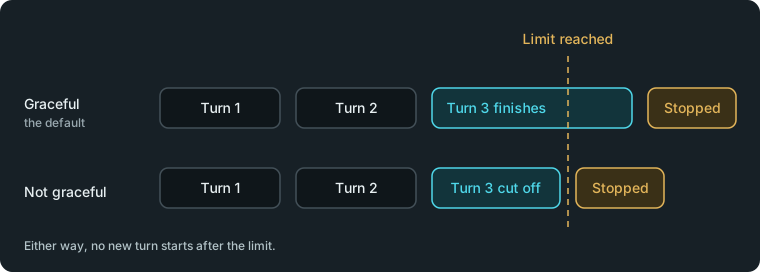
An epic stopped by its budget is recorded as stopped, not failed. All work done so far stays in the folder.
In the app
On the New epic page, fill in the Budget section. Enter Cost, $ in dollars, Time, min in minutes, and Output tokens as a count. Leave a field empty for no limit of that kind. Untick Cost graceful, Time graceful, or Tokens graceful to cut a turn off at once when that limit is reached.
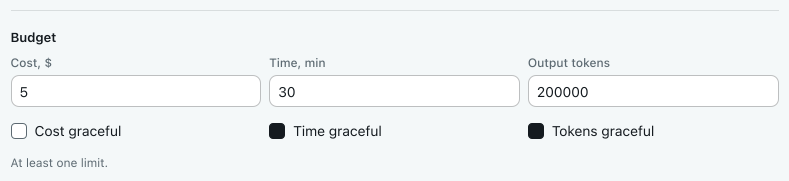
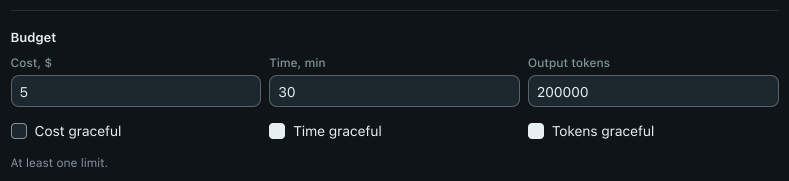
If you leave all three fields empty, the page displays Set at least one limit of the budget. and does not start the epic. The page remembers the last budget you gave the flow in this folder.
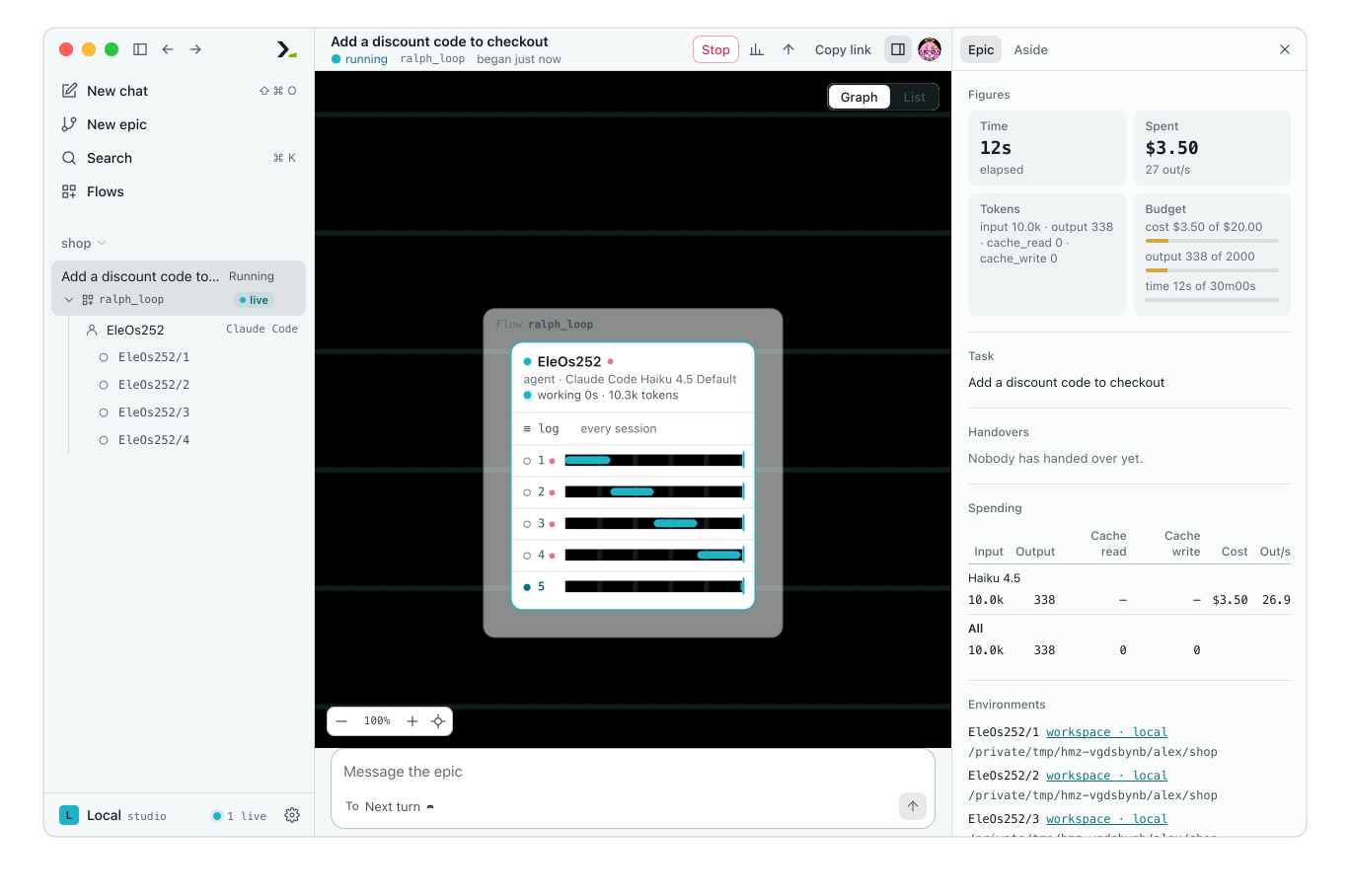
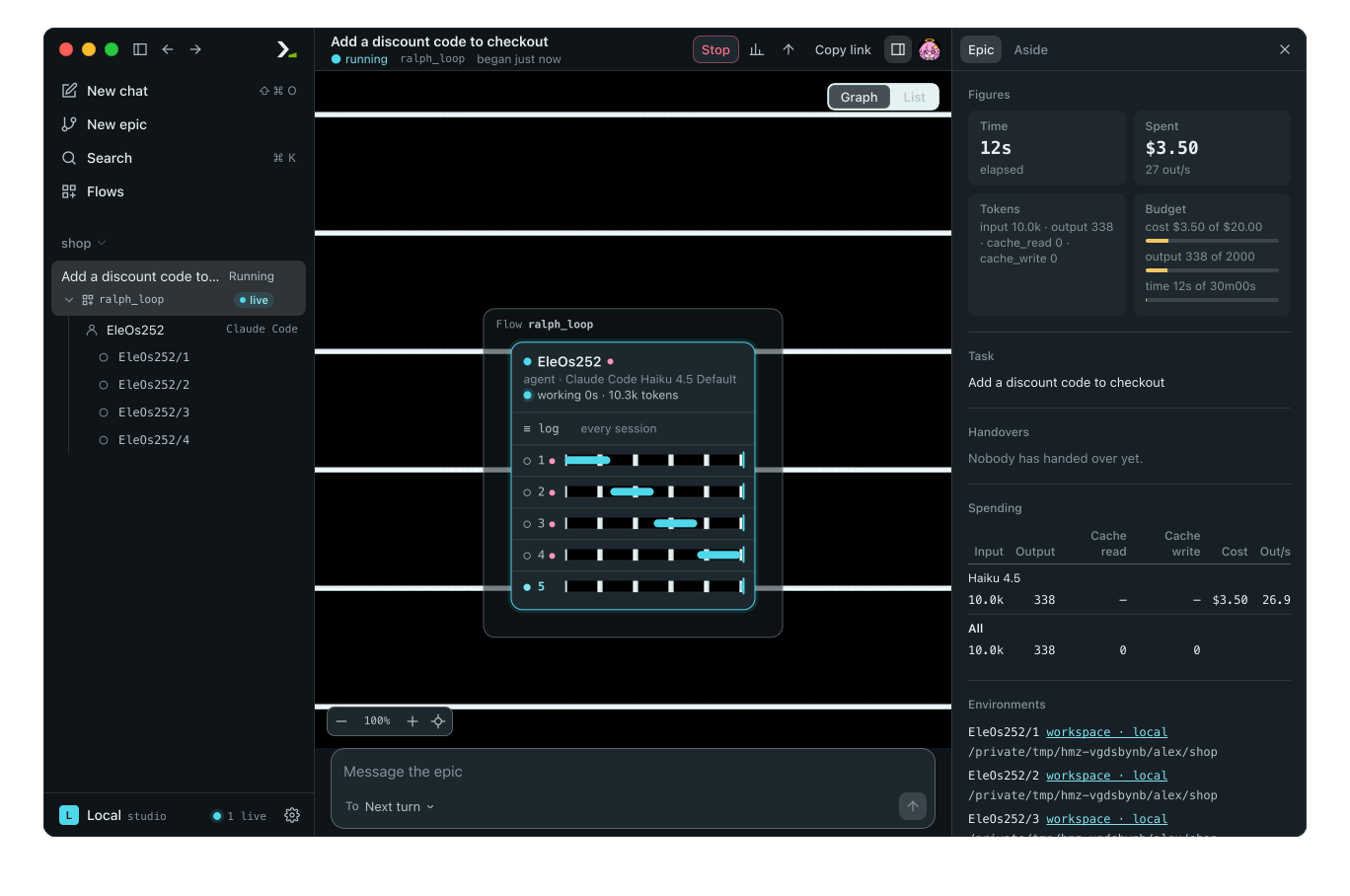
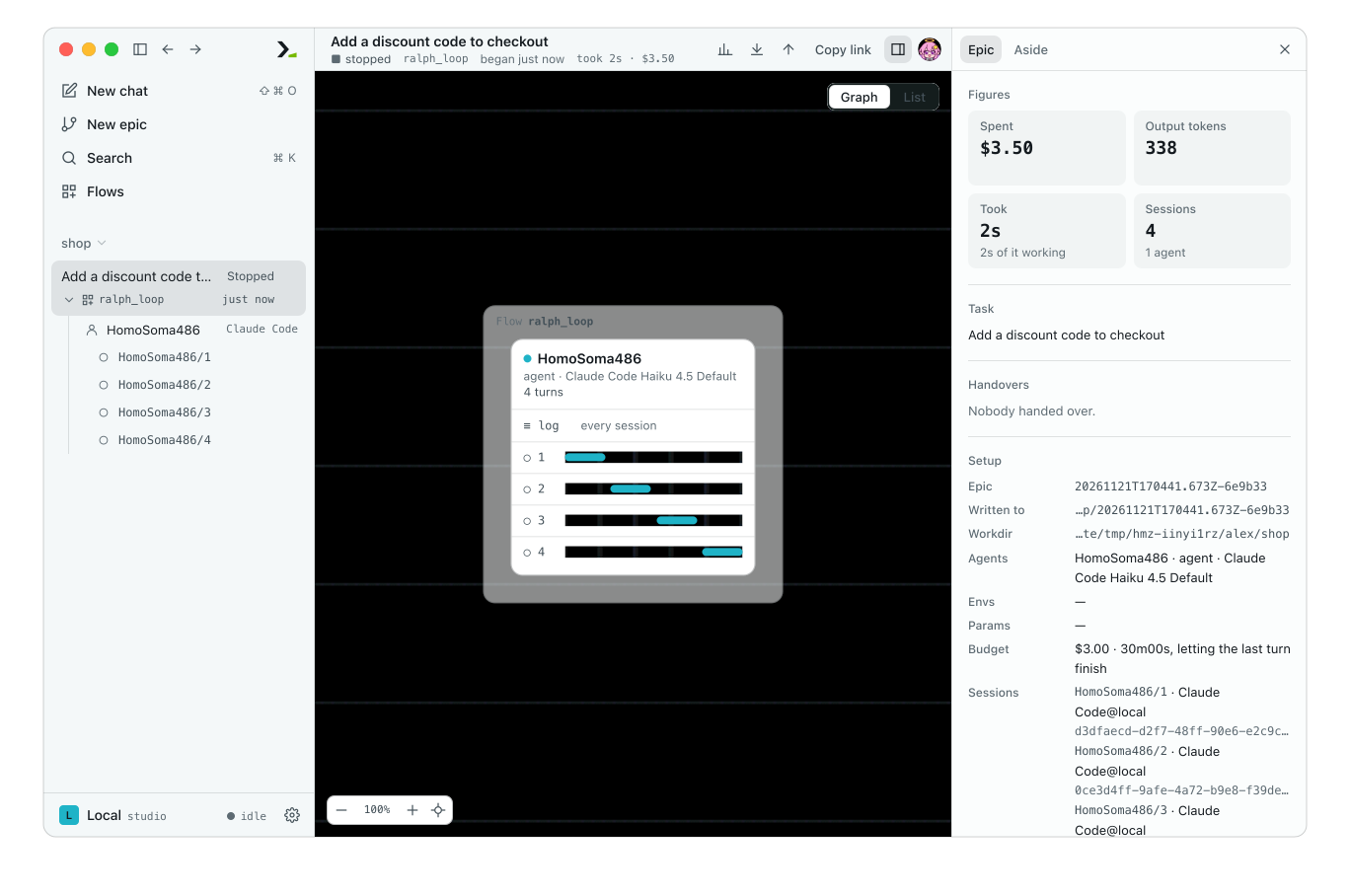
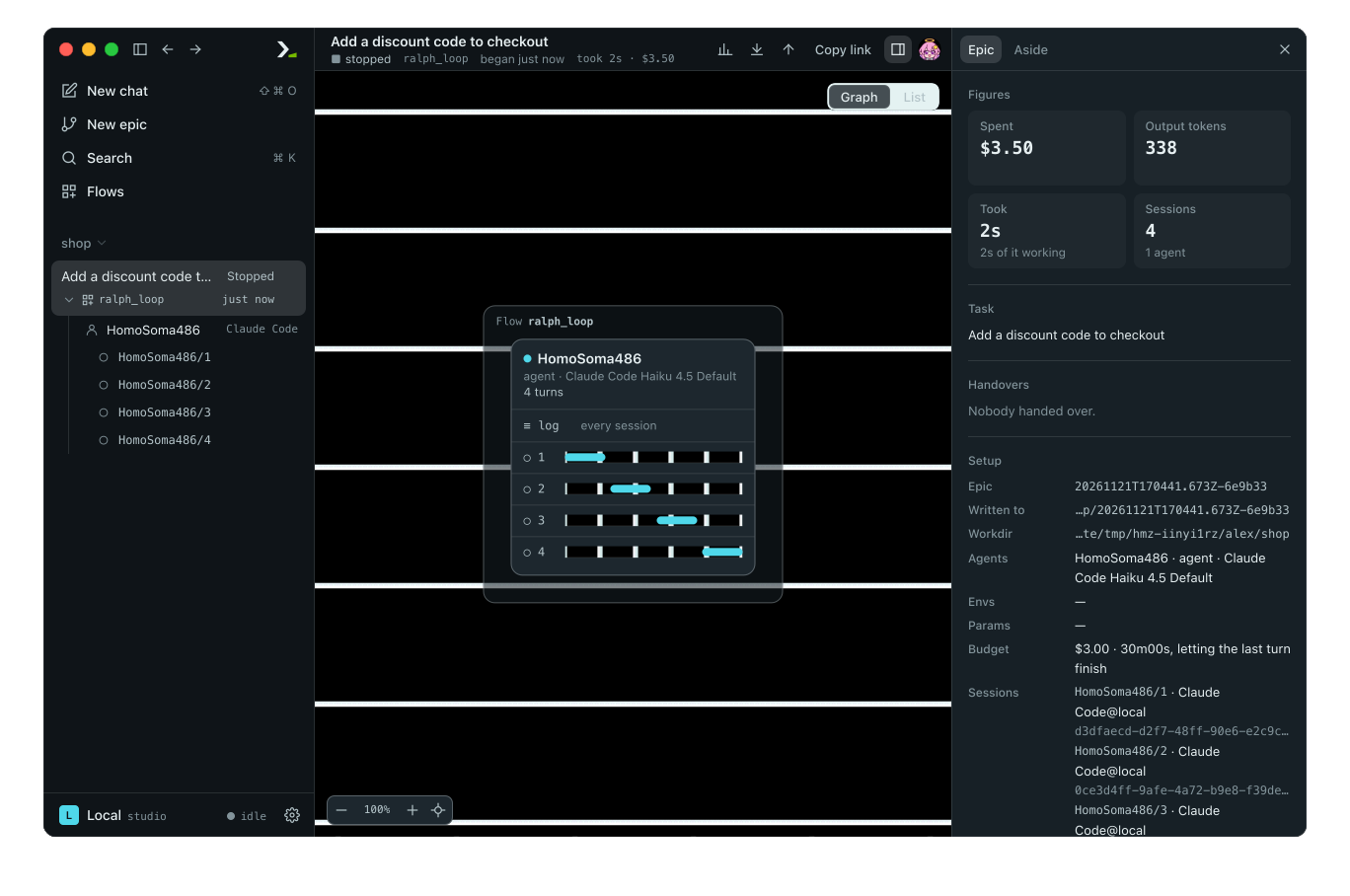
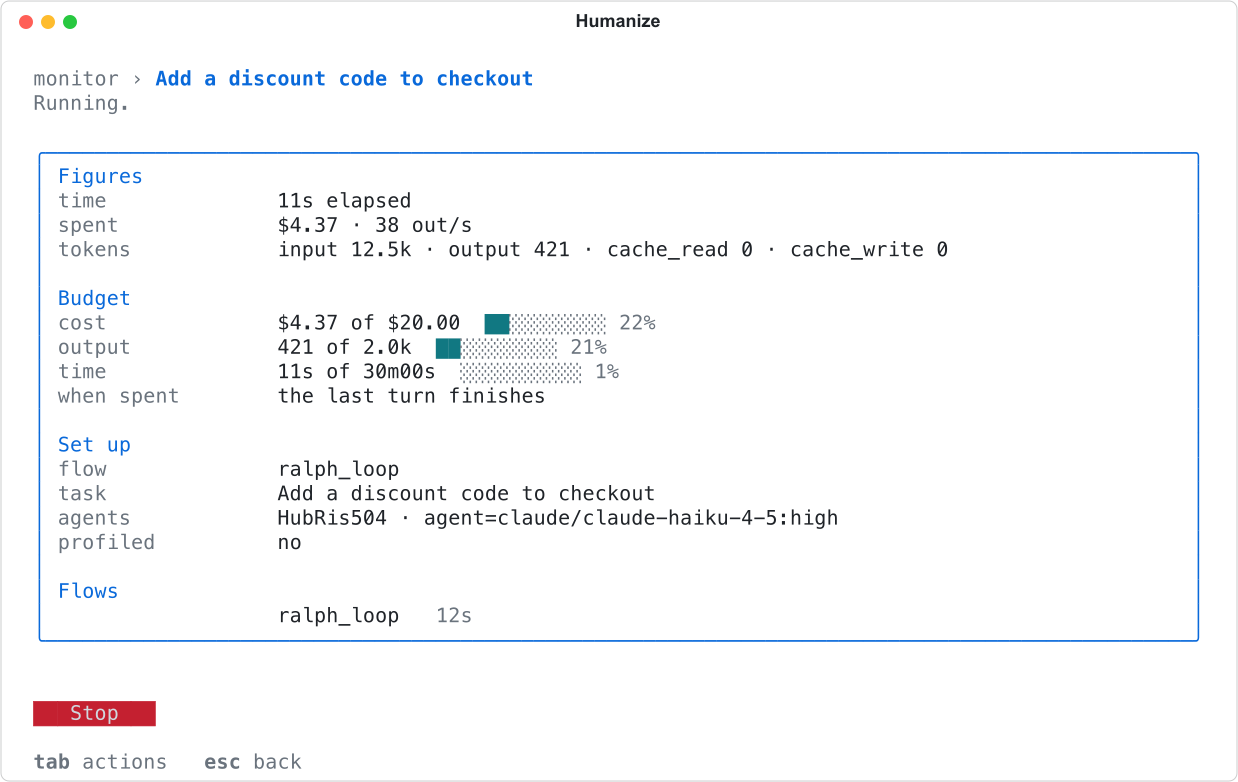
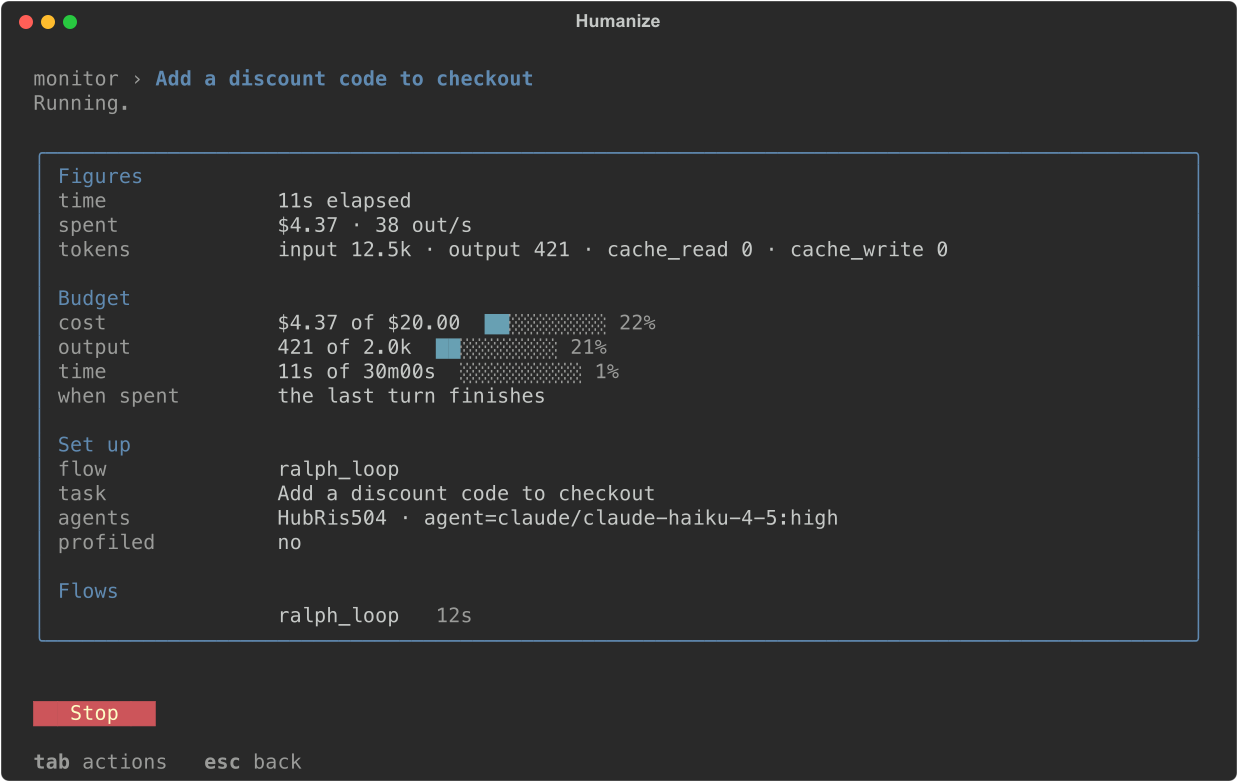
While the epic runs, open the Epic tab of the panel. Under Figures, the Budget tile shows a meter for each limit you set, reading what is spent out of what is allowed.
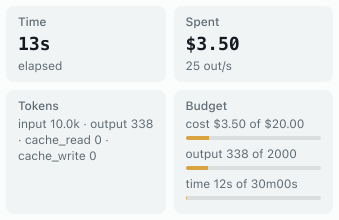
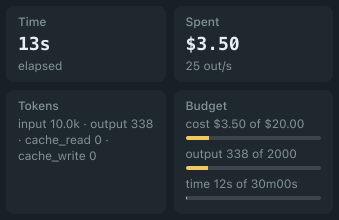
Under Setup, the Budget line states the limits and what happens at each: letting the last turn finish or cut off at once. When the budget ends an epic, the sidebar reads Stopped. The badge under the epic's title reads budget if you were watching, and stopped once you reopen the epic.
In the terminal
- Type
/flowfollowed by the flow's name, and press enter. - Select the
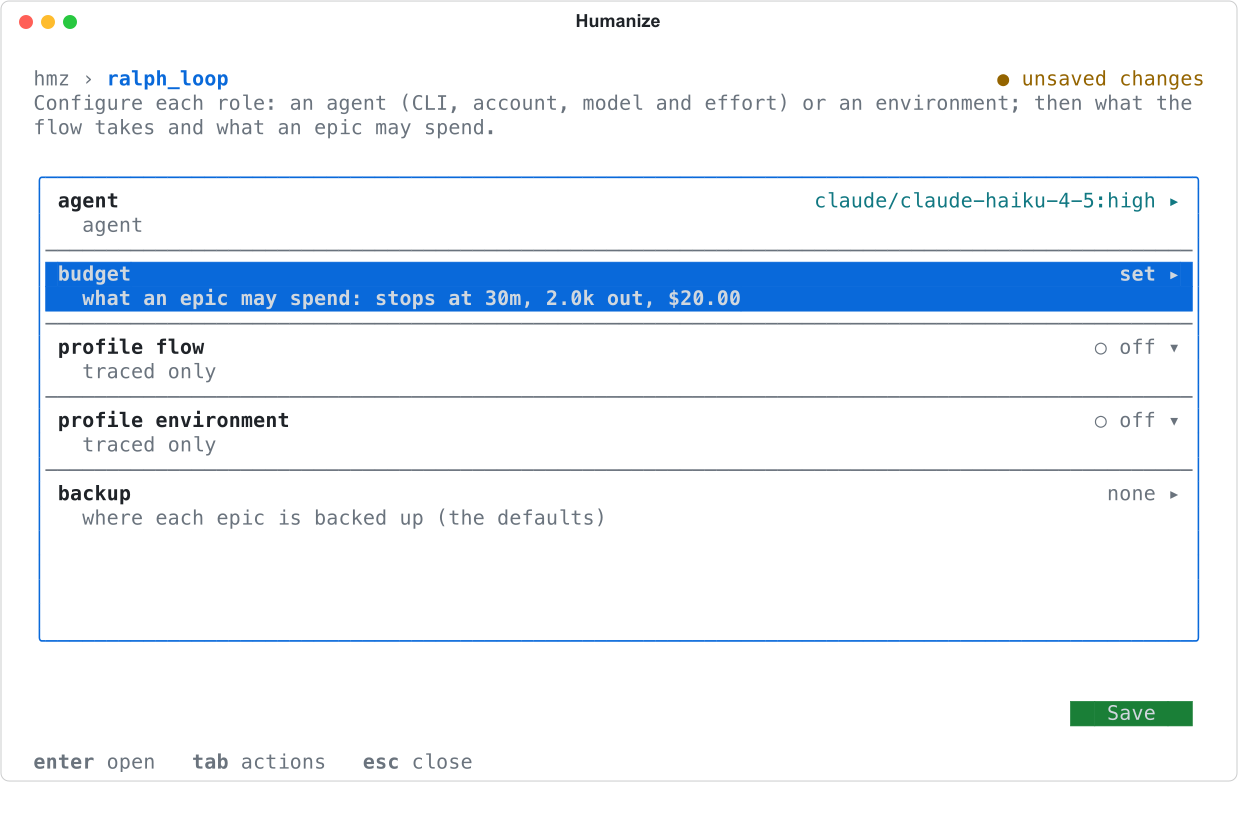
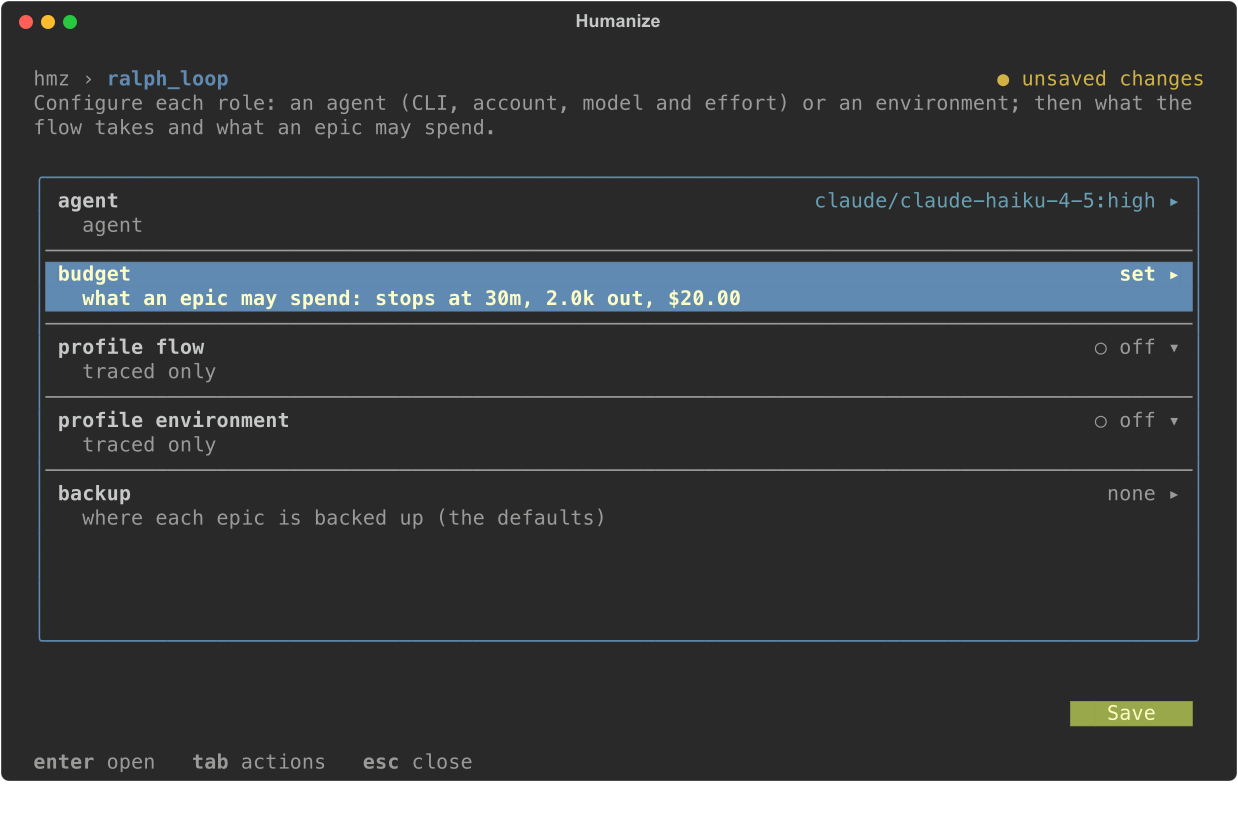
budgetrow and press enter. - Fill in the rows, then choose Set.
- Choose Save.
| Row | Value |
|---|---|
duration | 1h30m, 90s, PT2H; empty for no limit |
cost | US dollars; 0 for no limit |
output_tokens | a count; 0 for no limit |
graceful_duration, graceful_cost, graceful_output_tokens | on lets the turn under way finish; off cuts it off at once |
The budget row then shows the stop conditions, such as stops at 30m, 2.0k out, $20.00. A flow with no budget reads none set; an epic needs one, and choosing Save fails with this flow requires a budget: set the budget first. Humanize remembers the budget for the flow in this folder.
While the epic runs, the first row of the monitor shows each limit as spent out of allowed. Press enter on that row to open the epic's page. The Budget section shows a meter for each limit, and when spent states whether the last turn finishes or is cut off. See Watch a run for details on the monitor. When the budget ends the epic, the transcript reads hmz: stopped -- and the limit name.
From the command line
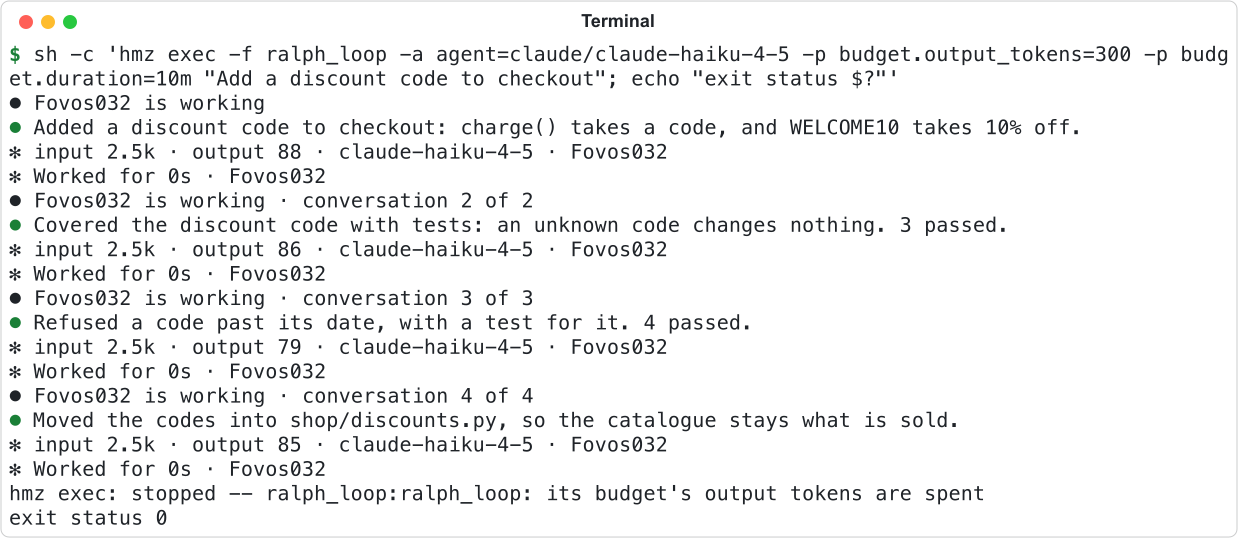
Pass a budget to hmz exec with -p. The command refuses to start if you omit a budget, and exits with status 2.
hmz exec -f ralph_loop -a agent=claude/claude-haiku-4-5 \
  -p budget.duration=1h30m -p budget.cost=5 -p budget.output_tokens=200k \
"Add a discount code to checkout"| Param | Value |
|---|---|
budget.duration | seconds (90), units w d h m s (1h30m), ISO 8601 (PT2H), or HH:MM:SS |
budget.cost | US dollars, with or without a leading $; inf for no cost limit |
budget.output_tokens | a whole number (200000, 200_000), or with k or m (200k, 1.5m) |
budget.graceful | true or false for every limit; also 1, yes, on, 0, no, off |
budget.graceful.duration, budget.graceful.cost, budget.graceful.output_tokens | the same, for one limit; it overrides budget.graceful |
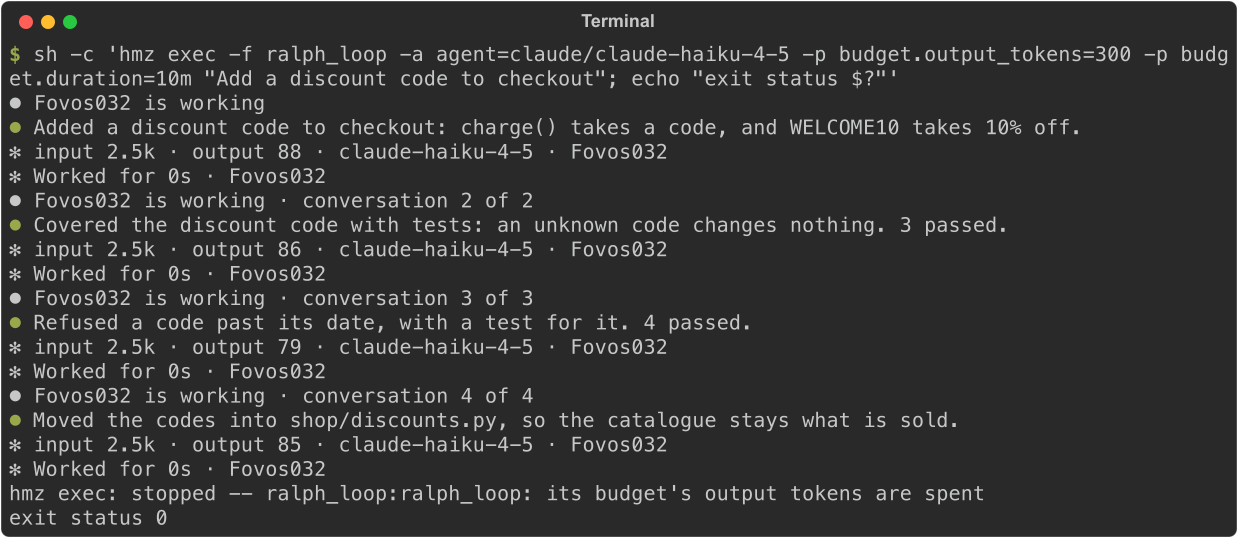
When the budget ends the epic, hmz exec writes a line starting with hmz exec: stopped -- and the limit name to standard error, then exits with status 0.
Models with no listed price
Add a time or output-token limit when running a model with no listed price. A cost limit only counts models on the price list. A turn by an unpriced model counts as $0, so a cost limit cannot stop it. Humanize warns you before the first turn and runs the epic anyway.


This picture was taken with no price list on the machine, so even a known model has no price.
When an epic has a cost limit and the price list is missing or out of date, Humanize fetches it before the first turn. See Cost and usage for details on prices.
Limits set by a flow
A flow can add tighter limits of its own: a budget for a subflow it calls, or a time and output-token limit for a single turn. These limits are built into the flow. The tighter limit always wins, so a flow can never spend more than the epic's budget.
A turn cut off by its own limit keeps its changes and does not run again. The epic continues if the flow chooses to. Flow authors can see Budgets in a flow.
Good to know
- Set at least one of time, cost, or output tokens; the graceful switches alone do not make a budget.
- On the command line,
0is a limit of zero, not "no limit" as in the terminal sheet. To leave a limit off, omit its param. - Once a limit is reached, no new turn starts, whether graceful or not.
- A graceful limit can be overshot by whatever the last turn spends.
- Resuming an epic starts its budget from zero, and earlier spending does not count. See Resume a run.
- To stop an epic before its budget runs out, see Stop a run.
- On
agy,grok, andqwen, tokens are reported only when a turn ends. A flow's per-turn output-token limit cannot cut that turn short, though a time limit can. - A harness driven over ACP reports no tokens at all, so cost and output-token limits count nothing for it. Give its epics a time limit.