Publish a flow to a flowverse
Put a flow in a repository, tag a release, and list it in your own flowverse. Anyone who adds your flowverse can install and run the flow by name.
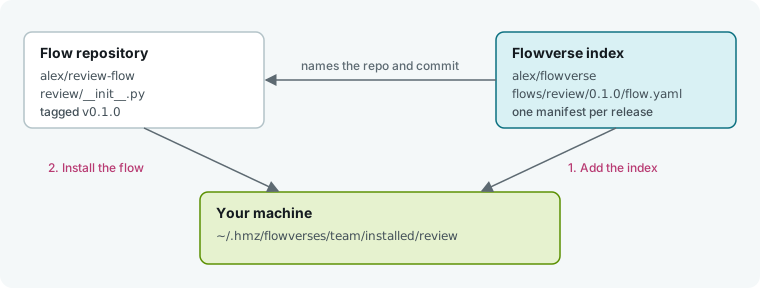
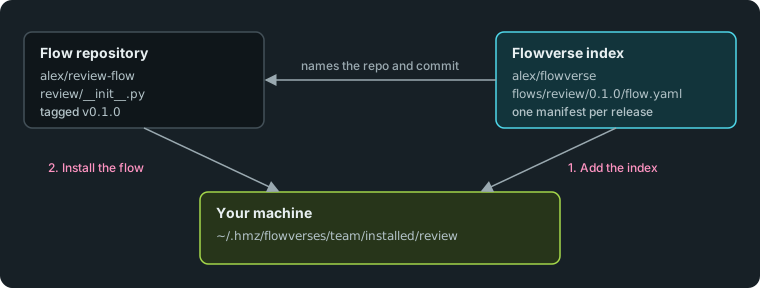
A flowverse is a git repository of manifest files, one per flow release. It holds no code. Each manifest points to the repository and commit of a release.
What you need
- Humanize with one coding agent signed in. See Finish your first task in the terminal.
gitand a GitHub account with two empty repositories:review-flowandflowverse.- Replace the example GitHub user
alexwith your own username.
1. Put the flow in its own repository
Create a repository with a subdirectory named after the flow:
mkdir -p review-flow/review
cd review-flow
Save this flow with one reviewer agent as review/__init__.py:
from hmz.flows import (
    Agent,
    AgentCollection,
    EnvCollection,
    FlowContext,
    FlowParams,
    LocalEnv,
    flow,
)


class Agents(AgentCollection):
    reviewer: Agent


class Envs(EnvCollection):
    workspace: LocalEnv


@flow(agents=Agents, envs=Envs, params=FlowParams)
async def review(
    task: str, *, agents: Agents, envs: Envs, params: FlowParams, ctx: FlowContext
) -> None:
    """Review the current diff and write the findings to REVIEW.md."""
    reviewer = agents["reviewer"]
    session = await reviewer.spawn()
    await reviewer.run(
        f"Write what is wrong with the diff to REVIEW.md.\n\n{task}",
        session=session,
        env=envs["workspace"],
    )
The function name matches its directory. Humanize installs only the review directory, so you can keep tests and a README alongside it. To write your own flow, see Write your first flow.
2. Tag a release
Commit the code, push it, tag a version, and print the commit hash:
git init -b main
git add -A
git commit -m "review 0.1.0"
git remote add origin git@github.com:alex/review-flow.git
git push -u origin main
git tag v0.1.0
git push origin v0.1.0
git rev-parse 'v0.1.0^{commit}'
The last command prints the 40-character commit hash. Copy it for step 3.
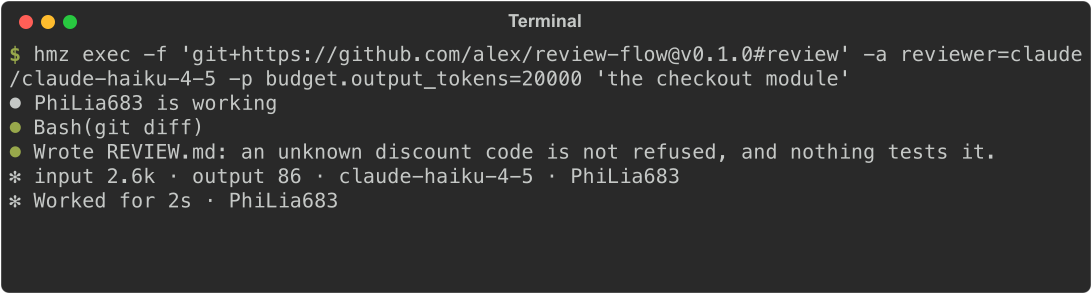
Run the release directly by URL from any project without installing it:
hmz exec -f 'git+https://github.com/alex/review-flow@v0.1.0#review' -a reviewer=claude/claude-haiku-4-5 -p budget.output_tokens=20000 'the checkout module'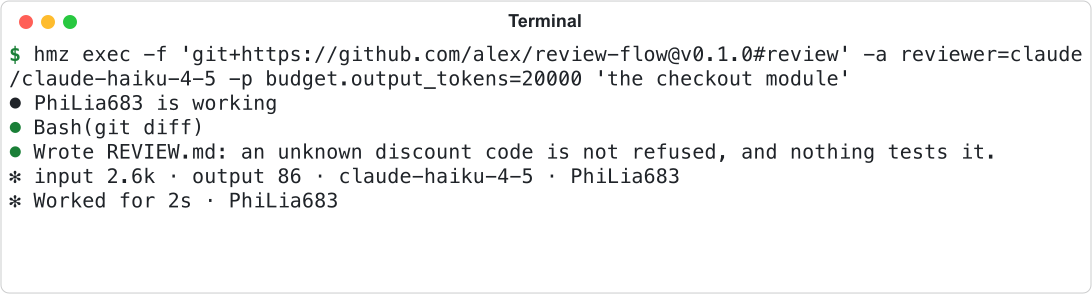
3. List the release in a flowverse
Create the index repository beside the flow's, not inside it. It holds one file per release, at flows/<flow>/<version>/flow.yaml:
cd ..
mkdir -p flowverse/flows/review/0.1.0
cd flowverse
Save this as flows/review/0.1.0/flow.yaml with your repo and commit:
name: review
version: 0.1.0
description: Review the current diff and write the findings to REVIEW.md.
repo: alex/review-flow
ref: v0.1.0
commit: 4b1f0c9e2d7a83f5c6e0b9a1d2c3e4f5a6b7c8d9
subdir: review
license: MIT| Key | Meaning |
|---|---|
name | Flow name. Must match its directory in the index. Lower-case letters, digits, and _, starting with a letter. |
version | SemVer release. Must match its directory in the index. |
repo | Code location: owner/repo on GitHub, or a git URL starting with https://, http://, ssh://, git:// or file://. |
commit | Full commit hash to install. |
description | Optional. One-line summary. |
ref | Optional. Tag or branch the release was cut from, for human readers. |
subdir | Optional. Directory holding the flow. Omit for the repository root. |
license | Optional. SPDX license name. |
Push the index repository:
git init -b main
git add -A
git commit -m "review 0.1.0"
git remote add origin git@github.com:alex/flowverse.git
git push -u origin main
Your flow is now published. See Publish and version a flow for flow dependencies and the official flowverse.
4. Add the flowverse and install the flow
Open Humanize Desktop or the hmz web page:
- Click Flows in the sidebar, then select the Flowverses tab.
- Click + (Add flowverse).
- Enter
alex/flowversein URL andteamin Name (leave Name blank to default to the repository name). - Click Add. A
teamtab appears and listsreview. - Click Install.
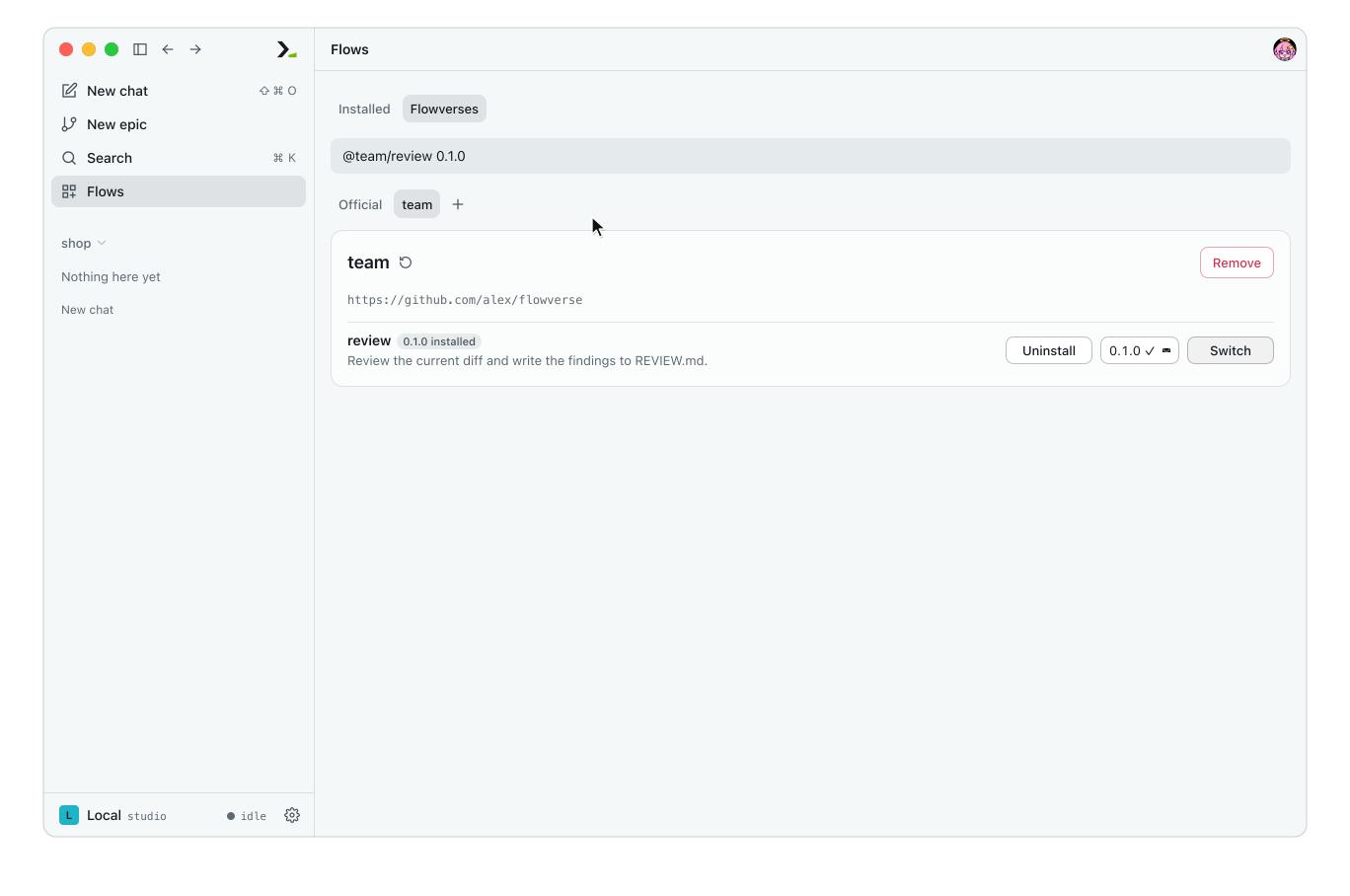
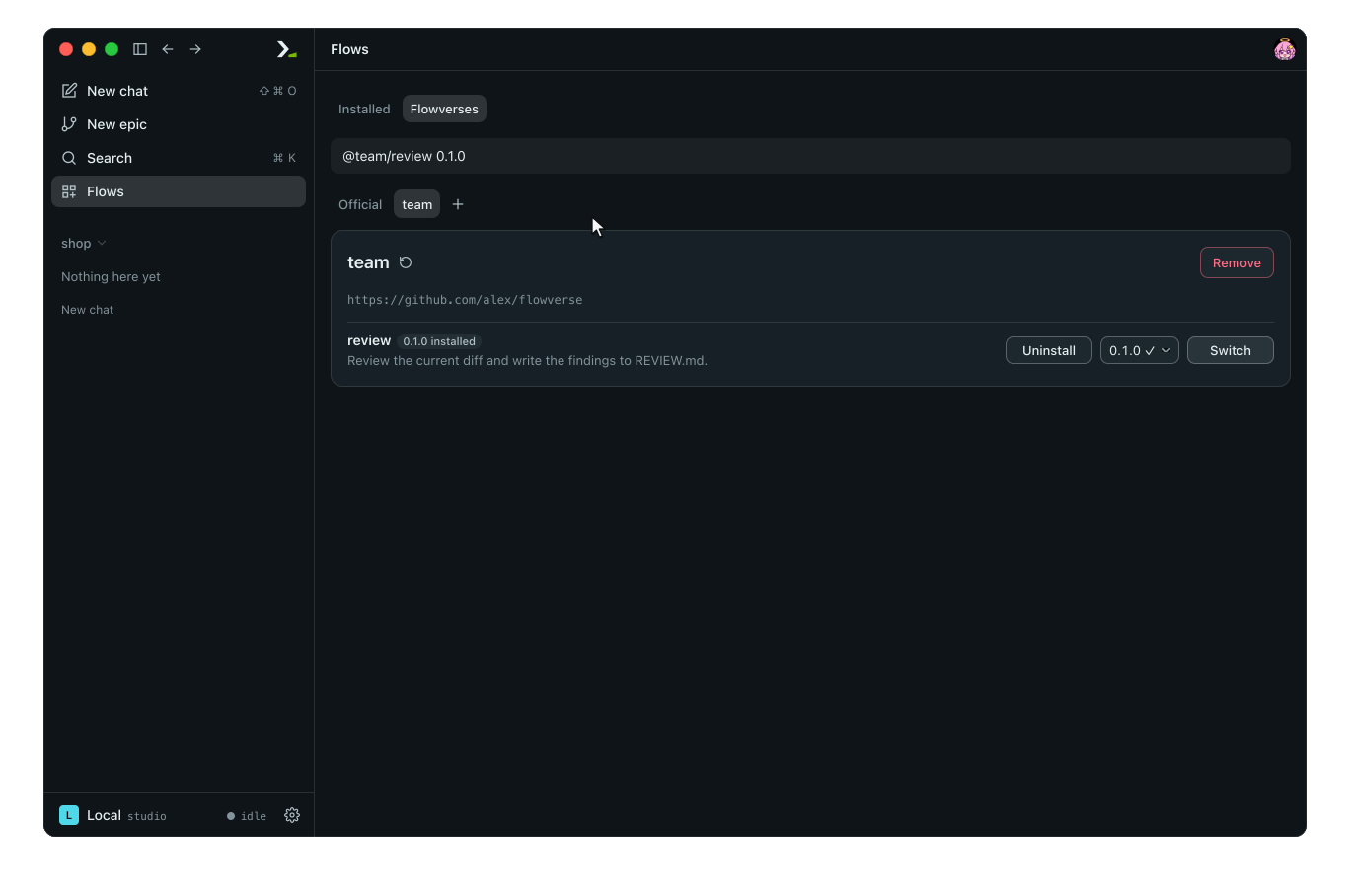
Adding a flowverse clones the index without running code. Installing copies the flow at the pinned commit onto your machine.
WARNING
Flows are Python code that Humanize imports when listing flows. Install flows only from repositories you trust.
Open the Installed tab to see @team/review. Click the card to view its declarations, and click New epic to start it.
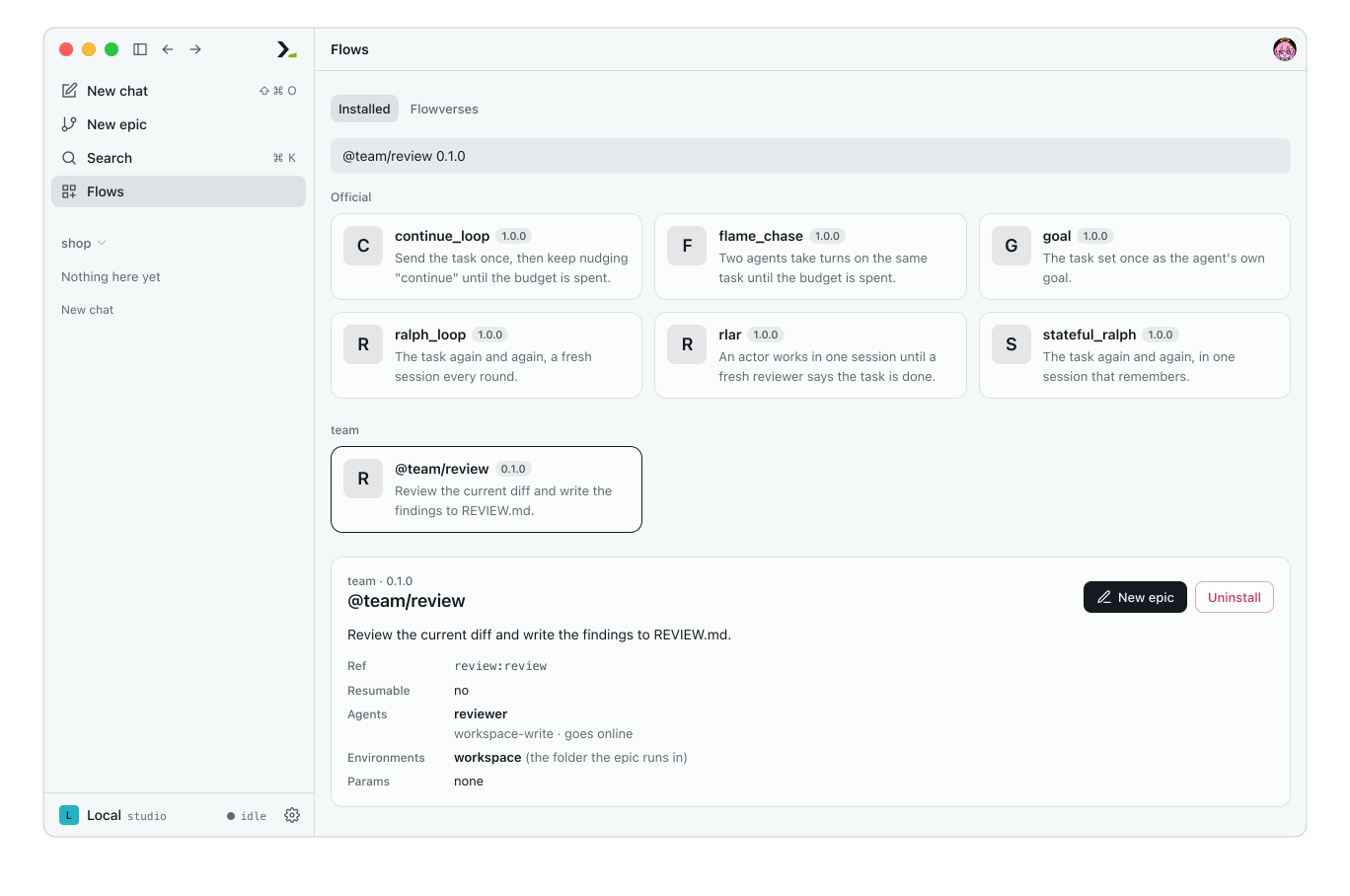
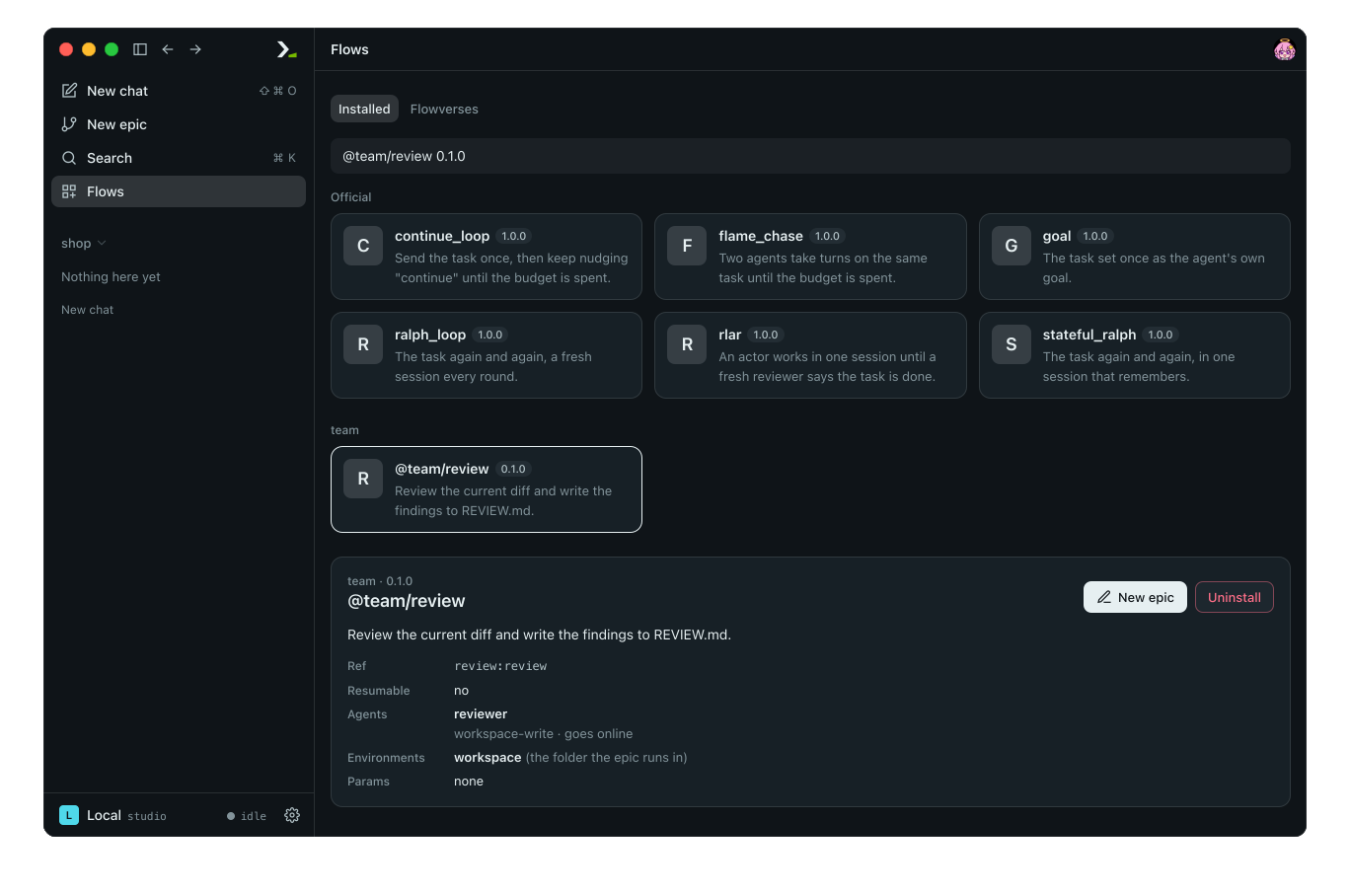
Run the installed flow by name from the command line:
hmz exec -f @team/review -a reviewer=claude/claude-haiku-4-5 -p budget.output_tokens=20000 'the checkout module'5. Publish an update
Edit the flow, commit, and tag v0.2.0 as in step 2. Add flows/review/0.2.0/flow.yaml to the index with version: 0.2.0, ref: v0.2.0, and the new commit hash, then push the index.
In the app, go to Flows > Flowverses > team and click the Fetch arrow beside the name. The page shows 1 update, and the card on the Installed tab shows 0.2.0 out. Open the card and click Update to 0.2.0.
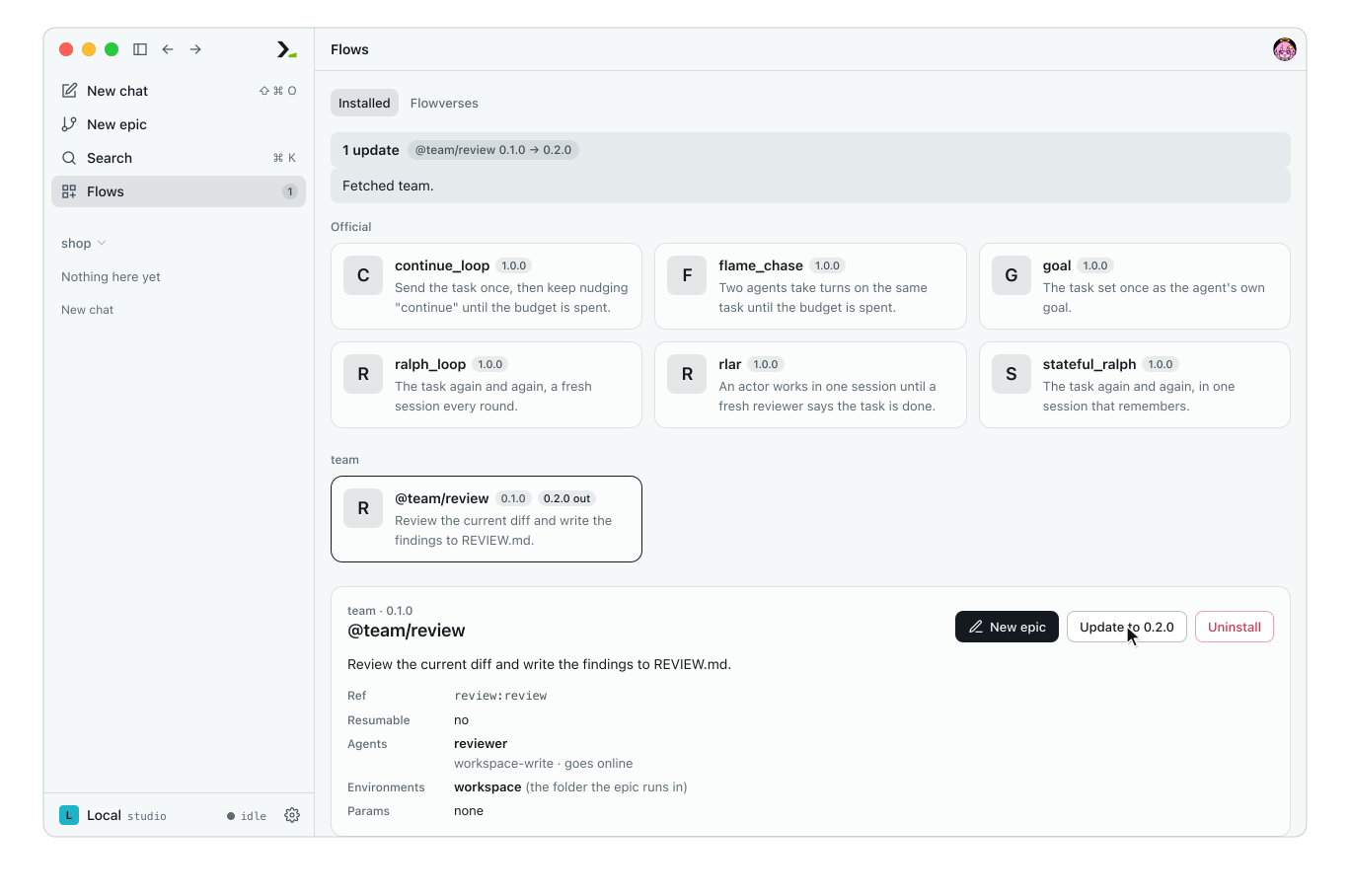
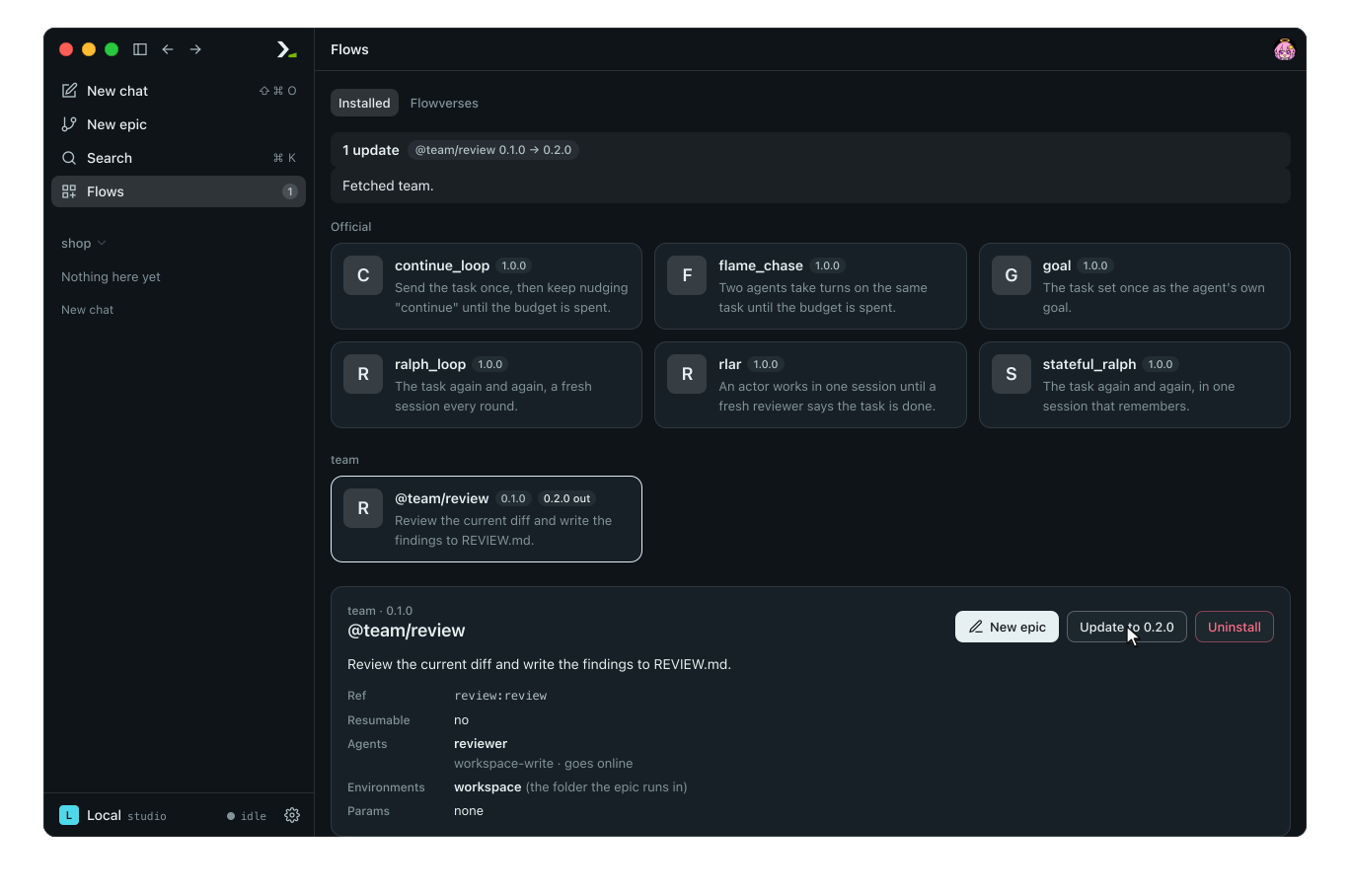
Fetching updates the index list. Your installed flow stays at its current commit until you click update.
6. Switch versions
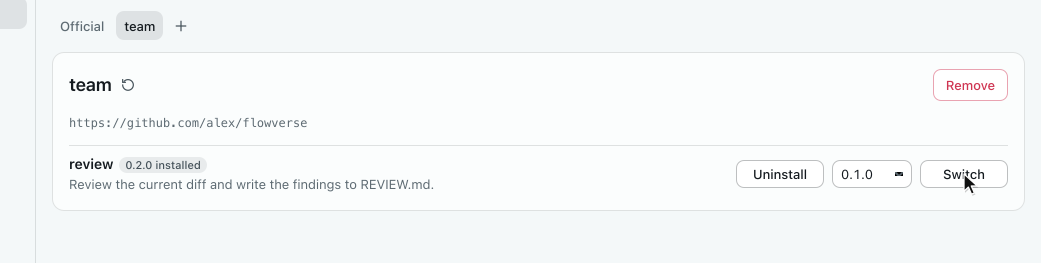
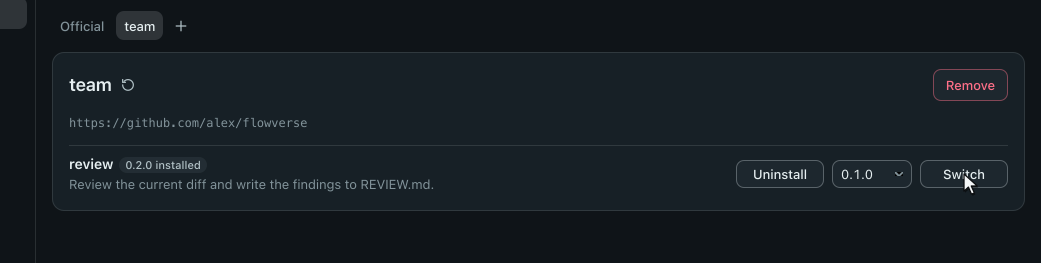
Open the Flowverses tab, select team, pick 0.1.0 in the release list next to review, and click Switch.
7. Manage flows in the terminal
In hmz, run /flow and press enter.
- Press tab to reach the buttons, then press enter on Install more….
- Press tab and press enter on Add flowverse….
- Type the repository, press enter, type the name, and press enter twice.
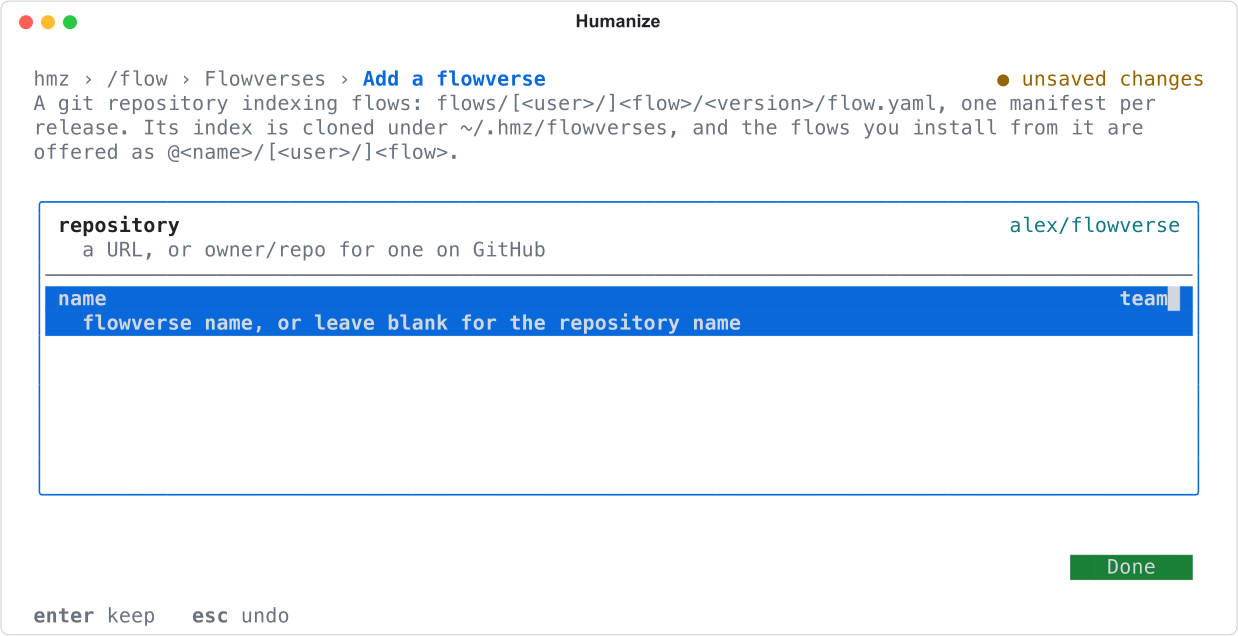
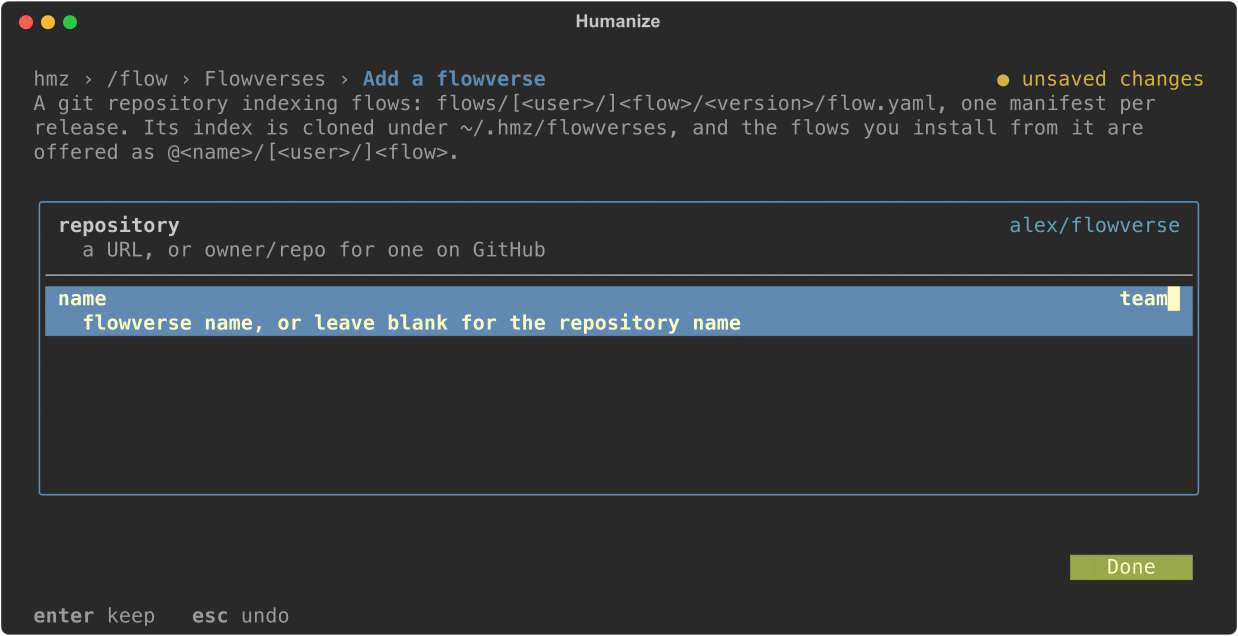
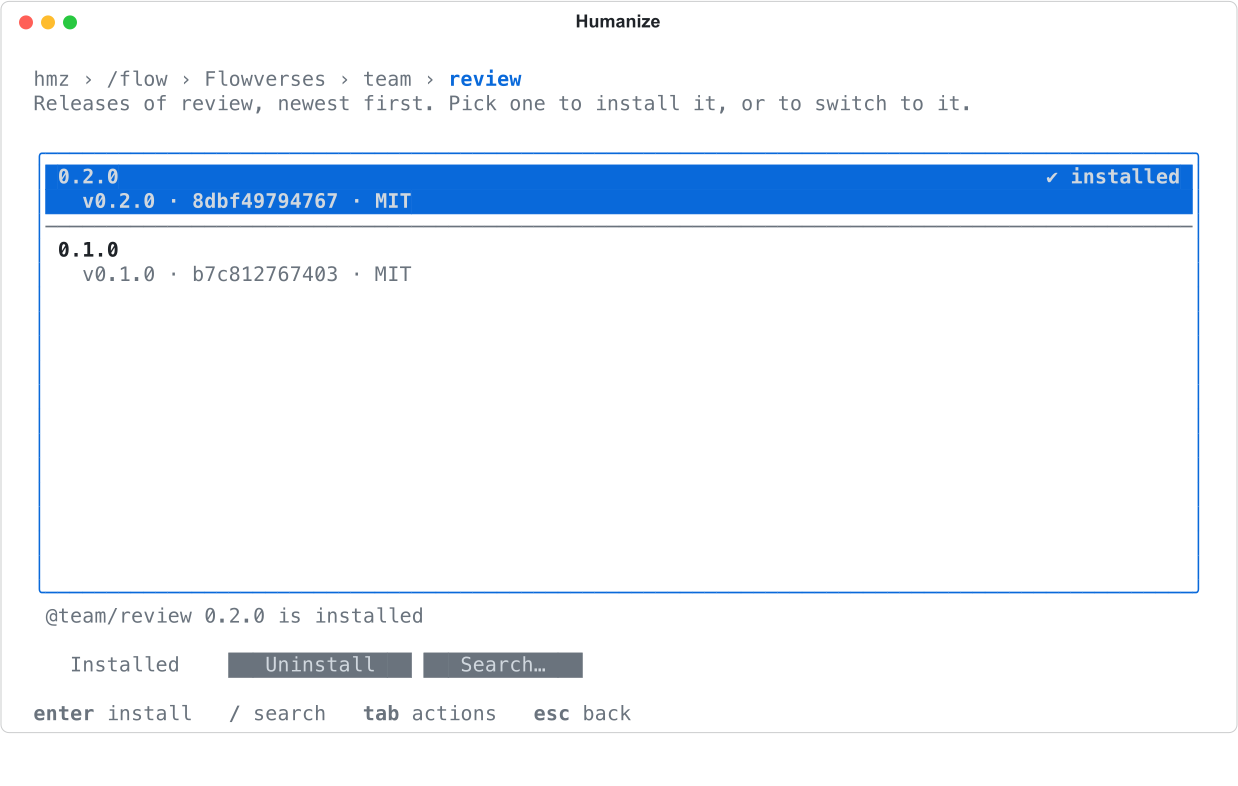
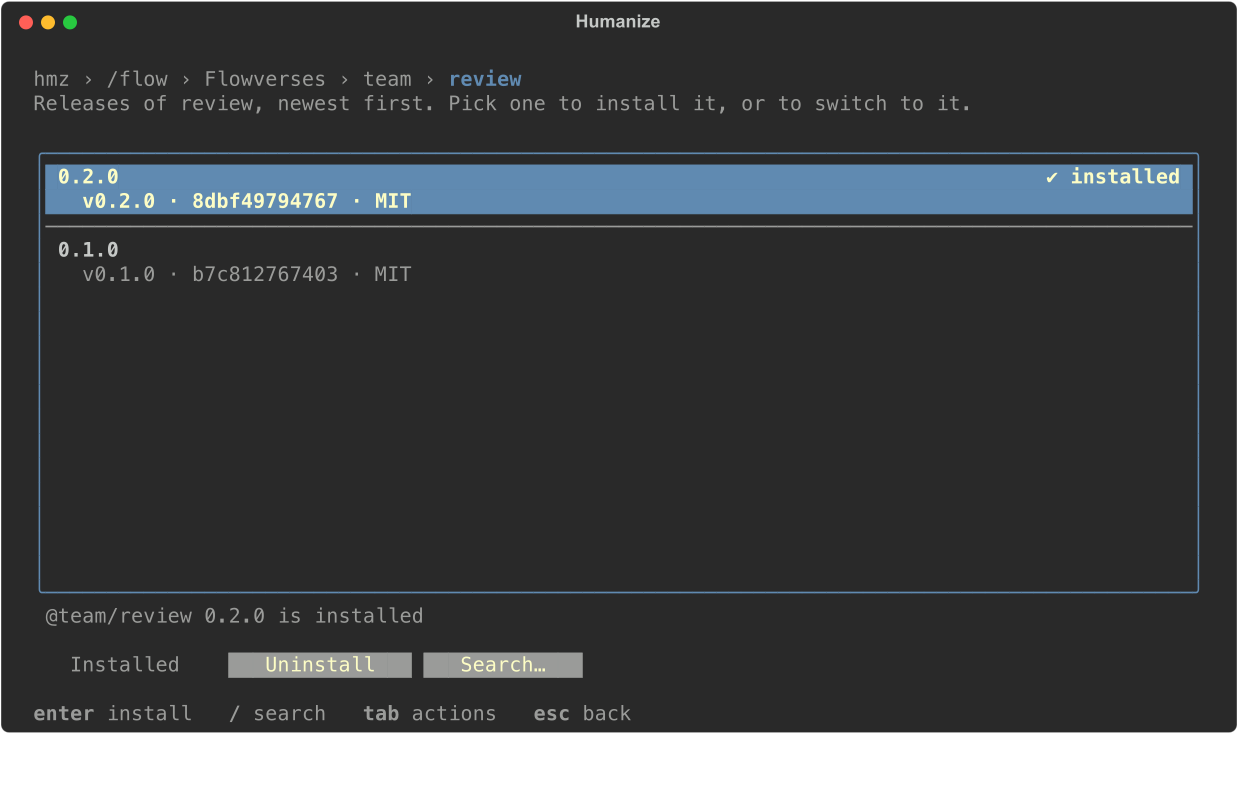
To install, update, or switch versions, press enter on the flowverse, the flow, and the target release. A tick marks the installed release.
What you did
- Packaged a flow in a git repository and tagged a release.
- Ran the release directly from its git URL.
- Created a
flow.yamlmanifest and pushed a flowverse index. - Added the flowverse and installed
@team/review. - Released
0.2.0, updated the flow, and rolled back to0.1.0.
Next
- Publish and version a flow: all manifest keys, dependencies, and the official flowverse.
- Find and install flows: full reference for the Flows page and
/flow. - Test a flow: verify a flow before tagging a release.
- The catalogue of official flows.