Write your first flow
Write a flow in one Python file and run it from the command line and the app. A flow is a Python function that tells agents what to do and in what order. Your flow runs an agent on a task, then sends it back to review and fix its work for as many rounds as you ask.
What you need
hmzinstalled and one coding agent signed in. If you need to set this up, do Finish your first task in the terminal first.- A project folder, such as
~/shop. An empty folder works too. - Enough Python to read an
asyncfunction.
1. Create the flow file
Create .hmz/flows/ in your project folder, where your own flows live:
cd ~/shop
mkdir -p .hmz/flows
Create .hmz/flows/polish.py with this code:
from hmz.flows import (
    Agent,
    AgentCollection,
    EnvCollection,
    FlowContext,
    FlowParams,
    LocalEnv,
    flow,
)


class Agents(AgentCollection):
    coder: Agent


class Envs(EnvCollection):
    workspace: LocalEnv


@flow(agents=Agents, envs=Envs, params=FlowParams)
async def polish(
    task: str, *, agents: Agents, envs: Envs, params: FlowParams, ctx: FlowContext
) -> None:
    """Do the task, then read it over and fix it."""
    coder = agents["coder"]
    workspace = envs["workspace"]
    session = await coder.spawn()
await coder.run(task, session=session, env=workspace)| Part | Meaning |
|---|---|
Agents | Agent roles the flow needs. This flow has one role, coder. You choose which coding agent fills it when you run the flow. |
Envs | Where the agents work. LocalEnv is the folder you run the flow in. |
@flow | Marks the function as a flow. The file name, polish, is the name you run the flow by. The first line of the docstring is its description. |
coder.spawn() | Opens a session, which is one conversation with the agent. |
coder.run() | Takes one turn in the session: sends the text and waits for the agent to finish. |
2. Run it from the command line
Run the flow on a task. Pass -f to name the flow, -a to assign a coding agent to the coder role, and -p budget.duration to cap the run time. Every run needs a budget.
hmz exec -f polish -a coder=claude/claude-haiku-4-5 -p budget.duration=10m \
    "Add a discount code to checkout"
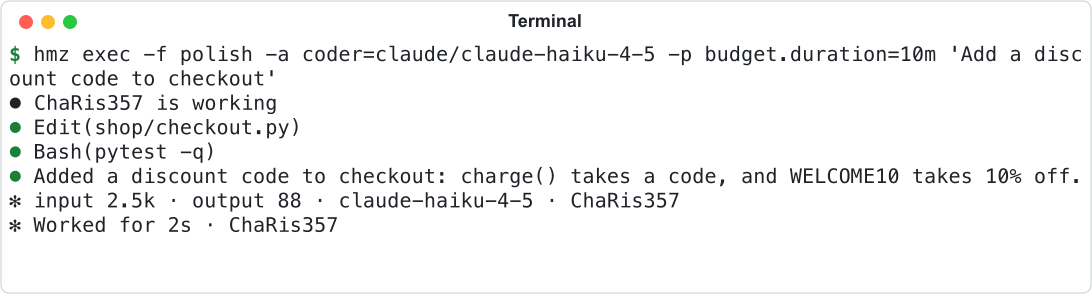
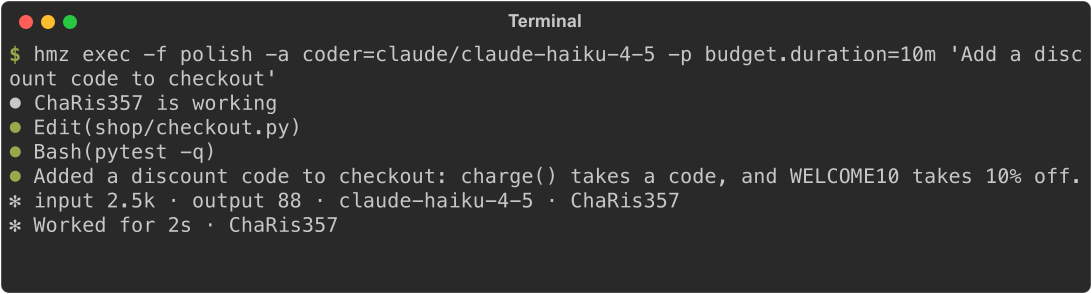
The agent takes one turn, as in the picture at the top of this page. The terminal prints each tool call, the agent's answer, and the token count, then exits.
To use another coding agent or model, change the value after coder=. See Coding agents for the full list.
3. Add a loop
Add AGAIN above the function and a for loop at the end so the agent reviews its own work twice in the same session:
AGAIN = "Read your change again. Fix anything wrong or missing."


@flow(agents=Agents, envs=Envs, params=FlowParams)
async def polish(
    task: str, *, agents: Agents, envs: Envs, params: FlowParams, ctx: FlowContext
) -> None:
    """Do the task, then read it over and fix it."""
    coder = agents["coder"]
    workspace = envs["workspace"]
    session = await coder.spawn()
    await coder.run(task, session=session, env=workspace)
    for _ in range(2):
        await coder.run(AGAIN, session=session, env=workspace)
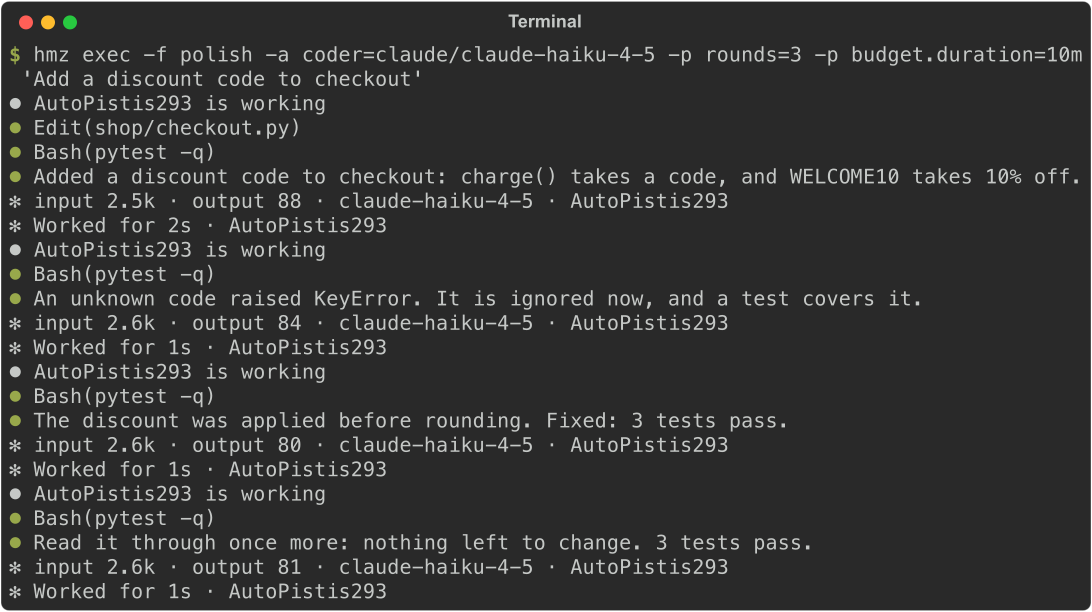
Save the file and run the same command again. There is nothing to rebuild or restart: the next run uses the saved file and takes three turns.
4. Add a param
Turn the loop count into a param so the caller can set it at run time. Subclass FlowParams, pass the class to @flow and the function signature, and use params.rounds in the loop:
class Params(FlowParams):
    rounds: int = 2


@flow(agents=Agents, envs=Envs, params=Params)
async def polish(
    task: str, *, agents: Agents, envs: Envs, params: Params, ctx: FlowContext
) -> None:
    """Do the task, then read it over and fix it."""
    coder = agents["coder"]
    workspace = envs["workspace"]
    session = await coder.spawn()
    await coder.run(task, session=session, env=workspace)
    for _ in range(params.rounds):
        await coder.run(AGAIN, session=session, env=workspace)
Set the param with -p. If you omit it, rounds defaults to 2.
hmz exec -f polish -a coder=claude/claude-haiku-4-5 -p rounds=3 \
    -p budget.duration=10m "Add a discount code to checkout"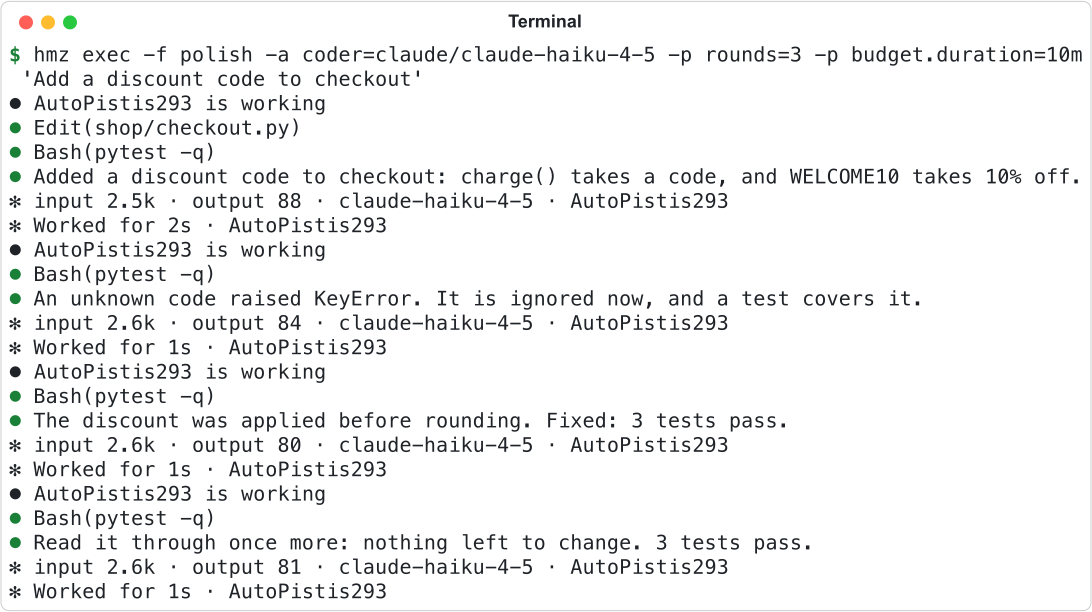
hmz exec rejects unknown params before the flow starts. Here round is typed instead of rounds:


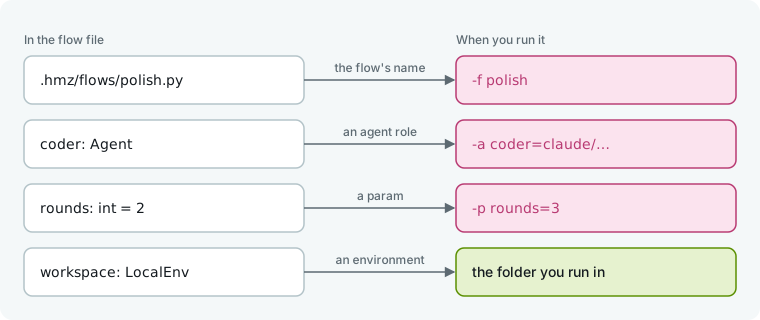
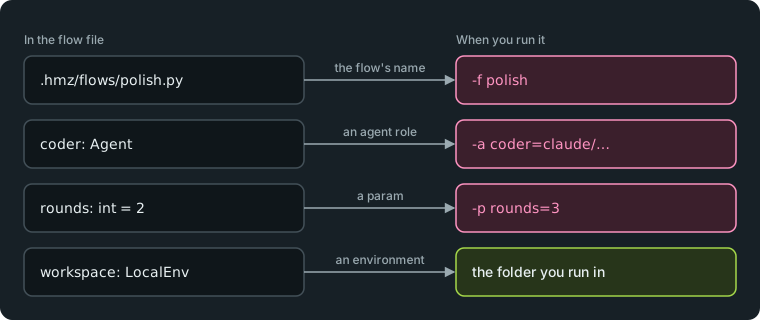
Each name in the file maps to a flag on the command line:
5. Run it from the app
Open Humanize Desktop, or run hmz web in your project folder to open the same interface in a browser.
- Click New epic in the sidebar.
- Check that Folder is your project.
- Open the Flow menu at the top and pick
@local/polishunderlocal. - Under Agents, check the coding agent chosen for
coder, or open its menu to pick another. Under Parameters, setroundsto 3. - Under Budget, type 10 in Time, min.
- Type the task in the box at the bottom and press enter.
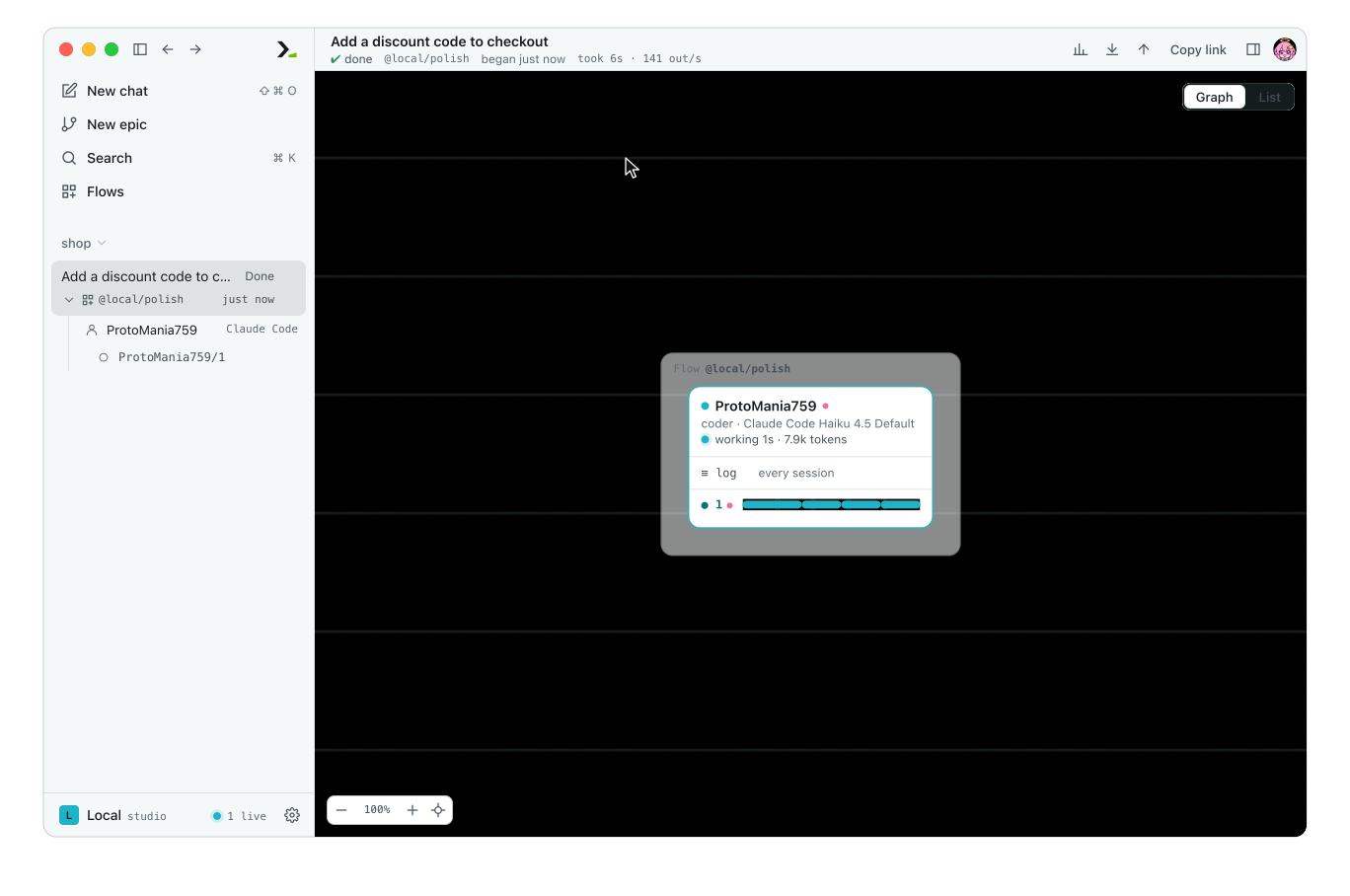
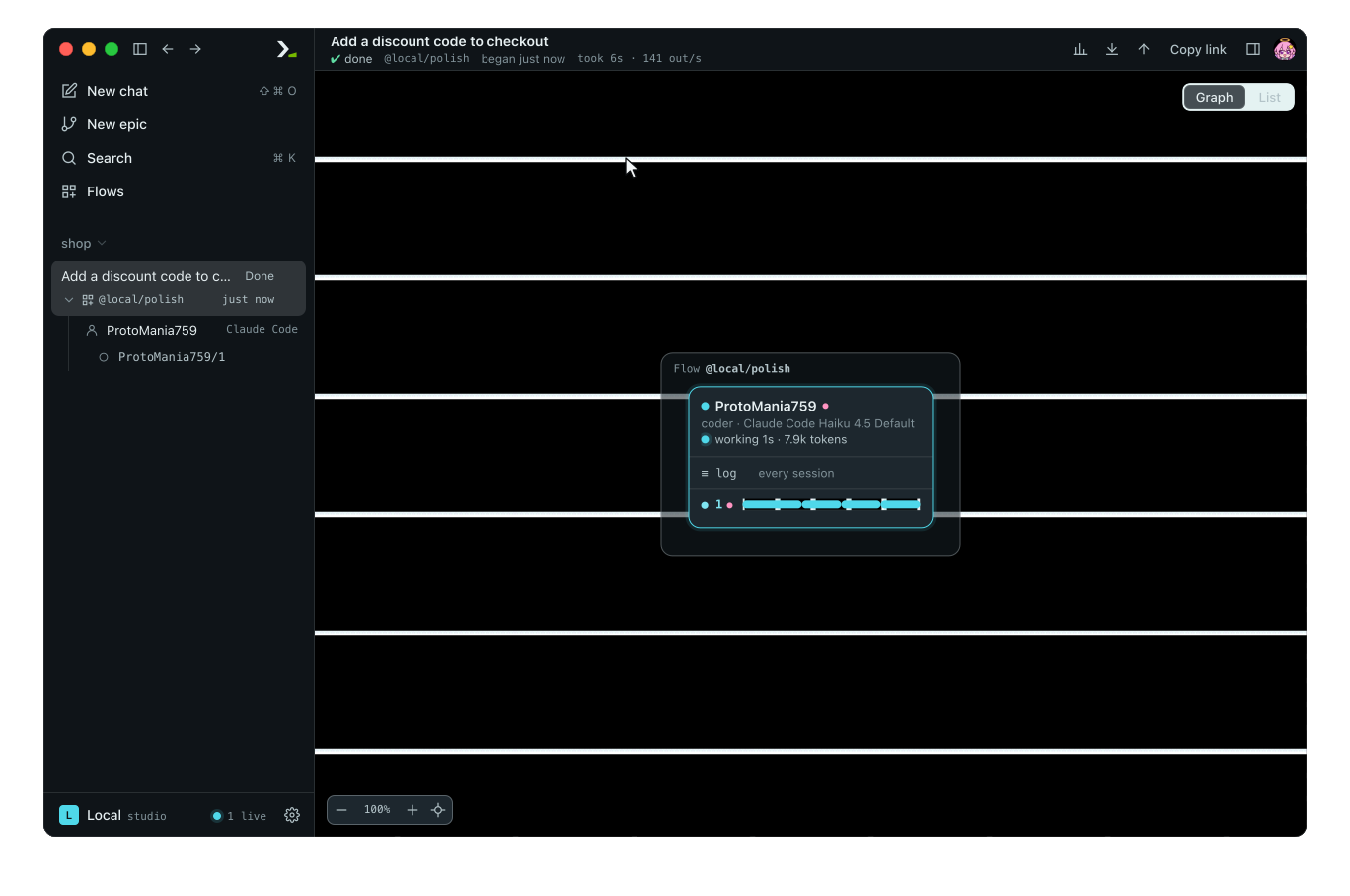
@local/polish is the full name of the flow. You can also pass -f @local/polish on the command line.
6. Read the epic
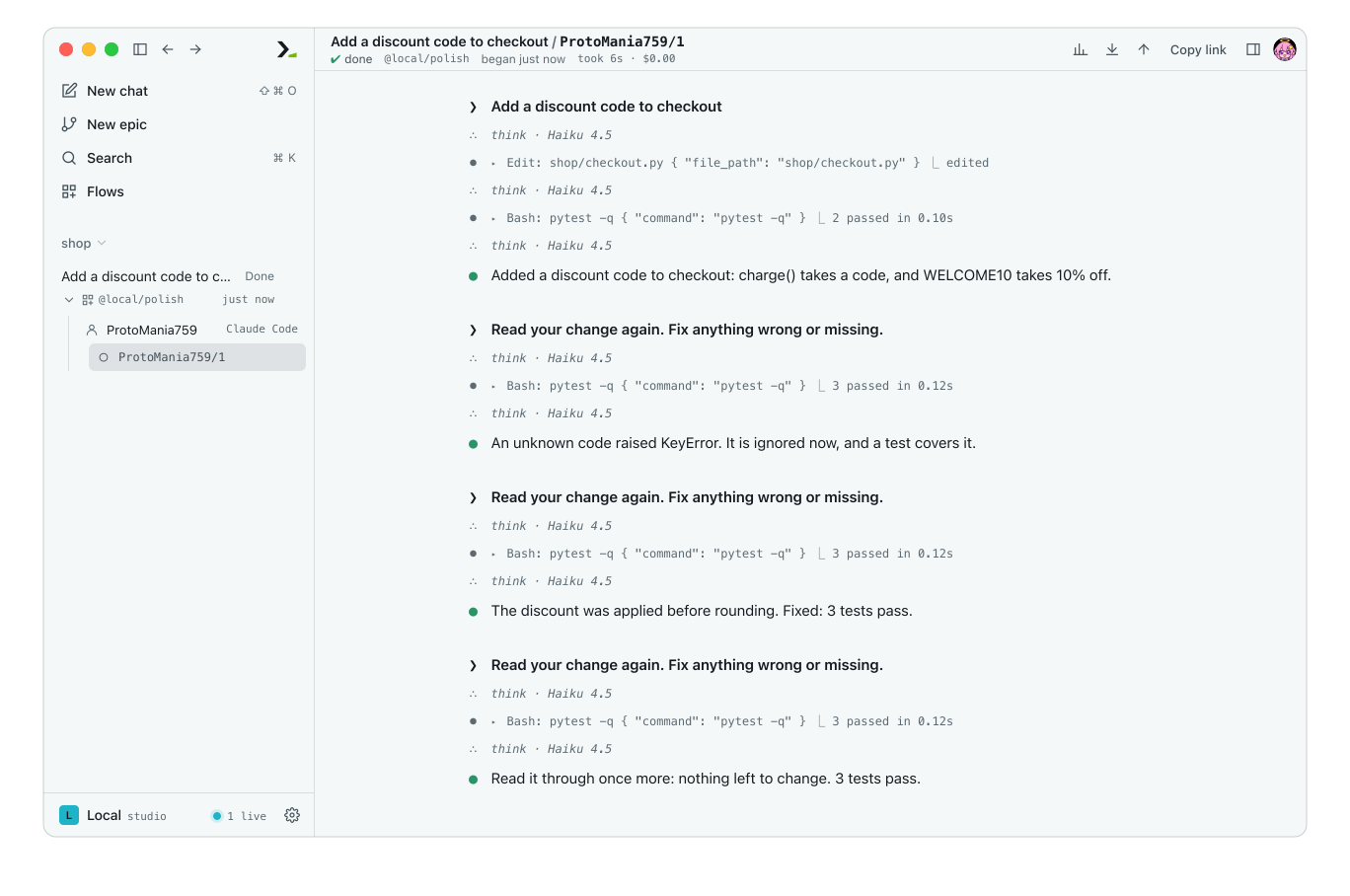
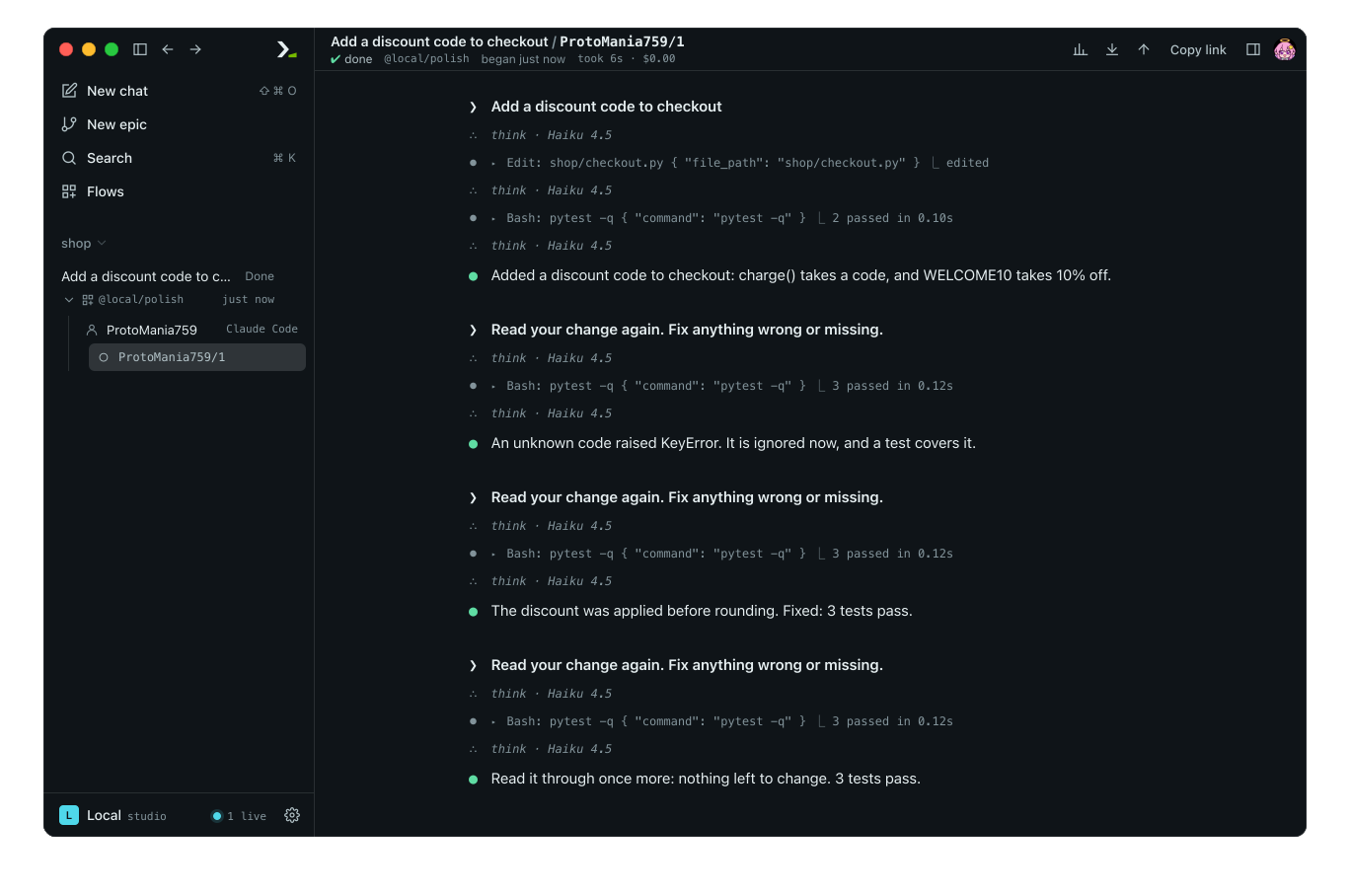
Click the session under the agent in the sidebar. Each run is recorded as an epic, now marked Done, and its graph shows one agent and one session. The session view shows the initial task followed by rounds review turns, with every tool call and answer.
What you did
- Wrote a flow in
.hmz/flows/polish.pywith one agent role and one environment. - Ran it with
hmz execand from New epic in the app. - Turned a single turn into a multi-turn loop in one session.
- Added a param and set it with
-pand in the form. - Inspected the completed epic turn by turn.
Next
- Build an actor–reviewer loop under test: use two agents and test the flow without a real agent.
- Anatomy of a flow: see all
@flowoptions and where flow files live. - Loops and Params: learn more ways to stop a loop and define params.
- Watch a run: read the graph and panels of an epic.