The daemon
The daemon is one background process per machine and user. It holds every epic and chat so they keep running when you close a window. The first interface that needs the daemon starts it automatically.
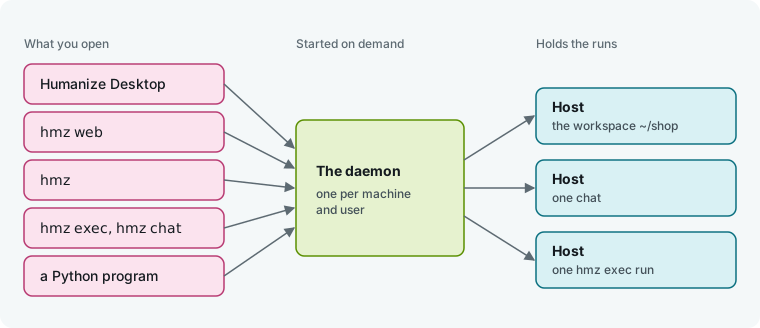
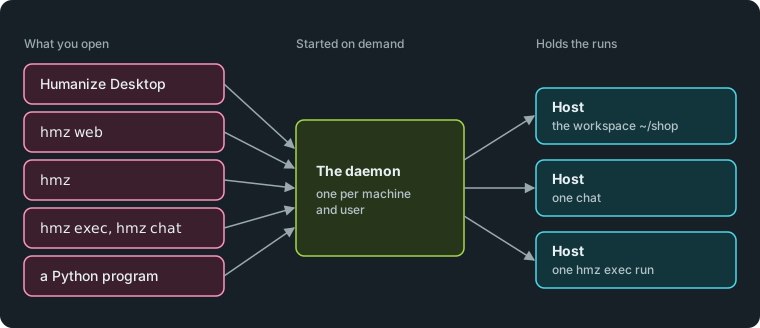
Every interface connects to that one daemon. The daemon starts a host process for each workspace, chat, and hmz exec run, and that host holds the run.
When it starts and stops
You do not need to start or stop the daemon by hand.
| What happens | When |
|---|---|
| The daemon starts | The first time you run hmz, hmz exec, hmz chat or hmz web, or open Humanize Desktop, and none is running. A Python program that uses Humanize starts it the same way. |
| A host closes | When no interface is attached to it and it holds no run. A host that no interface ever attached to waits 60 seconds after it started first. |
| A host stays | While it holds a run, and after a flow ended with nobody watching, until an interface opens that workspace to read the result. |
| A chat folds away | 60 seconds after its turn ended with nobody reading it. It carries on when you return to it. |
| The daemon exits | 2 seconds after its last host and its last client are gone. A daemon that nothing ever connected to exits 60 seconds after it started. |
| The daemon stays up | While it has a listener for other machines, or when you ran it with hmz daemon serve or installed the service. |
A reboot ends the daemon and every run it holds. See Leave it running and come back for what happens when you close a window, and Resume a run to pick a run up later.
In the app
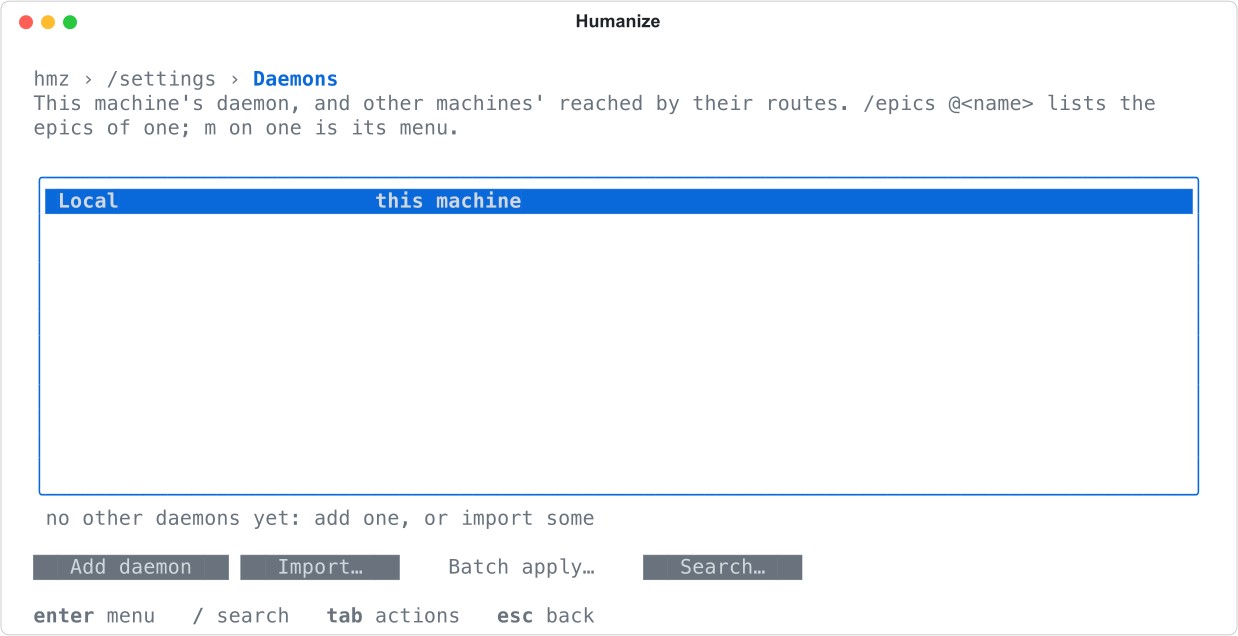
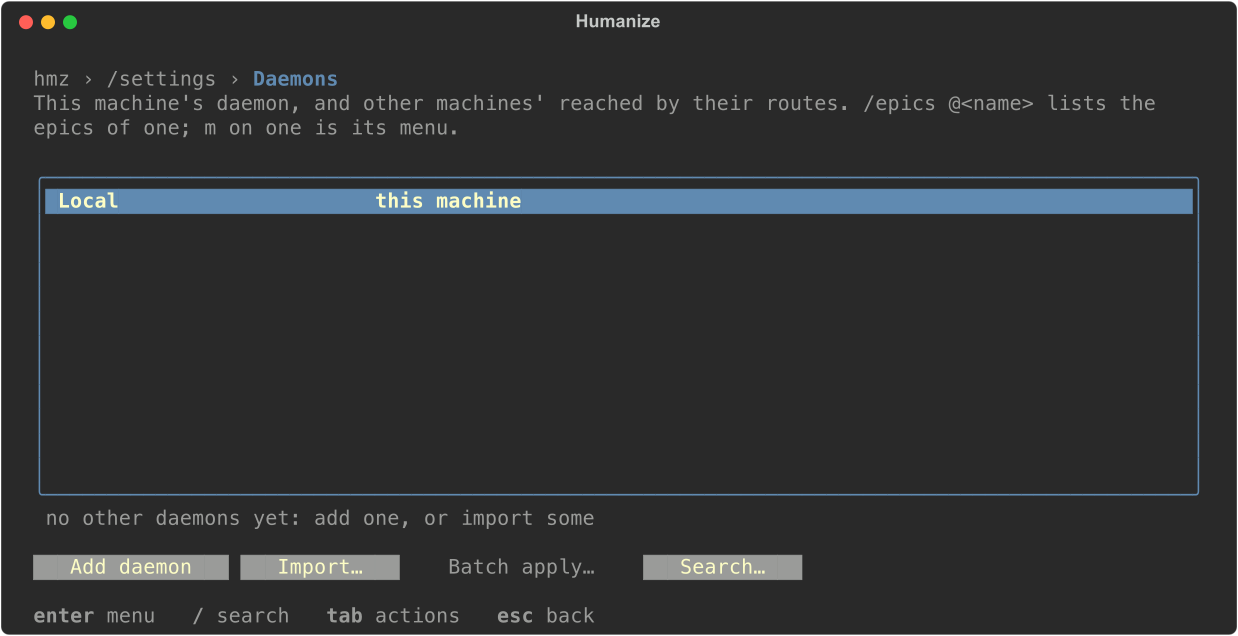
Open Settings, then Daemons in Humanize Desktop or the browser page. You see Local on the first row with the machine's name and the state up.
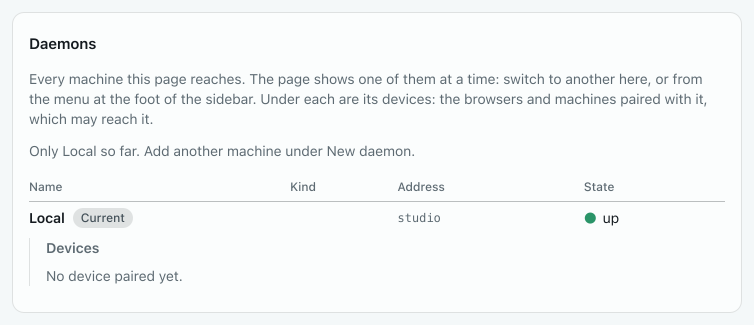
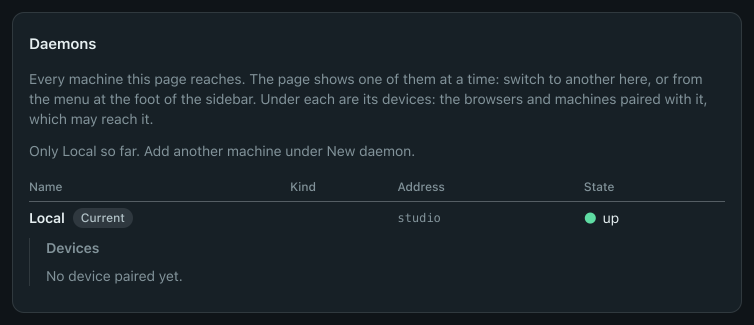
When Humanize Desktop opens, it starts the daemon through your login shell using the hmz that shell finds. On Windows, Local is the daemon inside WSL. Quitting the app does not stop the daemon or its runs. See Humanize Desktop.
To add daemons from other machines to this list, see Connect to other machines.
In the terminal
Run hmz. It shows connecting to the runs held here while it reaches or starts the daemon, then opens the interface.
Type /settings daemons to see the daemon list. This machine's daemon is the Local row.
From the command line
Use hmz daemon to manage the daemon process directly.
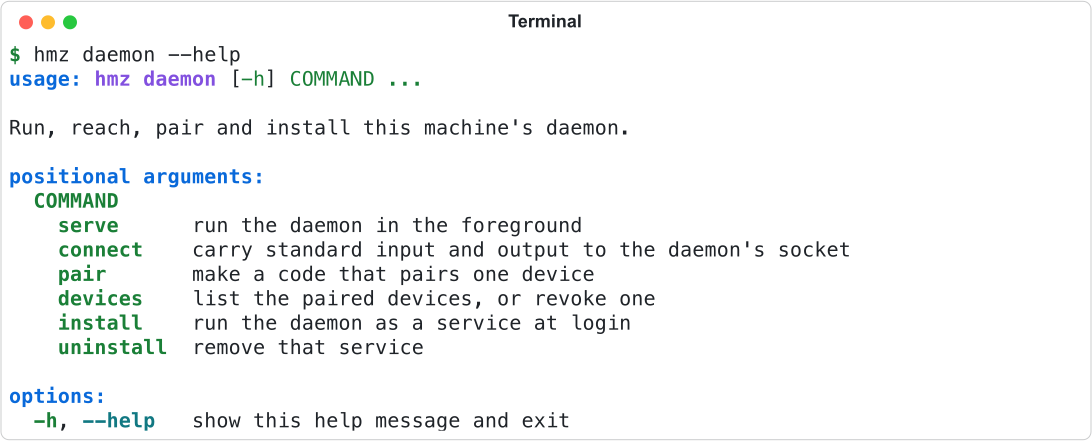
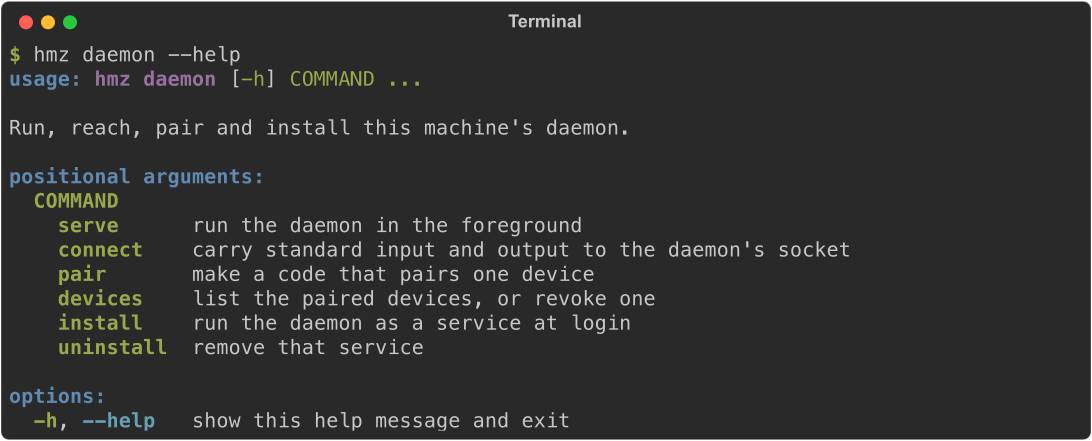
This page covers serve, install, and uninstall. For pair and devices, see Connect to other machines. You do not run connect yourself: Humanize Desktop and SSH routes run hmz daemon connect --stdio to reach the daemon.
Run it in the foreground
hmz daemon serveRun hmz daemon serve to keep the daemon in your terminal until you press ctrl+c. It never exits when idle. Stopping it stops every run it holds.
Pass --listen as many times as you need to open listeners for other machines. Each listener prints one line when it opens.


See Connect to other machines for how listeners work, and the daemon reference for listener specs.
If a daemon is already running, serve refuses and exits with status 1.


Run it at login
hmz daemon installRun hmz daemon install to write and start a user service. The service runs hmz daemon serve at login and restarts it if it exits. Use this on a machine that other devices need to reach before anyone opens Humanize on it.
hmz daemon uninstallRun hmz daemon uninstall to stop the service and remove its file.
| System | Service | File |
|---|---|---|
| macOS | launchd agent | ~/Library/LaunchAgents/ai.humanfia.hmz.daemon.plist |
| Linux | systemd user unit | ~/.config/systemd/user/hmz-daemon.service |
Each command prints the file it wrote or removed: hmz daemon: installed <path> or hmz daemon: uninstalled <path>.
The service does not take --listen. It opens the listeners configured in the listen setting. See settings.yaml.
Set the environment for agents
Every host and agent inherits the daemon's environment. A daemon started on demand uses the environment of the command that started it.
Because the login service has no terminal, hmz daemon serve reads the environment of your login shell to find coding agent CLIs on your PATH. If the shell does not answer within 5 seconds, the daemon keeps its own environment. Either way, it appends any of these directories missing from PATH: ~/.local/bin, $UV_TOOL_BIN_DIR, /opt/homebrew/bin, /usr/local/bin, /usr/bin, and /bin.
Restart the daemon after changing your shell profile so agents see the update. Restarting stops every run the daemon holds. The installed service restarts by itself when you stop it with kill <pid>; the pid is in daemon.json, listed below.
Find its files and log
Look in humanize-<uid>/ inside the system's temporary directory, where <uid> is your numeric user id. Only you can read that directory.
| File | What it is |
|---|---|
daemon.sock | The socket every interface on this machine connects to. |
daemon.json | The record of the running daemon: its pid, when it started, and its protocol version. |
daemon.lock | The lock that keeps a second daemon from starting. |
daemon.log | Output of a daemon started on demand and of hosts that hold no run. Read it when the daemon fails to start. |
A host that holds a run writes its output to host.log in that epic's directory instead. A daemon run with hmz daemon serve writes its own output to its terminal, not to daemon.log. See Files on disk.
Update while a daemon is running
Running hmz update does not stop the daemon. Active runs stay on the old version until that daemon exits, and hmz update prints:
Epics held on this machine (pid <pid>) run hmz <version> until that daemon stopsThe next daemon that starts runs the new version.
If the old daemon uses a protocol that the new hmz cannot read, hmz exits with status 1 and prints:
hmz: the runs on this machine are held by an older Humanize (pid <pid>); stop it with that versionLet the runs finish or stop them, then stop the process with kill <pid>. Run hmz again to start the new daemon.
Good to know
- Each user on a machine has one daemon. Two users on the same machine have separate daemons.
hmz daemon installruns on macOS and Linux only.- The service records the absolute path of the
hmzbinary that ranhmz daemon install. If you movehmz, uninstall and reinstall the service. - Running
hmz daemon uninstallwhen no service is installed printshmz: no service is installed at <path>and exits with status 1. daemon.logis never rotated or truncated.- If a command cannot reach the daemon, it prints
hmz: the daemon cannot be reached: <reason>and exits with status 1. See Troubleshooting.