Start an epic
An epic is one run of a flow on one task. Before it starts, you set the agent for each role, where it works, and its budget.
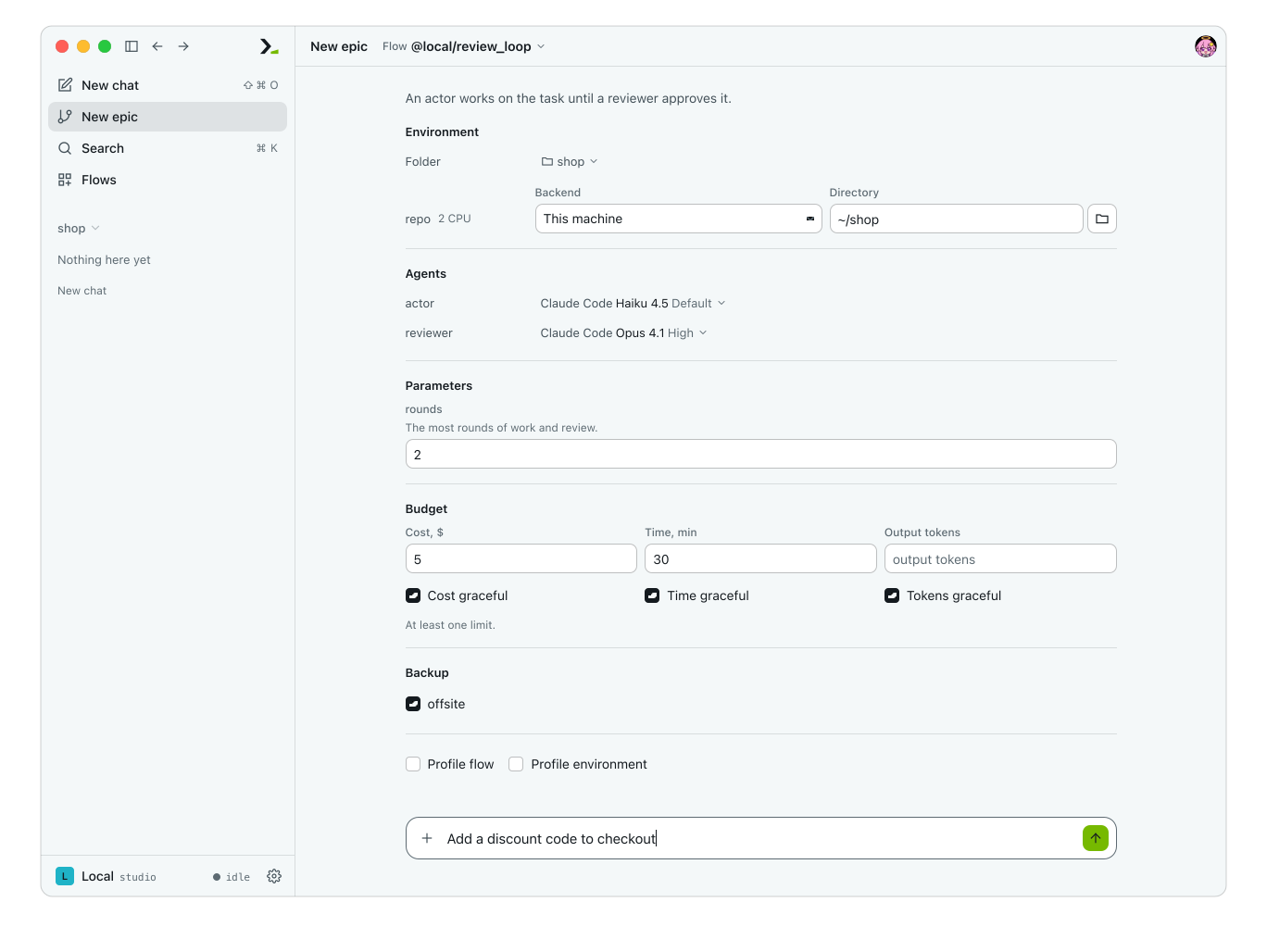
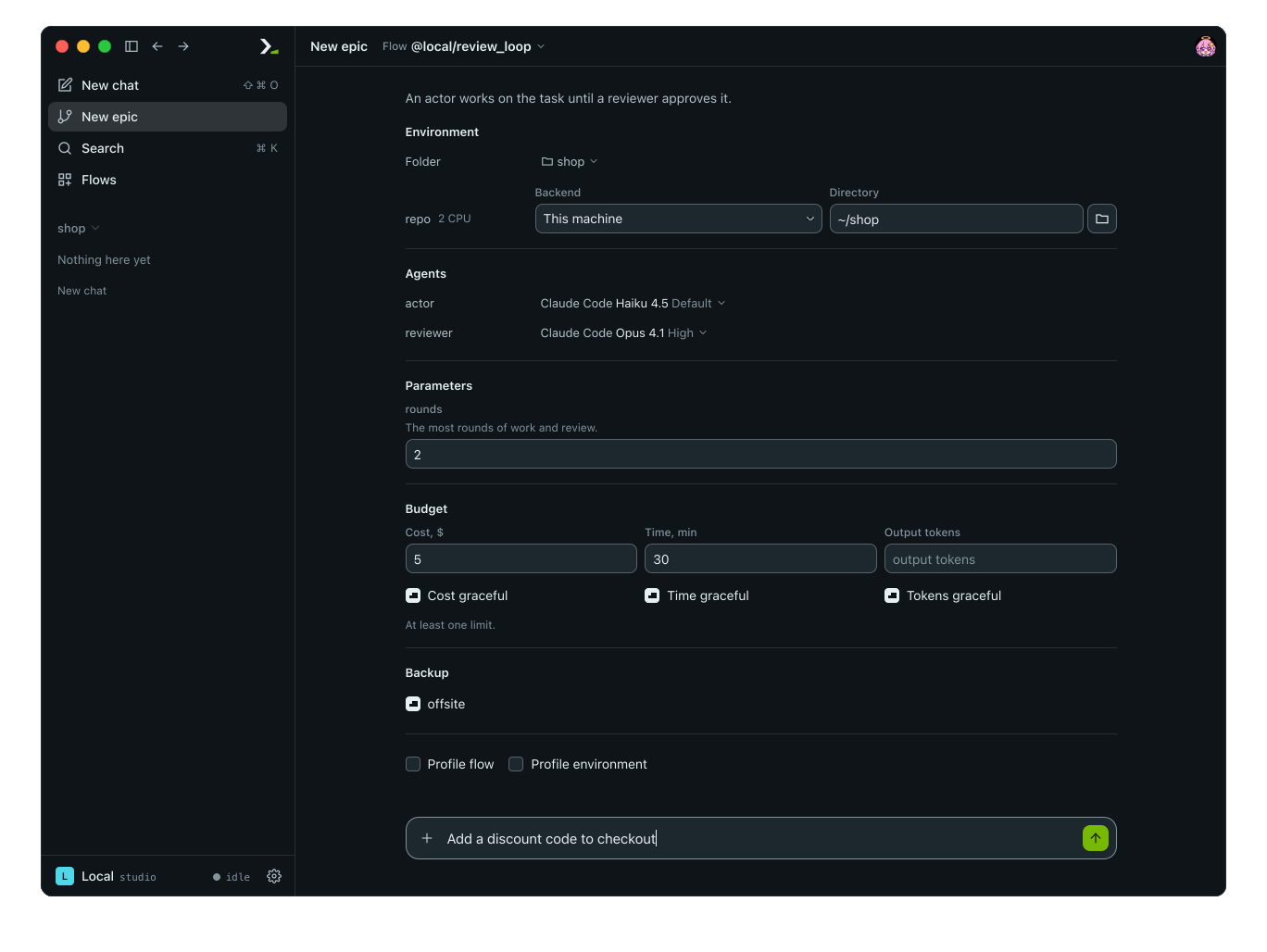
What you set
| Part | What it is | Needed |
|---|---|---|
| Flow | The flow to run: installed or local. See Find and install flows. | Yes |
| Task | What the flow is to do, in your own words. | Yes |
| Agents | A nous for each agent role: harness, account, model and effort. | For each required role |
| Environments | A place for each environment role: a backend, a runtime and a directory. | For each required role |
| Params | Settings the flow declares. | Only those without a default |
| Budget | A limit on cost, time or output tokens. See Budgets. | At least one limit |
| Backup | Backup targets that receive the epic. | No |
| Profiling | Sample the flow's Python, the programs the agents start, or both, for the trace. | No |
The examples on this page use review_loop, a local flow with two agent roles (actor and reviewer), one environment role (repo), and one param (rounds).
An environment role tied to the folder has no row or option. It always works in the starting folder.
In the app
- Click New epic in the sidebar.
- Click Flow beside the heading and pick a flow.
- Fill the rows in the middle of the page.
- Type the task in the bottom box and press enter.
The epic starts and its page opens.
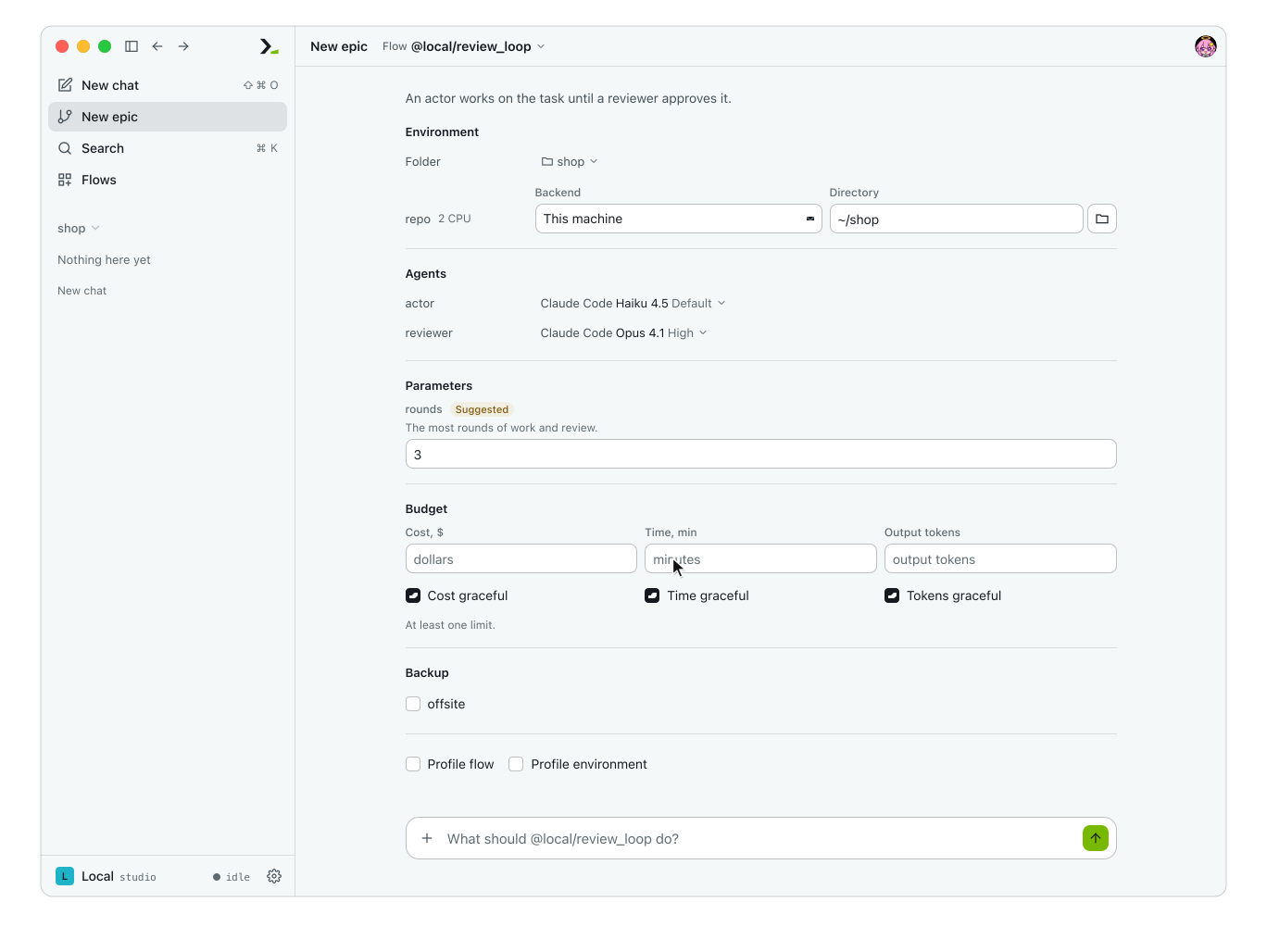
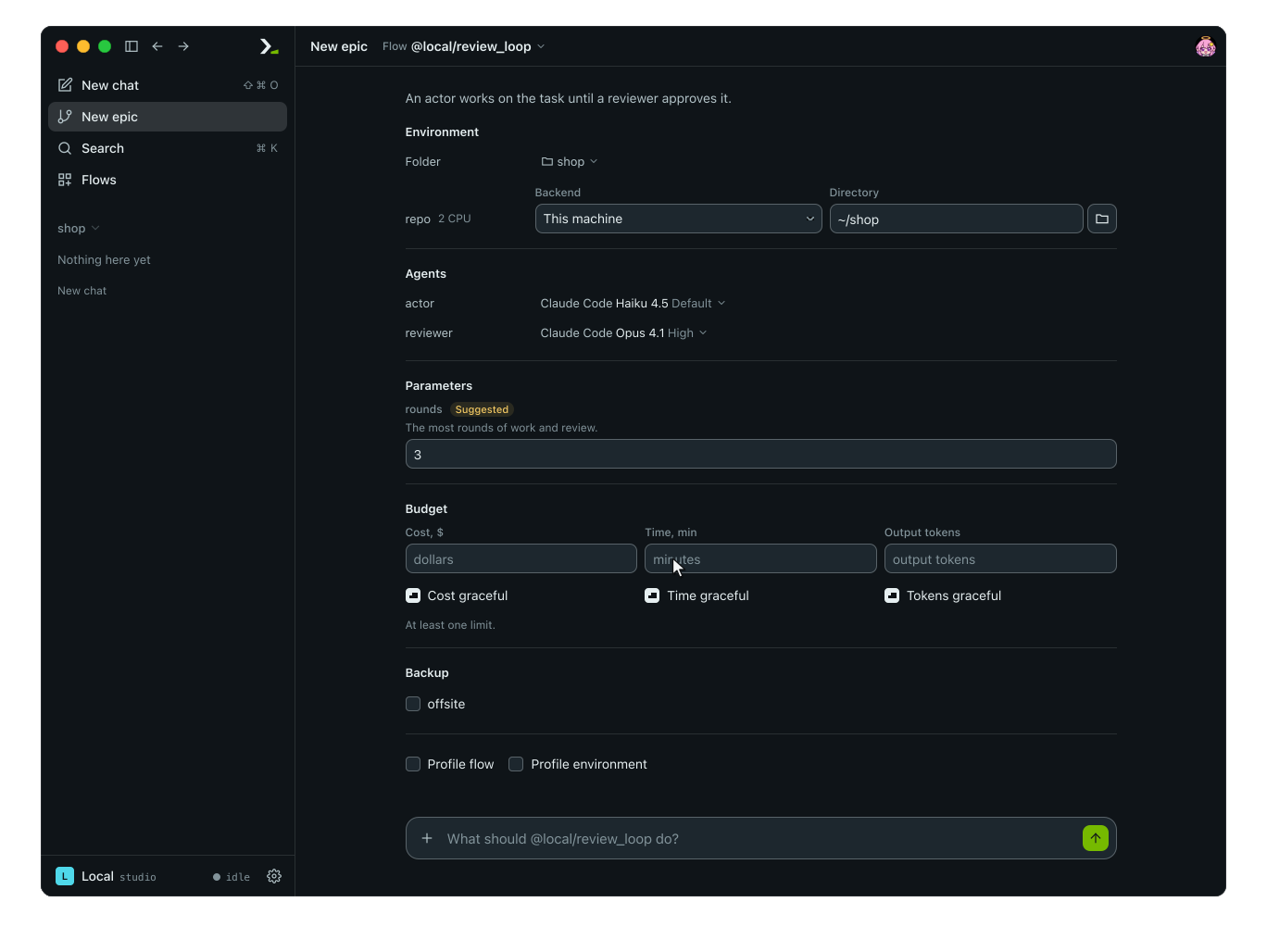
Pick the flow, then open a role's chip to change its model and effort.
The epic runs on the daemon the app shows, named at the foot of the sidebar. The form does not offer another: switch daemons there, or in Settings > Daemons, before you start.
| Section | What to do |
|---|---|
| Environment | Pick the starting Folder: a folder, Open folder…, or No folder for a fresh directory. For each environment role, set a Backend, a Runtime (when the backend is not this machine: a saved one, Add runtime…, or Other host… for SSH), and a Directory (on this machine, leave empty to use the starting folder). |
| Agents | Click a role's chip to pick a virtual nous by name, or select Harness, Account, Model and Effort. Roles that can stay empty are marked Optional. Hover over a role's name to see its required harness, permissions and skills. |
| Parameters | Fill one field per param. Shown only when the flow has params. |
| Budget | Set at least one of Cost, $, Time, min or Output tokens. Each limit has its own box (Cost graceful, Time graceful, Tokens graceful), ticked at first: ticked, the active turn may finish when the limit is reached. |
| Backup | Tick the backup targets to use; the default targets start ticked. Shown only when targets exist in settings. |
| Profile flow, Profile environment | Tick to sample the flow or the agents' programs. |
If a required role is empty (Pick an agent for reviewer.) or no limit is set (Set at least one limit of the budget.), the page refuses to start and jumps to the missing field.
If no flow is installed, the page shows No flow installed yet. and a button for Open Flows.
In the terminal
Type /flow review_loop in hmz and press enter to open the flow's setup page. Type plain /flow to list installed flows first.
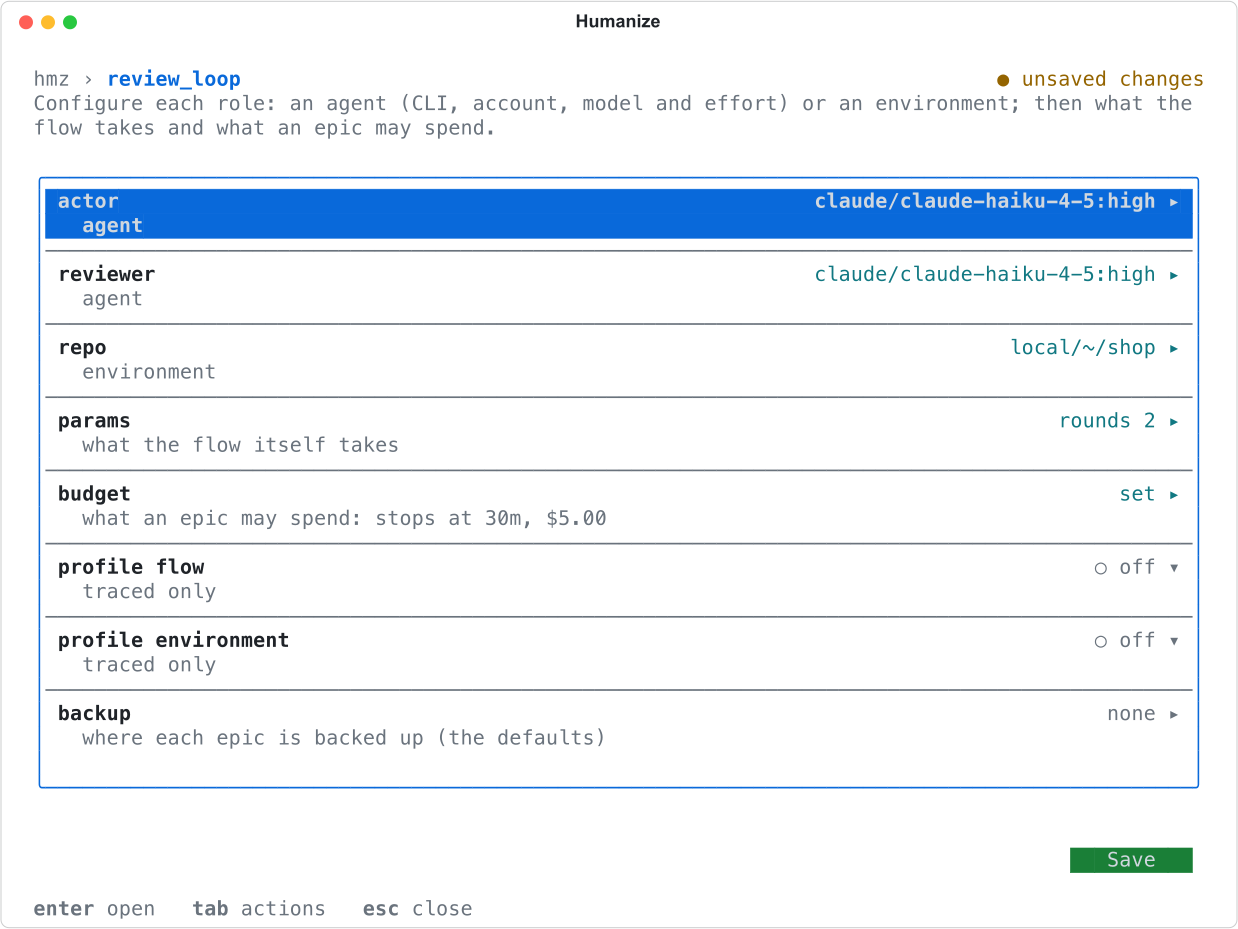
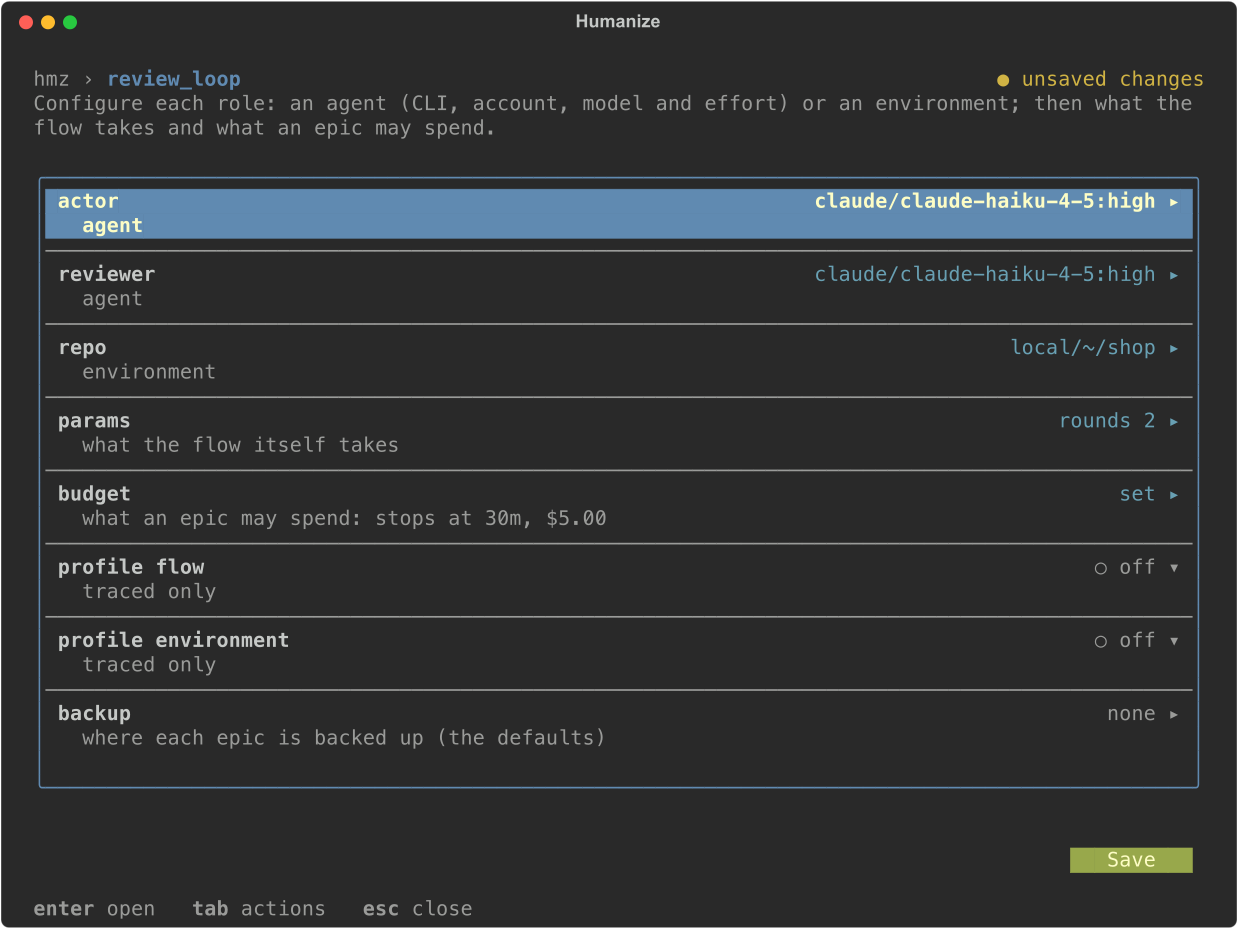
Select a row with the arrow keys and press enter to open it.
| Row | What opens |
|---|---|
| An agent role | A sheet with cli, account, model, effort, and swarm (if the model supports it). |
| An environment role | A form with backend, the machine when the backend is not local (host, daemon, swarm or cluster), workdir, and as -e (where you can type the spec in hmz exec format). |
params | A form with one row per param. The main row shows only modified values. |
budget | duration, cost, output_tokens, and a graceful_ switch for each. Type durations as 30m, 1h30m or PT2H. |
profile flow, profile environment | on or off. |
backup | A switch per backup target. |
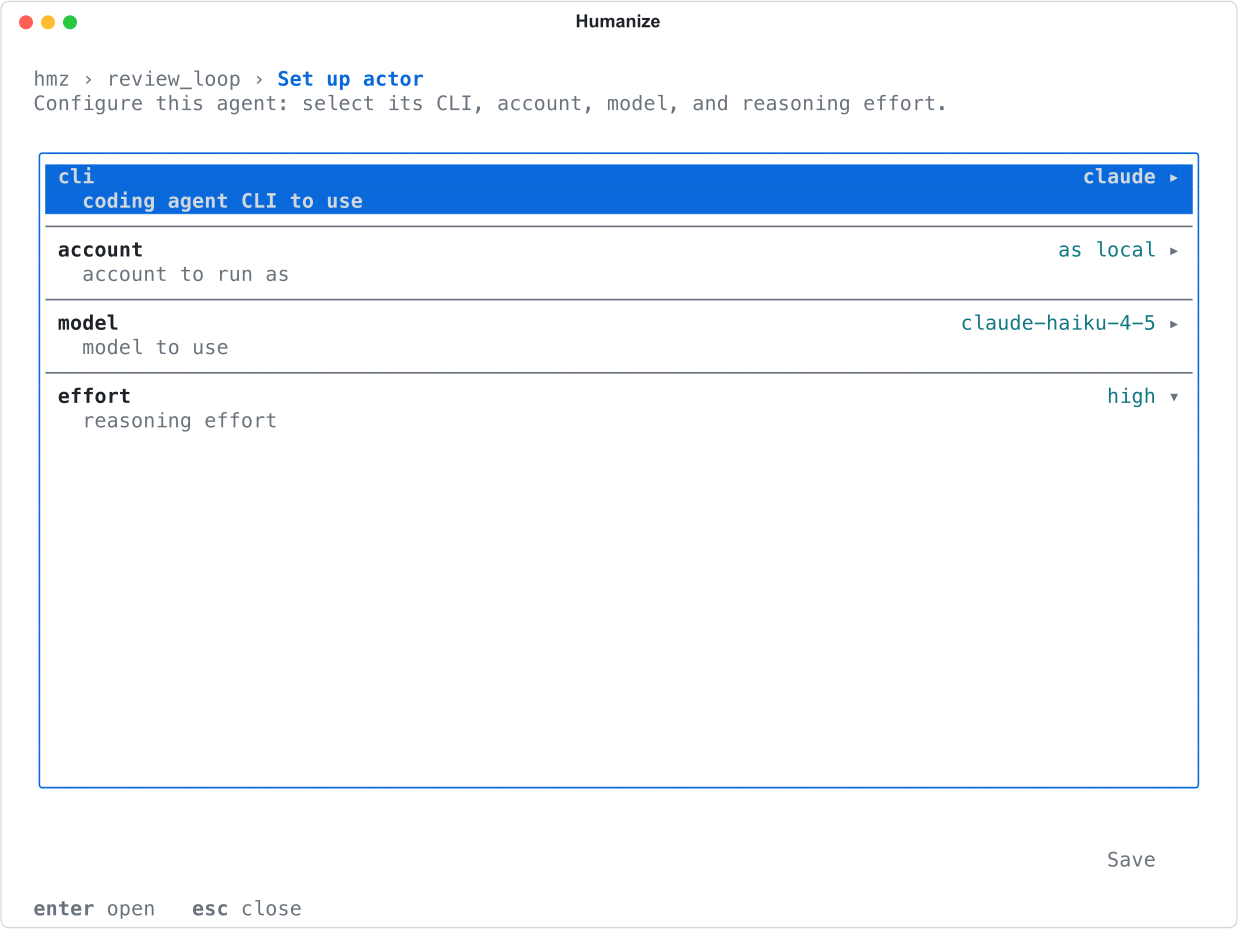
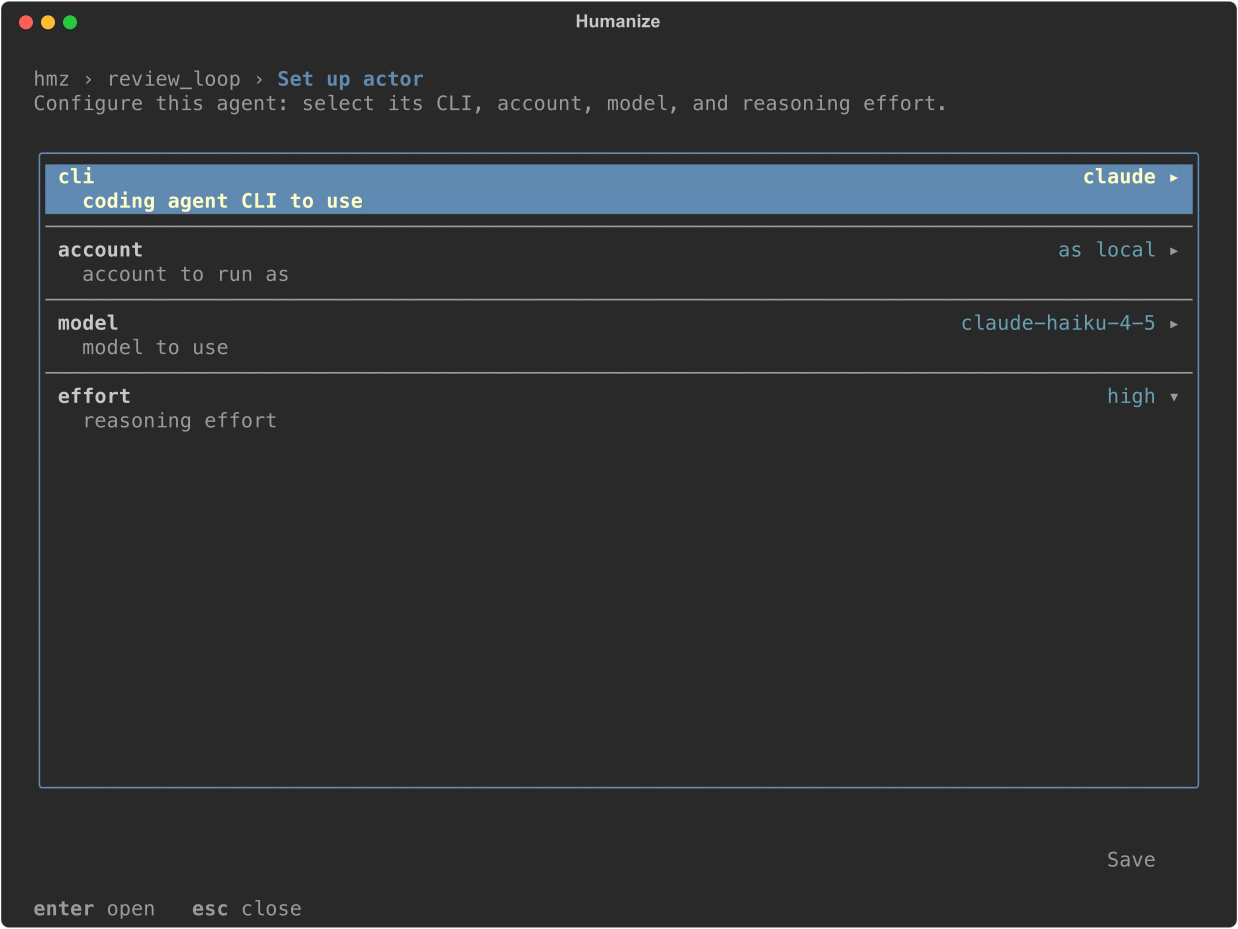
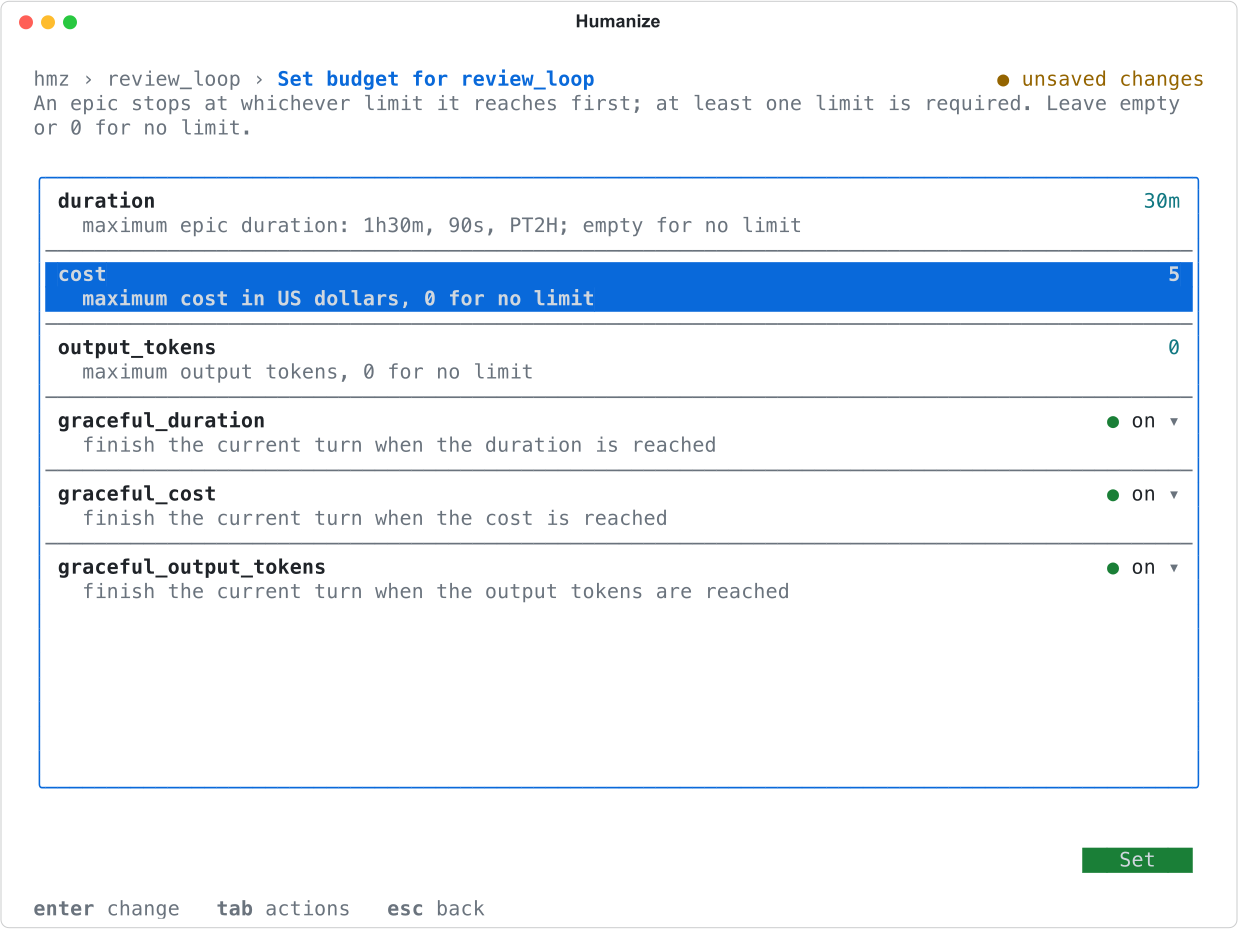
Changes apply only when you save. Press tab to reach Save, or press esc and confirm Save. Save is refused if a role lacks a model or a required environment lacks a place (reviewer is not configured yet), or if no budget is set (this flow requires a budget: set the budget first).
Start the flow on a task:
/flow review_loop Add a discount code to checkout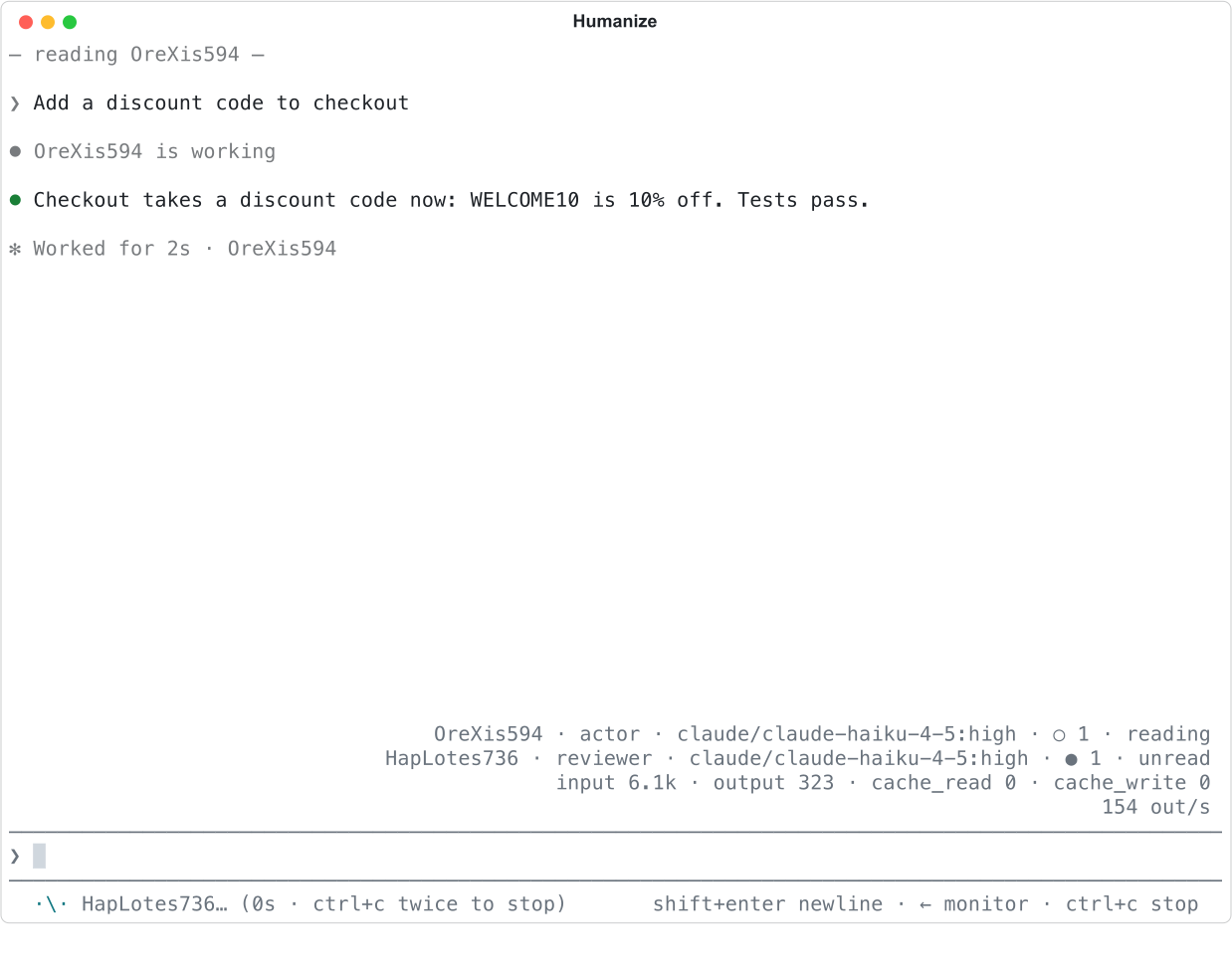
Set the rows, save, then give the flow its task.
From the command line
Run hmz exec to pass the full setup on one line and run the epic to completion in the current directory.
hmz exec -f @local/review_loop \
  -a actor=claude/claude-haiku-4-5:high \
  -a reviewer=claude/claude-opus-4-1 \
  -e 'repo=local/~/shop' \
  -p rounds=2 -p budget.output_tokens=20000 \
  'Add a discount code to checkout'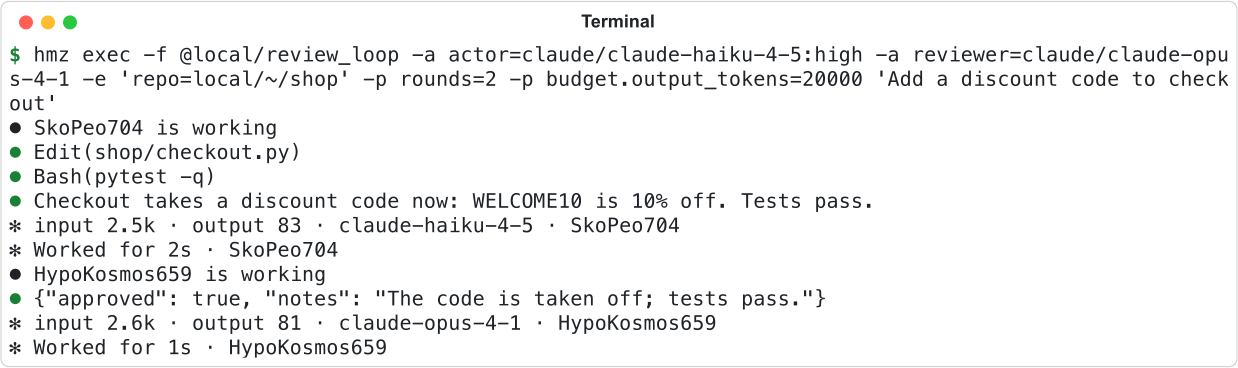
| Option | What it sets | Written as |
|---|---|---|
-f, --flow | The flow | A name (rlar, @local/review_loop), a path starting with ., / or ~, or git+URL |
-a, --agents | An agent role | ROLE=CLI[@ACCOUNT]/MODEL[:EFFORT], or ROLE=NAME for a virtual nous |
-e, --envs | An environment role | ROLE=BACKEND[@RUNTIME][/WORKDIR], for example repo=ssh@gpu-box/srv/shop |
-p, --params | A param or budget limit | KEY=VALUE; budget.cost=5, budget.duration=30m, budget.output_tokens=20000, budget.graceful=off |
--backup | A backup target | A target's name (repeatable), or none |
--profile-flow, --profile-environment | Profiling | No value |
You can repeat -a, -e and -p, or pass comma-separated values to a single flag. If you omit effort, the harness uses its default. If you omit --backup, the epic uses the default targets from settings.
hmz exec refuses to start without a budget:


See the CLI reference for full option syntax, and The command line for output format, --json, and exit statuses.
Good to know
- The app and terminal remember each flow's last setup per folder. The app saves when an epic starts; the terminal saves when you save the flow's page.
hmz execuses only its command-line arguments. It ignores saved setups and never installs a flow.- In the terminal,
/flow <flow> <task>starts immediately if the flow is already set up, or opens the setup page first if not. - You cannot pick another flow in the terminal while one is running (
cannot choose a flow while one is running). - On the command line, put
--before any task that starts with a dash. - To continue a finished epic, see Resume a run.