Continue sessions from other CLIs
A harness session is a conversation you had in a coding CLI outside Humanize. You can list these sessions per folder, read what was said, and continue one as a Humanize chat.
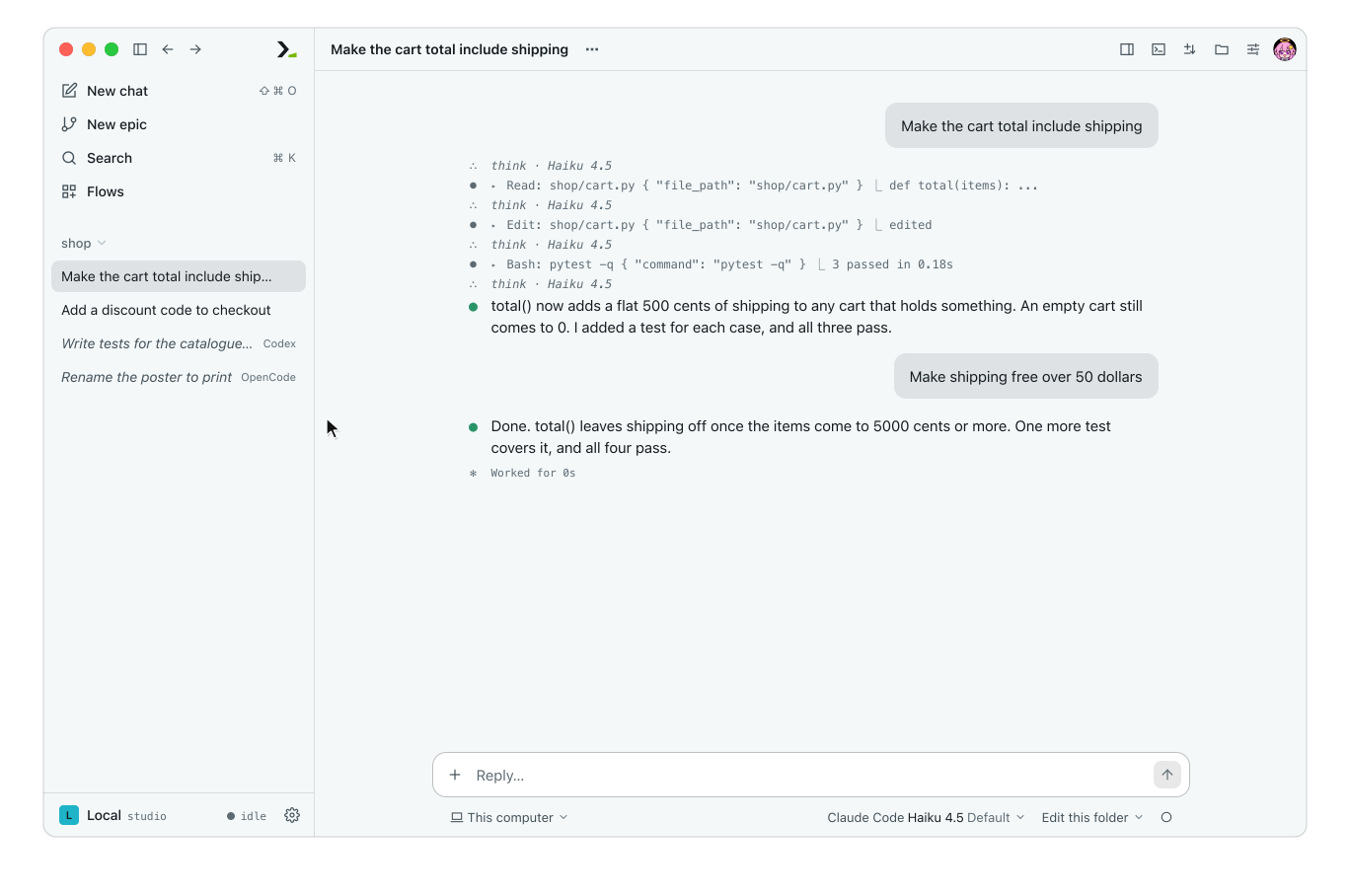
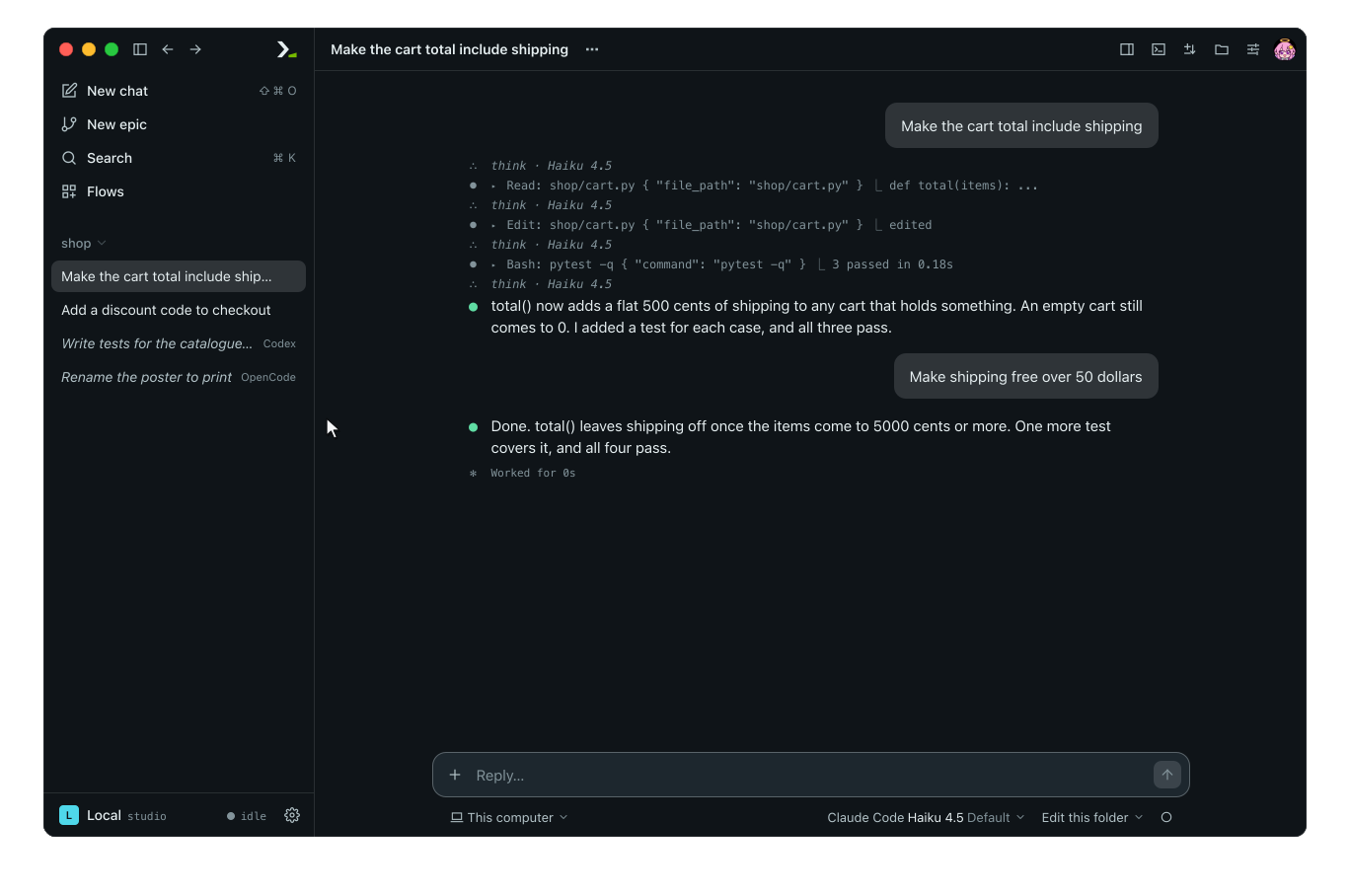
Continuing a session copies its files into a new chat. The original CLI files are never changed.
Supported sessions
Humanize lists a session when its CLI is installed on your machine, it ran in the folder you are looking at, and no Humanize chat or epic started it.
| CLI | Listed and read | Continued in a chat |
|---|---|---|
Claude Code (claude) | yes | yes |
Codex (codex) | yes | yes |
Grok Build (grok) | yes | yes |
Pi (pi) | yes | yes |
Oh My Pi (omp) | yes | yes |
Qwen Code (qwen) | yes | yes |
Kimi Code (kimi) | yes | no |
MiniMax Code (mcode) | yes | no |
DeepSeek Harness (dsh) | yes | no |
OpenCode (opencode) | yes | no |
MiMo Code (mimo) | yes | no |
Antigravity (agy) | yes | no |
In the app
Show sessions in the sidebar
The list is off by default.
- Open Settings and select General.
- Under Harness sessions, tick List in sidebar.
- Click Save.
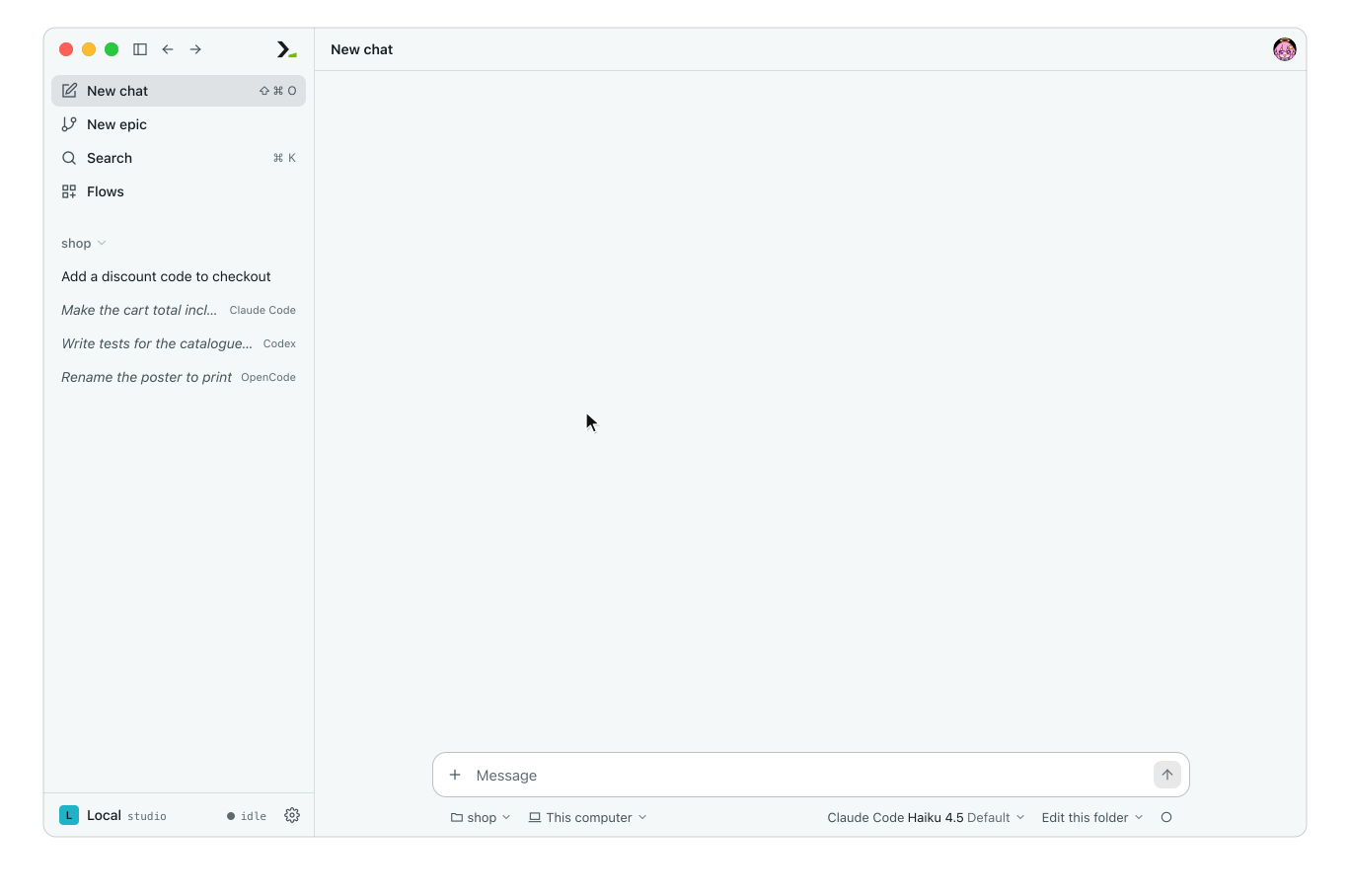
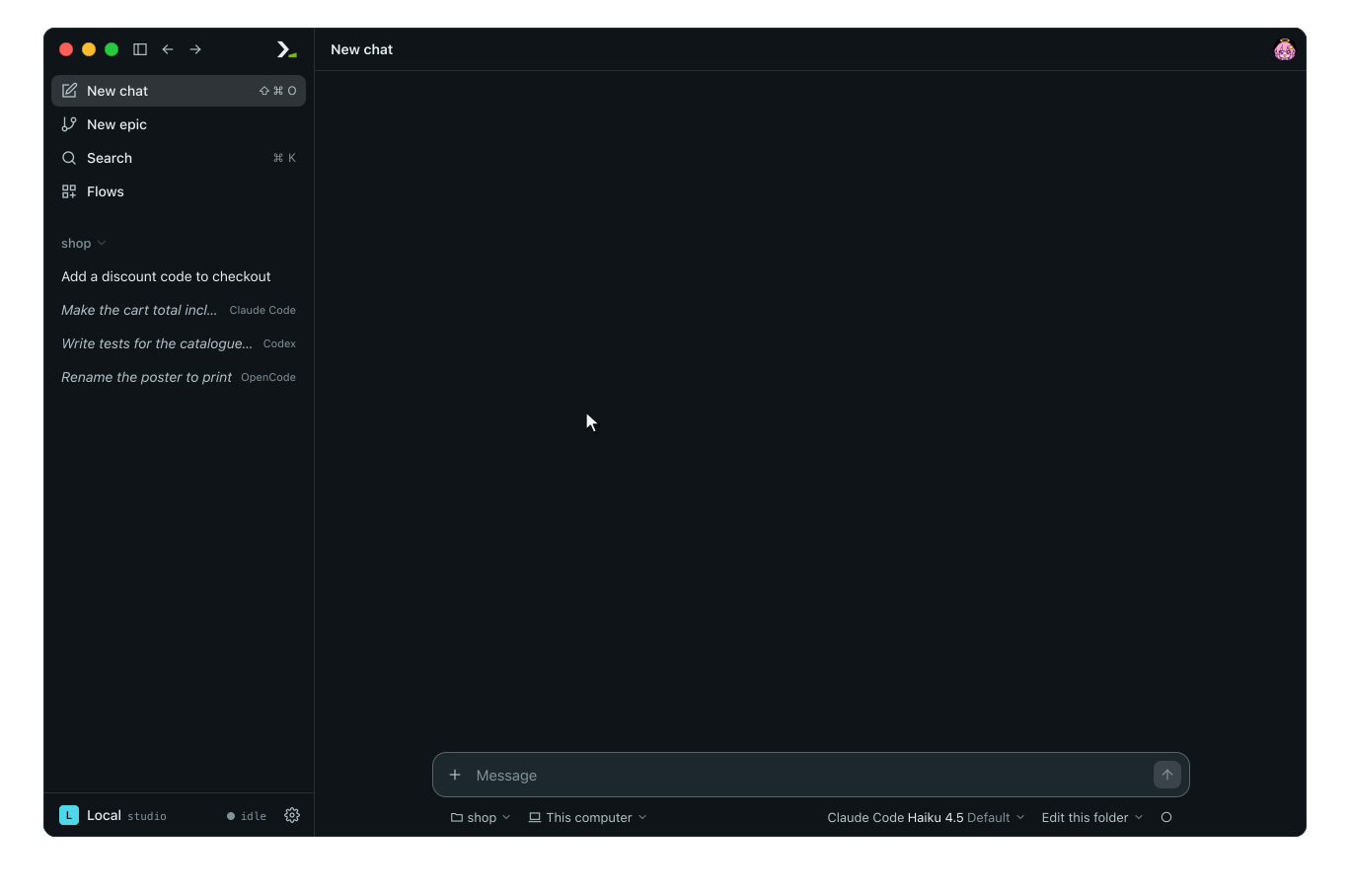
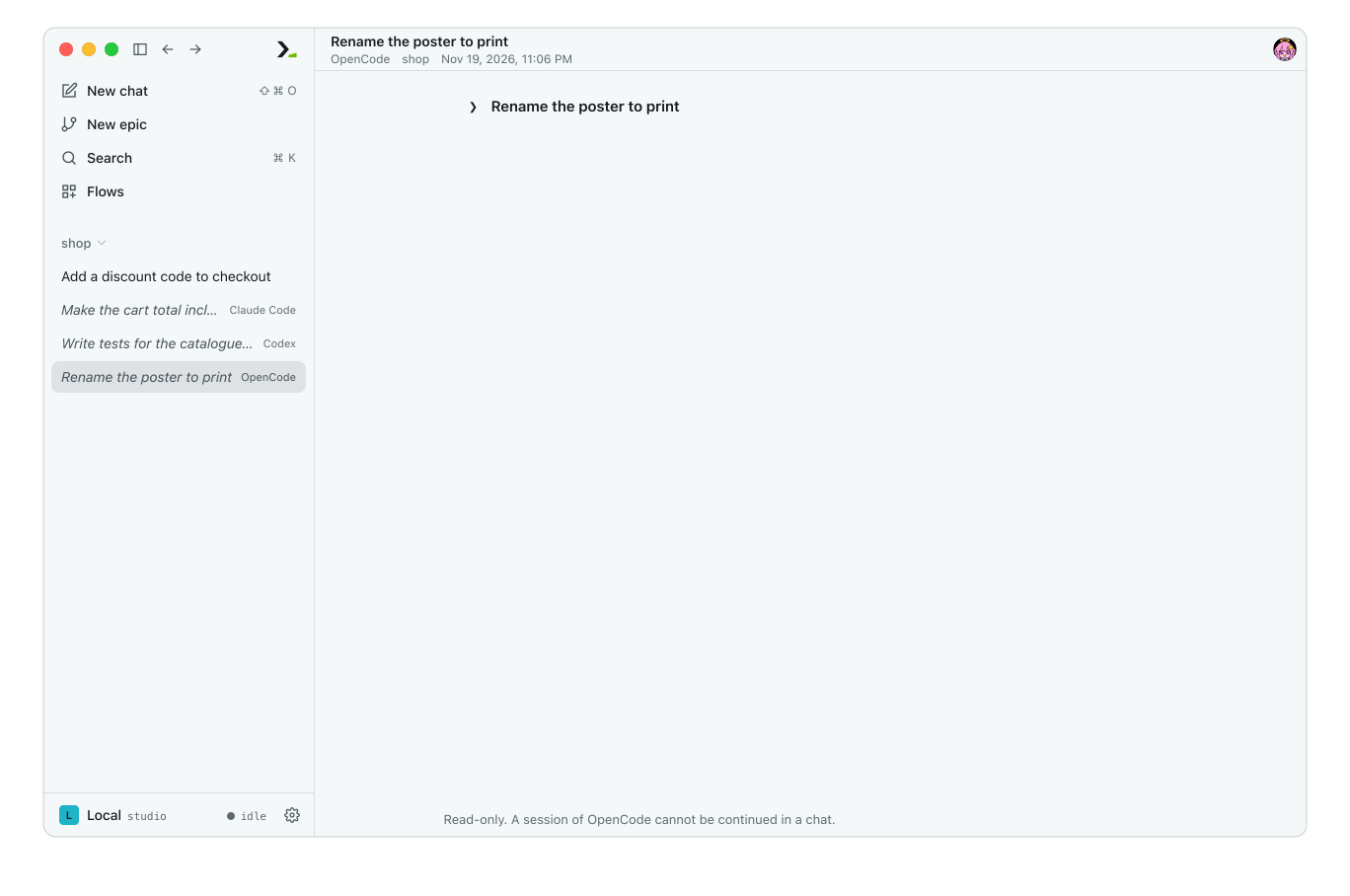
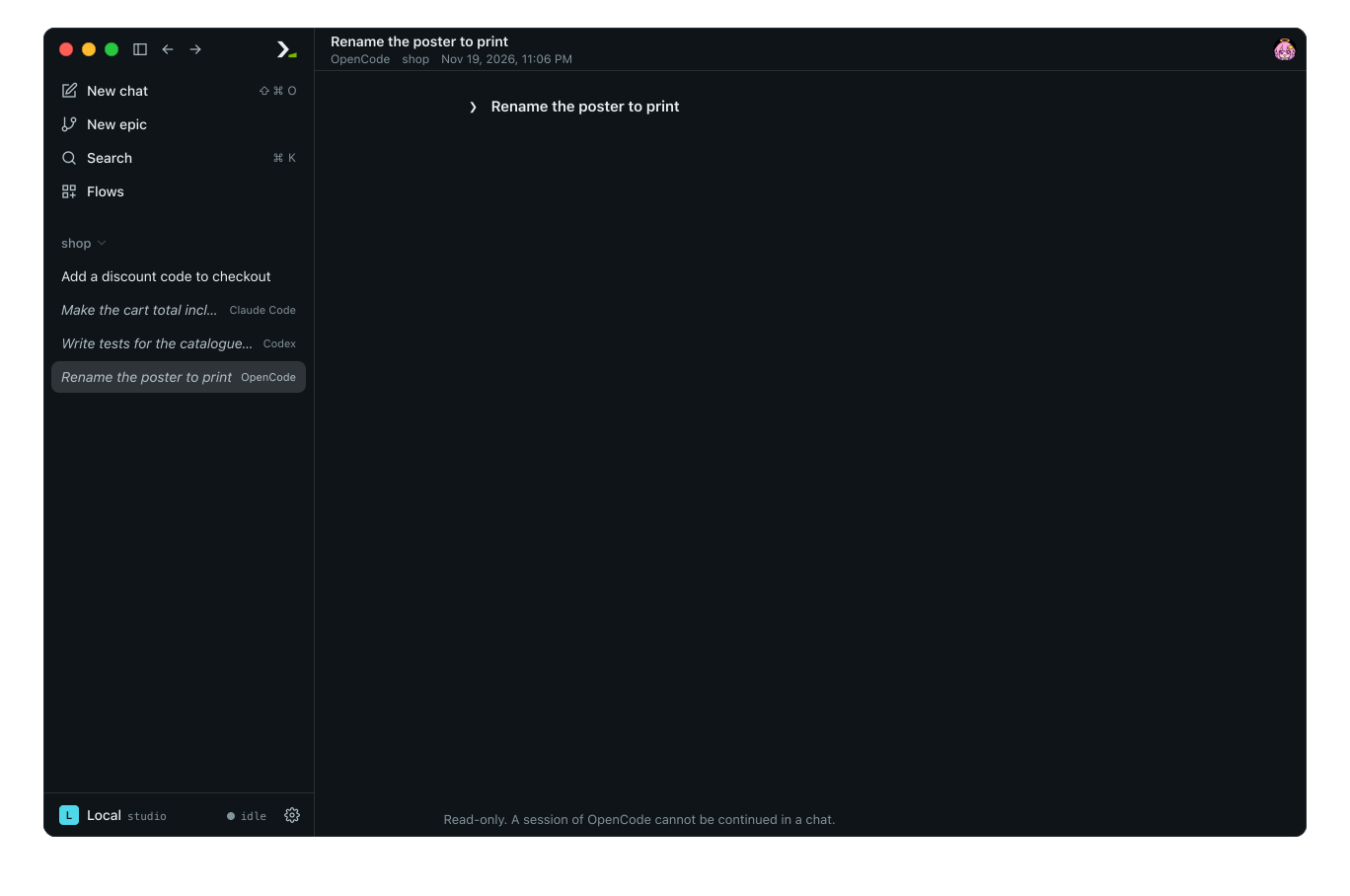
Sessions appear in the sidebar after the folder's chats. Each row shows your first message in italics and the CLI name. The sidebar lists up to 50 sessions per folder and refreshes every 15 seconds.
Read a session
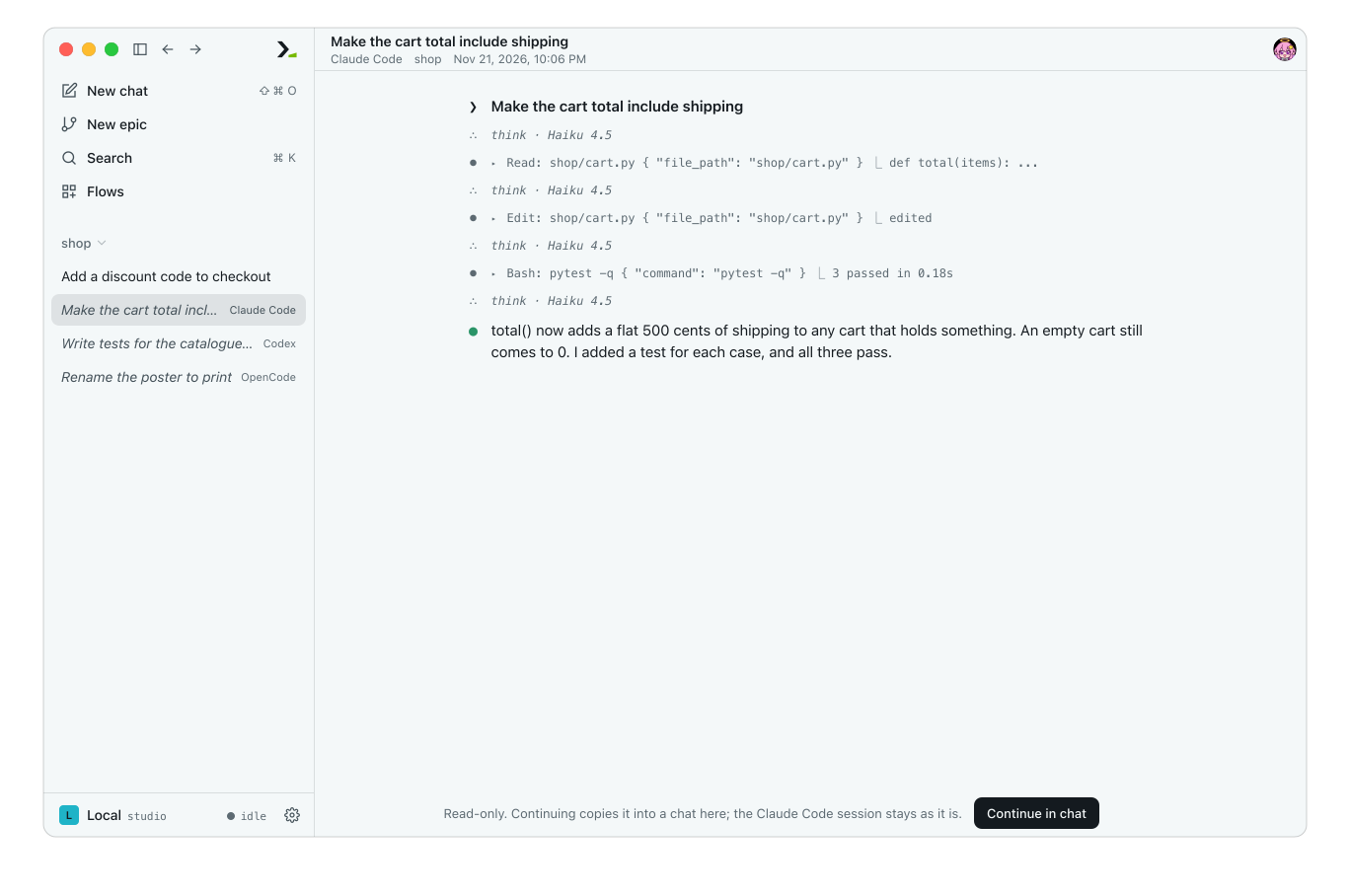
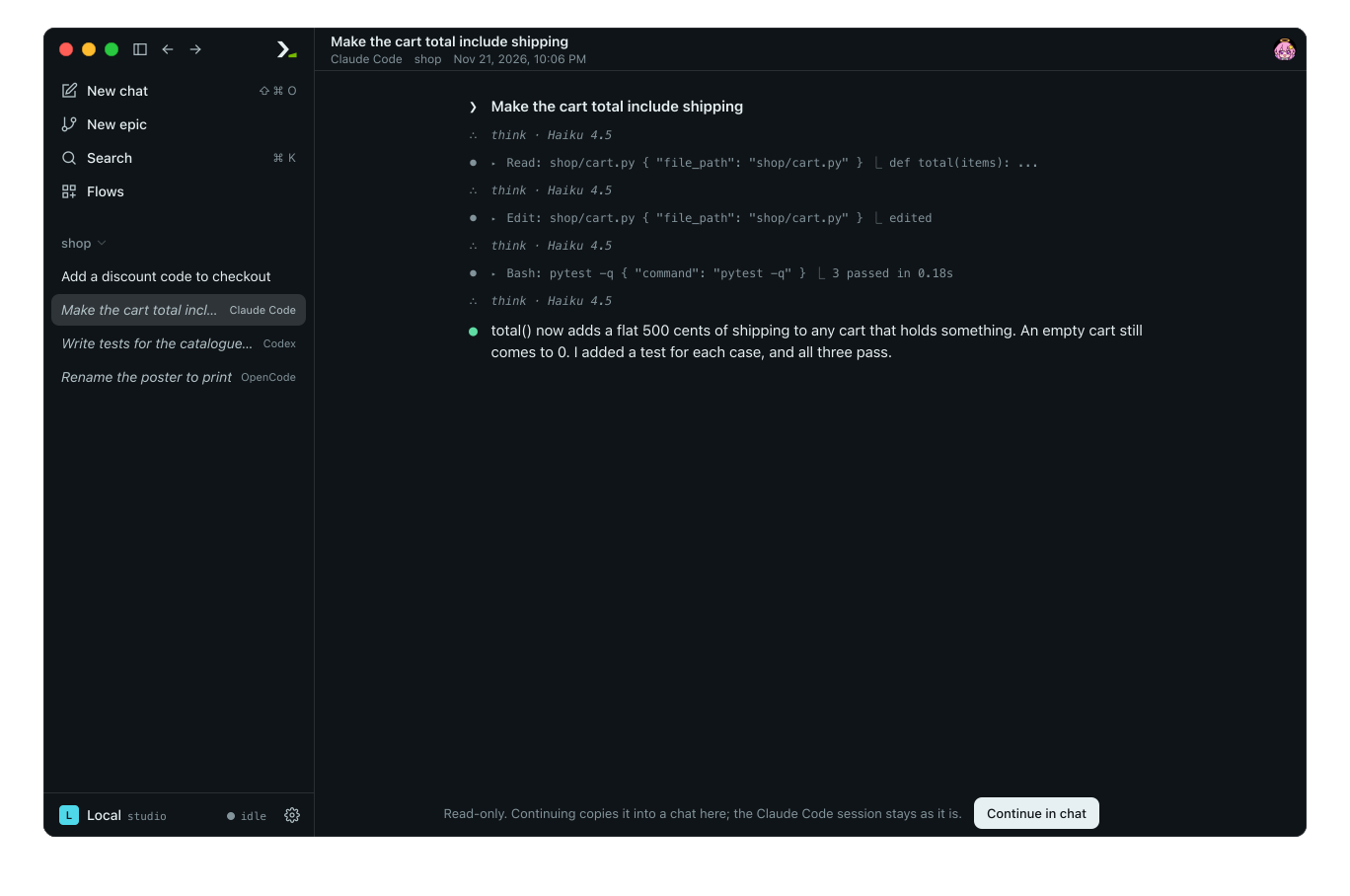
Click a row to read the full session, including your messages, the agent's answers, tool calls, thinking, and any sub-agents it started. Because the session is read-only, there is no message box.
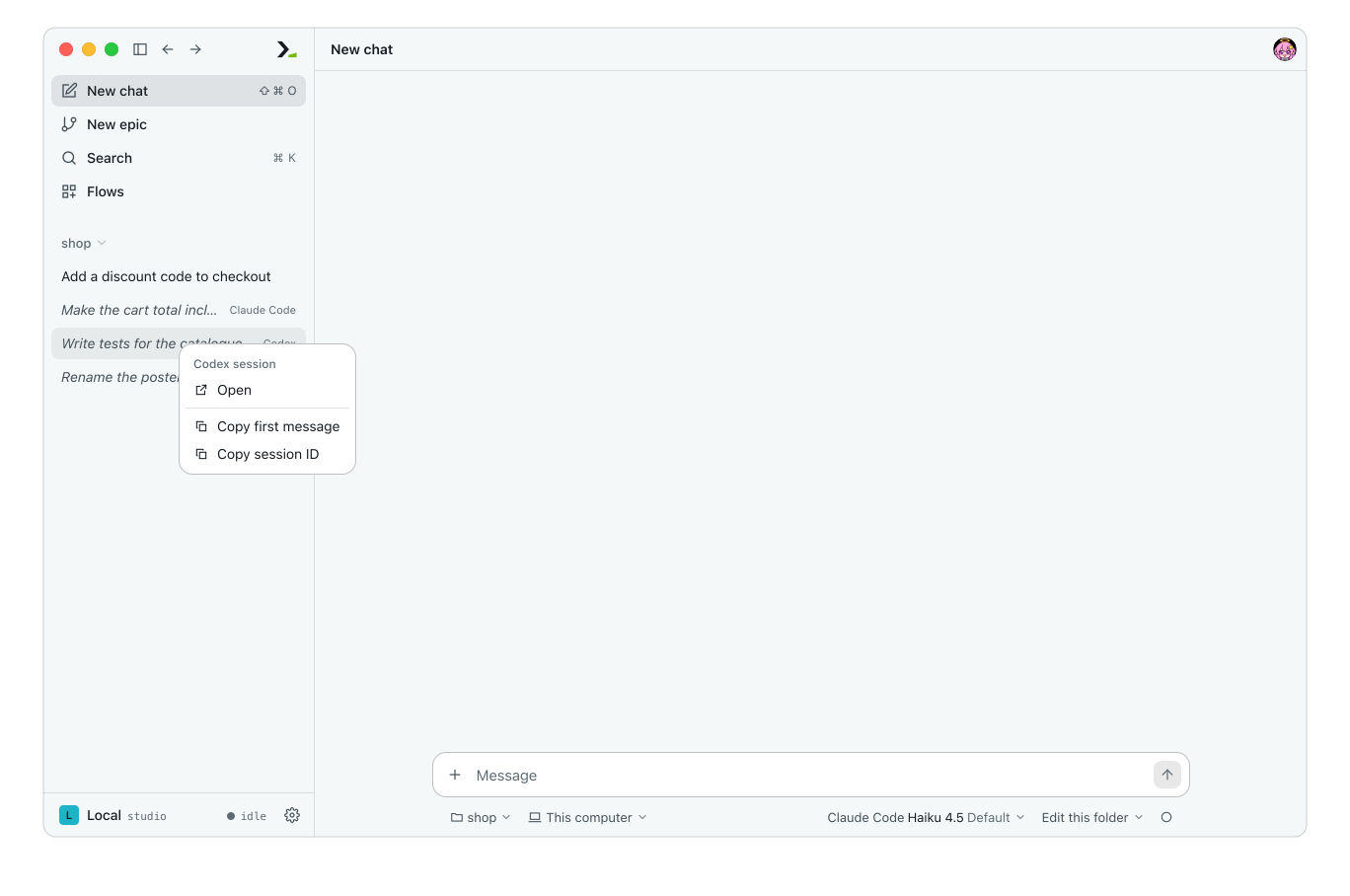
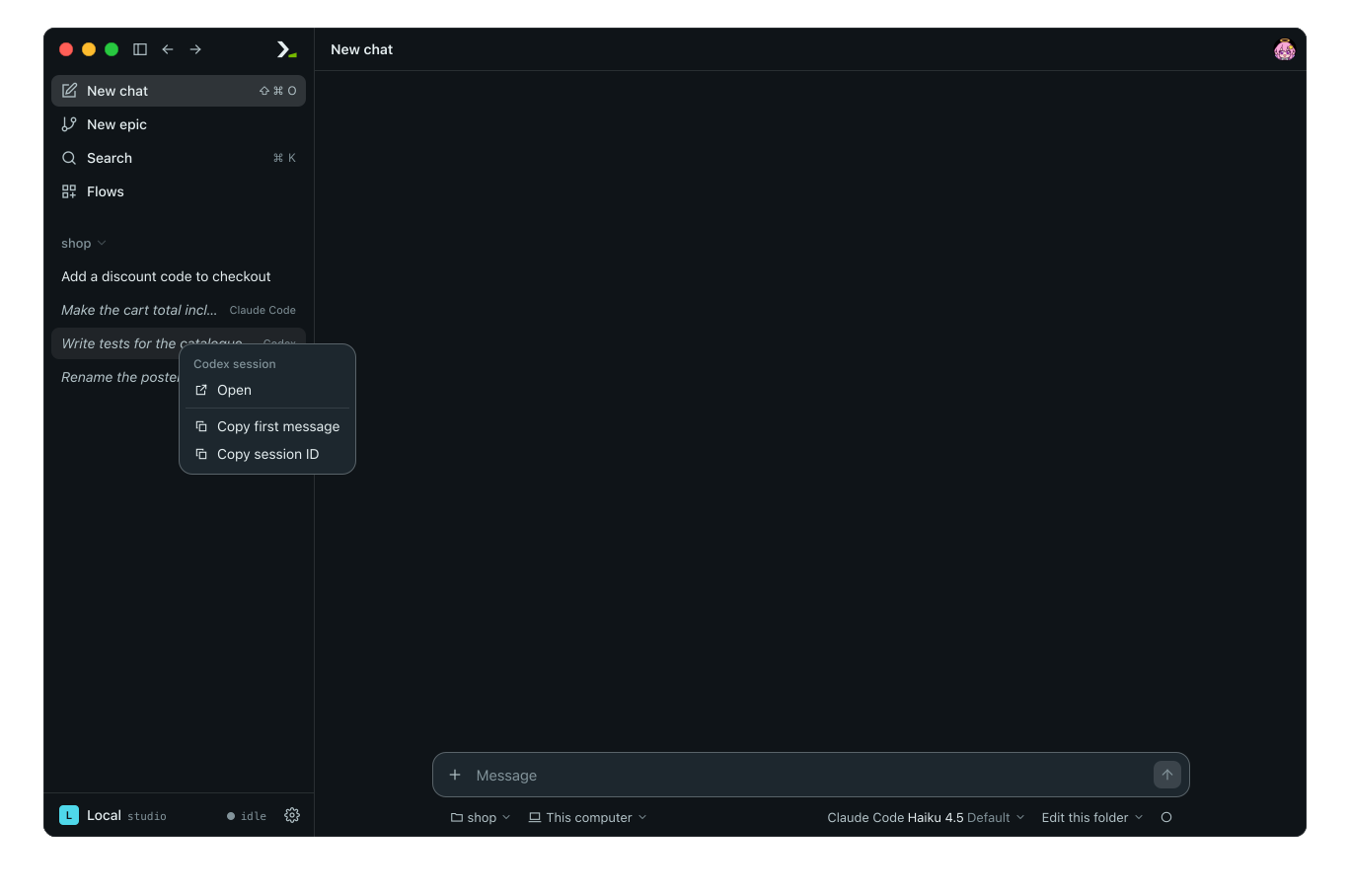
Right-click a row to open its menu: Open, Copy first message, and Copy session ID.
Continue in chat
Click Continue in chat below the session. Humanize copies the session into a new chat in the same folder using the same CLI and last-used model. Type your next message as in any chat.
Once continued, the row moves from the harness session list to your chats.
If a CLI cannot be continued, the button is hidden and a note explains why.
In the terminal
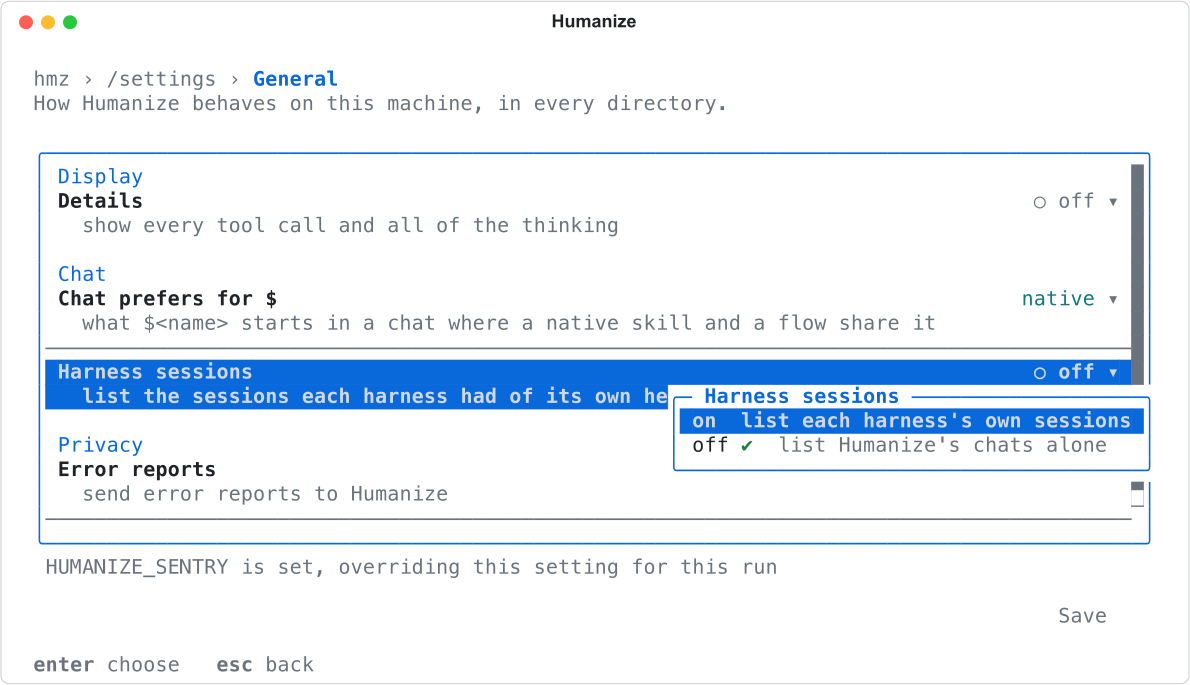
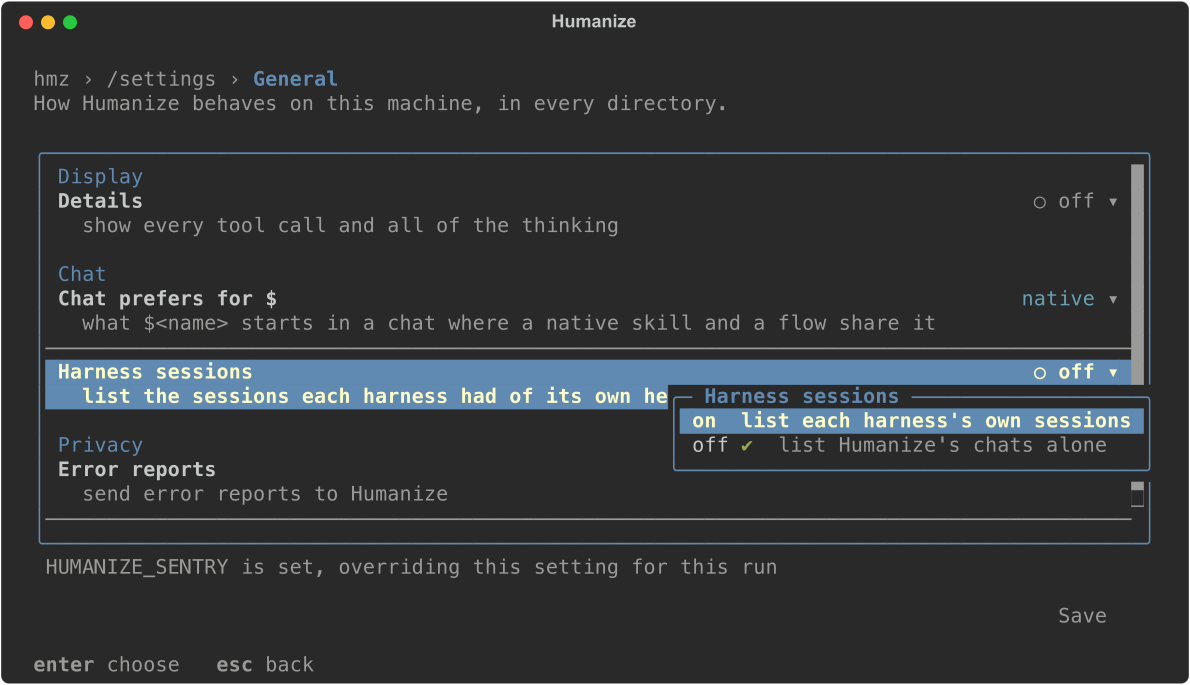
Enable the session list
- Type
/settings general. - Select Harness sessions, press enter, and pick
on. - Select Save.
Resume a session
Type /resume in a chat. The list shows the current directory's chats followed by up to 200 harness sessions. Each session row ends with read-only: a copy goes on as a chat or read-only: cannot be continued in a chat.
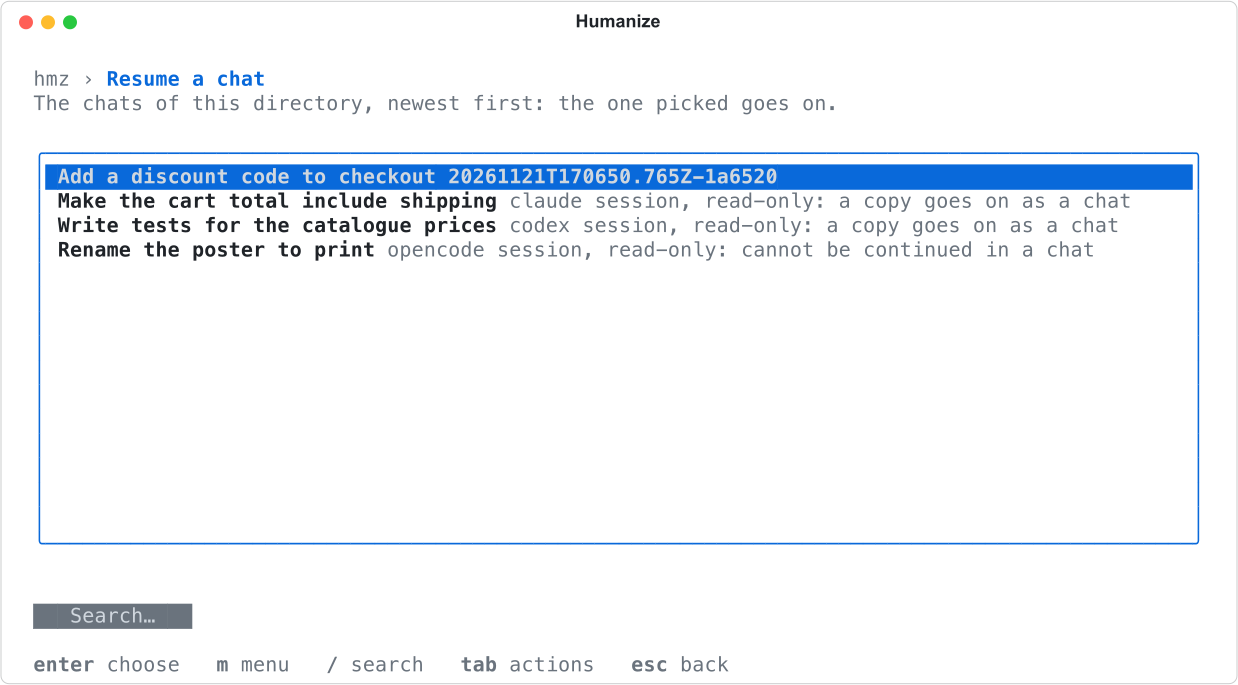
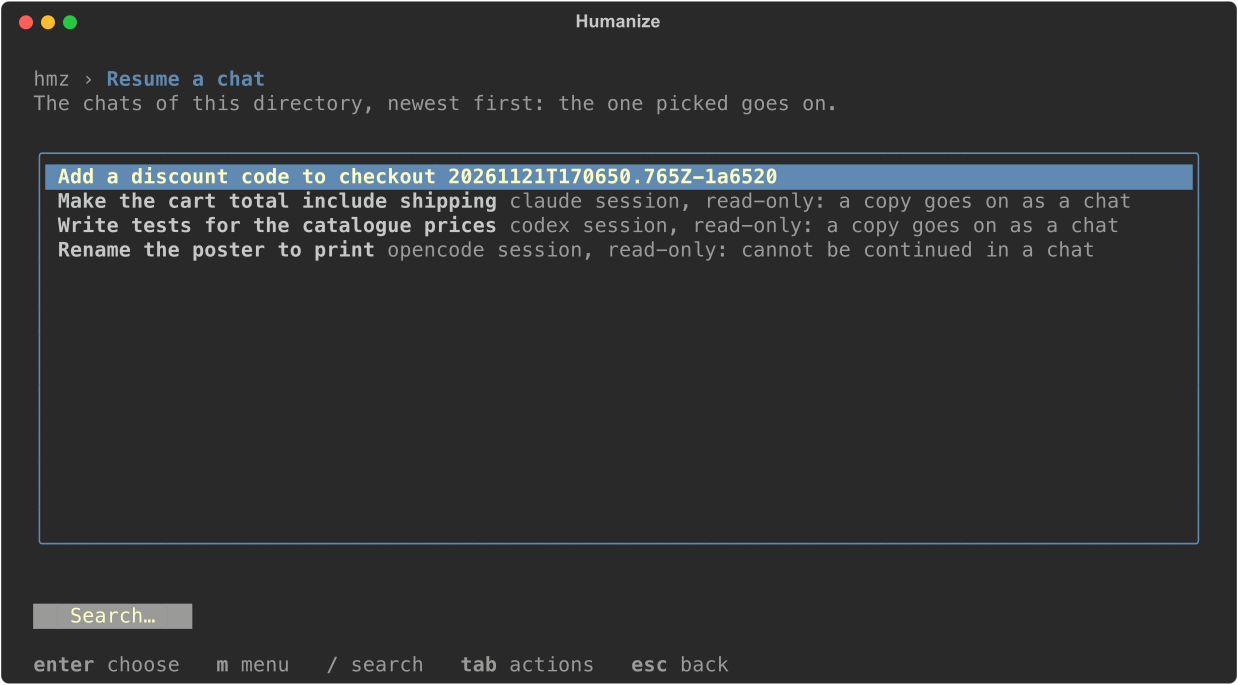
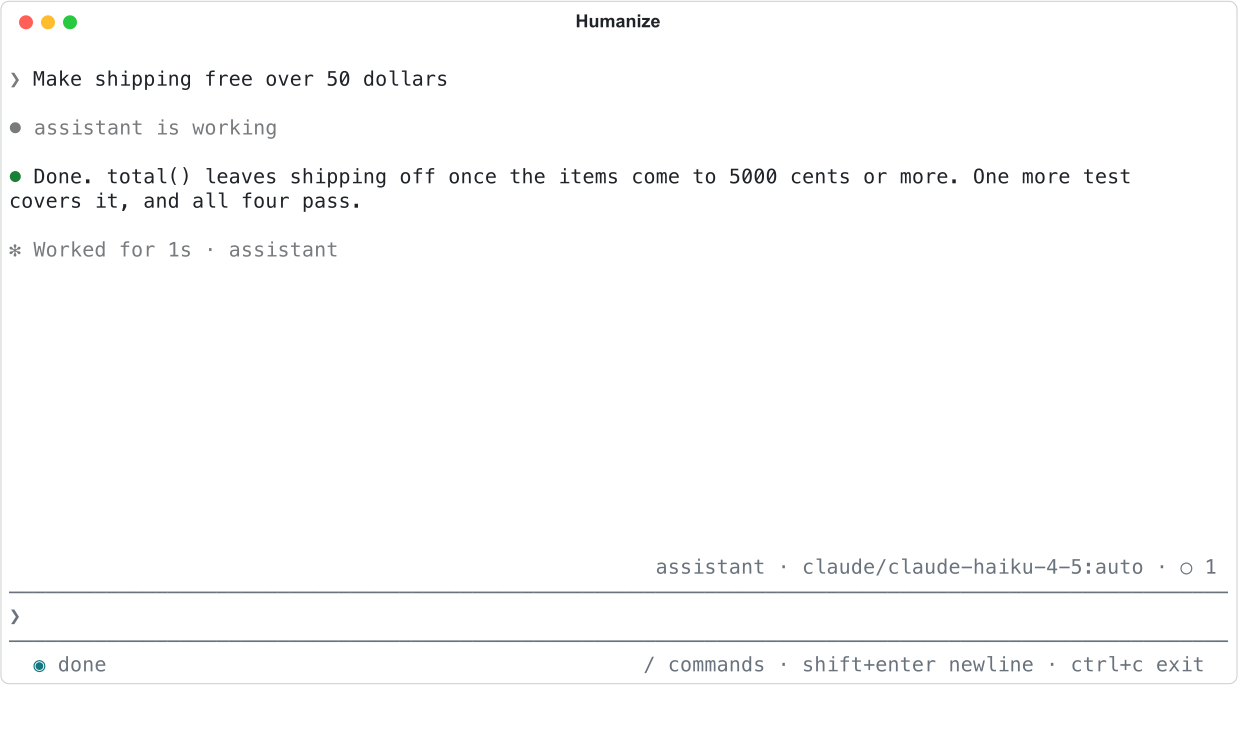
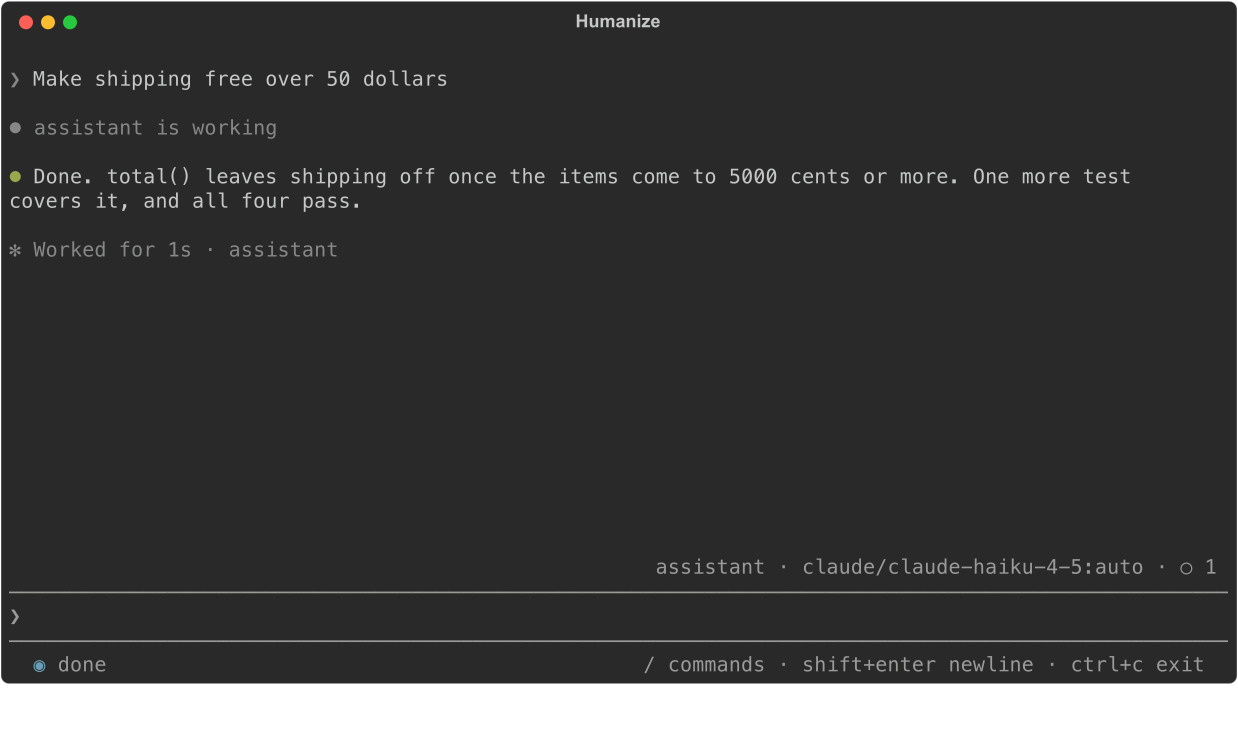
Select a session and press enter. Humanize copies it into a new chat, shows what was said, and waits for your input. Picking a session that cannot be continued only shows a refusal. You cannot preview a session or open a row menu in the terminal.
Good to know
- The
harness_sessionssetting in~/.hmz/settings.yamlapplies to the whole machine, so toggling it in the app also toggles it in the terminal (see Settings). With the app switched to a remote daemon, the switch and the sessions are those of the daemon's machine. The terminal always lists this machine's sessions. There is nohmzCLI command for harness sessions; use the app or the terminal interface. - Each row is titled after your first line in the session. Sub-agent sessions started by another session are not listed on their own. Sessions that Codex archived are listed too.
- You can continue a session once. To branch again, use Fork on the new chat (see Organise chats). If you delete the chat, the original session returns to the list.
- If a session's log omits the model name, you cannot continue it and Humanize shows
does not say the model it ran on. If the CLI deleted the session files, Humanize showscannot be continued: its files are gone.