Runtimes: servers, containers and clusters
A runtime is a saved machine, container daemon, or cluster. Name a saved runtime to run a chat or a flow's environment on it. Your own machine is always available without saving a runtime.
Runtime types
| Kind | Backend | What an environment on it gets |
|---|---|---|
| SSH host | ssh | A directory on a host that ssh reaches. Files and commands run there. Humanize copies its helper program to the host automatically. |
| Docker container | docker | A dedicated container on a Docker daemon, started for the run and removed after. The work directory on the daemon's host is mounted at the same path so files persist. |
| Docker container, already running | docker | Work runs inside a container you started. Humanize does not start, change, or stop it. |
| Docker swarm | swarm | A one-task service placed on a node with room and removed after the run. |
| Apple container | apple-container | A small Linux VM managed by Apple's container tool on this Mac, deleted after the run. |
| Slurm cluster | slurm | A one-task, one-node job submitted with sbatch and cancelled with scancel after the run. |
Humanize stores runtimes under runtimes in settings.yaml in its home directory. Changes take effect immediately.
In the app
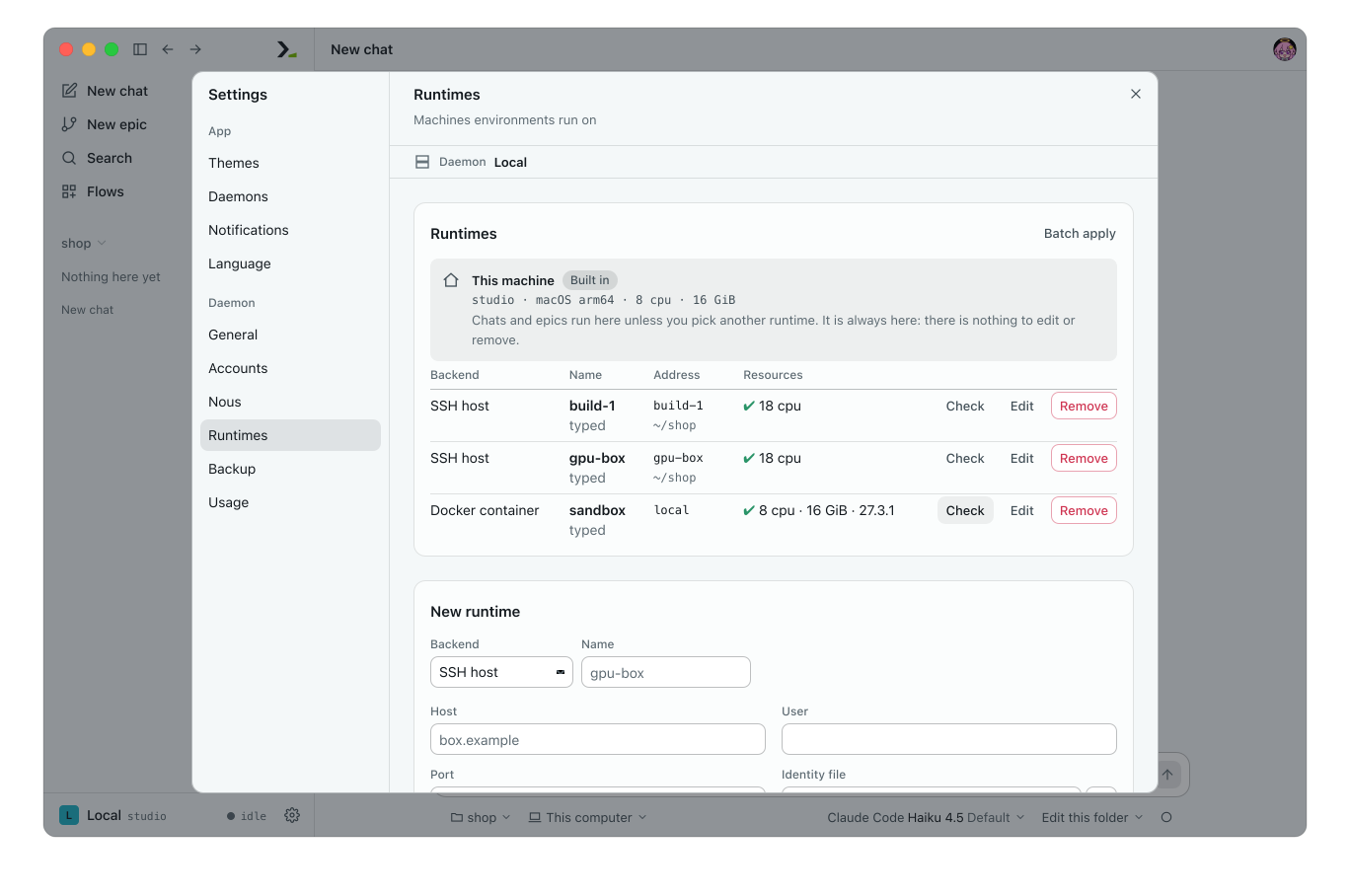
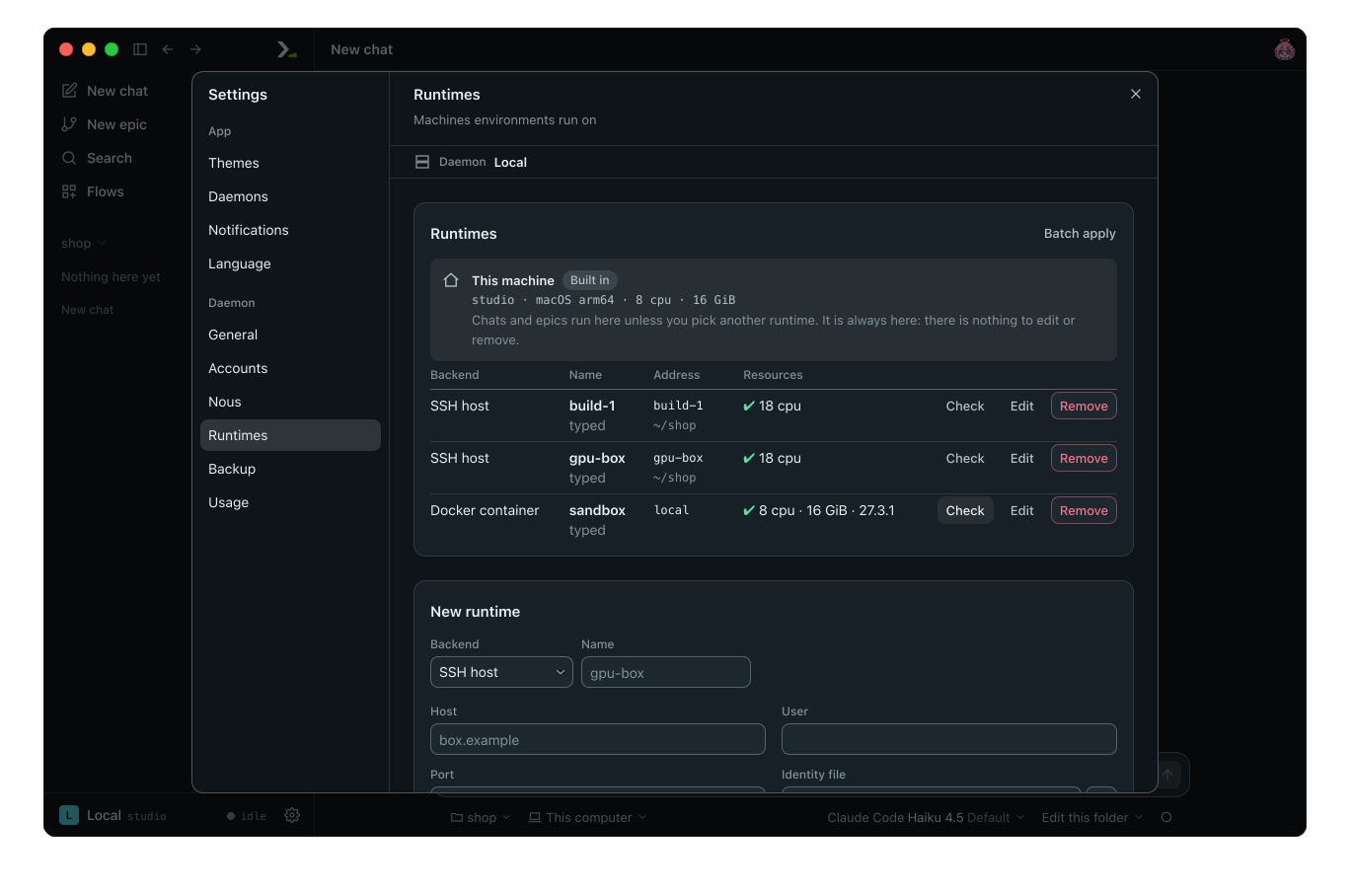
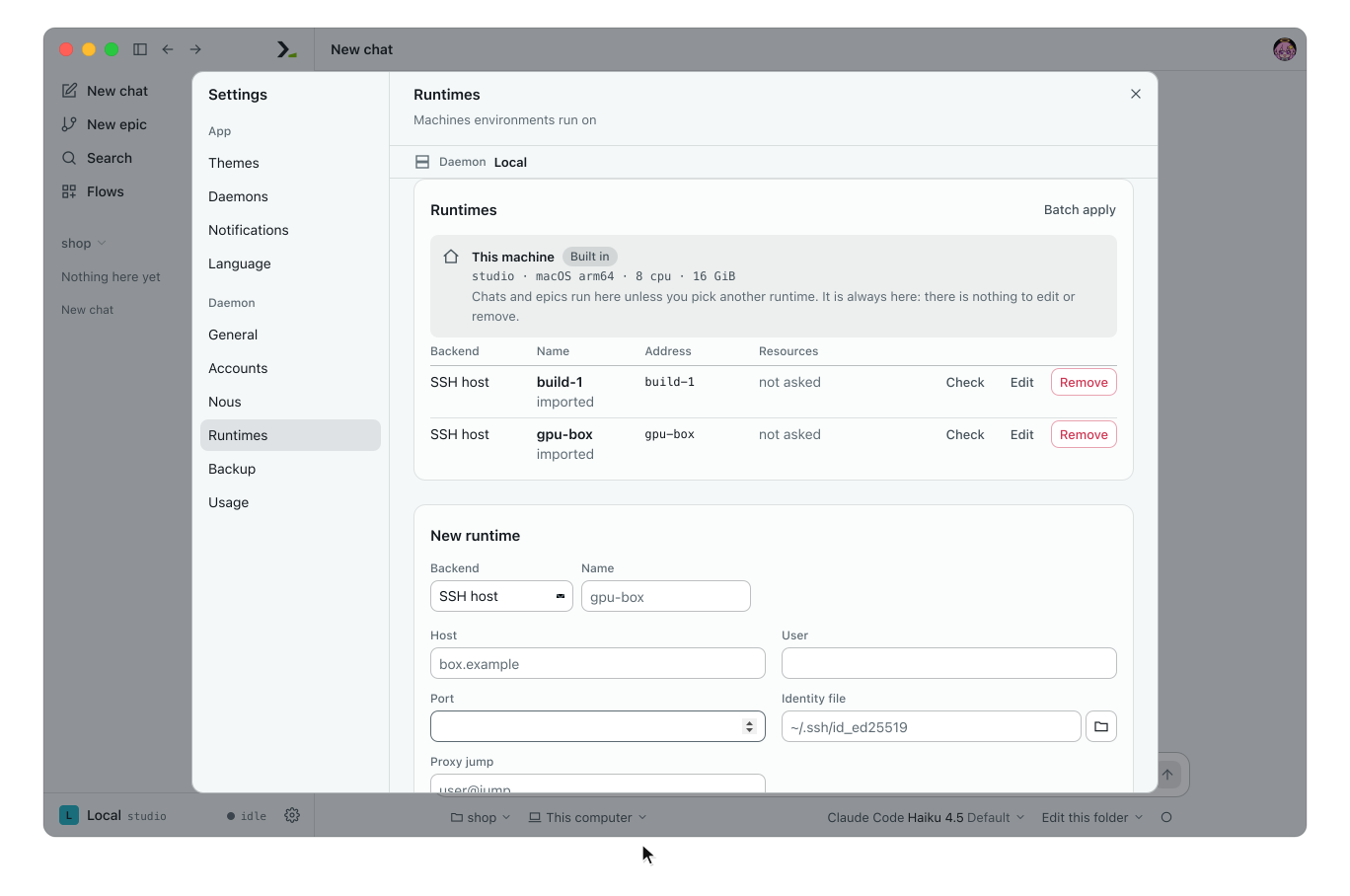
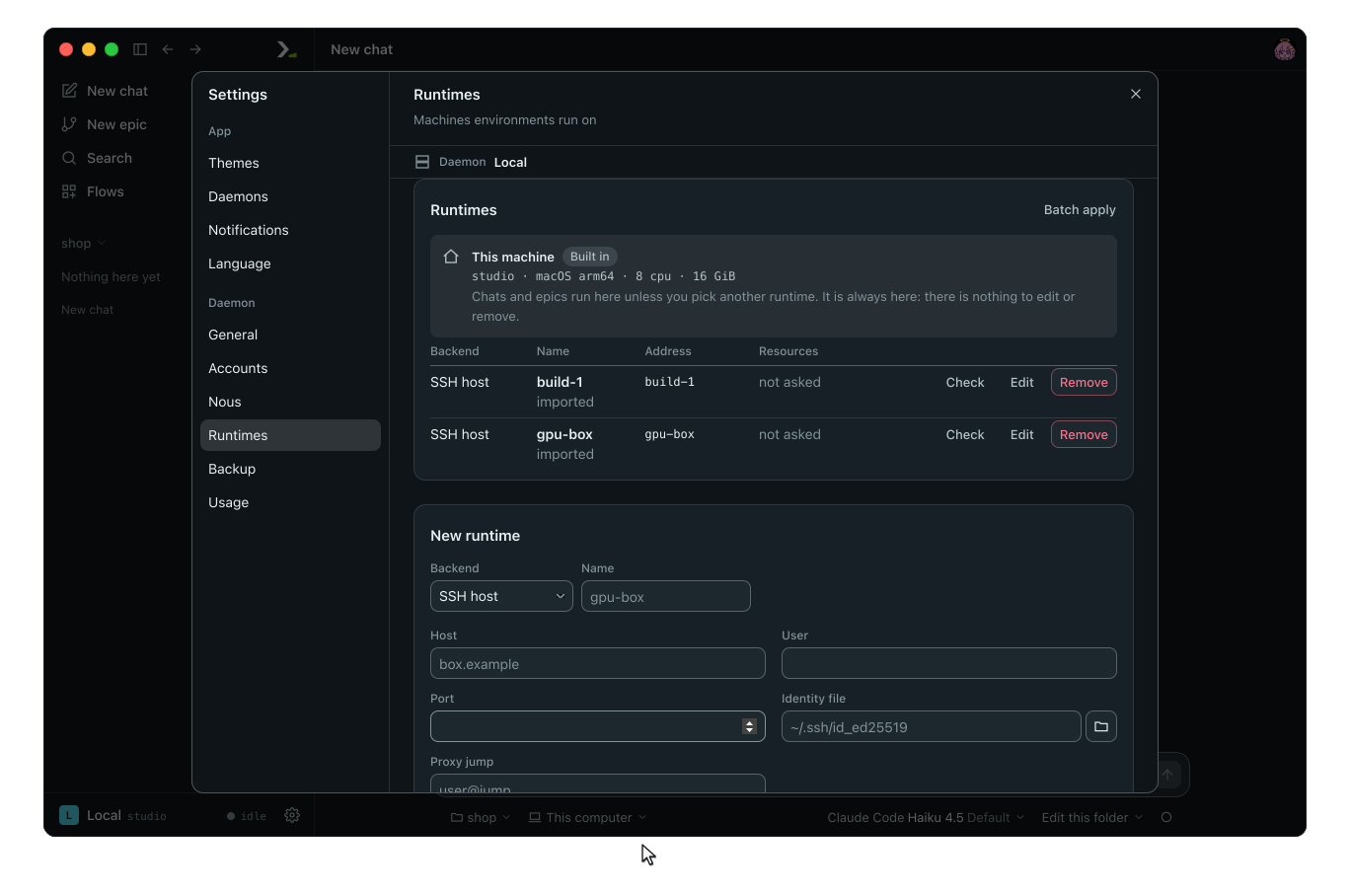
Open Settings and select Runtimes. This machine is first, marked Built in, and cannot be edited or removed. Saved runtimes appear below it with their backend, name, address, and work directory.
Add a runtime
- Under New runtime, pick a Backend and type a Name. Start the name with a letter or digit, followed by letters, digits,
.,_, or-. - Fill in the backend fields.
- Click Add.
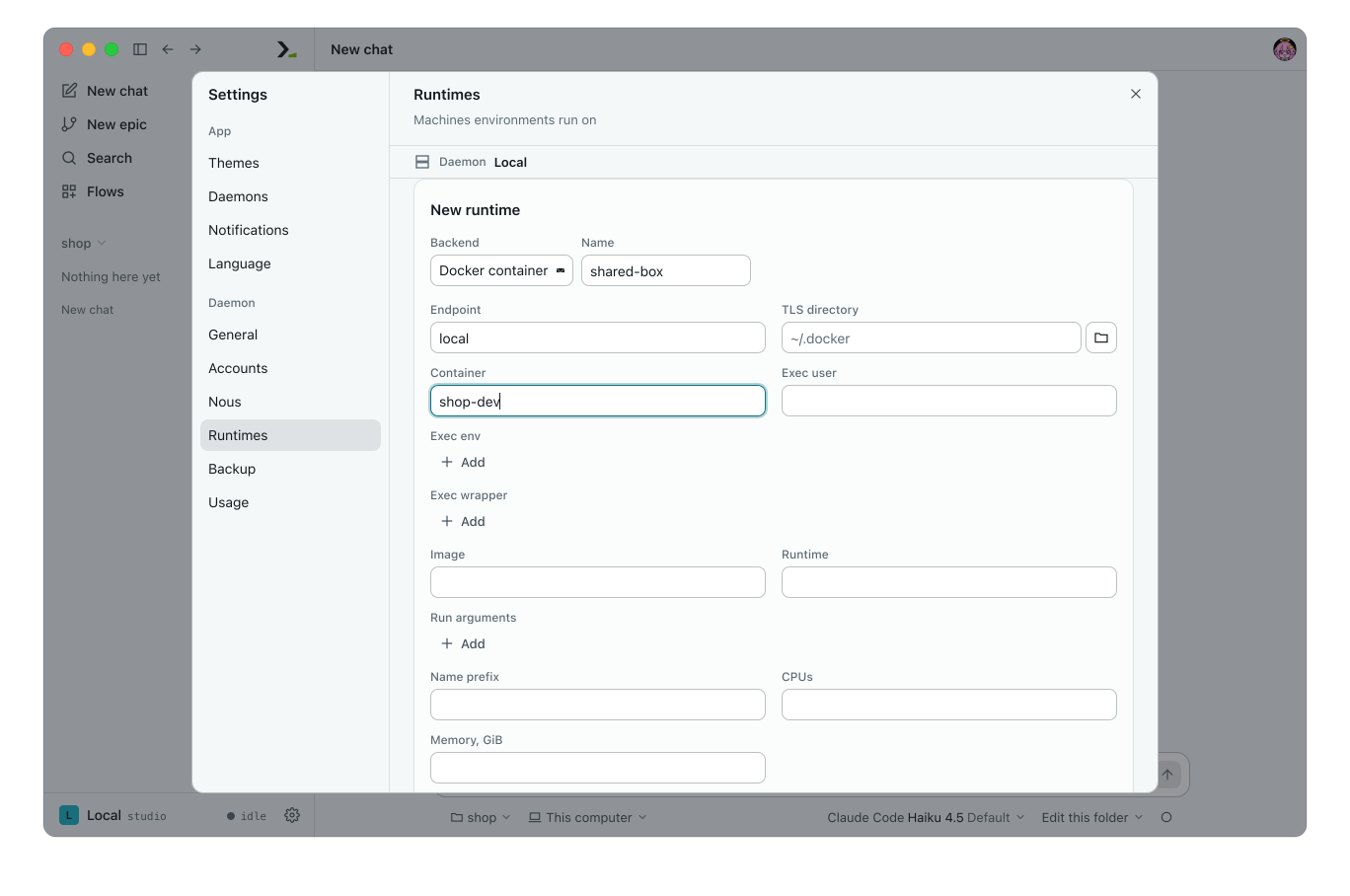
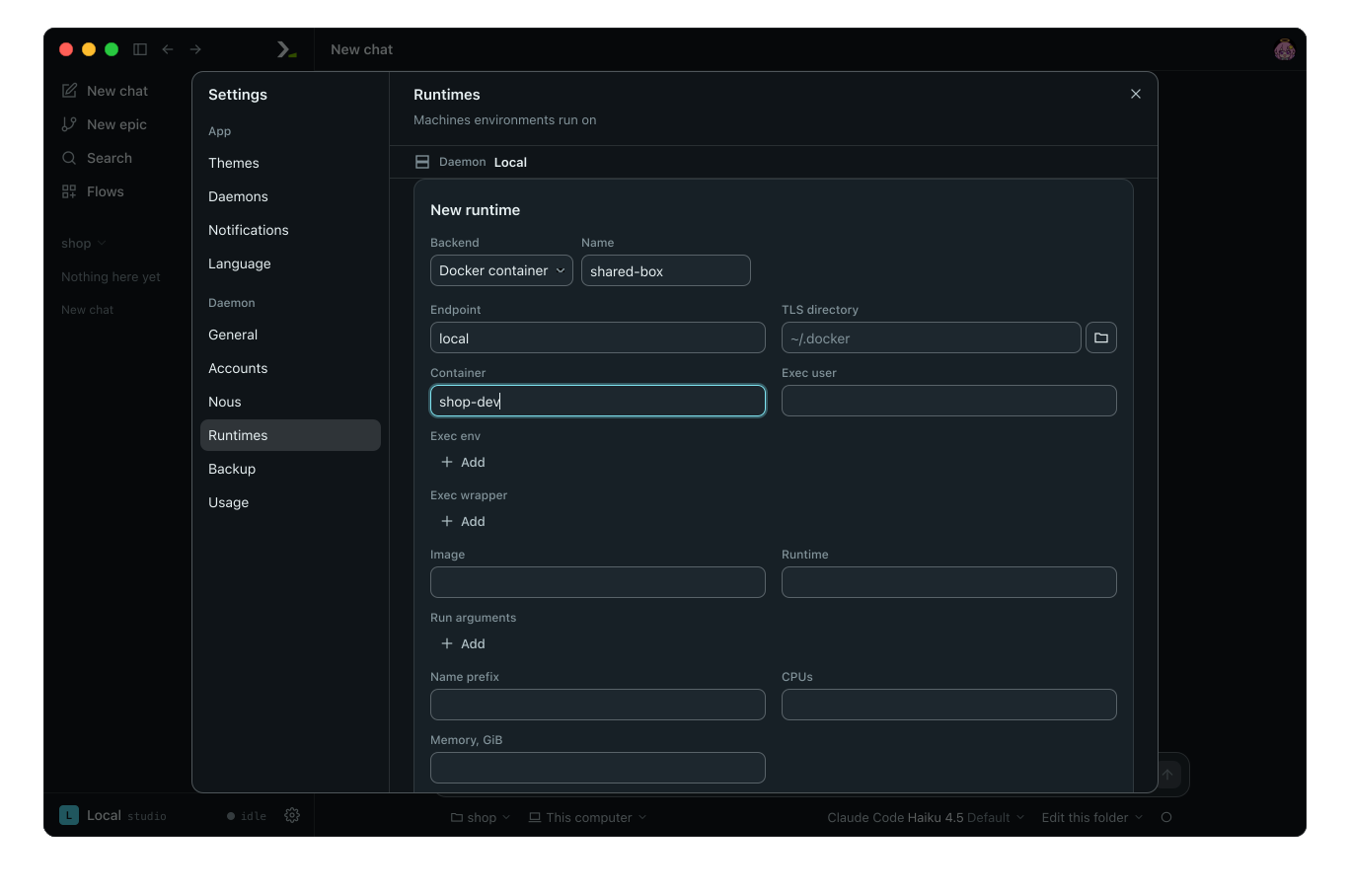
A Docker runtime that uses a running container.
| Backend | Fields |
|---|---|
| SSH host | Host, User, Port, Identity file, Proxy jump, SSH options, Alias (a host in your SSH config), SSH config (an alternate config file) |
| Docker container | Endpoint, TLS directory, Image, Runtime, Run arguments, Name prefix, CPUs, Memory, GiB, GPUs, GPU memory, GiB, Max containers. For a running container: Container, Exec user, Exec env, Exec wrapper |
| Docker swarm | Endpoint (a manager), TLS directory, Image, Run arguments, Name prefix, CPUs, Memory, GiB, Gpu resource, Constraints, Max tasks, Nodes |
| Apple container | Image, Run arguments, CPUs, Memory, GiB, Max containers |
| Slurm cluster | Partition, Account, Qos, Time, Constraint, Python, Via, Run arguments, CPUs, Memory, GiB, Max jobs, Max wait |
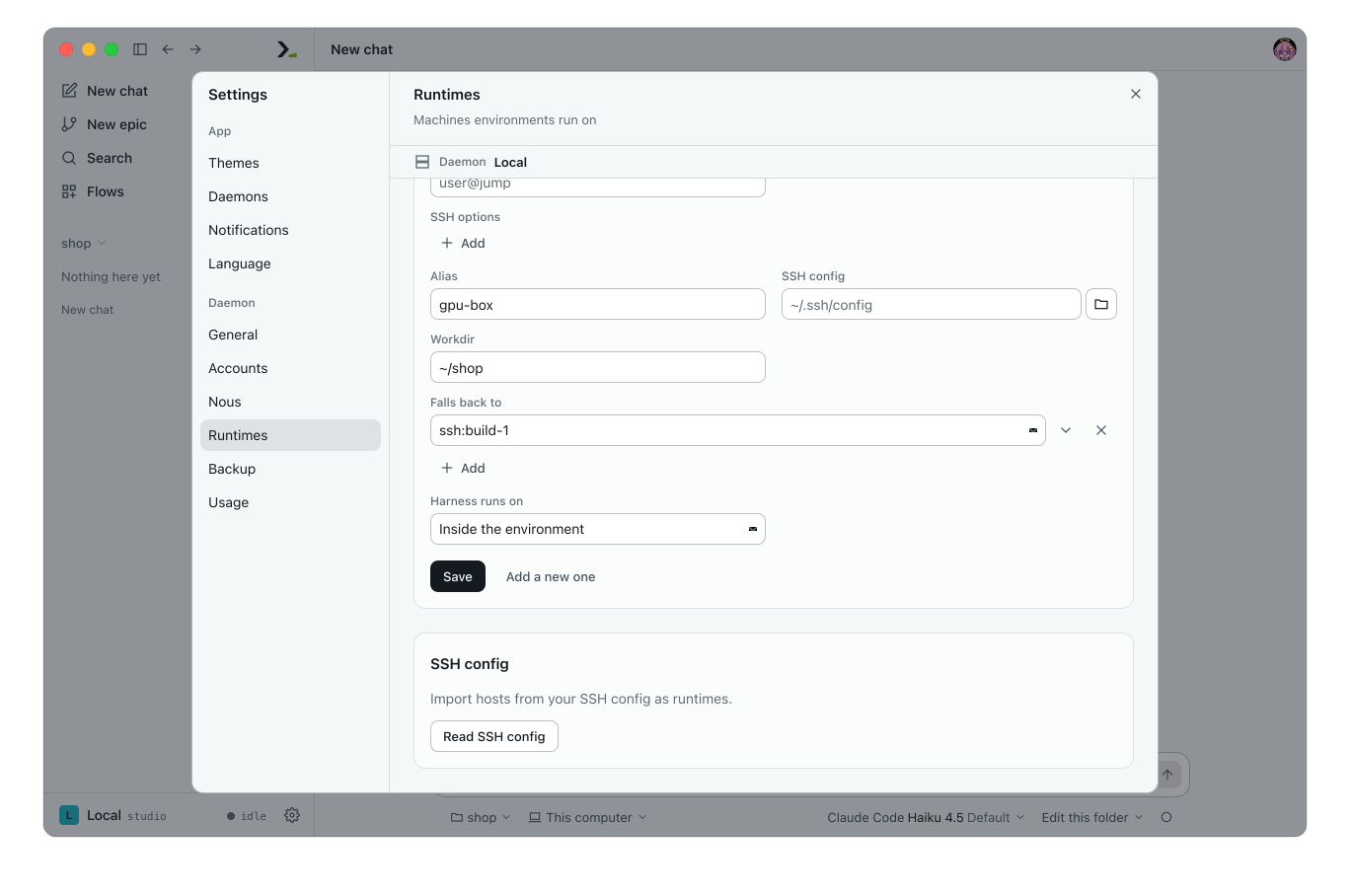
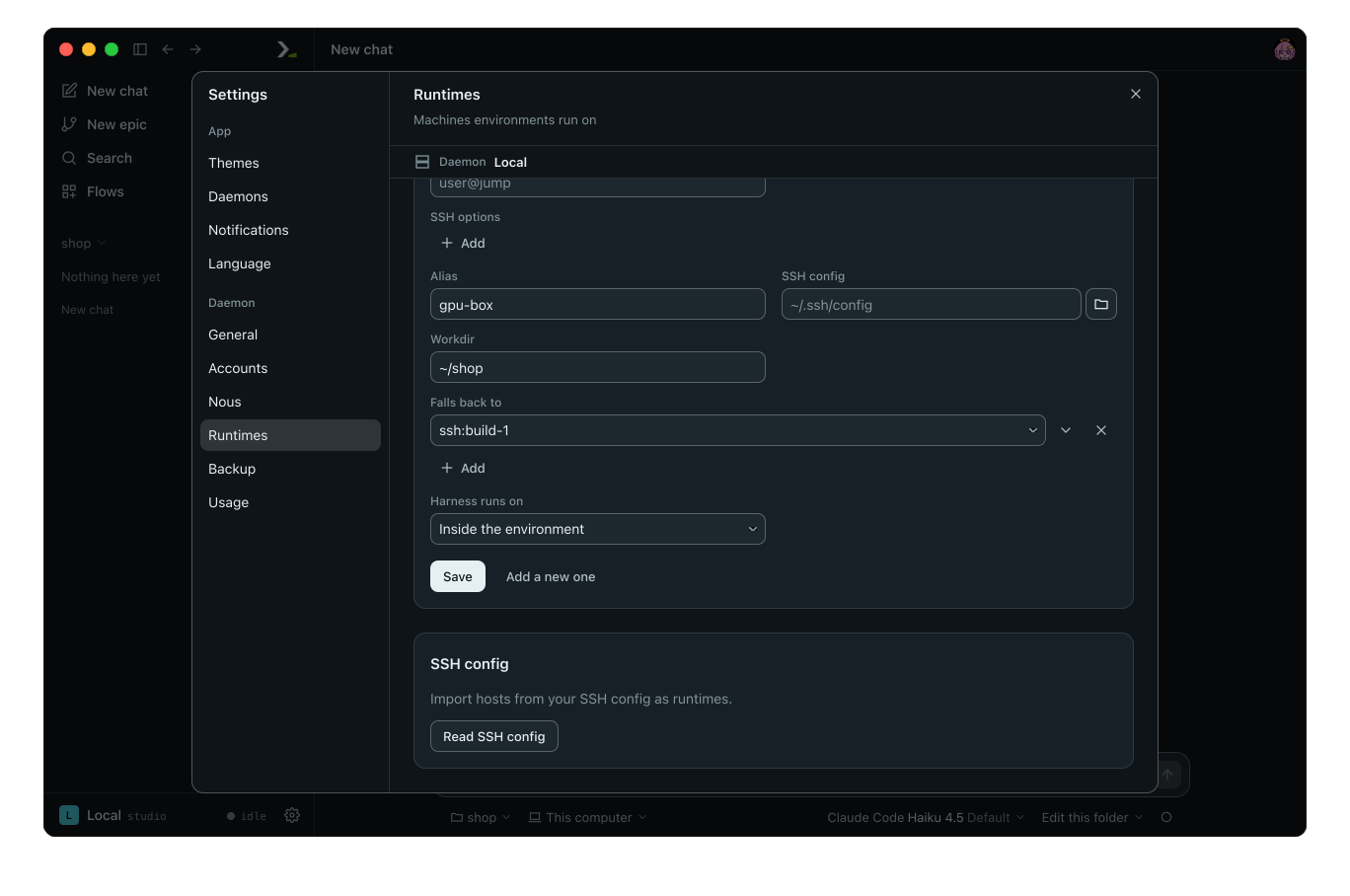
Every backend also includes Workdir, Falls back to, and Harness runs on. Every field is optional, except an SSH host requires either a Host or an Alias. See Environments and runtimes for all field meanings and defaults.
Key fields control how the runtime behaves:
- Workdir sets the default directory when you name the runtime without a path.
- Endpoint on a Docker runtime accepts
local,unix:///PATH,tcp://HOST:PORT,ssh://[USER@]HOST[:PORT],ssh:followed by a saved SSH runtime name, orcontext:followed by a Docker context name. - Image sets the container base image, defaulting to
python:3.12-slim. - CPUs, Memory, GiB, and GPUs cap the total resources the runtime hands out across all environments. Max containers, Max tasks, and Max jobs cap concurrent runs.
- Container targets a running container. When set, leave Image, Runtime, Run arguments, Name prefix, the resource fields, and Max containers empty. Workdir then refers to a path inside that container.
- Via on a Slurm runtime is
srunortcpand sets how Humanize reaches the job node. Max wait sets how many seconds a job waits in the queue before cancellation.
Import hosts from your SSH config
Under SSH config, click Read SSH config, tick the hosts to add, and click Import. Each host becomes an SSH runtime named after its Host entry and keeps its alias so ssh still uses your config. Saved hosts are greyed out and marked saved. Wildcard patterns such as Host * are skipped.
Check, edit and remove
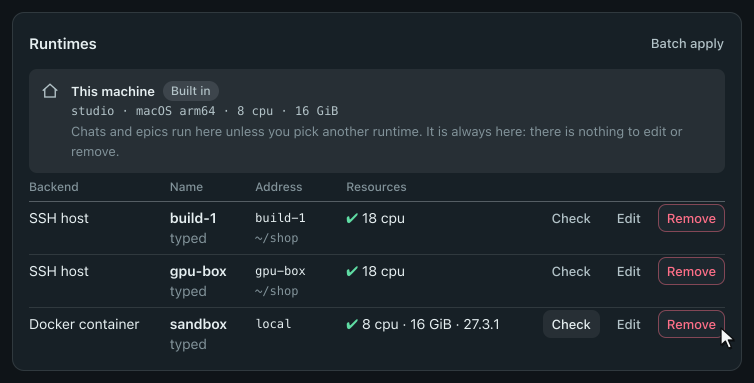
Click Check to query a runtime without running work on it. The Resources column displays its CPUs, memory, GPUs, nodes, and version, or not asked before you check. If the runtime has fewer resources than configured, short of: lists what is missing. If it is unreachable, the column shows the error.
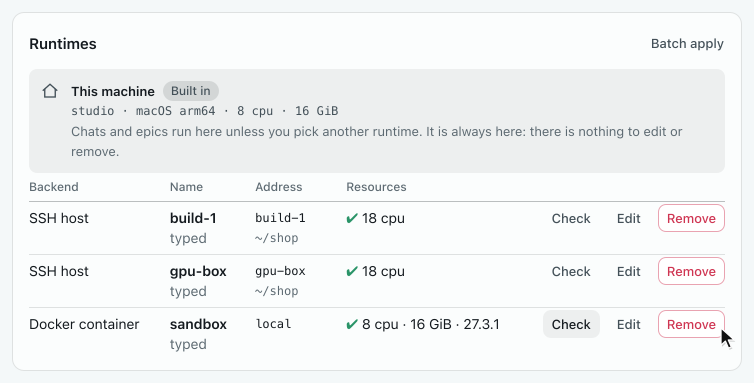
Click Edit to open the runtime in the form. You cannot change Backend or Name. Click Save to keep your changes, or Add a new one to go back to an empty form. Click Remove and confirm to delete the runtime.
Click Batch apply to copy the runtimes on this page to other daemons. See Settings.
Browse server directories
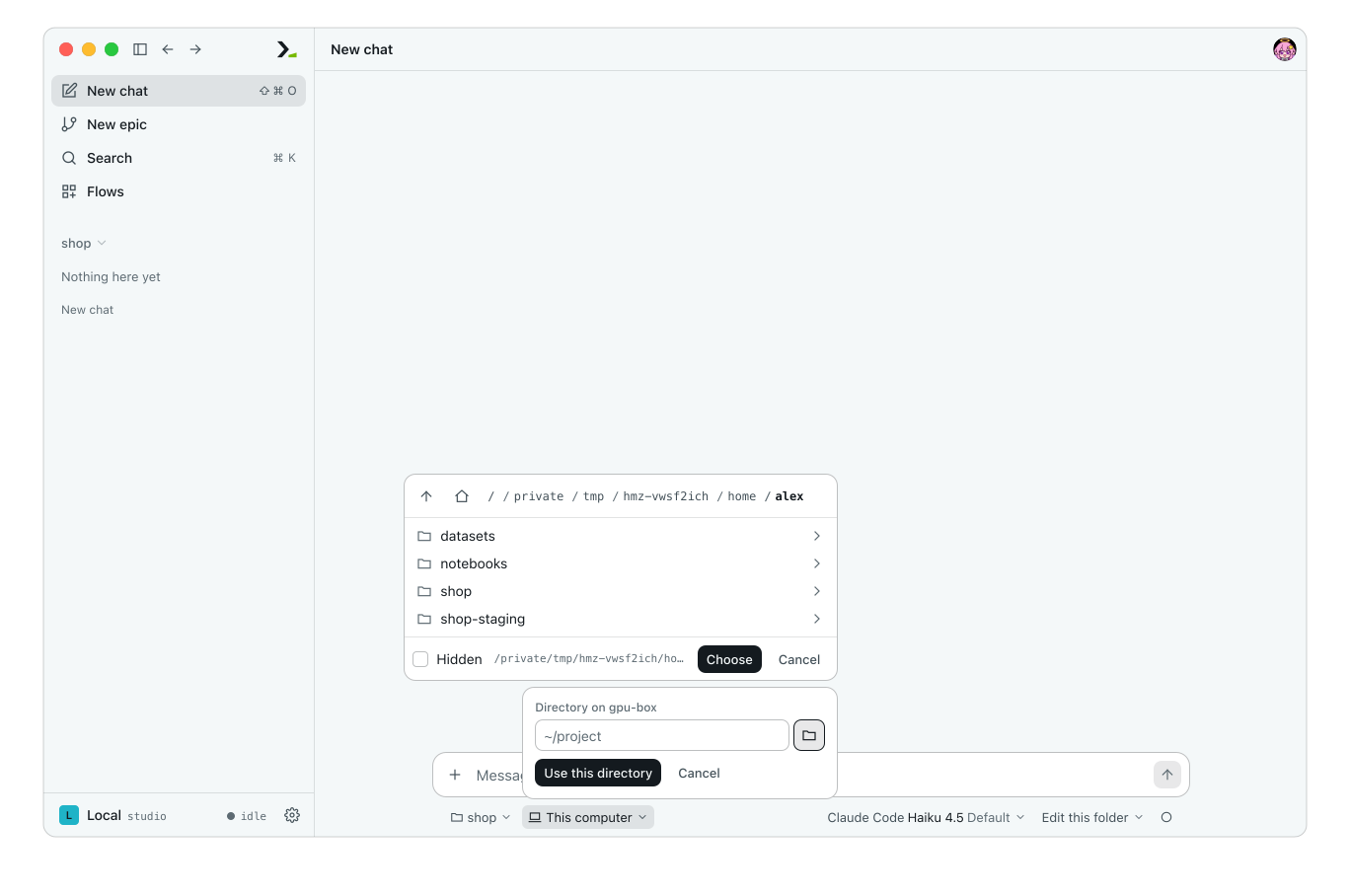
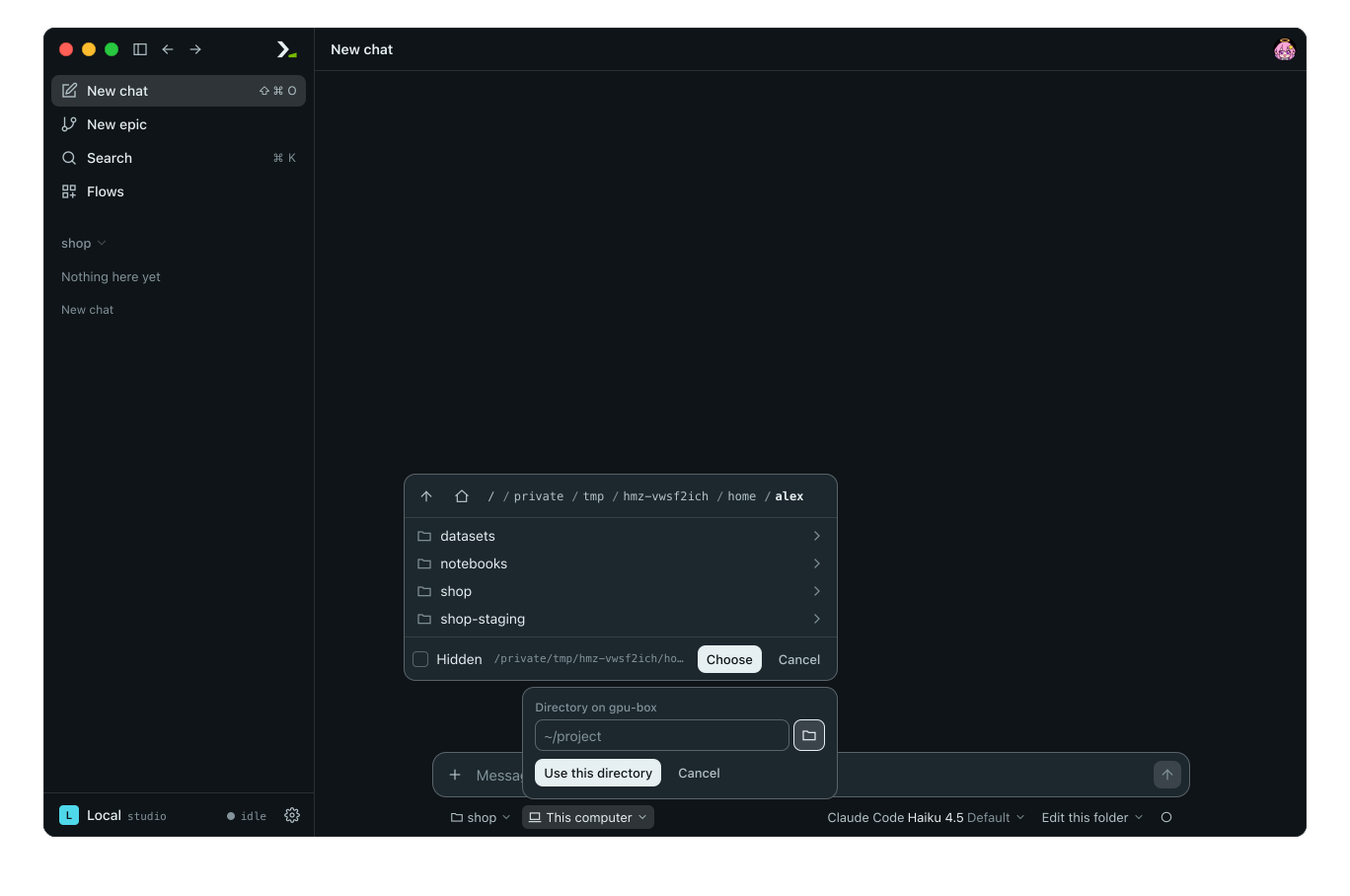
In a new chat's environment chip, pick a runtime saved without a Workdir, or pick Choose directory…, to get a directory prompt. Type a path, or click the folder button to browse the server, then click Choose and Use this directory. Directory browsing works only on SSH runtimes; type the path for other backends. See Environments for details on setting a chat's working location.
In the terminal
Run /settings runtimes (or /settings environments) to list saved runtimes grouped by backend.
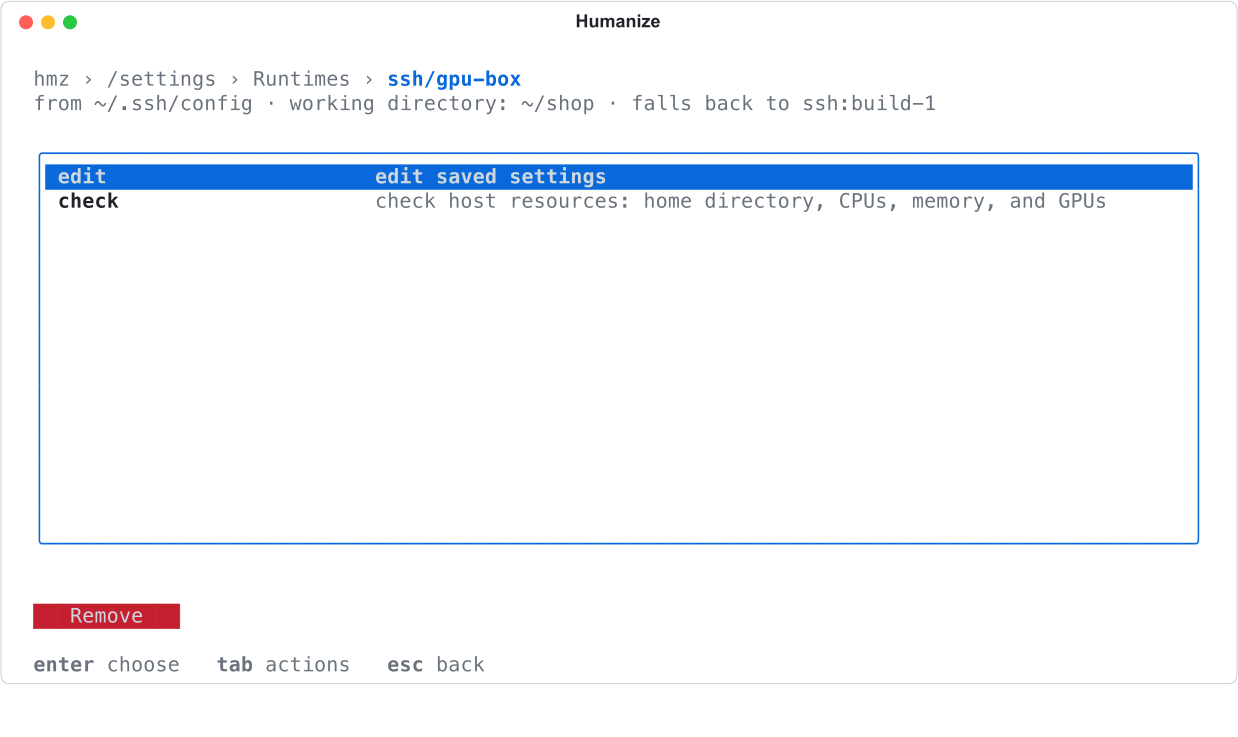
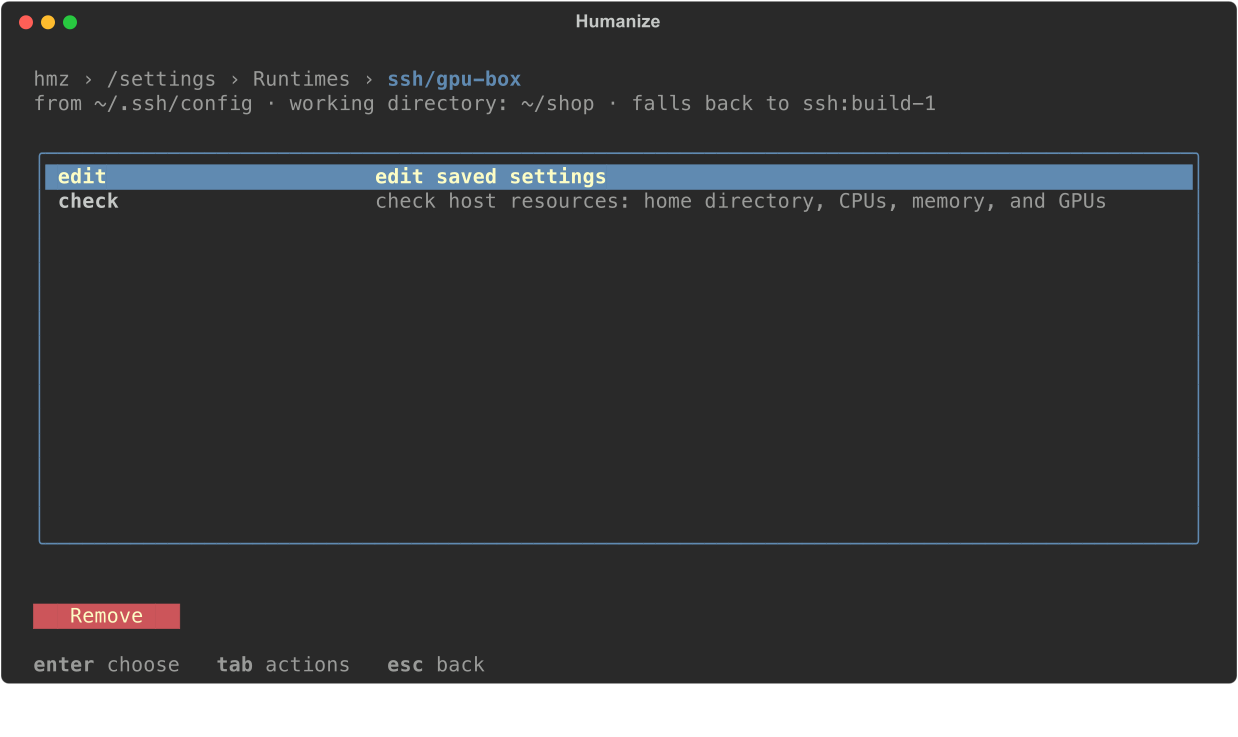
- Press enter on a runtime to
edit,check, or Remove it. - Select Add a runtime… to pick a backend and fill out its form. Humanize checks the runtime as soon as you save it.
- Select Import ~/.ssh/config to import hosts from your SSH config or another config file.
On the form of a Docker host, a Docker swarm, or an Apple container runtime, press tab and choose Detect to ask the daemon, or this Mac, what it has. Humanize fills in cpus and memory, plus gpus on a Docker host, and you can type over them before Done.
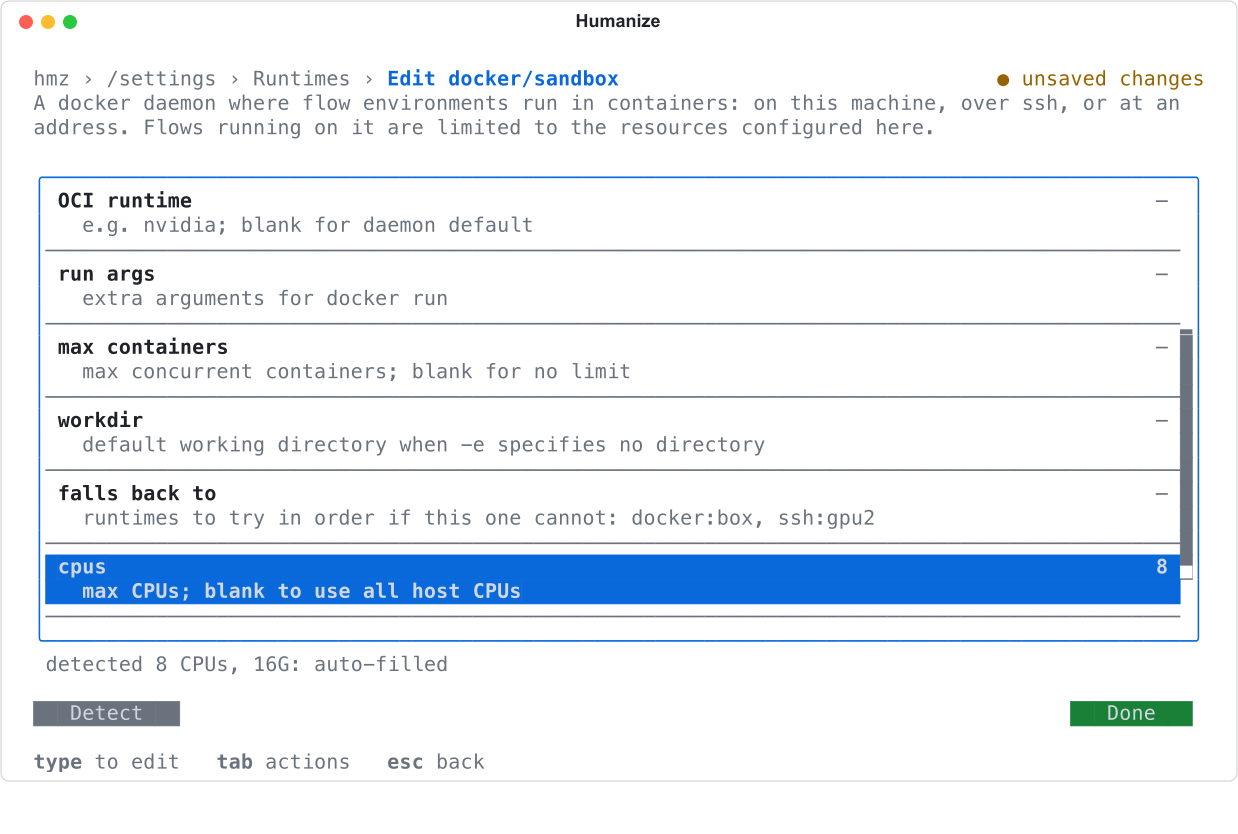
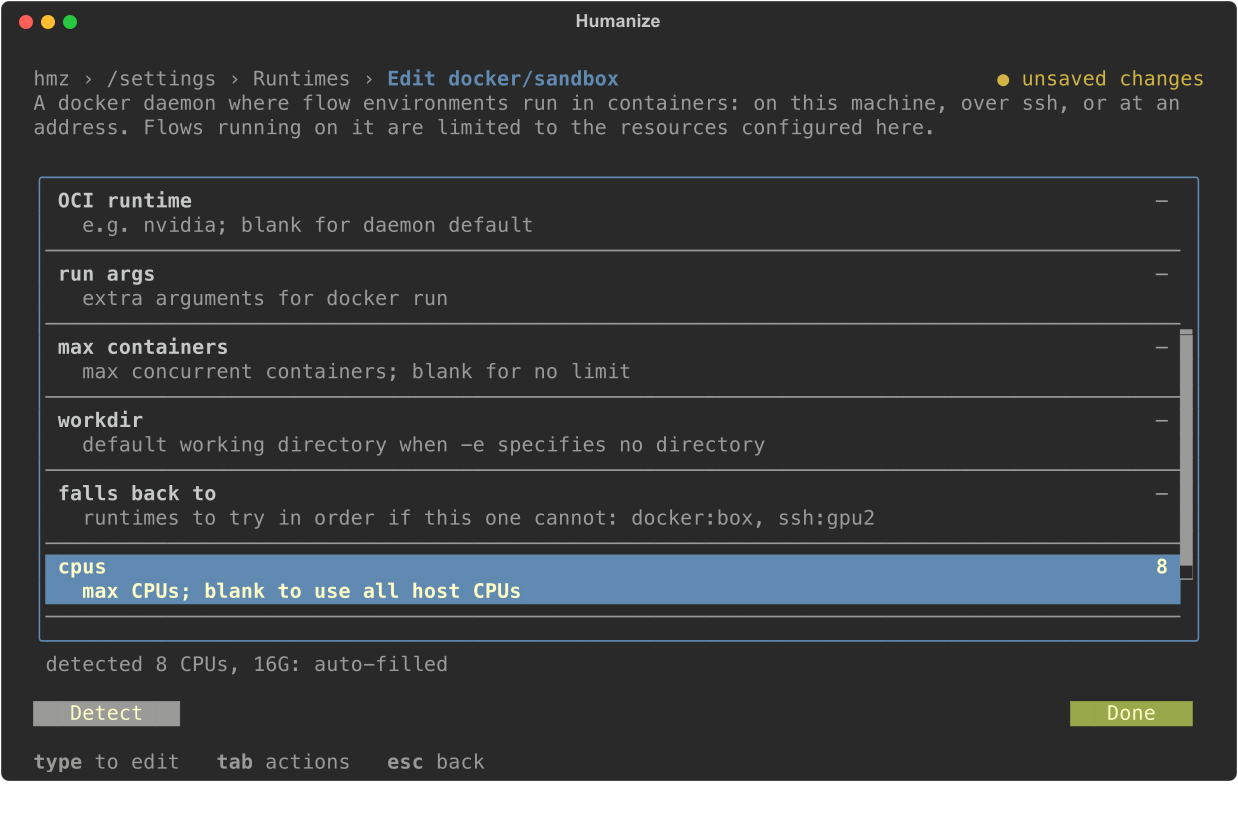
In the form, enter a comma-separated list in falls back to, such as ssh:build-1, docker:sandbox. In harness runs on, enter env, local, or a runtime such as ssh:build-1.
From the command line
Pass the runtime name after @ in -e. Use ROLE=BACKEND[@RUNTIME][/WORKDIR] with hmz exec and BACKEND[@RUNTIME][/DIRECTORY] with hmz chat. The first command below assigns the box role of a flow to gpu-box; the second starts a chat on it.
hmz exec -f @local/on_box -a builder=claude/claude-haiku-4-5 -e box=ssh@gpu-box -p budget.output_tokens=20000 "Add a discount code to checkout"
hmz chat -e ssh@gpu-box/~/shop "Add a discount code to checkout"| Spelling | Where the work goes |
|---|---|
ssh@gpu-box | The saved SSH runtime gpu-box, in its saved Workdir |
ssh@gpu-box/~/shop | The same runtime, in ~/shop under the login's home |
ssh@[alex@10.0.0.12:2222]/srv/shop | An unsaved host, in brackets |
docker@sandbox/srv/shop | The saved Docker runtime sandbox |
docker/srv/shop | This machine's default Docker daemon, unsaved |
swarm/srv/shop, apple-container/Users/alex/shop, slurm/lustre/shop | This machine's swarm, this Mac's Apple containers, or this machine's Slurm cluster |
You can omit the directory only when the runtime has a saved Workdir. In the app and terminal, you assign a flow's environment roles when you start an epic. See Environments and runtimes for the full syntax.
Fall back to another runtime
List backup runtimes in Falls back to using BACKEND:NAME entries such as ssh:build-1. Humanize tries the list in order if the primary runtime is unreachable, lacks the work directory, hits its container, task, or job limit, lacks requested role resources, or exceeds Max wait in Slurm.
The run output shows which runtime took the work:
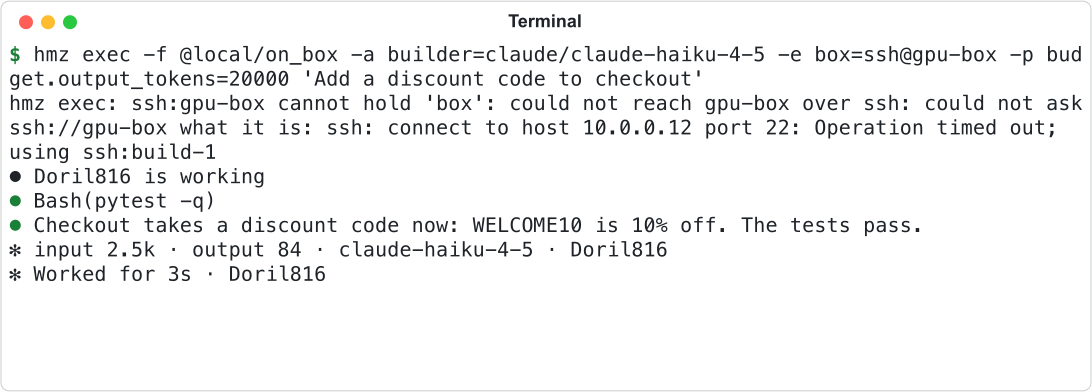
- Humanize uses the fallback runtime's saved Workdir, or the path you gave if none is saved.
- Fallbacks do not chain; a fallback runtime ignores its own Falls back to list.
- If all runtimes fail, the error lists each runtime and why it refused.
- Only saved runtimes fall back. Unsaved bracketed hosts and unnamed
docker/…targets do not.
Choose where the agent's CLI runs
Agent files and commands always stay on the runtime. Set Harness runs on to control where the agent's CLI process runs.
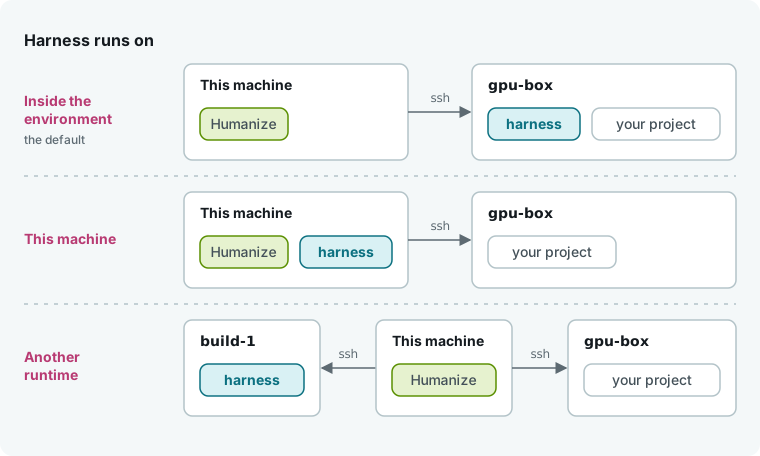
| Harness runs on | Value in the terminal | What happens | Needs |
|---|---|---|---|
| Inside the environment | env | The CLI runs on the runtime's machine (default). | The CLI installed on the runtime. Uses that machine's sign-in or an account sent per turn. |
| This machine | local | The CLI runs locally using your local sign-in, while the runtime handles its file reads and commands. | Linux on this machine. |
Another runtime, such as ssh:build-1 | ssh:build-1 | The CLI runs on that third machine. | The CLI installed on that machine, and a role with full access. |
Command-line flags cannot override this setting. If the CLI cannot run on the configured machine, the run fails rather than moving elsewhere. Unsaved hosts always use env.
When you pair This machine with an SSH runtime, Humanize keeps a local copy of the project at the same path on this machine. That local path must be empty, missing, or an earlier copy from the same host.
What crosses to the runtime
- Environment variables. Commands on the runtime inherit your local environment variables on top of the runtime's own, excluding machine-specific variables (
HOME,PATH,USER,SHELL,PWD,TMPDIR,DISPLAY, and similar) and variables starting withHUMANIZE_,SSH_,LD_,DYLD_, orXDG_. - Credentials. With Inside the environment and a named account, Humanize copies the account's variables and credential files to the runtime for the turn and removes them afterward. Self-refreshing logins are sent to only one turn at a time.
- Permissions. The runtime enforces the same agent permissions as your local machine. See The sandbox.
- The project's own programs. If the CLI runs on a different machine than the work, Humanize refuses the session if project config files would start local programs such as hooks or MCP servers on the CLI's machine. The error names each offending file. Switch to Inside the environment or remove those entries.
Clean up after a killed run
When a run closes its environment, Humanize removes the container, swarm service, Apple container, or Slurm job it started. If a run is killed outright, those resources and the local mirror of the work directory stay behind. Start another run on this machine on the same docker, swarm, apple-container, or slurm runtime to remove them automatically.
Humanize checks its labels (humanize=<uid>, humanize.host, humanize.pid) and removes only resources that you started on this host from a process that is no longer running. It never removes resources for another user or host, or a running container named in Container on a Docker runtime.
To clear leftovers by hand when you plan no further runs, stop your active epics and chats first so you do not remove live resources, then run:
docker rm -f $(docker ps -aq --filter label=humanize=$(id -u))
docker service rm $(docker service ls -q --filter label=humanize=$(id -u))
container delete --force ID
scancel JOB
Find Apple container IDs with container list --all and your humanize-… Slurm jobs with squeue --me.
Good to know
- SSH runtimes require passwordless login (
ssh -o BatchMode=yes HOST truemust succeed) and a Linux or macOS host. - Containers that Humanize starts are named
humanize-followed by the runtime, the role, and eight characters. - Swarm work directories must exist at the same path on every node. Slurm work directories must sit on a shared filesystem at the same path locally and on every node.
- Apple containers do not support GPUs and refuse roles that request one.
- On a Mac, This machine is not available as the harness setting: keep Inside the environment or name another runtime. For an Apple container, use an image with the CLI installed.
- In the app, Falls back to edits the list a row at a time: Add offers every other saved runtime of any backend as
BACKEND:NAME, and each row has Move down and Remove. To name a runtime that is not saved yet, use the terminal'sfalls back torow orsettings.yaml. - Runtimes with invalid
settings.yamlentries are hidden from lists and rejected by-e. - For a full walkthrough, see Run the work on a server or in a container.