Ask a side question
A side question asks one conversation of a chat or an epic about itself. A read-only copy of that conversation answers, so the working agent never hears the question and the run does not change.
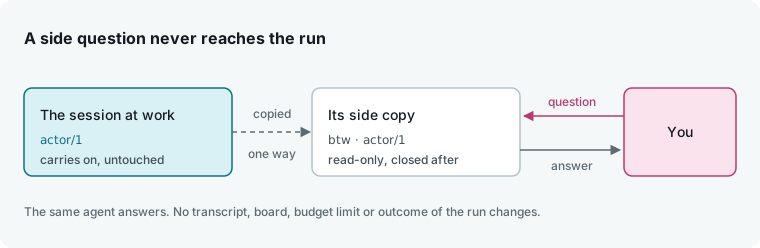
Use a side question to ask what an agent is doing or why it did something. To tell the agent something instead, see Talk to a running flow. To ask about an epic as a whole, or about several epics, ask Ai-chan.
In the app
Ask beside an epic
- Open the epic. If the side panel is closed, click Toggle panel at the right of the bar.
- Click the Aside tab.
- Click Ask (
Pick a conversation), pick an agent, then pick one of its conversations. The newest is first. Type in Find whom to ask to filter by agent, role, or conversation. - Type the question in Ask about the epic and press enter.
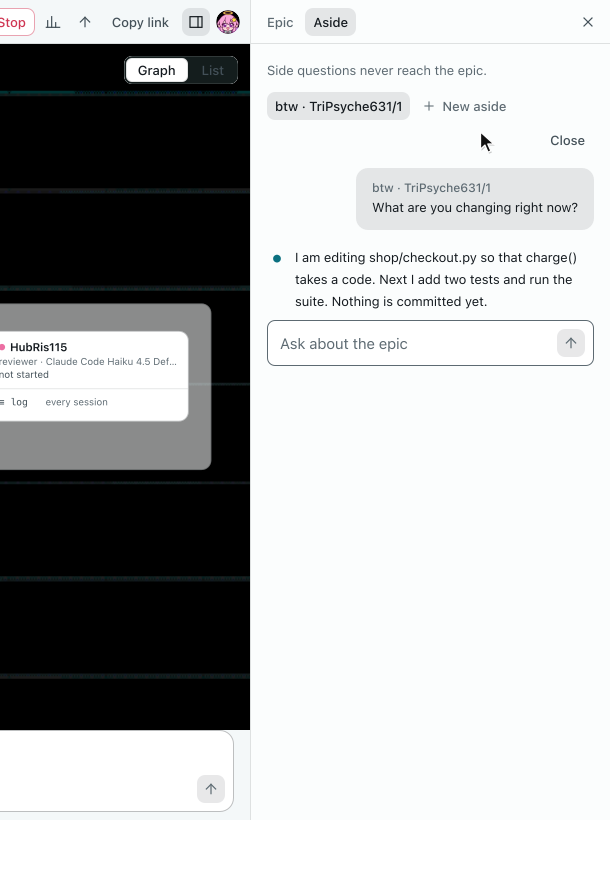
Pick a conversation, ask, read the answer.
While the copy answers, the tab says <agent>/<n> is thinking…, and the answer appears under your question. Follow-up questions in the same aside go to the same side conversation and can refer to earlier answers.
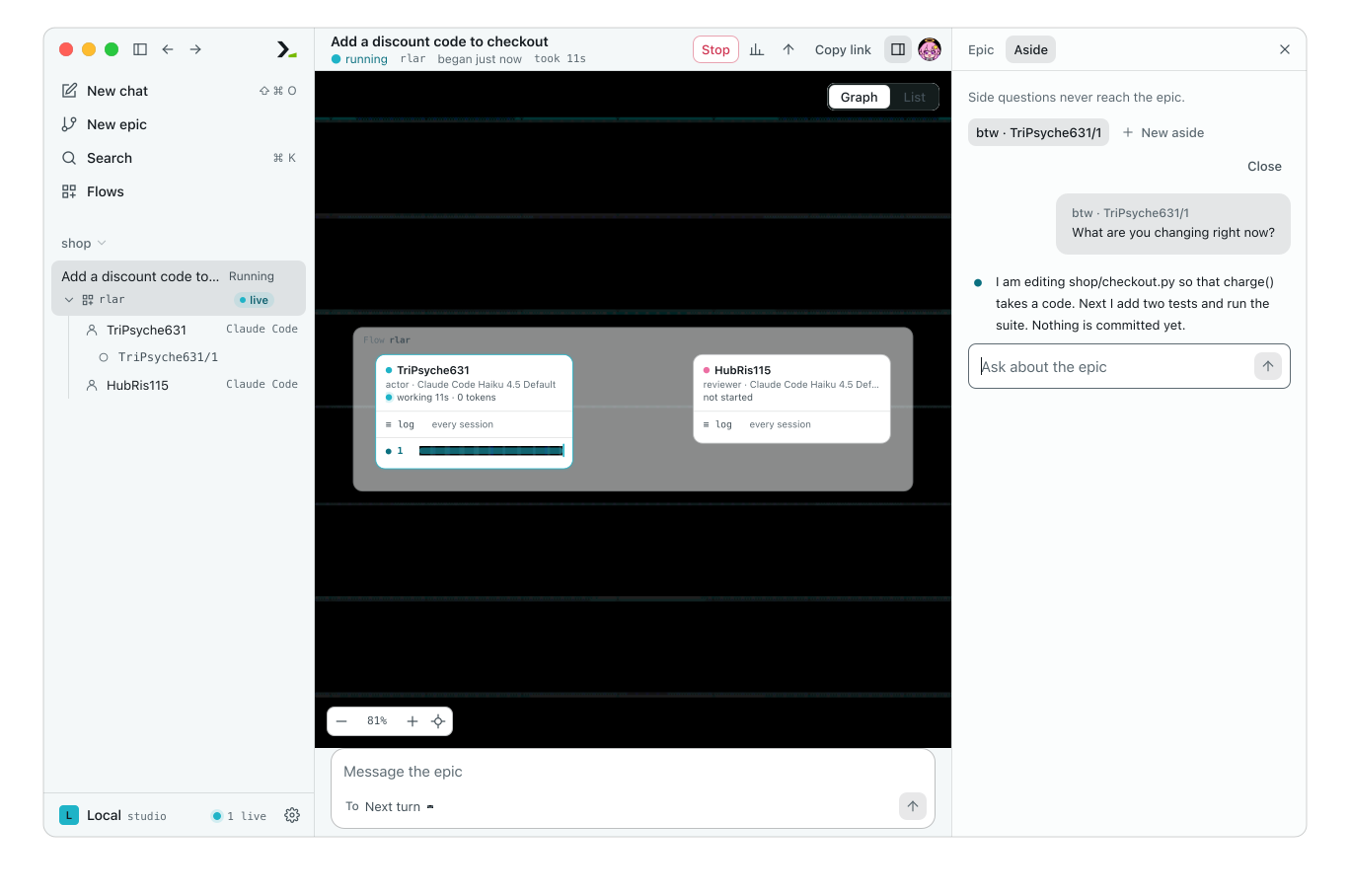
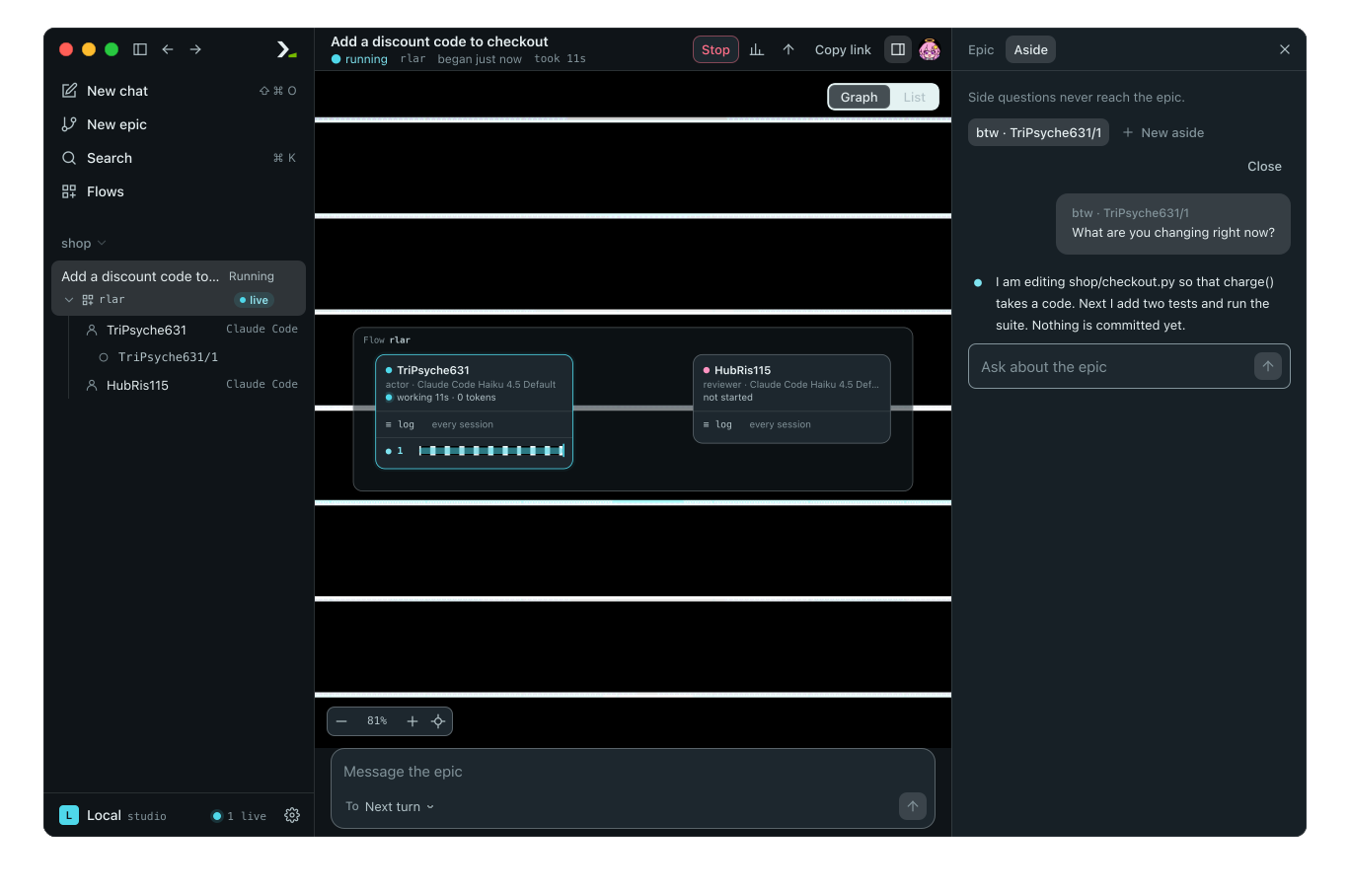
The agent is still on its turn. The question is only in the panel.
| Control | What it does |
|---|---|
| Ask | Picks the conversation for this aside. It disappears after the first question because an aside stays with one conversation. |
| New aside | Opens another aside to ask another conversation. Each aside is a tab named btw · <agent>/<n>. |
| Close | Ends this aside and its side conversation. Other asides stay open. |
Ask beside a chat
A chat is a single conversation, so you do not pick one. Do one of the following:
- Type
/btw <question>in the chat box and press enter./btwalone opens the pane without asking. - Click View options in the chat bar, click Side questions, and type in Ask a side question.
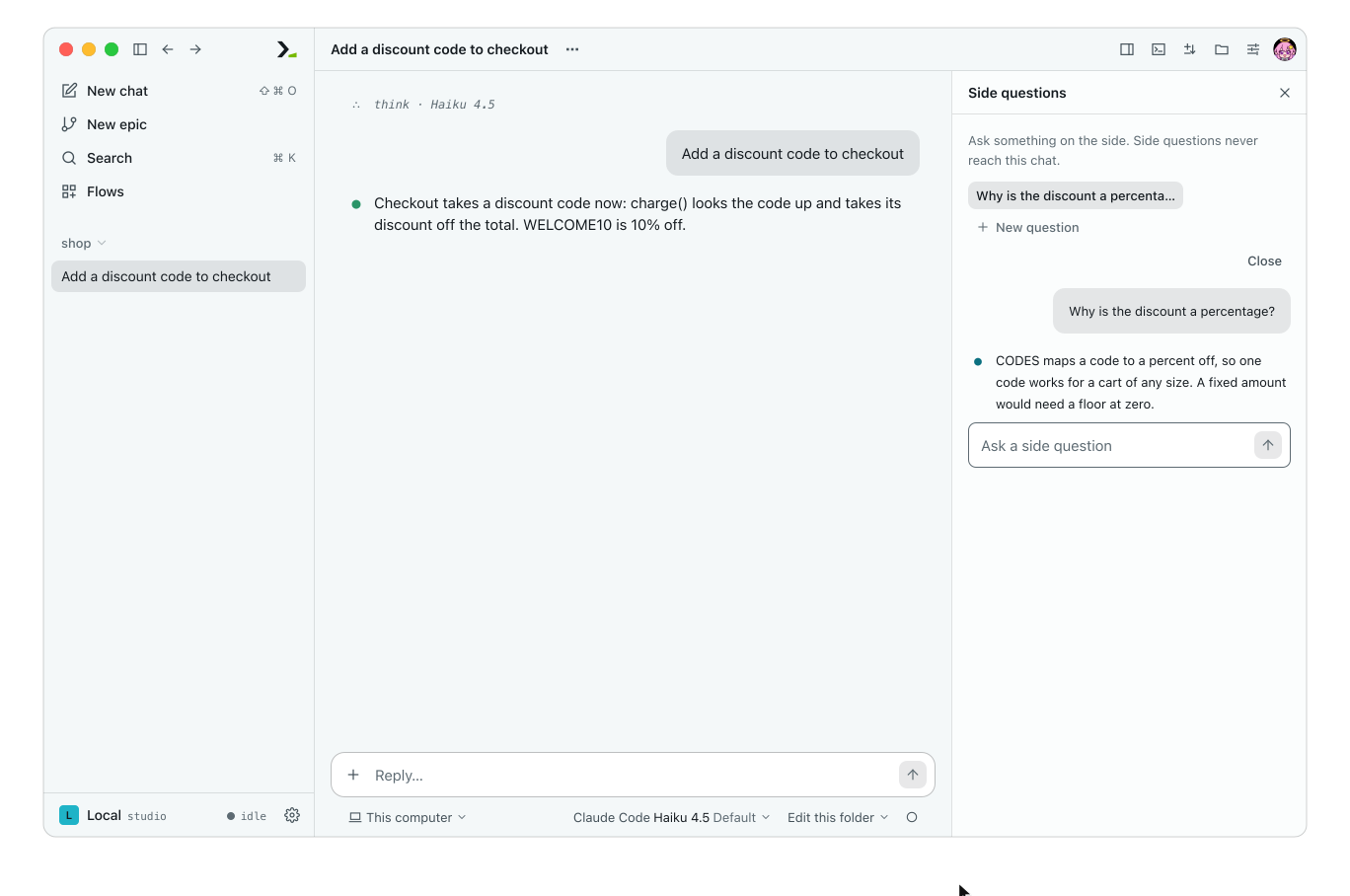
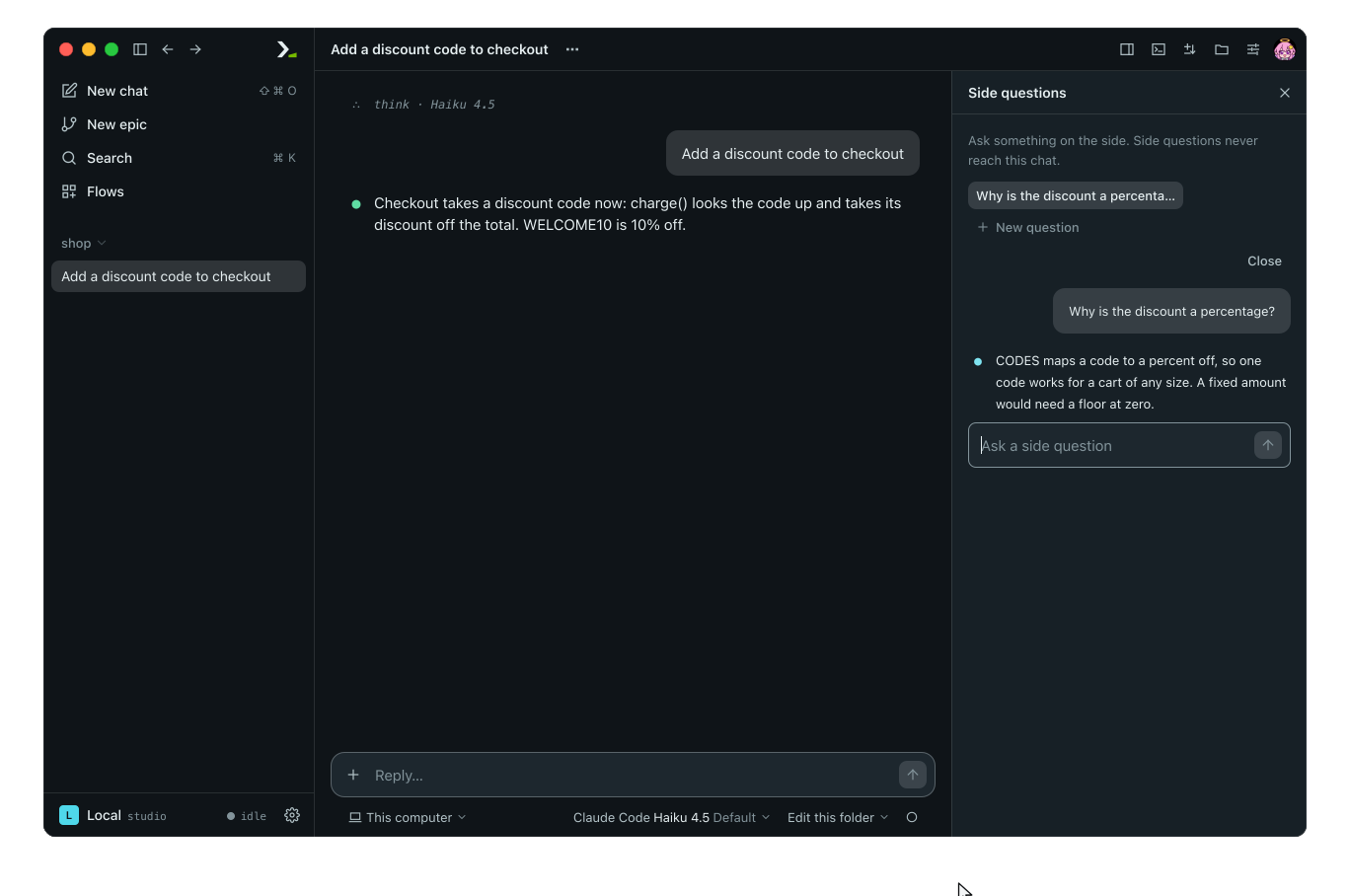
/btw opens the pane and asks there, not in the chat.
Each chat aside takes its name from its first question. Click New question to open another aside.
The daemon holds your asides while it runs, so they are still there after a page reload. Each aside keeps its last 200 questions and answers.
In the terminal
Run /btw where you view a single agent: in a chat, on an agent's transcript, or on one of its conversations. On an agent's transcript, the agent's newest conversation answers; to ask another conversation, open it first. In a flow, press shift+tab to step through the views; see Watch a run.
/btw What are you changing right now?This sends the question and turns on btw mode. In btw mode, every line you type that does not start with / is a follow-up question in the same side conversation.
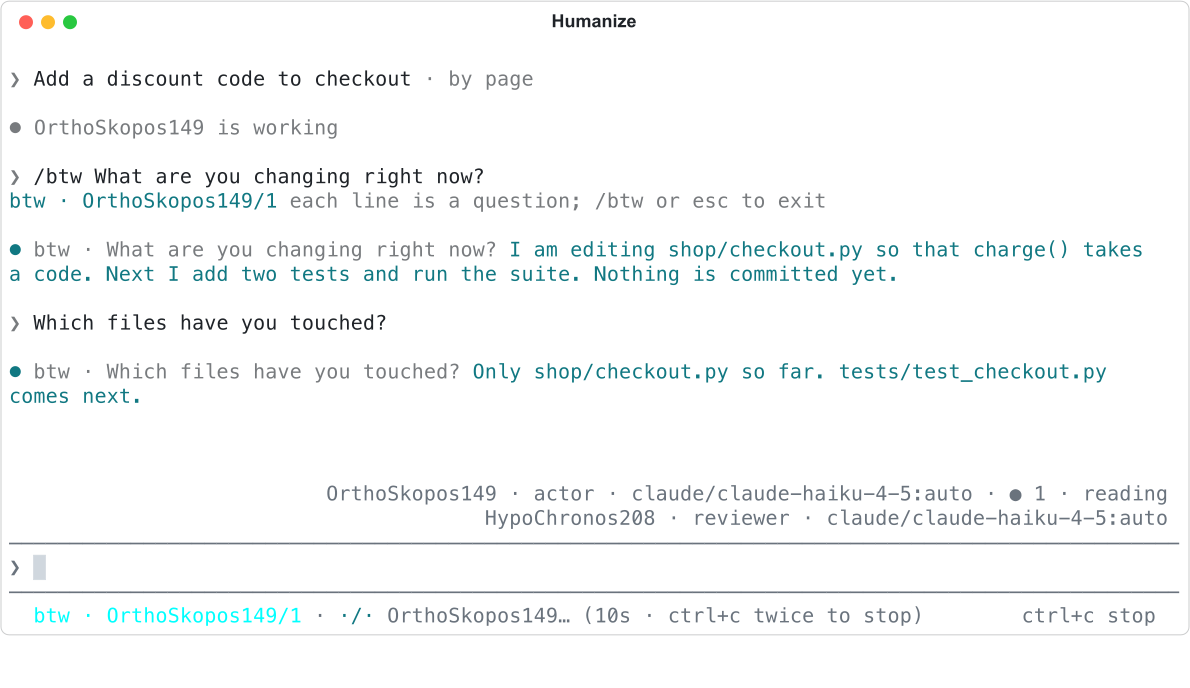
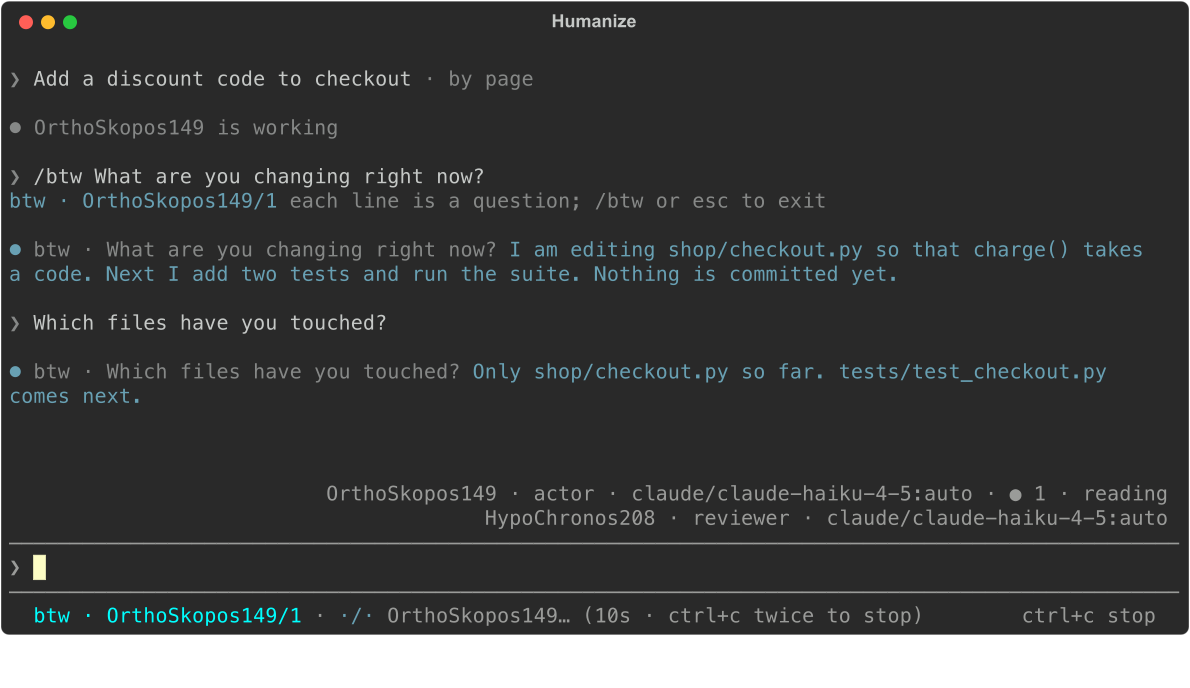
Two questions in btw mode, then esc.
| You type | What happens |
|---|---|
/btw <question> | Asks the question and turns on btw mode if it is off. |
/btw | Turns btw mode on without a question, or leaves btw mode if it is on. |
| a plain line, in btw mode | Asks a follow-up side question. |
| esc | Leaves btw mode. |
When you enter btw mode, the terminal prints btw · <agent>/<n> each line is a question; /btw or esc to exit. The status line starts with btw · <agent>/<n> in cyan while btw mode is on; check it before typing, because a plain line outside btw mode talks to the working agent. Each answer appears with a cyan bullet, btw · and your question, and the answer in cyan. Leaving btw mode prints btw: exited and closes the side conversation.
What the copy knows and can do
Where the harness can fork a conversation, the copy is a fork with the full history of the conversation you asked. Otherwise, the copy is a new session of the same agent given a snapshot of the epic: the flow, the task, each agent and its state, the handovers, the spending, and the latest 32 entries from that agent and the flow (each cut to 600 characters, excluding thinking).
The copy runs read-only: it can read the workspace, but it cannot change files. It runs without skills, goals, or the flow's tools and hooks. Its turns do not appear in the epic's graph, sessions, or trace, and asking does not change the epic's budget.
Good to know
You can ask side questions while a run is active or after it ends. Questions longer than 4000 characters are cut.
| Situation | What happens |
|---|---|
| You ask before the previous answer finishes | Each side conversation takes one question at a time. The terminal shows hmz: btw is still answering the last question; the app disables the send button until the answer arrives. |
You run /btw outside a single-agent view, or while following Ai-chan | The terminal refuses with /btw is only available on one agent's transcript and points to /ai. |
| You ask with no conversation or history | In the app, asking with no conversation picked shows Pick the conversation to ask first. Asking in an empty chat shows This chat has said nothing to ask about yet. Before any agent of an epic has started, the Ask menu says No conversation yet. One opens as an agent of this epic starts., and the terminal refuses with hmz: /btw: a side question is asked of a session; /ai asks Ai-chan about the epic. |
| A side question fails | The terminal shows hmz: /btw: <why>; the app shows the reason in the aside. The run is not affected. |
| A new epic starts on the same host | Asides from the previous epic close, and the terminal leaves btw mode. |
You clear the transcript or close hmz | The terminal keeps answers only on screen, so they are gone. The app keeps its asides. |